I figured it out, thanks to ADHD.
I see there are a ton of people on the forums asking the same, and i have no idea how to get the solution to them.
It was deduced in the xtool xcs site, and a video.
it seems Xtool wont allow you to frame (in this case for a 40W) about the first 18mm in xcs.
But you can still cut.
Now since the laser spot and the actual laser is (according to the xcs site) an offset of 26.4mm, and Xtool wont let you frame in that area, you get 319 - 26.4 which gives you an actual working area to frame 292.6mm.
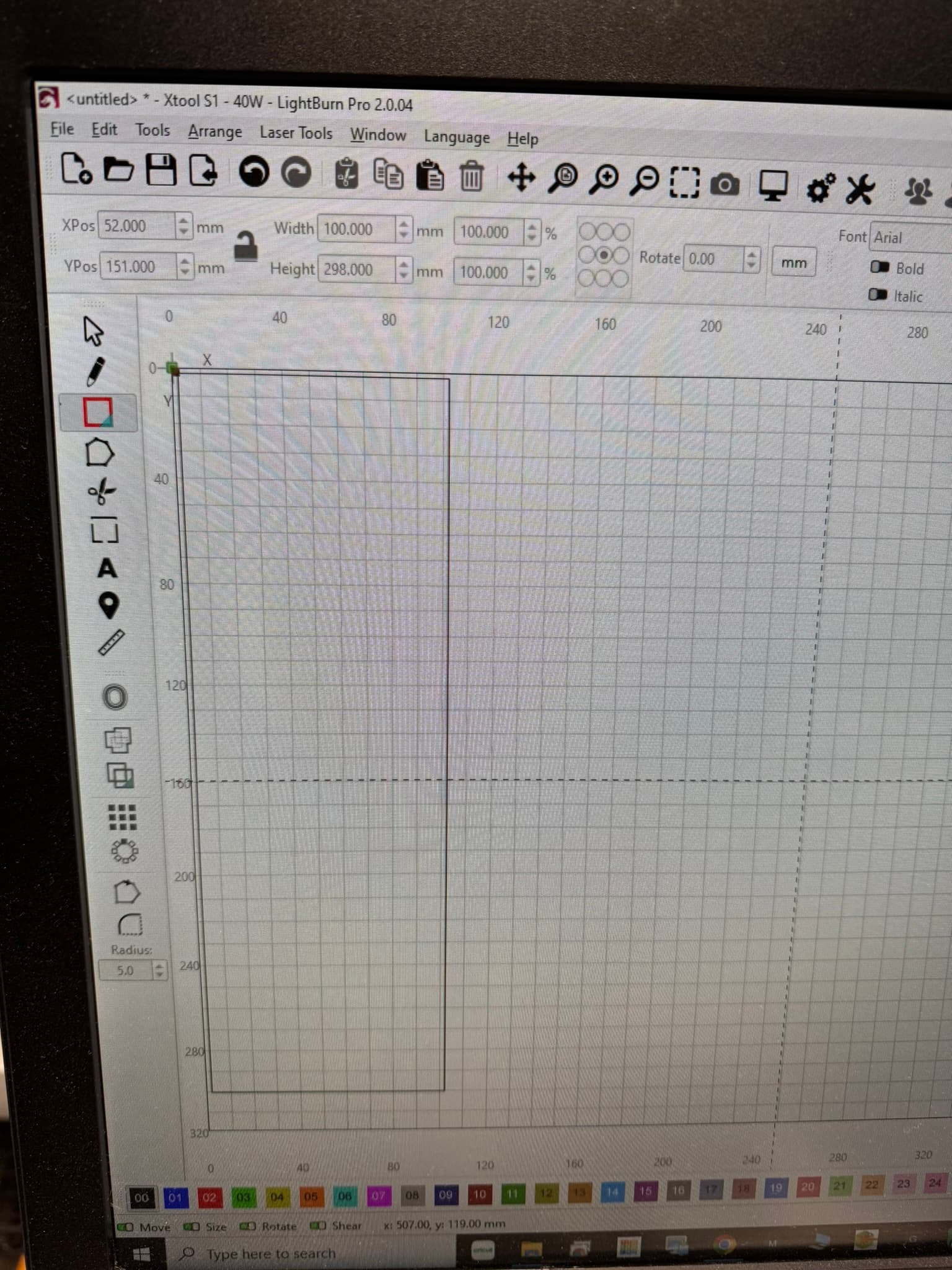
which is about the max i am getting in lightburn.
Lightburn is big in equaling out the offset when you hit frame, by bringing the laser laser down to the crosshairs (IE the Y offset), you are losing that cutting area, giving you only 292mm (+/- a tenth).
By getting rid of the offset, you gain some cutting area, but not what you want.
Even in XCS, I loaded the 319, and it wont let me cut the full 319, but i did get to 300mm. A whopping 1/4".
BUT!
When i did away with the offset, and accounted that the laser did not cut the top of my honeycomb, I got 318mm on the nose (I couldnt do 319, or you get an error that your cut does not fall in the workspace. So you have to set your bed to 320mm Y).
I found what I needed here: https://support.xtool.com/article/1110
And a video here: youtube.com/watch?time_continue=2&v=Po_K3cZcRqA&embeds_referring_euri=https%3A%2F%2Fsupport.xtool.com%2F&source_ve_path=Mjg2NjY
so is it worth doing away with the offset of the 26.4 (or 27 from what i read here), and do all the math to ensure you fall in the correct spot?
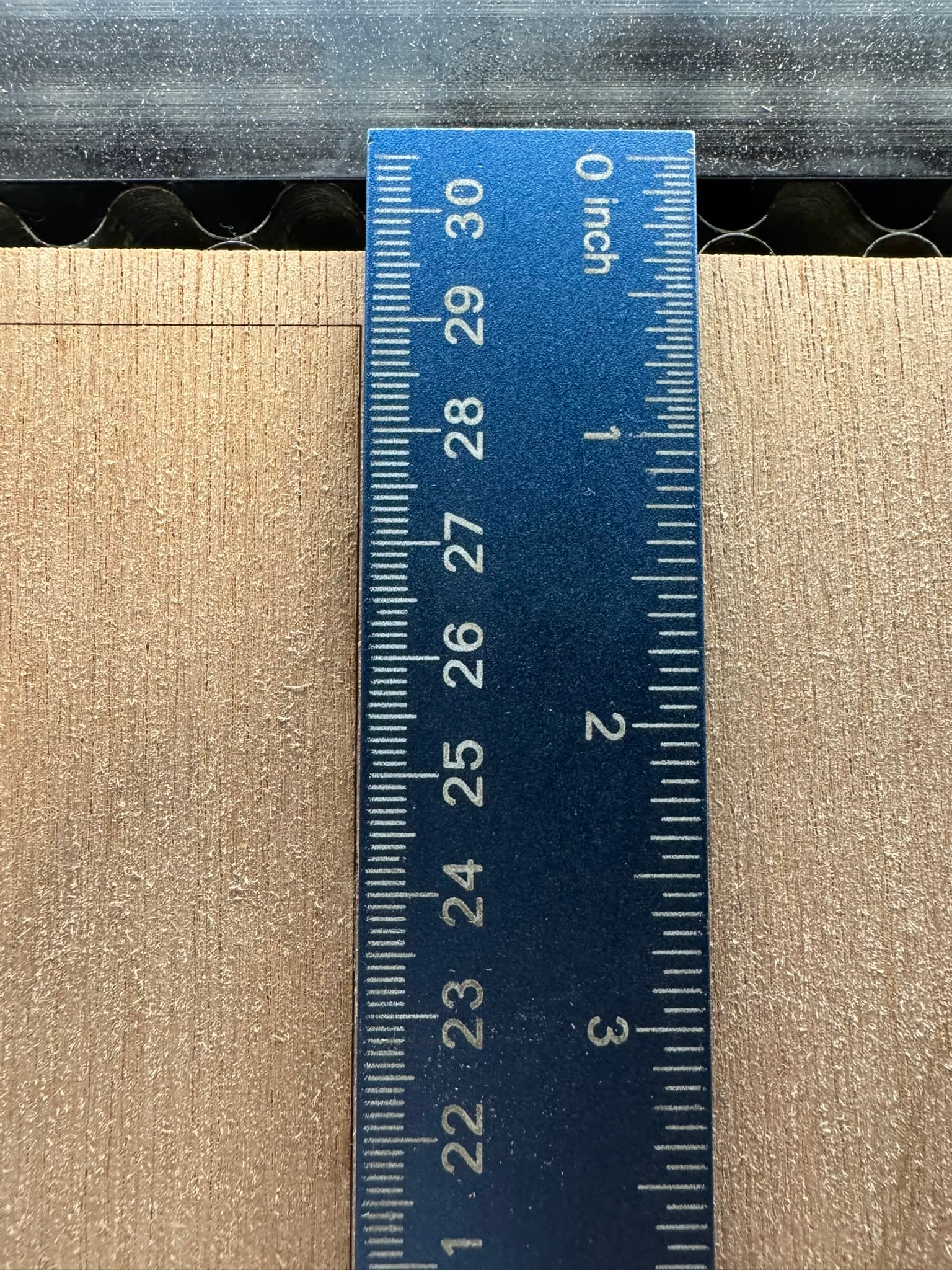
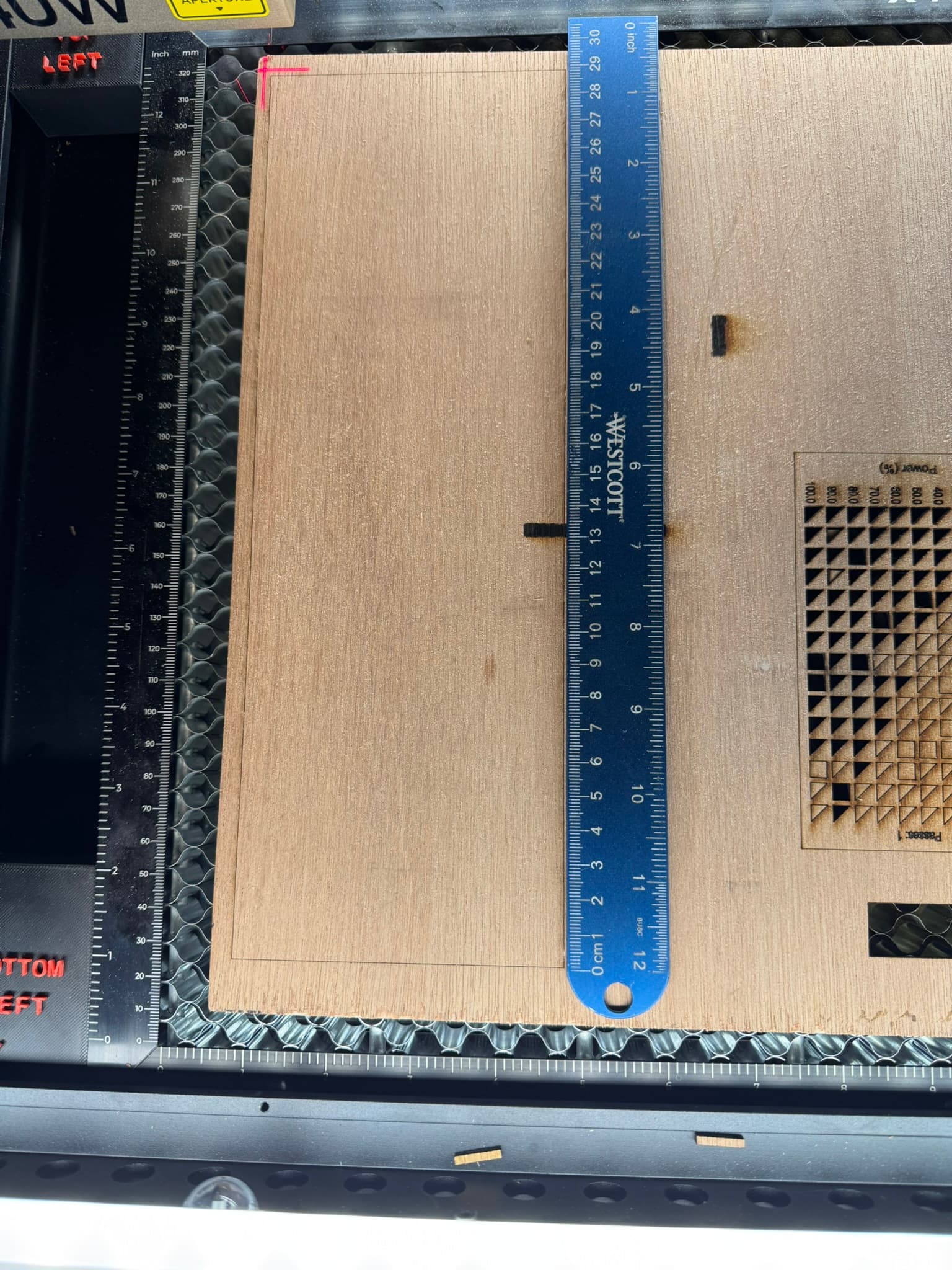
Btw, this photo is taken of a peice of paper board i etched.
I tried for 318mm with the offset off.
And that is better than you get from Xtool XCS, because the lower line at the top where i maxed out at 300mm with XCS.
So, you have options.
But they are not easy, and you have to be very careful not to mark the outside frame of the honeycomb if you go by the crosshairs, as most S1 users are used to.
Just remember, no offset, means your actual cut is going to be 26.4mm higher than the crosshairs.
I also remebered you can turn on “Fire” laser button, and set it to .5% power, so you can see where it is really going to frame and cut. With all that, i was able to burn 318mm.
I hope this helps.
I welcome discussion or feedback.