I’m attaching the Gcode after I wrote in the console M8.
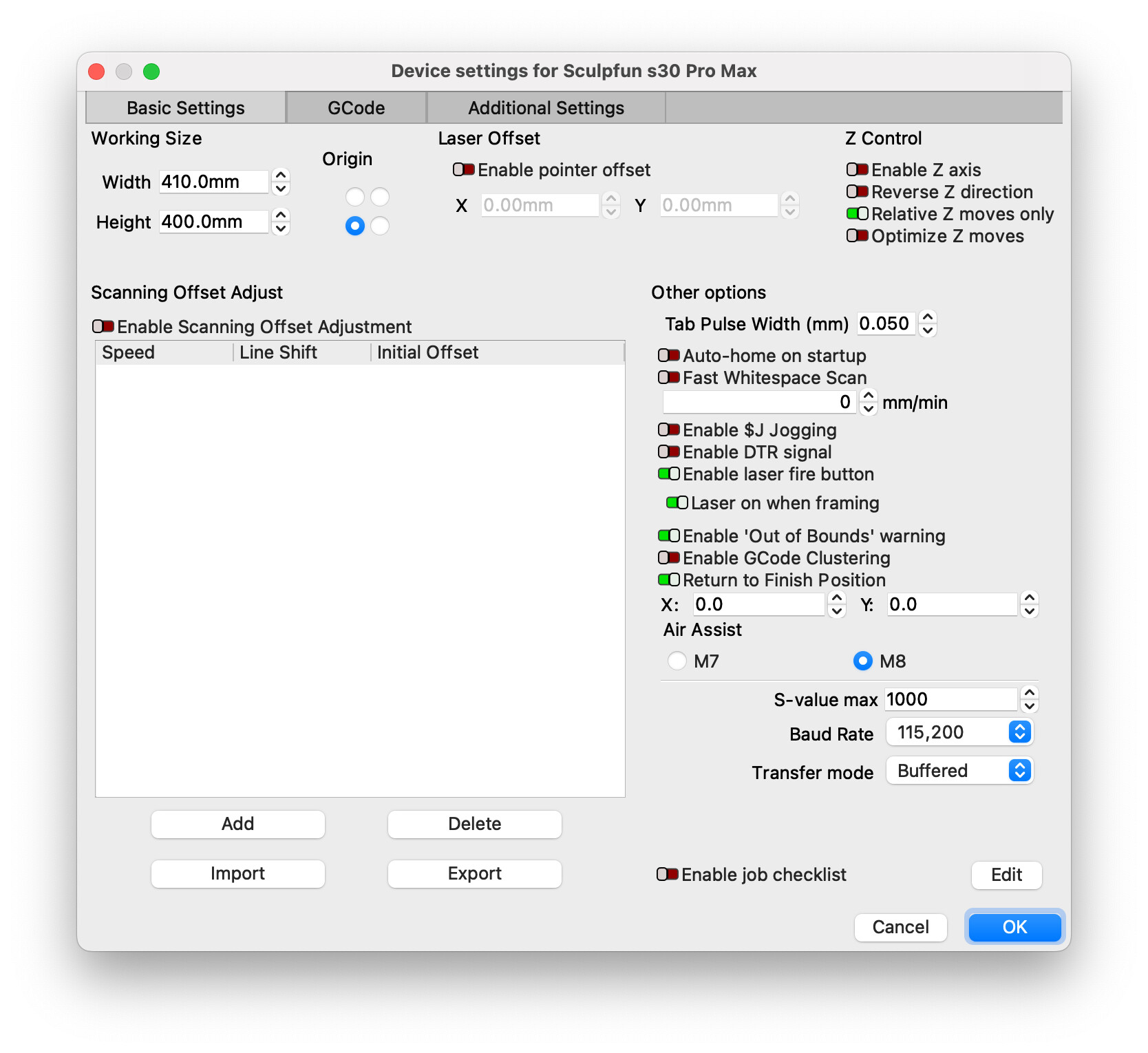
After entering the M8 command, the Air Assist was off even if Device settings is saying that it turned on.
This is odd.
M8 is actually, ON.
Air assist is ON.txt (252 Bytes)
I’m attaching the Gcode after I wrote in the console M8.
After entering the M8 command, the Air Assist was off even if Device settings is saying that it turned on.
This is odd.
M8 is actually, ON.
Air assist is ON.txt (252 Bytes)
The Device Settings configuration is only used to determine which command is issued when air assist is requested.
As long as “Air” is enabled on the Cut setting then the associated command will be included in the g-code.
There may be some condition by which M8 is not respected by the controller.
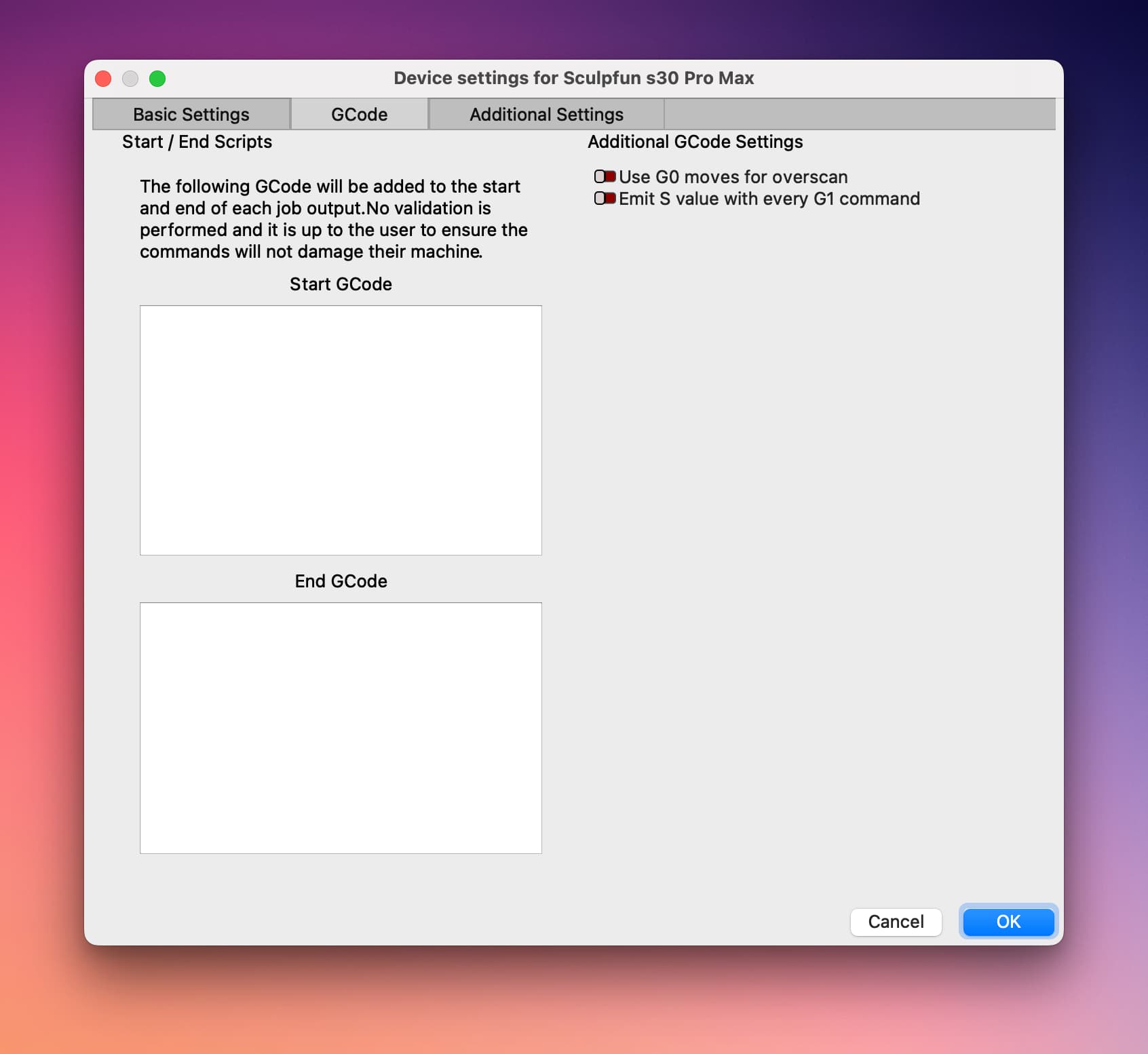
Can you check “GCode” tab in Device Settings. Do you have any extra settings there?
Off where? Are you saying in the Cut layer setting? If so, that’s just a layer setting. You can toggle that on and make that default if you want.
Sorry, let me explain a little more.
Settings for M8 and the toggle in Layers for the Air are (visually) enabled in the UI, however, the Air Assist is not running and, in this case, is where the Fire button is not firing until I enter the M8 command and then, the Air Assist starts running.
Got it. We know that LightBurn is generating the M8 appropriately based on the cuts/layers settings. You showed this in the g-code generated.
So there’s likely an issue on the firmware that’s not processing the command correctly in context with the other g-code.
We also know that for some reason M8 is required for the laser to fire with the Fire button.
I suspect this is an attempt at trying to be smart in the firmware or it could just be a bug. But I’d suggest reaching out to Sculpfun to see if they have an answer to this. Or perhaps check to see if there’s a revised firmware that you could try. Or even possibly an older firmware if this is new behavior.
I’ll do and again, thank you so much for everything you did to me.