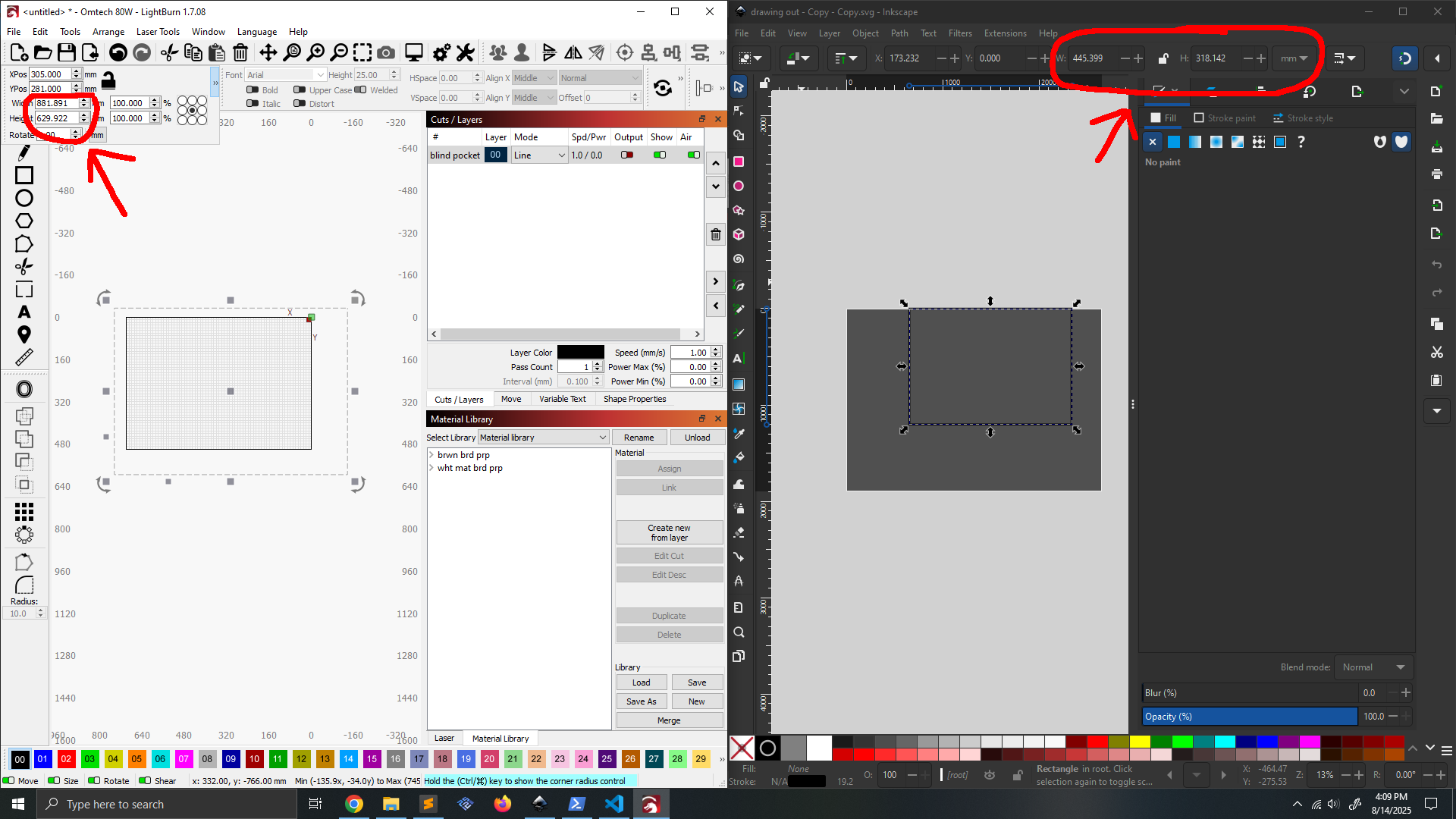
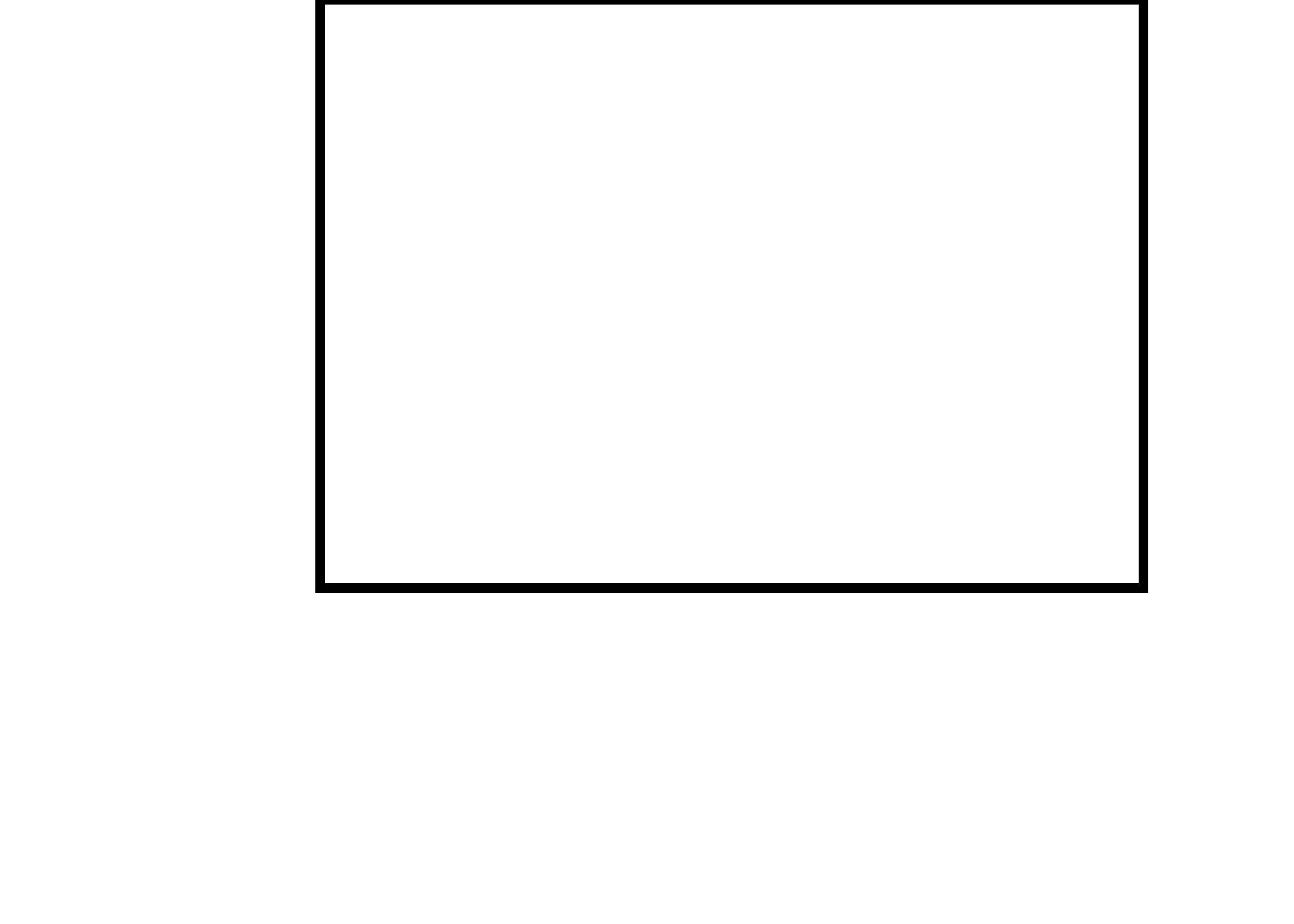
The attached svg file has a single rectangle. When opened in Inkscape, it says the rectangle is 445mm x 318mm. When opened in lightburn, it says the rectangle is 881mm x 629mm. I THINK the discrepancy is caused by the svg document’s viewbox and width/height not matching. And I THINK the error is on lightburn’s side and not Inkscape’s? Am I correct on this?
I’ve been chasing errors related to this for a few weeks now. I am using lightburn V1.7.08 and would happily upgrade if it does in fact solve the problem.
It is . I first ran into a more complex version of this problem when I was trying to do some automation, which involved opening the svg using the python library “svgelements”, adding the rectangle, and then re-saving the svg. I have since learned that the svg file spec doesn’t generally enforce a specific interpretation of units, which has caused all sorts of issues .
Anyways, regardless of its origin being python I would have expected the file to open up the same in both Inkscape and lightburn. It sounds like the next step if for me to check if the issue really is the document’s viewbox, and submit a bug report to lightburn if that is the case.
All of LightBurn’s various import translators work best with pIain-vanilla files and get bellyaches with even slightly complex options. AFAICT the only way to keep LightBurn happy is to use the simplest choices, make everything match, and definitely avoid anything not absolutely necessary.
I was able to confirm the discrepancy between inkscape and lighburn is caused by the values in the svg document’s viewBox. Inkscape sets scale based on height, and lightburn sets scale based on width.
I was going to submit a bug report but after playing with this online tool I’ve realized the svg file specification itself is the issue. If the aspect ratio of a document’s width/height and viewBox dont match, it is ambiguous what the file is supposed to mean in a physical sense.
I would say that a file specification that is ambiguous is not acceptable for engineering (aka laser cutting). But the only alternative is dxf which apparently has its own problems. So we are stuck with SVG.
If you are a person on the internet reading this post and having problems with this… As far as I know there is no way to check if a svg file’s viewbox is off other than opening the file with a text editor and comparing the width and height with the viewBox . Also as far as I know there is no way to fix this other than by opening a fresh new Inkscape file and copy-pasting the content from the bad file into the good file (or editing the svg file in a text editor) .
Just a thought, would enclosing the work in a square work as then it would have the same width and height, the delete outer box after importing ? I rarely use importing for graphic work so this is just a possible logic based idea.
Do you need the ‘width’, ‘height’, and ‘viewbox’ to be present in the file at all? I’m not an expert in SVG but I’ve had a little bit of experience with programmatically producing SVG’s (in my ‘LightBurn Spiral Generator’ program). I don’t have any viewbox defined or overall width and height in my files, and it doesn’t seem to affect how it’s imported into various applications. SVG’s are usually specified in pixel units (the default if no units are specified in the file) but various units can be specified if required. Unfortunately however, in my limited experience LightBurn (and CorelDraw 2018) don’t like it when units are specified (InkScape and Affinity Designer read it just fine).
Here’s a sample file from my LightBurn spiral generator if you want to take a look in a text editor:
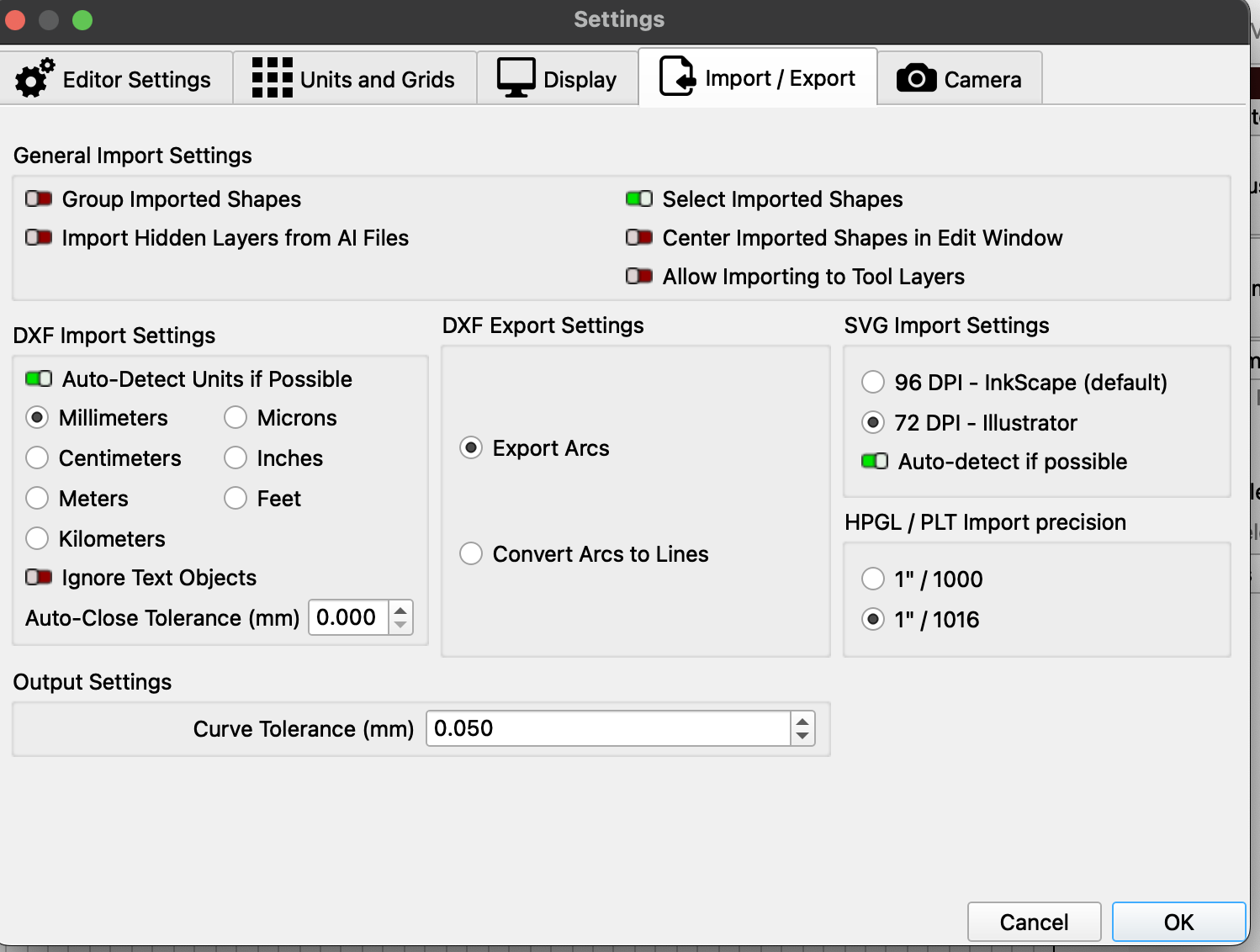
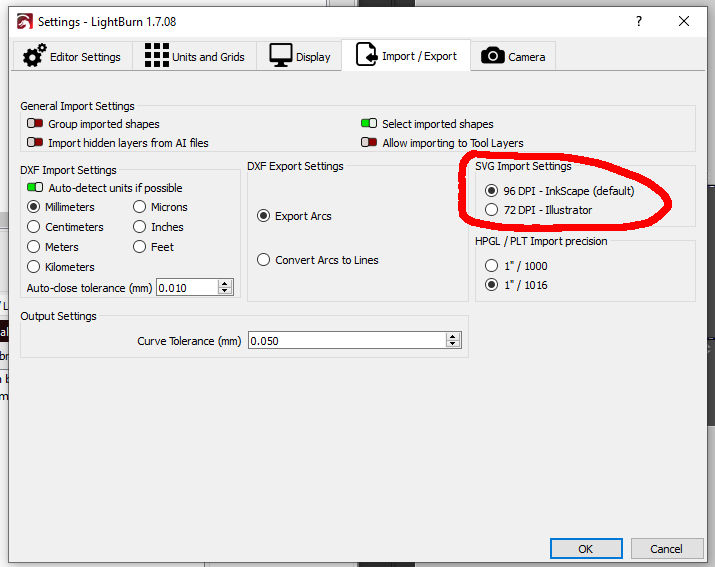
Might be a version thing, because 2.0 does the right thing with millimeter units. Whether that’s because of the 96 DPI default or the millimeters, I have had no reason to pry into.
Enclosing in a square that you manually scale later would be a functioning manual workaround.
It does still. Document width/height sets size (i.e. 10 x 10) and viewbox width/height sets scale (i.e. 20 x 20 implies a 2x scale factor). But if the viewbox is 20 x 40 its ambiguous if the scale is supposed to be 2x or 4x.
The core issue is svg is meant for webpages. There, the svg fills a container of set size leading to its scale not being ambiguous. But in the physical world we aren’t “placing” the svg inside of a container, leading to the ambiguity.
A side note, I’m pretty sure defining the document size once in width/height and again in viewbox is one of those things that sounded good at the time, but was redundant in practice .
I originally put a rectangle of that size on a Tool layer to help with the layout, but omitted it so I could slam the final square to the middle of the LightBurn workspace.
Given your experience, I won’t even think about a viewbox on the square.
Good to know you can remove viewBox from the svg and it will still open .
As a side note, the weird viewBox I was encountering seemed to be coming from the process of “Solidworks Sketch” → “Save as .dxf” → “Open with inkscape” → “save as .svg”
 . I first ran into a more complex version of this problem when I was trying to do some automation, which involved opening the svg using the python library “svgelements”, adding the rectangle, and then re-saving the svg. I have since learned that the svg file spec doesn’t generally enforce a specific interpretation of units, which has caused all sorts of issues
 . Also as far as I know there is no way to fix this other than by opening a fresh new Inkscape file and copy-pasting the content from the bad file into the good file (or editing the svg file in a text editor)
 .
.
 .
.