Hi Guys,
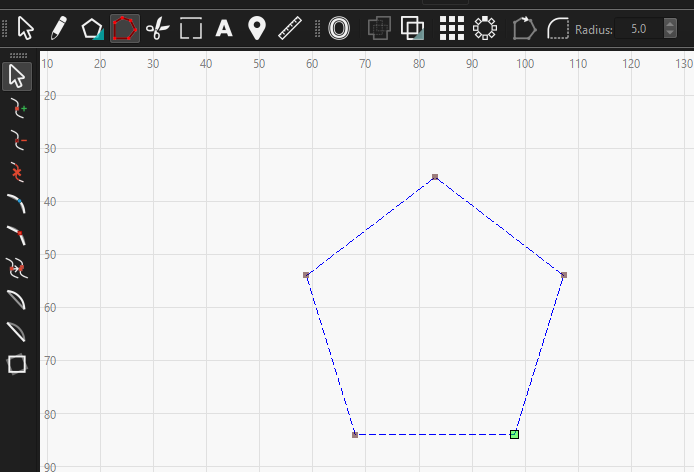
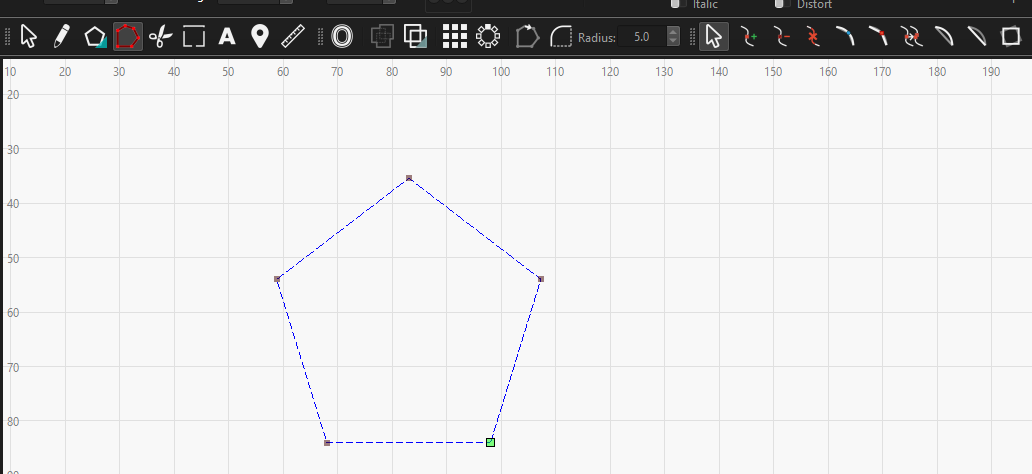
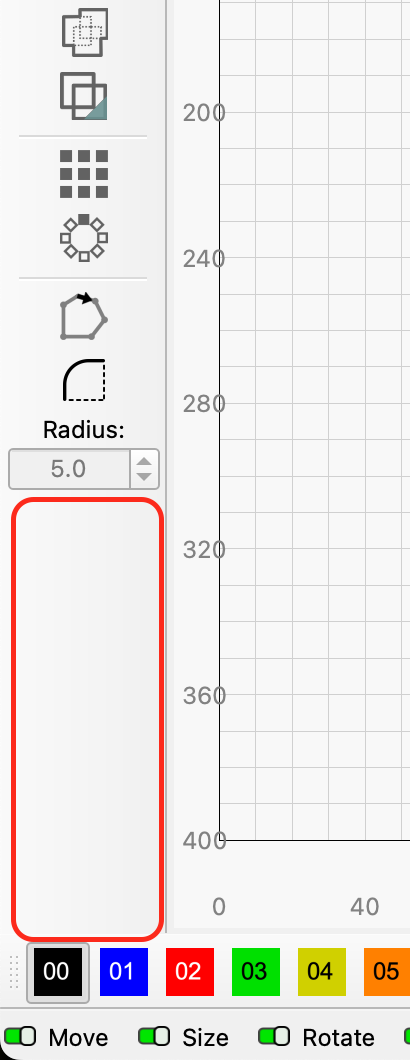
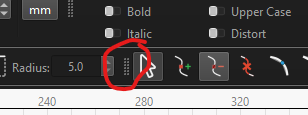
I was wondering if it was possible to save the location of the node editing toolbar to something other than the default, left of the workspace?
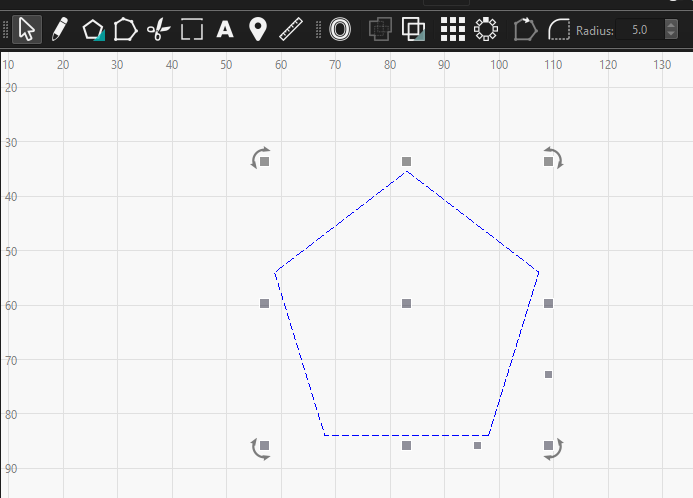
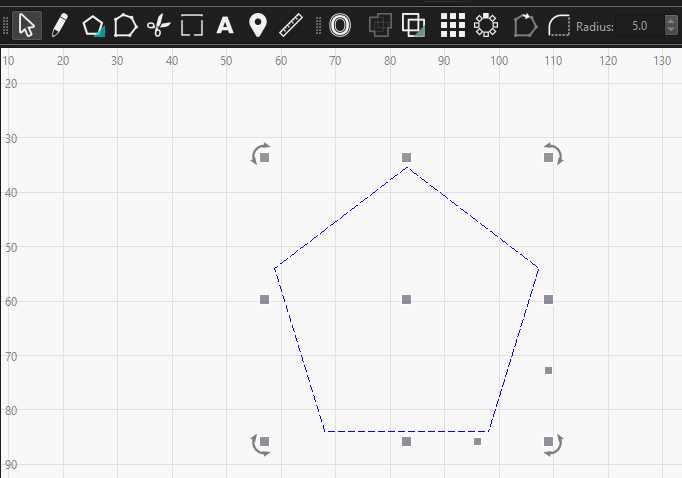
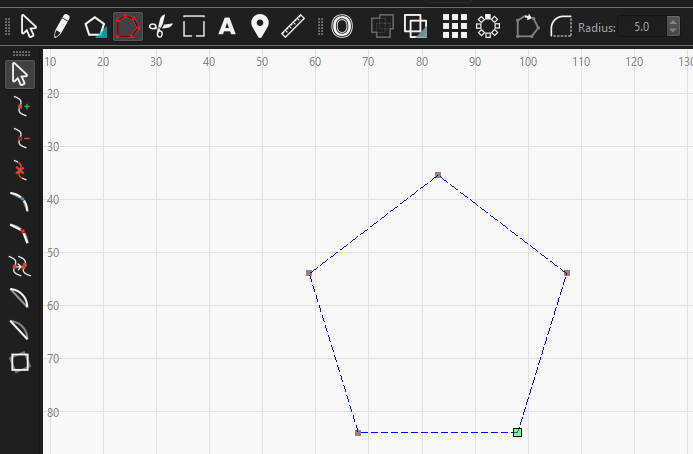
When I go into node editing mode it appears on the left. If I drag it above the workspace and then stop node editing, when I start again, it appears back on the left again. This is by no means a major problem, it’s just a little bit annoying that the whole design jumps to the right every time I start node editing and then back when I stop. I was hoping it would remember where it was when it was last closed.
I’m using 2.0.0.4 on Windows 11.
I’ve hunted around the settings and watched the workspace customisation video again but there doesn’t seem to be any mention of it.
As I said, not a huge problem, just wondering if there was anything I could do.
Hi Bernd,
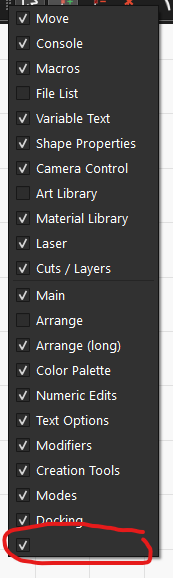
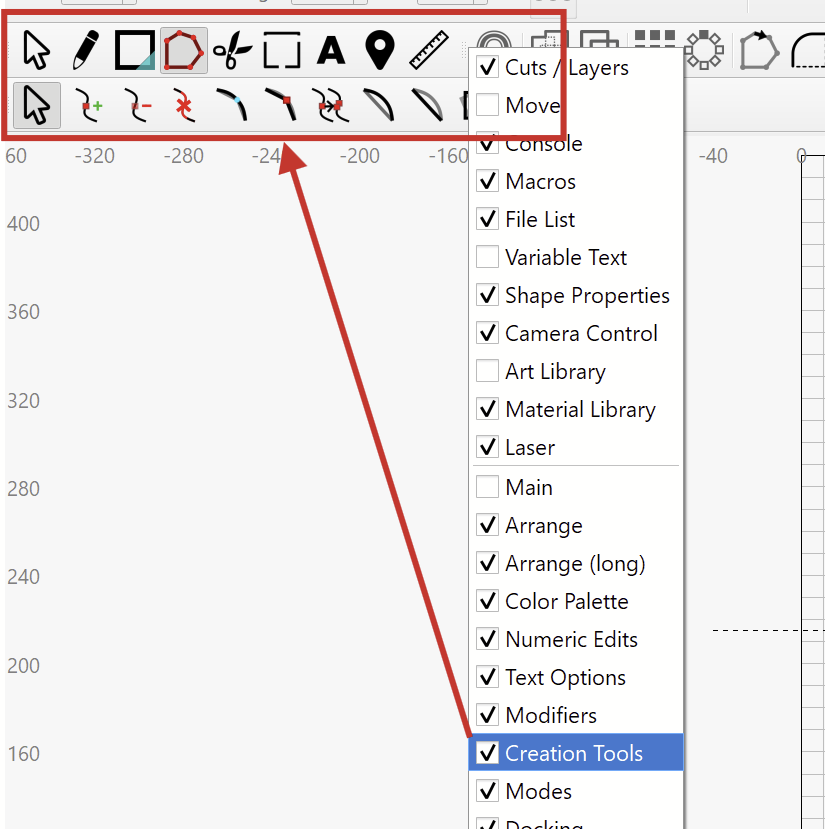
my last screenshot is what you see if you right-click on any of the toolbars. I went in there looking for a “lock position” or some other property settings that would get it to stay where I put it. I know his is a relatively new toolbar so maybe it’s just a bug that’s yet to be resolved.
Thank you for reporting this and adding the screenshots.
I agree, the sub-menu of the Node Edit tool is relatively new, and it might have been overlooked that it’s always docking to the left side.
I’ll ask if the submenu can be locked in place!
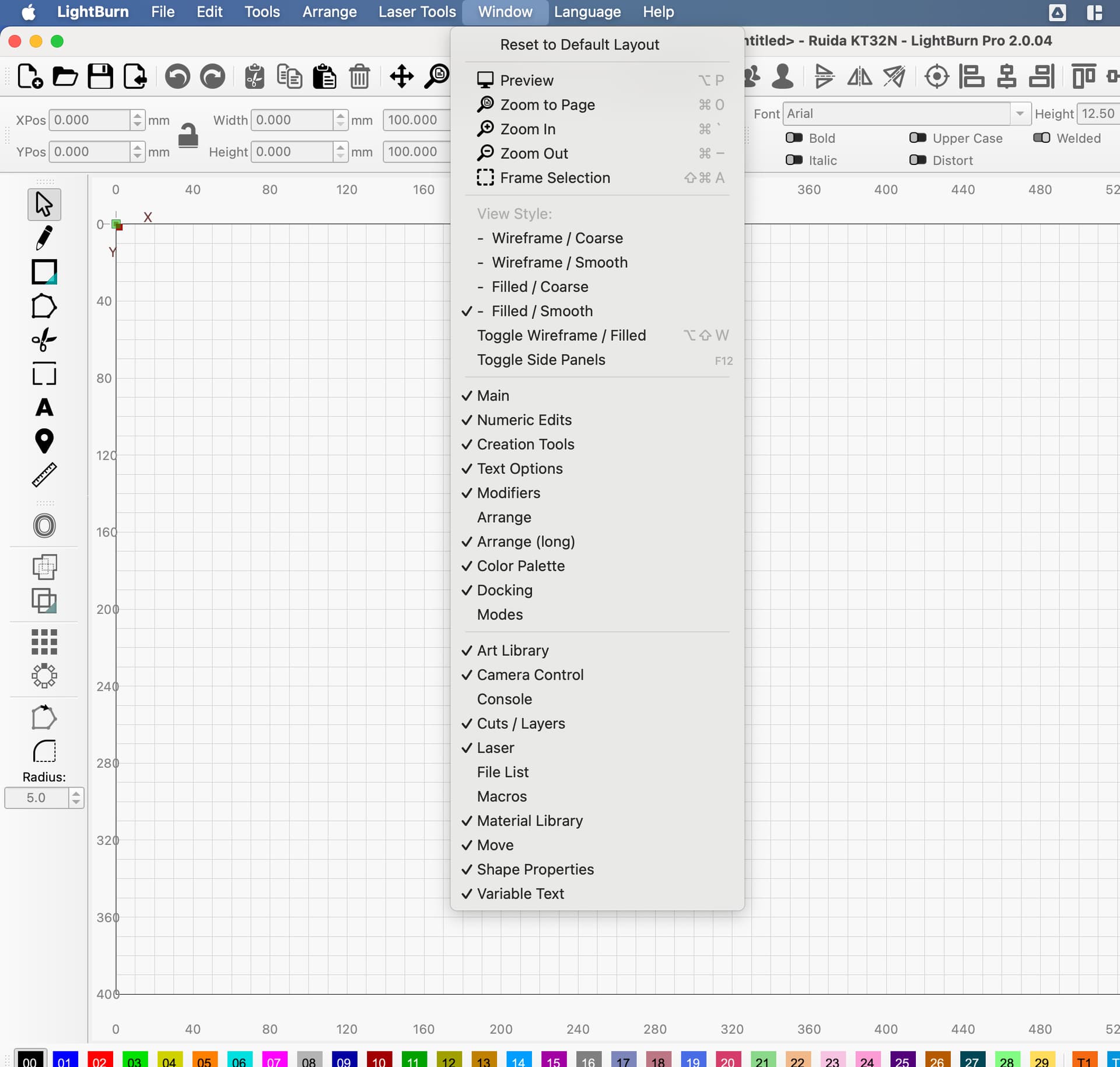
Question: Would you agree with the solution if the Node Editor submenu were always docked under, or next to the “Creation Tools” section?
This might be the easier way to implement it.
We have ideas for a more flexible, let’s call it “Toolbar Editor”, in the future. We want it too
I know the recent upgrade to QT6, our development framework, brought a lot more flexibility for UI implementations, so it might happen sooner than late.
Hi Aaron, I’m not sure it would solve my particular niggle if it always appeared next to or under the creation tools. If it appeared under, when the creation tools were vertical, or next to when they were horizontal, then that would probably work as it wouldn’t encroach on the real-estate taken up by the workspace. If it was the other way around i.e. next-to when vertical or under when horizontal, then I think it will cause the same problem. Or maybe it could be floatable over the workspace and just remember where it was last rather than docked with all other toolbars? Essentially, I don’t mind where it appears as long as it doesn’t adjust the size of the workspace. I’d be happy to wait for it to be fixed properly rather than a quicker, fix that doesn’t fully solve the problem. As I’ve said a couple of times, it’s not a big problem so I appreciate that you’re even considering a fix.