How can i save a sheet in lightburn? I am new to lightburn but not new to laser. i am used to be able to save what i have been cutting from a sheet, and then later i can load the sheet and continue to use the free space on the sheet to new cut outs.
Make sure you have an outline of your sheet as a tool layer. This defines the dimensions and location of all artwork. Select everything that has been cut out and make that a tool layer as well. Save as a Lightburn file naming it whatever you wish and mark the filename on the sheet as well so you know what file to open for that particular sheet.
If you use Absolute coordinates with a fixed position fence to align your sheet against, you’re done. If you use any other start from mode, or don’t have a repeatable method of alignment you will want to engrave a couple targets at opposing corners so you can use print and cut when you return to the sheet.
2 Likes
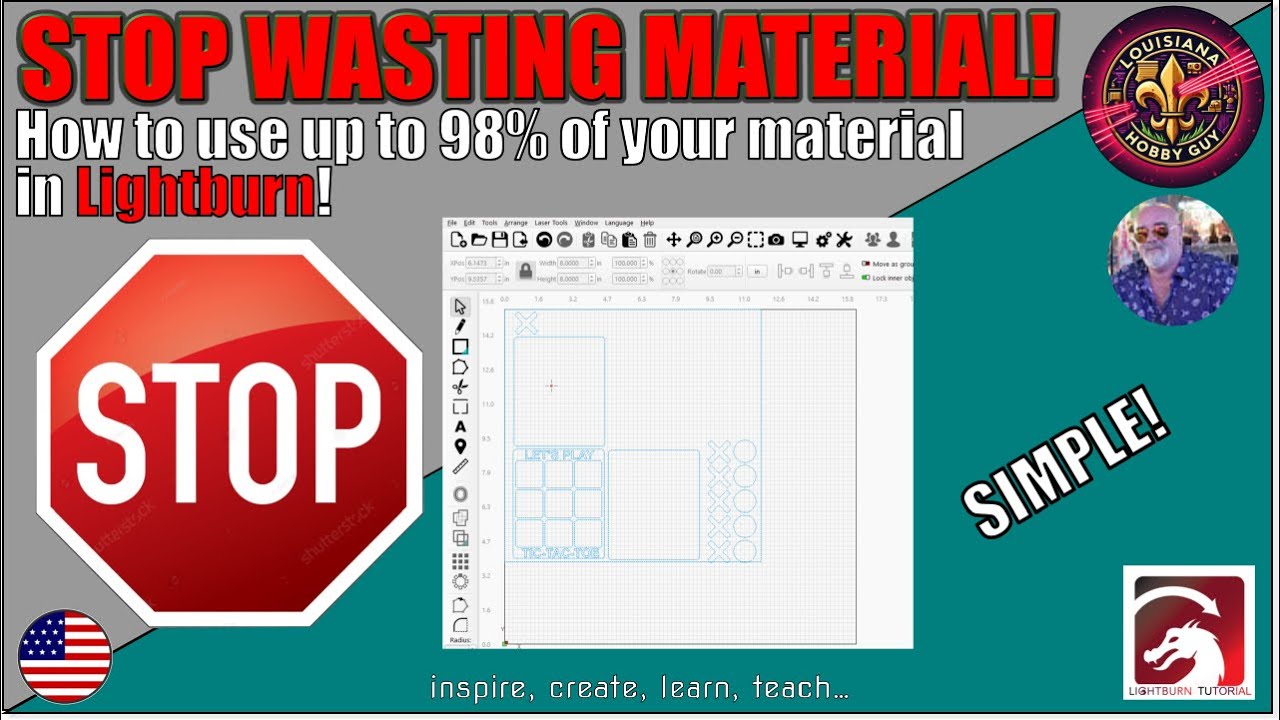
Rich (Louisiana Hobby Guy) has a YouTube video on this very subject - here’s the link:
This topic was automatically closed 30 days after the last reply. New replies are no longer allowed.