Hey,
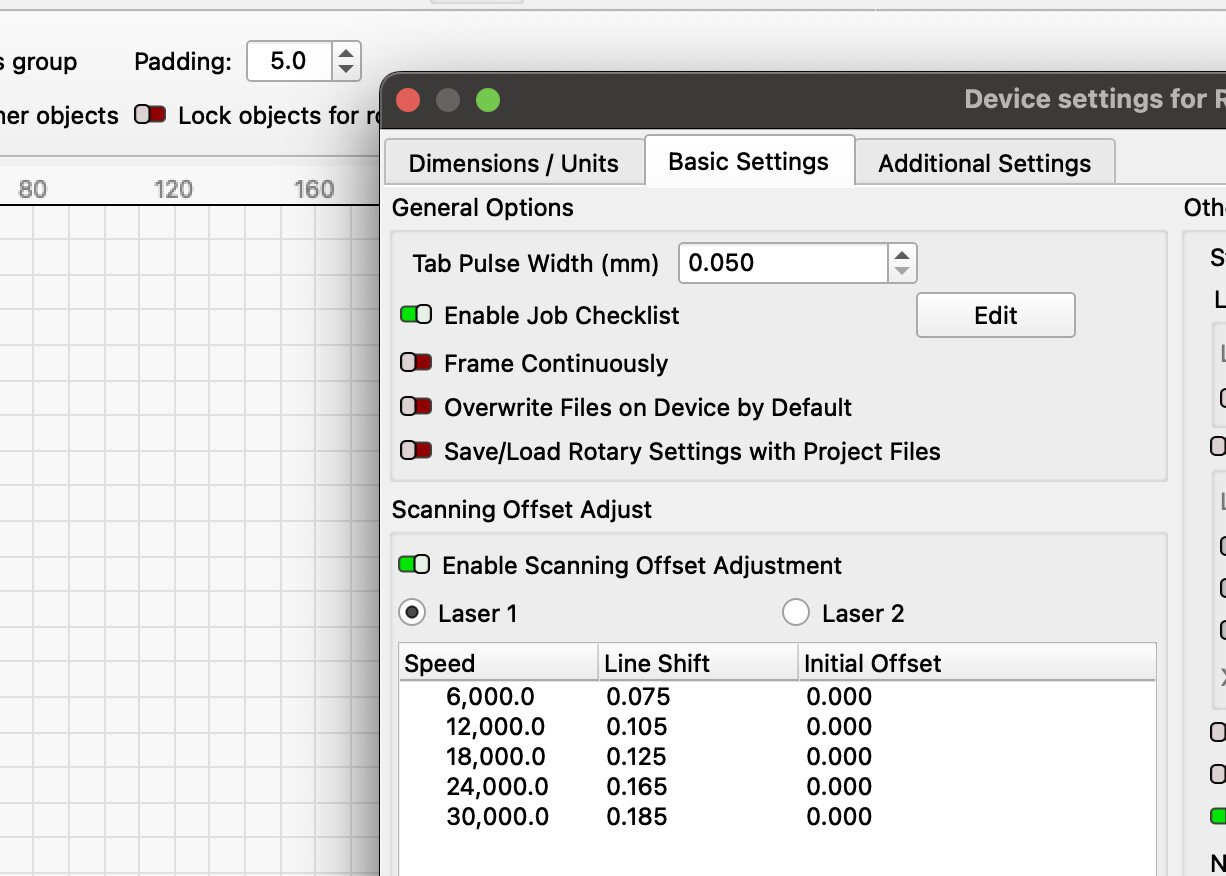
Can anyone offer some help with scanning offset adjustment, please?
I’ve noticed an offset when doing bidirectional fills, have tried to fix it, but I’m a bit confused by what settings to put in
- I eliminated 90% of the offset by making sure the belts were good
- I’ve been left with a small offset at all speeds when doing bi-directional fills
- Putting the appropriate settings in the scanning offset adjustment fixes it and it looks great now
My question/issue/lack of understanding
As it’s at every speed changing only when I go above around 6500mm/m… what do I put in the speed box? Surely I don’t need to put in hundreds of entries considering how many different material settings I have?
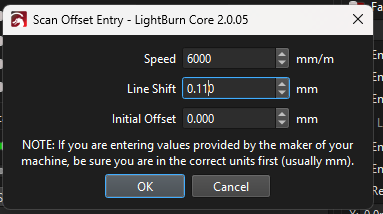
Is there a way to say, put 0-5000 mm/m 0.11, 5001-6500mm/m 0.15 etc? I see an import option, can I produce an comma delimited file or something to import?
Cheers for any help offered