This is probably a dumb question, i hope.I finally got around to learning millmage. Ive got a couple of images im working with, that have multiple areas to be cut out, but i want to pick some not all of these. How do i accomplish this? Ive tried mousing a box over the individual line i want cut, but it still picks everything. Help.
- The design interface is almost identical to Lightburn. Selecting works the same.
- Unlike Lightburn, the designs are assigned to OPERATIONS, not Layers. If you want a part to not be cut, you must unlink it from the operation.
- There is no rule you cannot have identical Operations, so assign the part you want ignored to another Operation and turn off the output for that one.
Some helpers if you have not seen them. Be aware MillMage is changing so fast that some windows might be different, but the information is good…
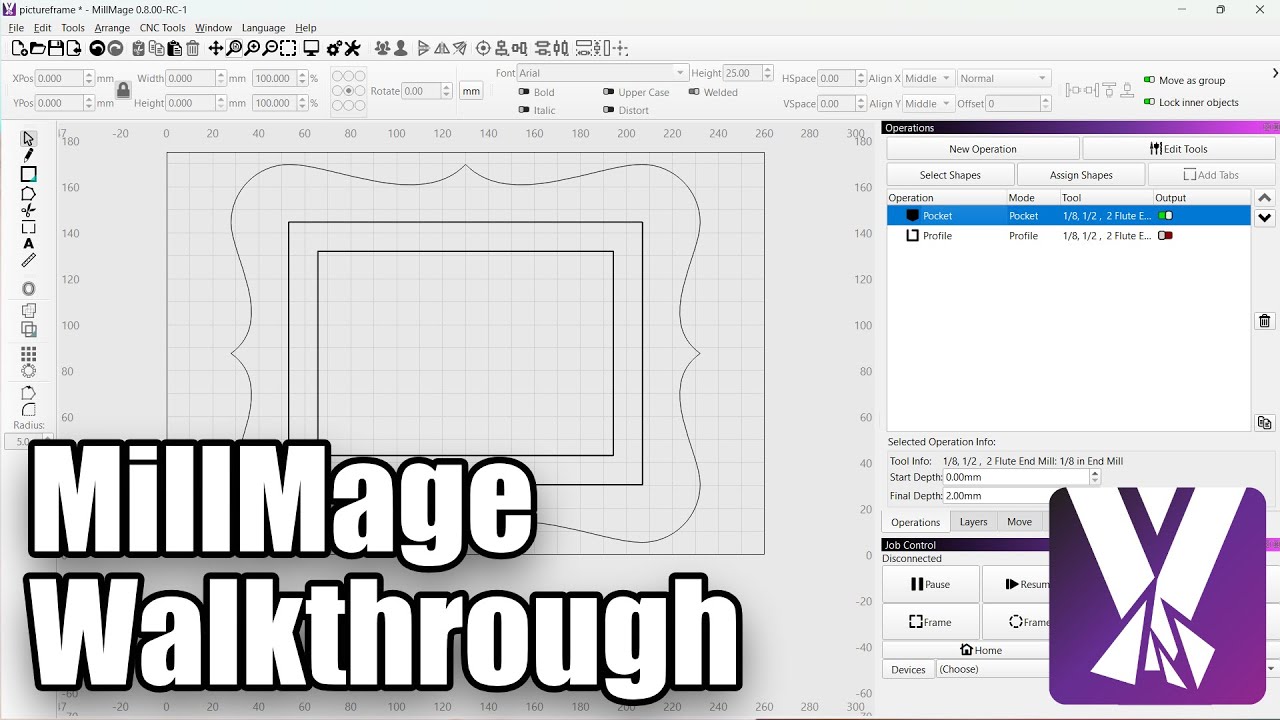
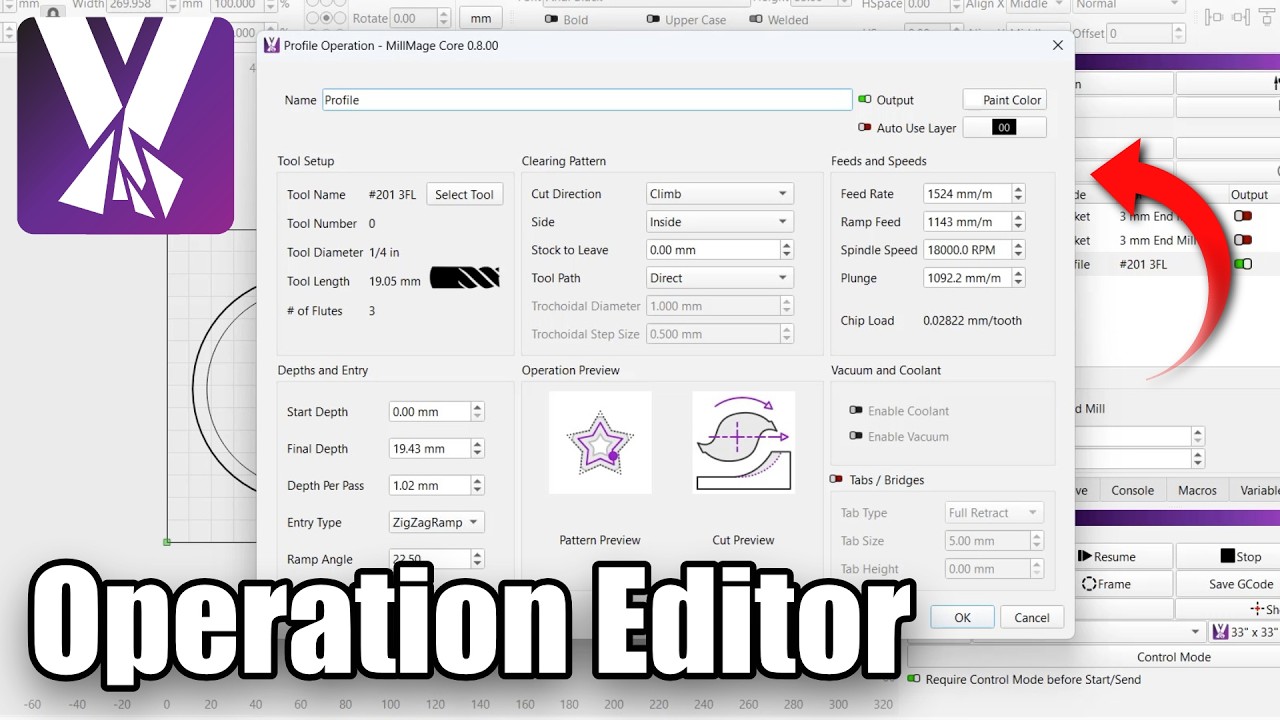
This should be enough homework for one night. 
Thanks and yes seen the videos. So the unlink a cut is what im trying to figure out. The picture im trying out has many features and not all i want done.
Group - Ungroup, the same as Lightburn if you have used that.
So in my case its a bears head that has a hollwed out are in the bears head and neck area. In this area there is a siloette of a full bear with trees. Plus part of the eyes and the mouth are cut out. So if i ungroup evrything in the image i can then select one part at a time to cut?
Also i have zero lightburn experience.
You can select one Operation at a time to cut.
- Assign each part to its own operation. 10 parts to cut, 10 operations.
- Assign each part to the same operation, unassigning the previous one as you go.
You get to decide which method is less work. I recommend #1 above in case you want to do another one of that project.
Ok thanks. Ill do some experimenting
Do 2 or 3 Duplicates of the shapes and put aside for your tries.
Got it figured out thanks to you guys. Cut my first project with millmage.