I have been using lightburn for a few years now. However I have just purchased the latest version to go on PC dedicated to the engravers rather than having my laptop floating around everywhere.
The issue is that the new software doesn’t seem to recognise my machines now. On my laptop they appear as JCZ machines and I do not get this option in the new version of the software?
I have even tried exporting the machines from my laptop on to the new PC for ease of setup. But nothing works so I cannot connect or run the machines.
Is this something that has been changed and now longer supported. Machines are 30w 100w Galvo fibre machine (one is MOPA one is not).
Thanks for the reply. I have tried both the “export bundle” (.lbzip file) and individually exporting the devices (.lbdev file) and the new version of the software will have nothing to do with it…..
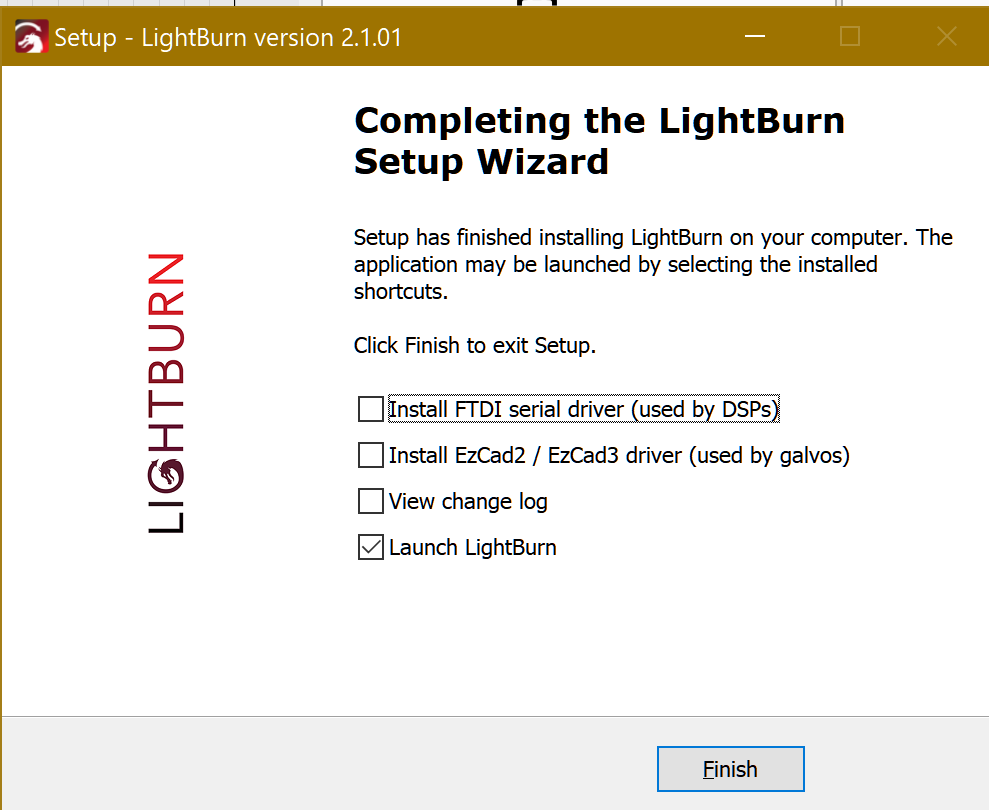
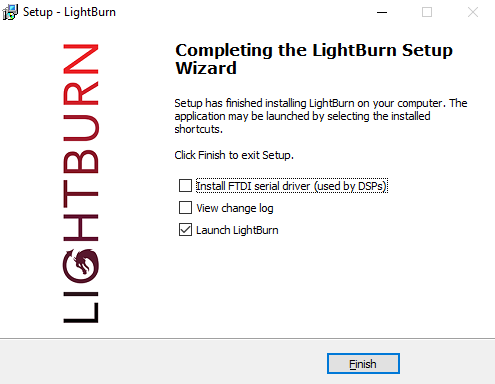
I have just reinstalled the software just in case there was an issue, and noticed there is no box to check to install the ezcad2 driver for galvos. So I assume this could be the problem?
Not sure how to solve if I it is. I have bought the PRO version to cover all machines.
Never mind. I have redownloaded the software from the website again and its no working! WEIRD!!! But at least we’ve got there. Thank you for your help!