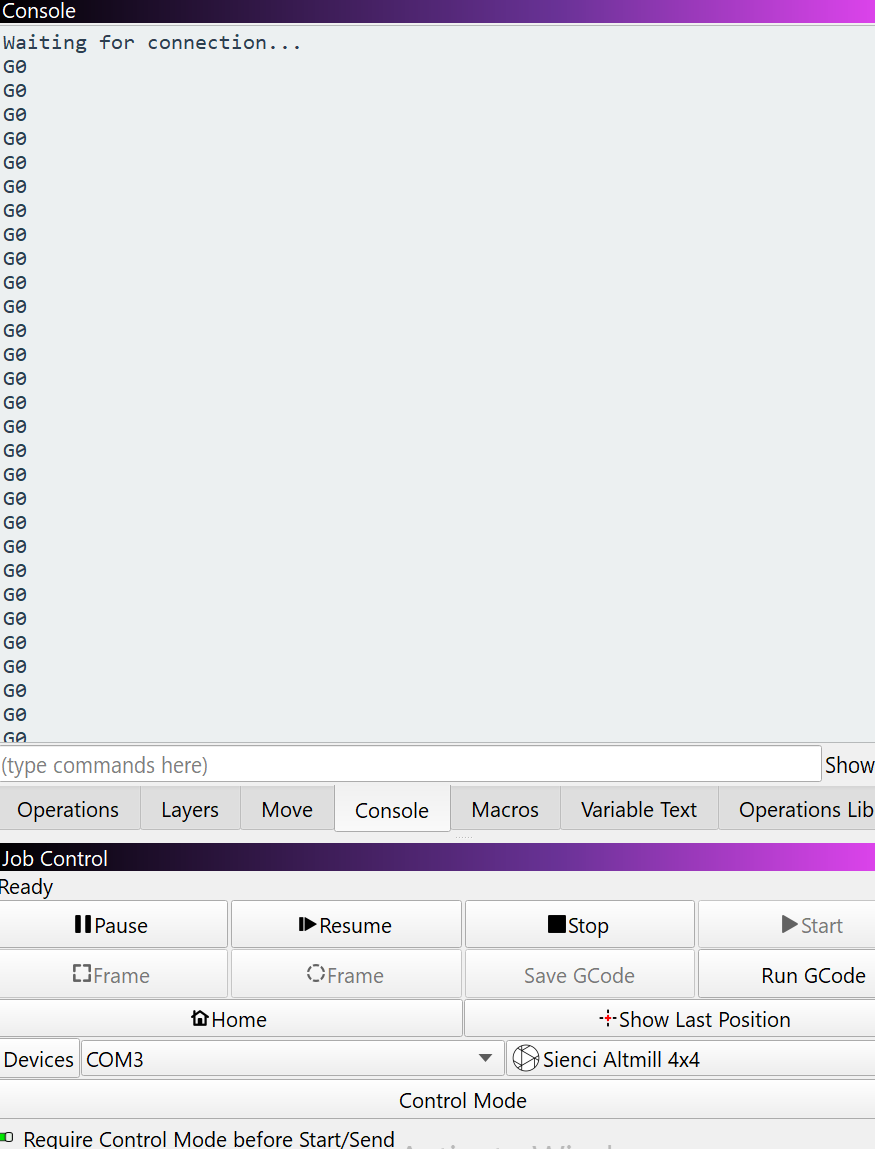
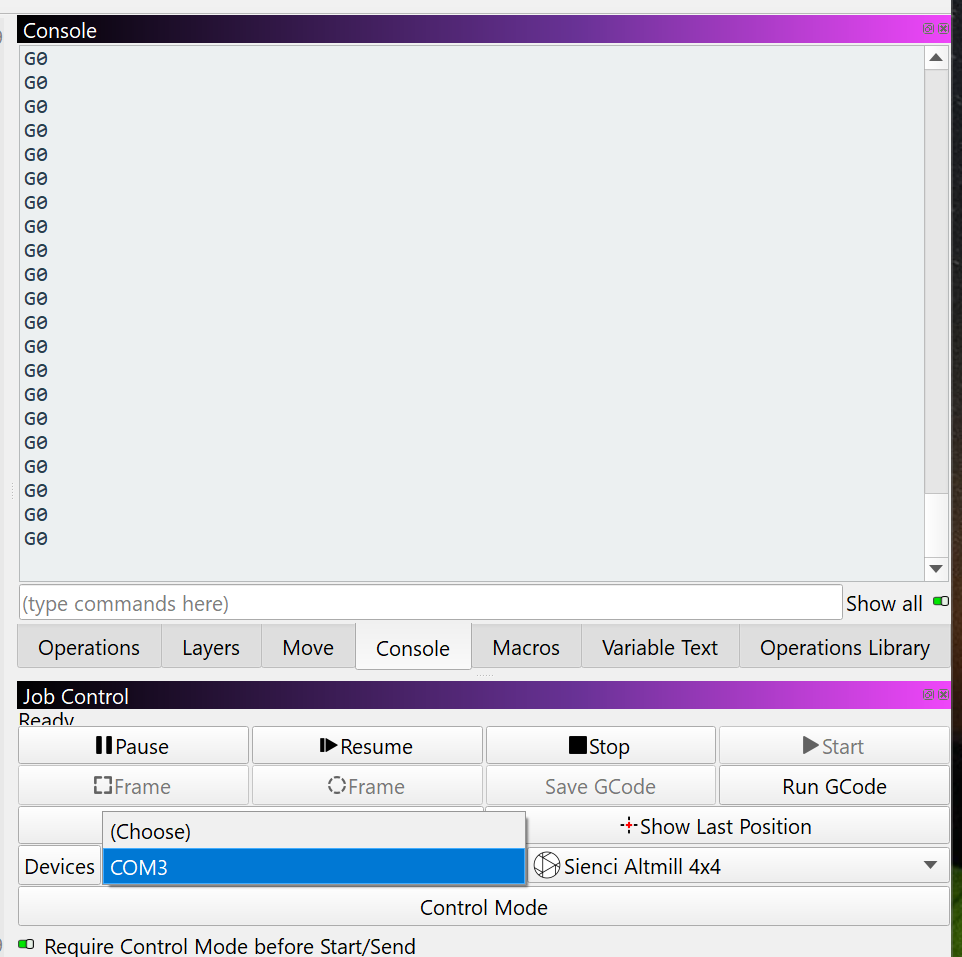
I’ve been trying to get my Altmill to connect properly and operate with Millmage. I selected the Sienci Altmill grblHal device setup as provided in Millmage. It appears Millmage is connecting to the Altmill via COM3. However, I can’t home the machine or even move the spindle carriage.
Anyone have a working setup that they can offer some tips? I’m very certain the com ports are working correctly in this Win 11 setup.
Can you see an alternative port to connect to, next to the Devices button? The Altmill has 2 ports available - only one works for controlling the machine.
the G0 is MillMage sending a ‘hey, are you there?’ and not seeing a reply
Gsender was not open. I checked the estop and it wasn’t activated.
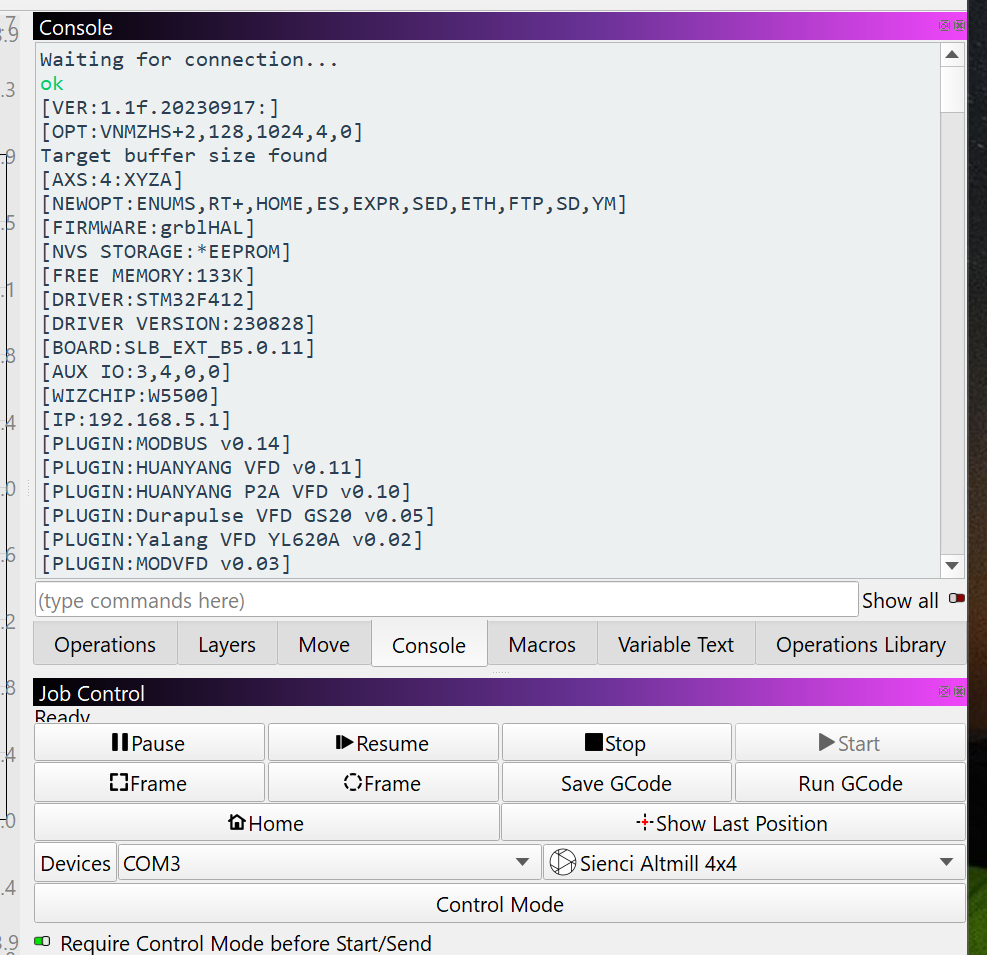
After checking the estop, I loaded Gsender, connected to the Altmill, then pressed the unlock button on Gsender. Closed Gsender, started Millmage, and I immediately saw a stream of data in the console from the Altmill controller. Was at that point able to home the machine.
So something is not unlocking the Altmill controller when I first connect with Millmage. Any ideas?
@Colin - If I connect to the Altmill via Gsender, complete homing, close Gsender and open Millmage, I can then home in Millmage. I also was able to move the gantry using the jog buttons. I haven’t done anything else beyond this since I’m not confident of the Millmage/Altmill connection stability.
@MikeyH - no disconnect issue, I just don’t know what will happen next when trying more advanced steps with Millmage. Not saying there is a problem, just that I want to better understand what the software and hardware are doing before I try executing a tool path for example.
I should have said not certain of the Millmage/Altmill operation sequence.
Looks like you have a superlongboard in there; try ethernet for connectivity. I’m using a closely related board and find my connection extremely persistent, even relative to other senders.
As others have said, don’t have gsender open and dont constantly switch between senders; it doesn’t seem to like this much.
You could also try to just make a custom profile for it in millmage; this worked first time for me.
Thanks for the file. I was delayed until today trying it. Unfortunately there was no difference with this file. Must be something with my setup that is unique.