Time for an update!
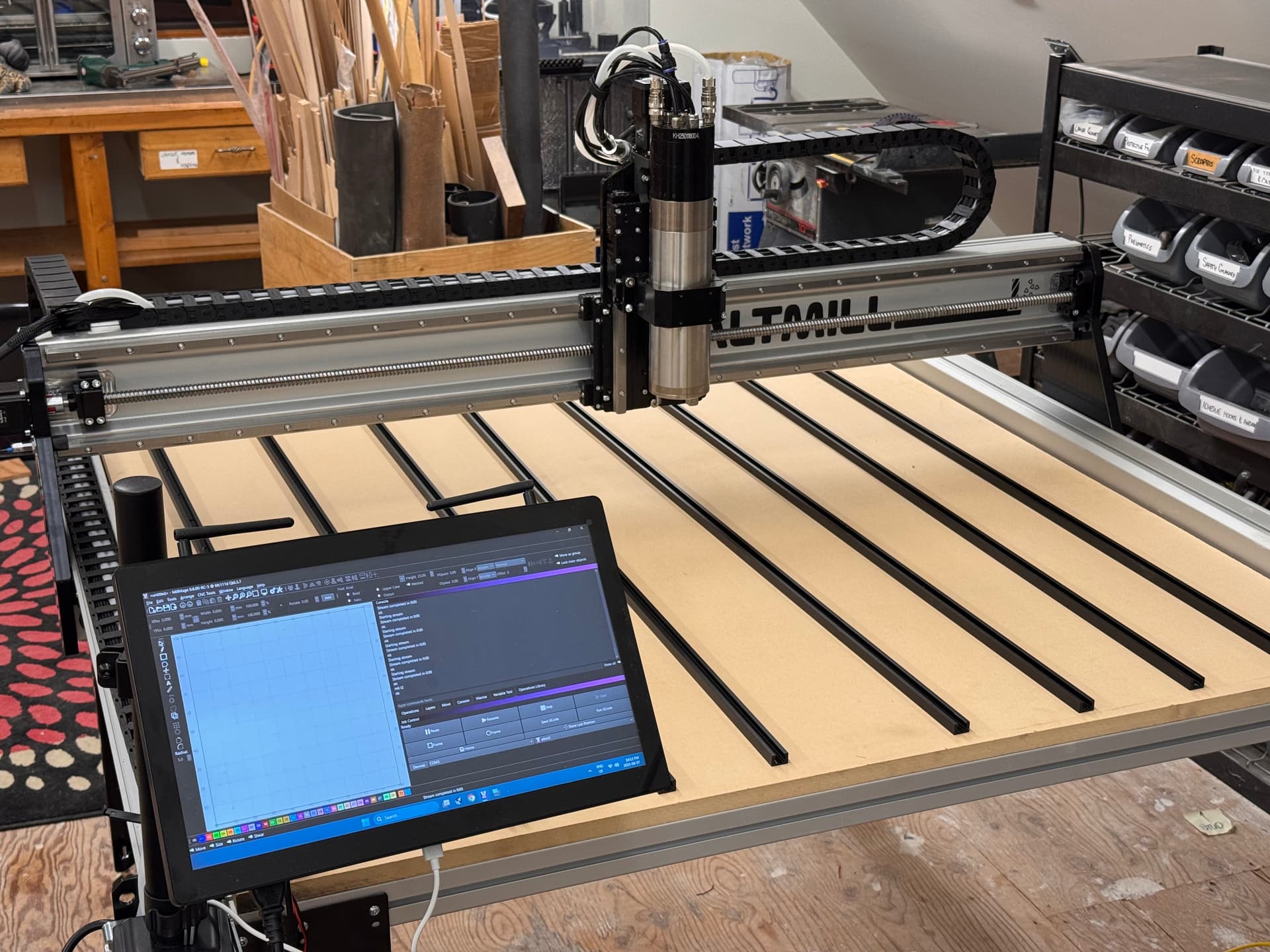
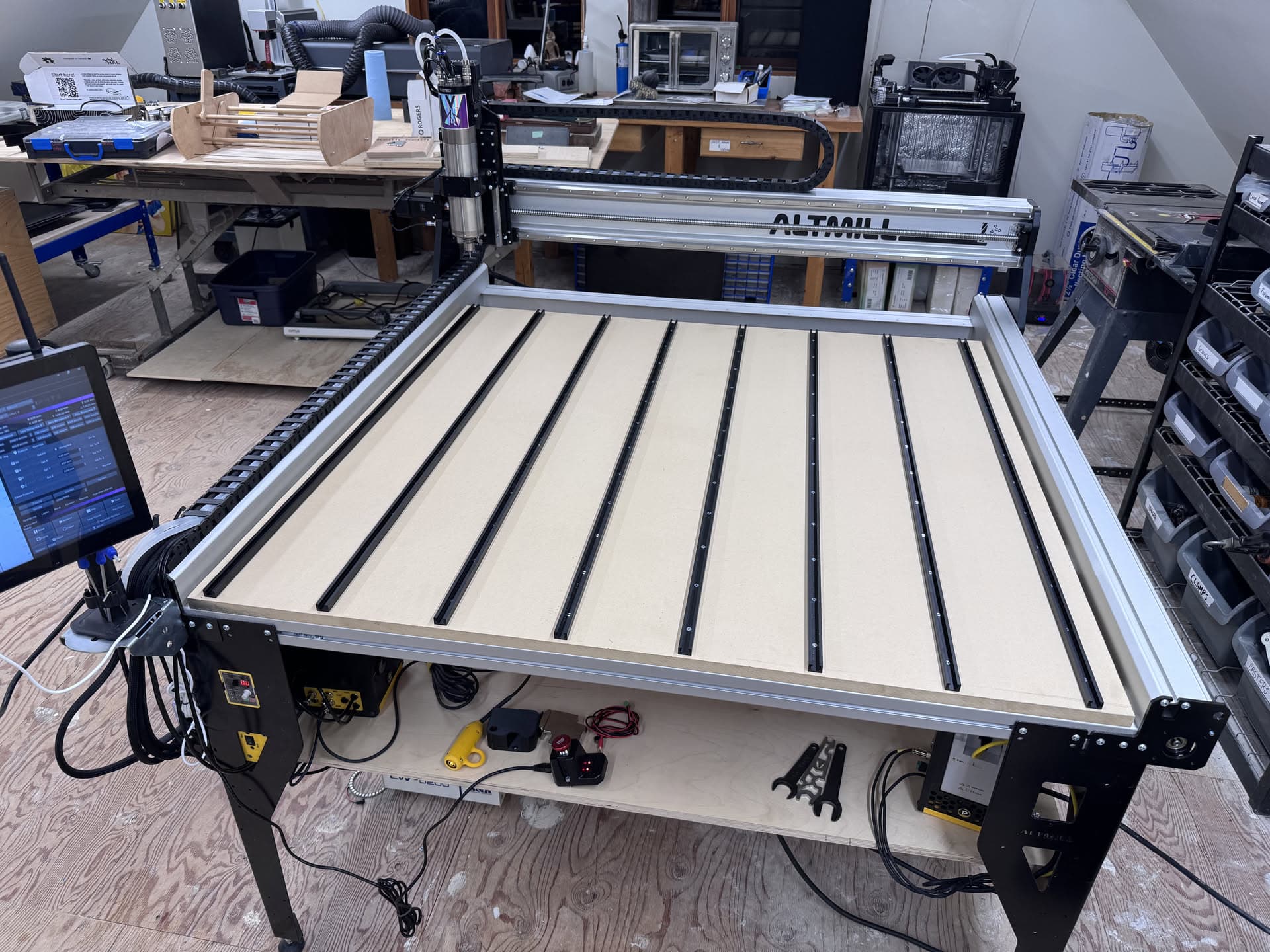
I have replaced the PWNCNC spindle with the first-party Sienci ATC.
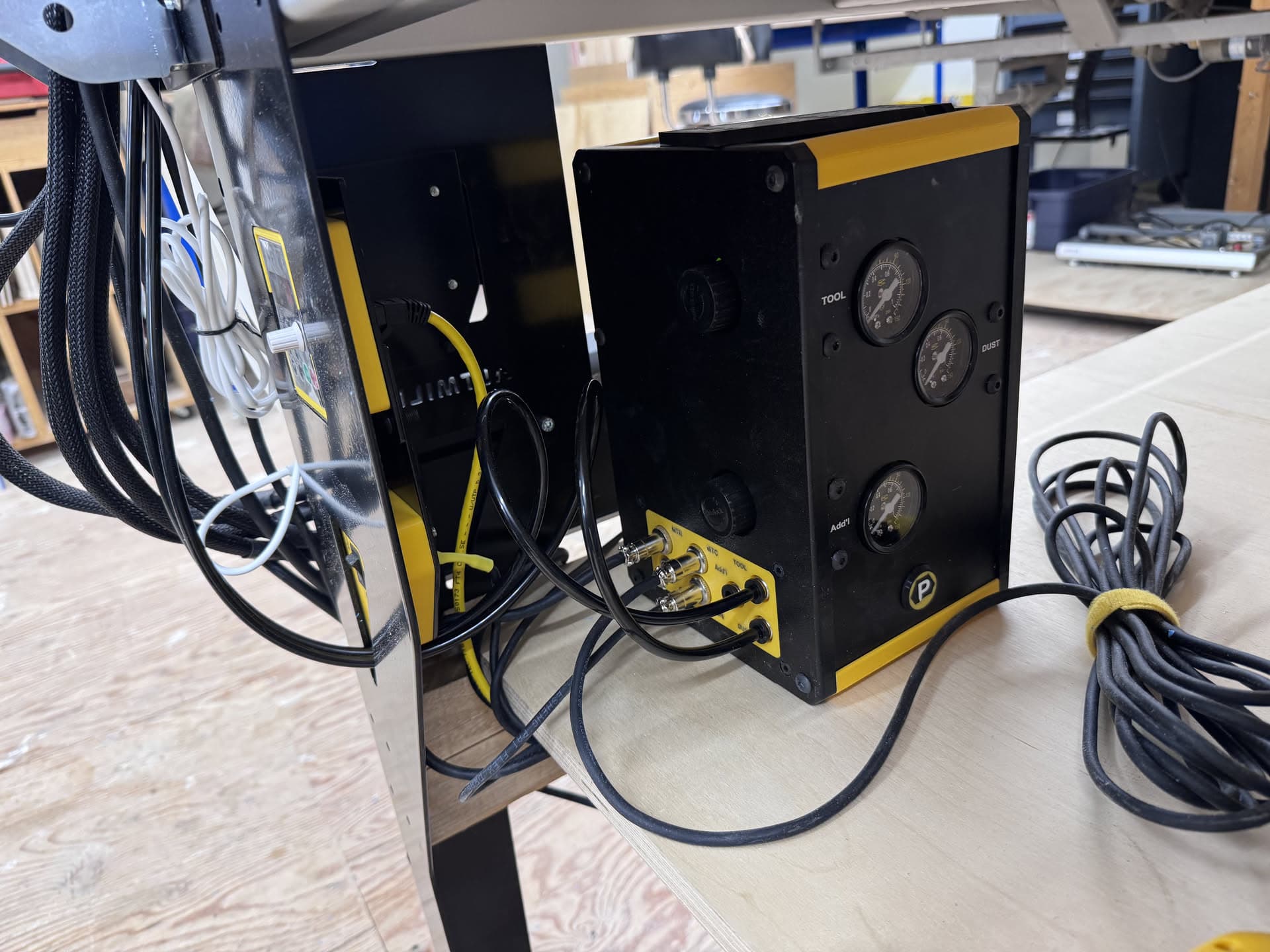
This is for a few reasons - first, like most devices, good hardware is nothing without good firmware (and software, for that matter). While the PWNCNC spindle certainly can do the job - the tightly integrated ATC offering direct from Sienci takes no integration effort on my part. Install was smooth, the dust boot is excellent, and the tool rack setup (and additional awesome features, like the tool-stud sensor to prevent crashes) is flawless.
I used GSender for the setup process, but am operating the machine entirely in MillMage. The wizard in GSender is very well-developed, and is recommended for the ATC setup - Sienci are the experts here and have built out the tools to make the setup a breeze. May as well use them!
In MillMage, I’ve set up the Device Profile to have Touch Probe enabled, ATC enabled, and made a few macros and G-Code flavour updates to rely on the firmware to perform all the critical actions like:
- Managing the keep out zone
- Performing the tool changes
- TLO length checks, if enabled in firmware via
$341
| $341=0 |
Normal |
M6 is handled manually; no automatic tool-length probing |
| $341=1 |
Manual touch-off |
Tool change, then manually touch off/probe |
| $341=2 |
Manual touch-off at G59.3 |
Moves to the stored tool-sensor location, then manual probing |
| $341=3 |
Automatic touch-off at G59.3 |
Automatically probes the tool after each tool change |
| $341=4 |
Ignore M6 |
Ignores tool changes entirely |
Macros
- Performing the Z block touchoff routine
- Performing tool length checks outside of the wizard
- Disable/Arm the keepout zone
- Call tools from the rack - 1,2,3,4
Along the way we found some bugs, and summarily crushed them with the help of our lovely Devs. As we approach the release of MillMage 0.9 much of the team is in their respective workshops using MillMage Pro’s new features, and validating bug fixes to make 0.9 as stable as we can.
As of writing, I’m around 3 hours into a 10 hour 3D Relief carve - the longest I’ve ever done. Initially there were a few false starts that I attribute to macOS’s USB fault tolerance (or lack thereof) and static from my dust collection.
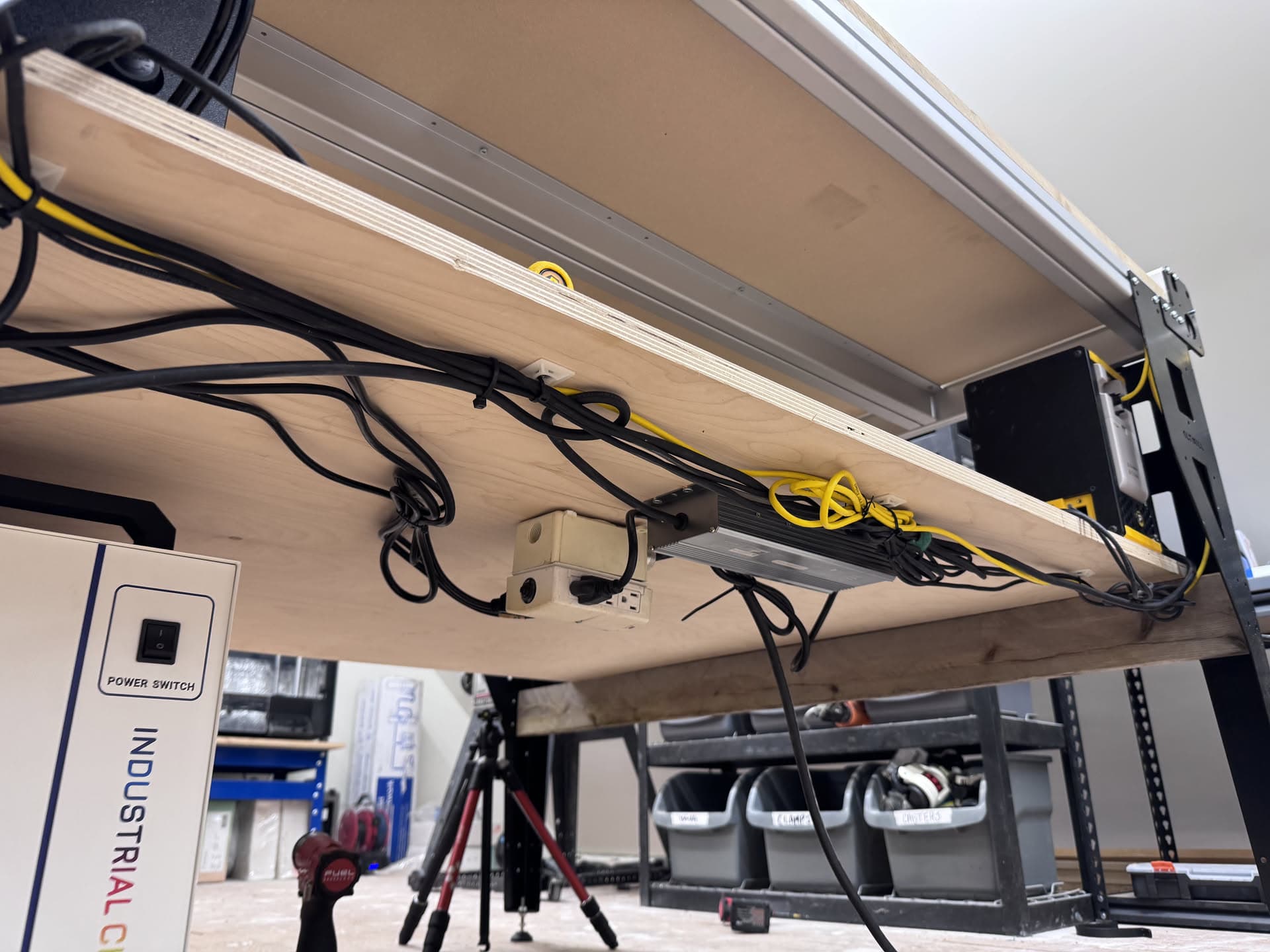
When connecting directly from a Macbook Pro to the SLB-EXT controller of the Altmill I was having intermittent USB disconnections, or so it seemed. I both swapped to a USB hub with it’s own USB controller onboard (an Anker dongle) and ran stranded copper wire between my dust collector, spindle, machine frame, and the building’s ground. One of those seems to have been the fix, and the spindle’s been turning for about 2 hours solid at this moment.
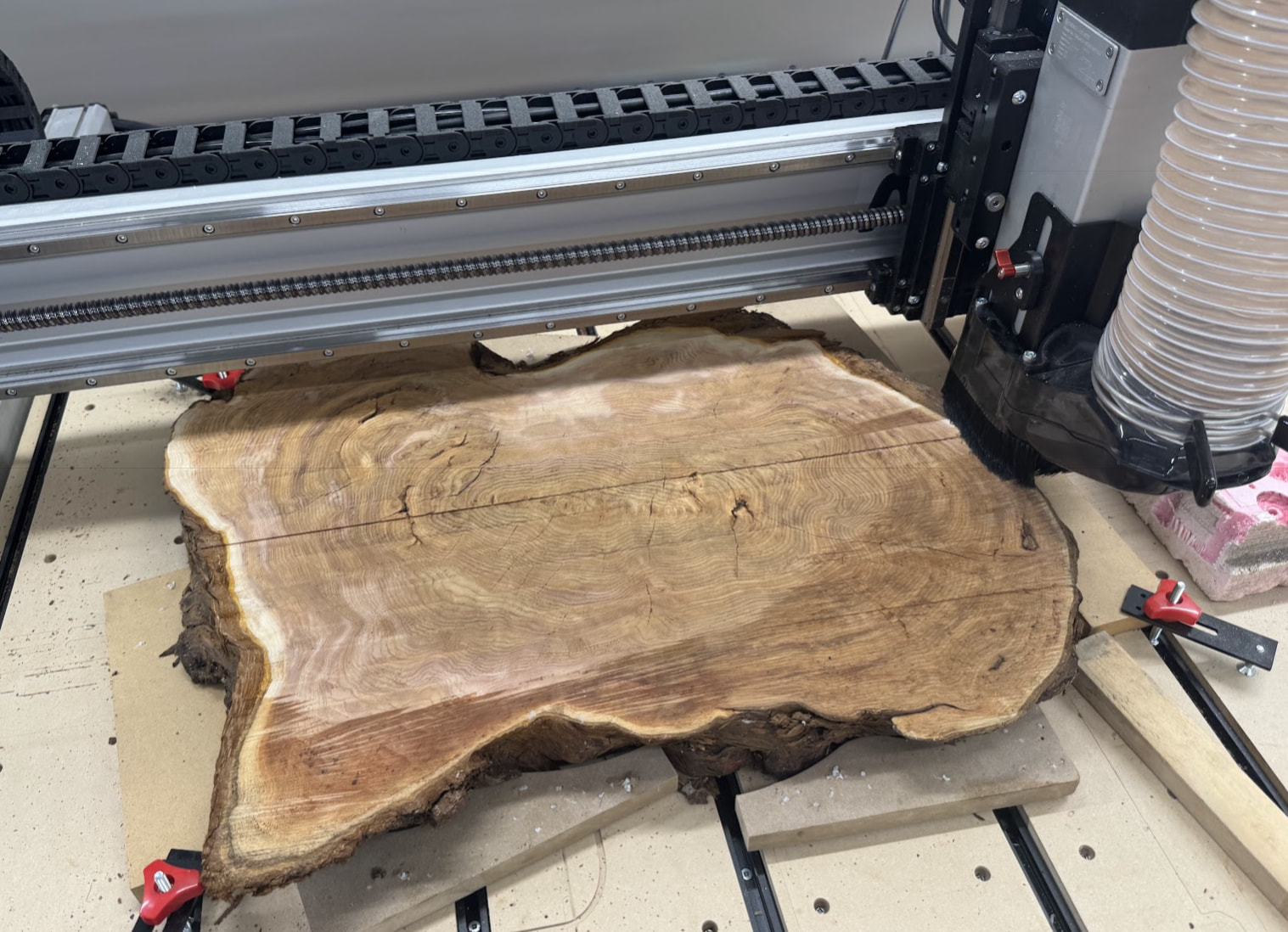
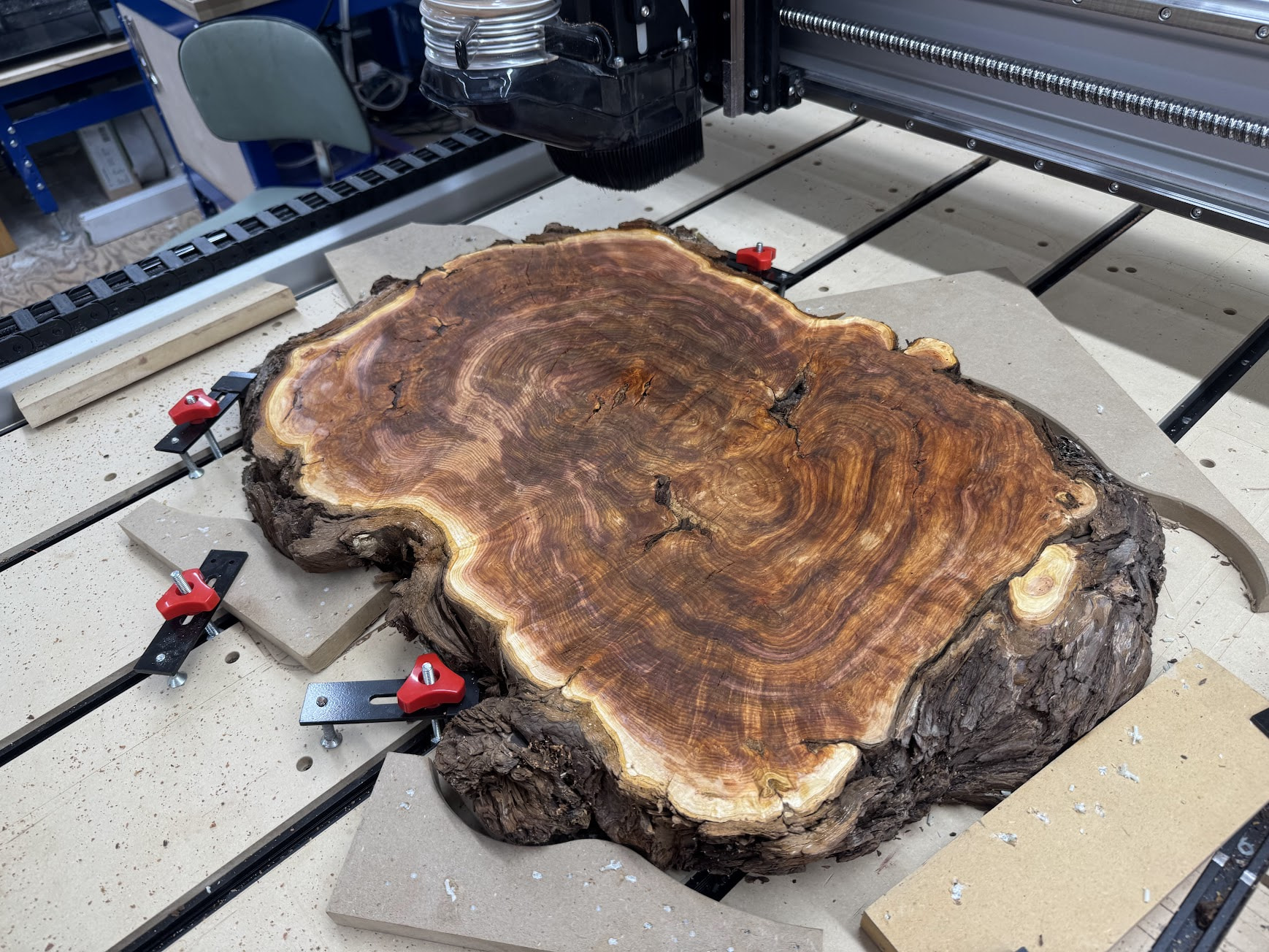
The current project is a topo map pulled from Topomiller of a local mountain range, carved into a ~24" Cedar round, which was chainsaw cut from a large burl.
Using the Facing toolpath, I decked the top and bottom planes to thickness. Using a combination of MDF scraps pinned down with composite nails, and the world’s jankiest t-slot clamps.
Then added a little water, to see the colour.
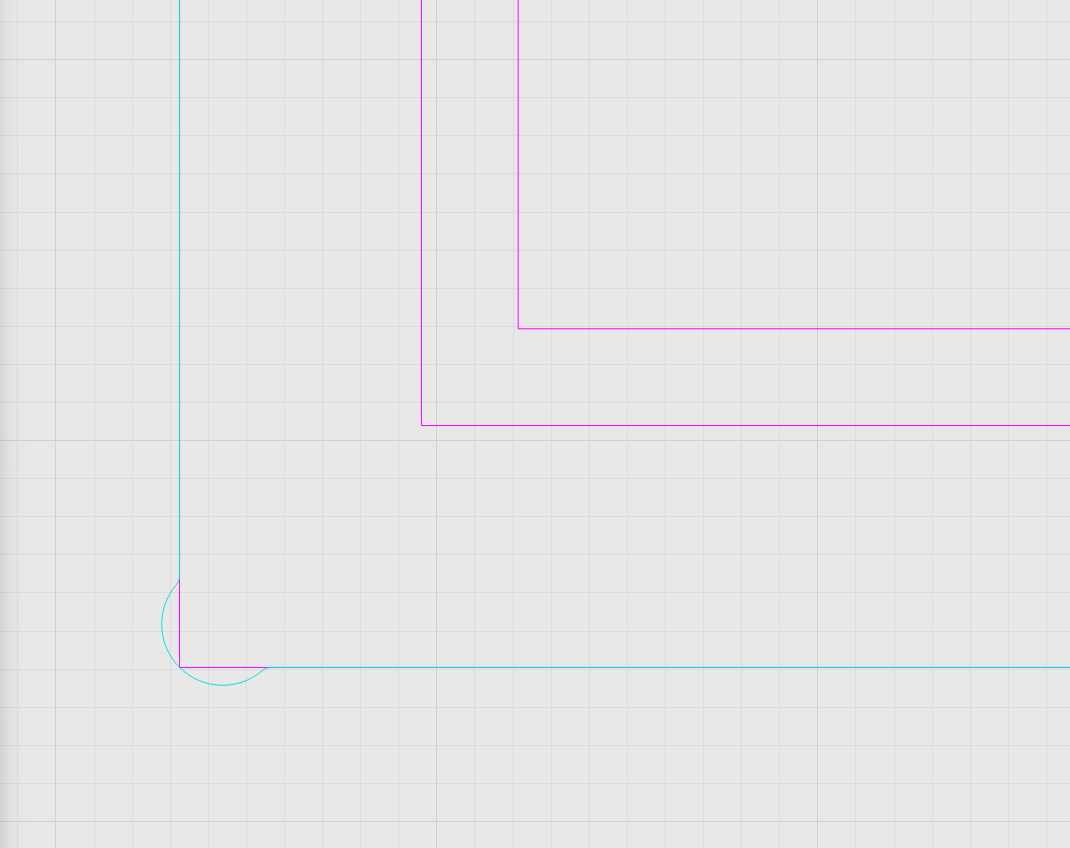
Next step was to program the job. This will get a 12" x 16" piece of 0.25" thick glass, so I designed a 0.25" x 0.25" pocket to fit that glass, +0.030" for clearance, and added dogbone corners, plus a tiny .010" fillet on those sharp dogbone corners.
3D Surfacing Softwood Template.mage (13.3 KB)