I’ve got two lasers, a ComMarker Omni 1 and an Omni XE - both of which have suddenly started engraving slower since updating to version 2.2 (don’t get me wrong, some of the new features are fantastic).
I use a rotary for both, and it’s almost like there is an increased delay between each rotation of the rotary, and the time it takes for the laser to start engraving again.
It’s causing a 6 minute engraving, to now take upwards of 8-9 minutes. I run a business, and the engraving time is crucial, especially when we have 20+ of these to do a day.
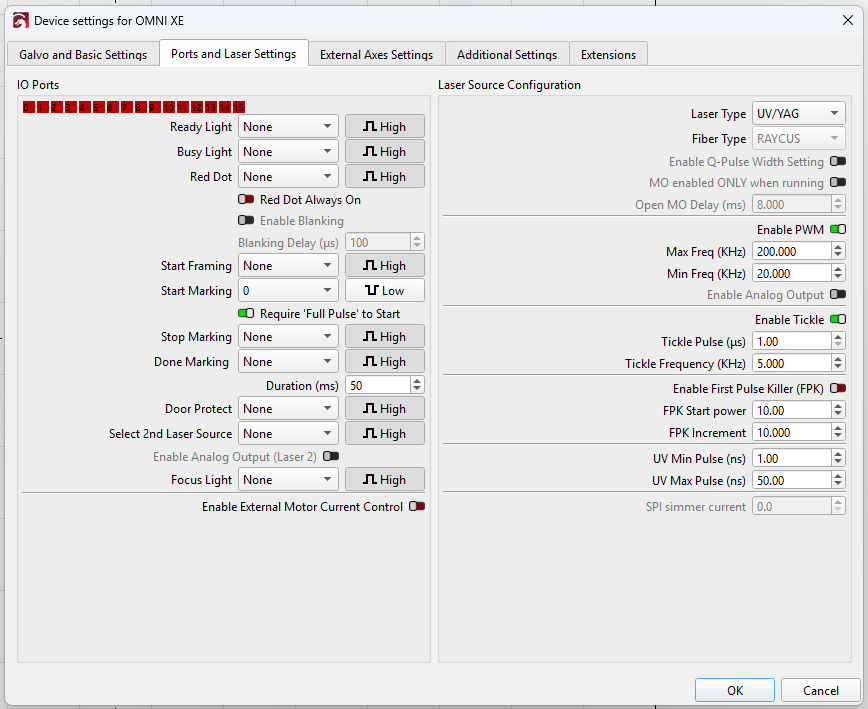
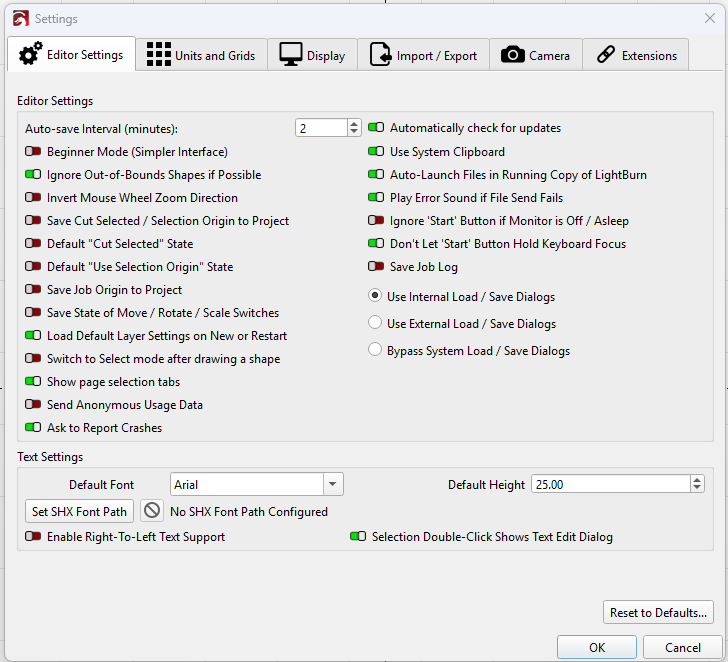
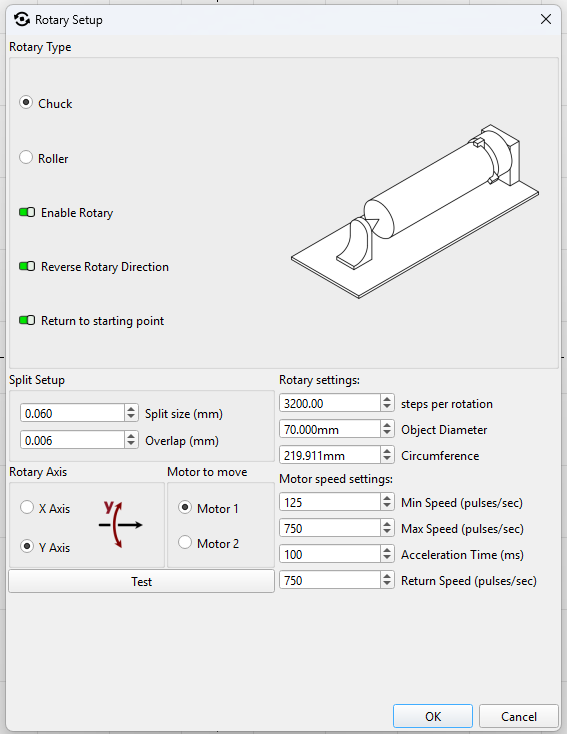
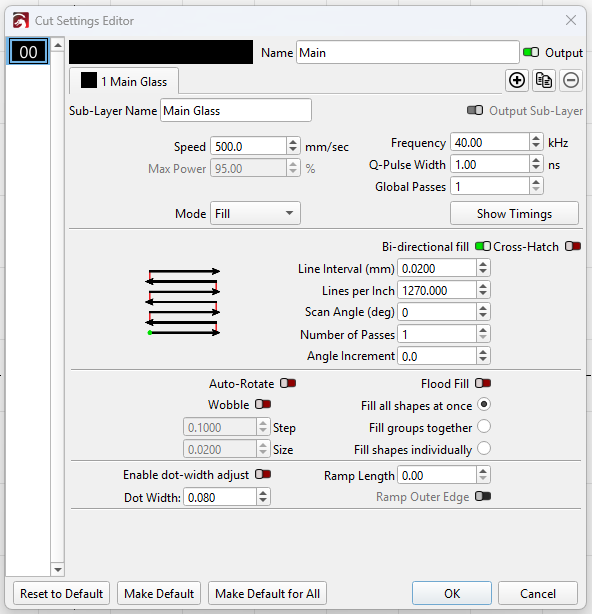
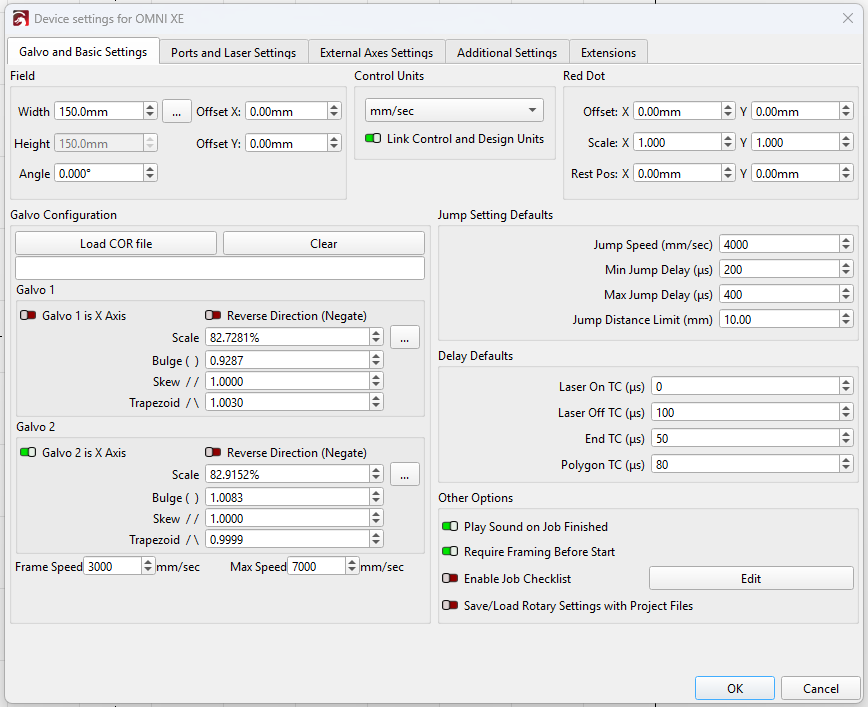
All of my main settings, (material/cut settings, rotary setup and device settings) all seem to be the exact same as before. Is there any new setting(s) that I am unaware of affecting this?
My Omni XE has always had this issue somewhat (slower in LightBurn vs Commarker studio), but it’s never been a problem since I just offset it by adjusting the line interval. But now it’s much worse, I can’t adjust any settings to fix it without loosing quality, and is also happening on my Omni 1 now.
Anyone else experienced this issue or anything similar since the update?
I know with the Omni series we had to make some improvements to how the rotary settings are updated. How Commarker has implemented the rotary support with their BSL controller is a little bespoke, and we have to update the holding torques based on the rotary axis that is connected.
Could you tell me which rotary make/model you’re using? As in the roller rotary or the chuck rotary?
We love that you’re running a business with LightBurn, and we take issues like this seriously, because it’s your bottom line. As a reminder, you can always drop back to 2.1 in the meantime from our releases archive here: Index of /LightBurn/Release/
Yes I understand the X/XE has it’s differences with the controller/driver on Lightburn, like steps per rotation etc..
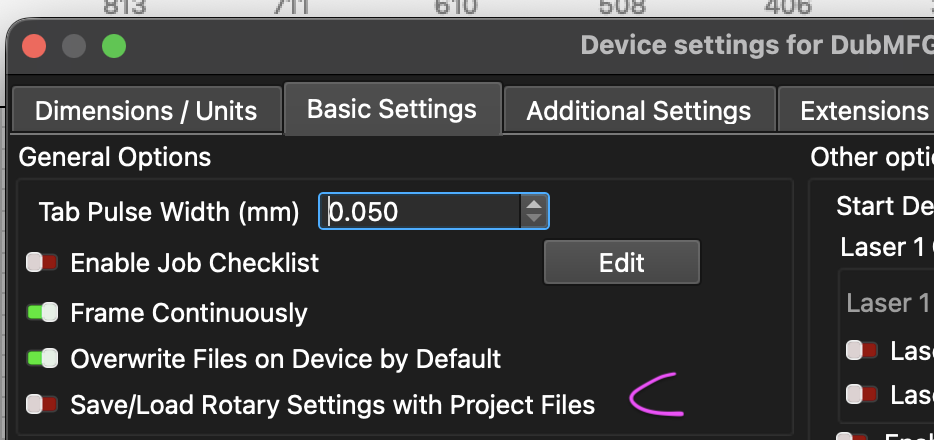
I only use the R5 chuck rotary, and have that setting disabled. I’ll probably drop down to version 2.1 next week.
I’ll attach my settings in case that helps, but please let me know if you need anything else at all to get more of an idea as to what’s going on, happy to help