Since I ran the update two days ago I can’t get my laser to engrave any designs correctly. I first thought I had bad files and reached out to designer but found it happening with old files I used before as well as files from other sources.
I engrave designs on hats. I do hand burning but use laser from the more substantial and detailed designs.
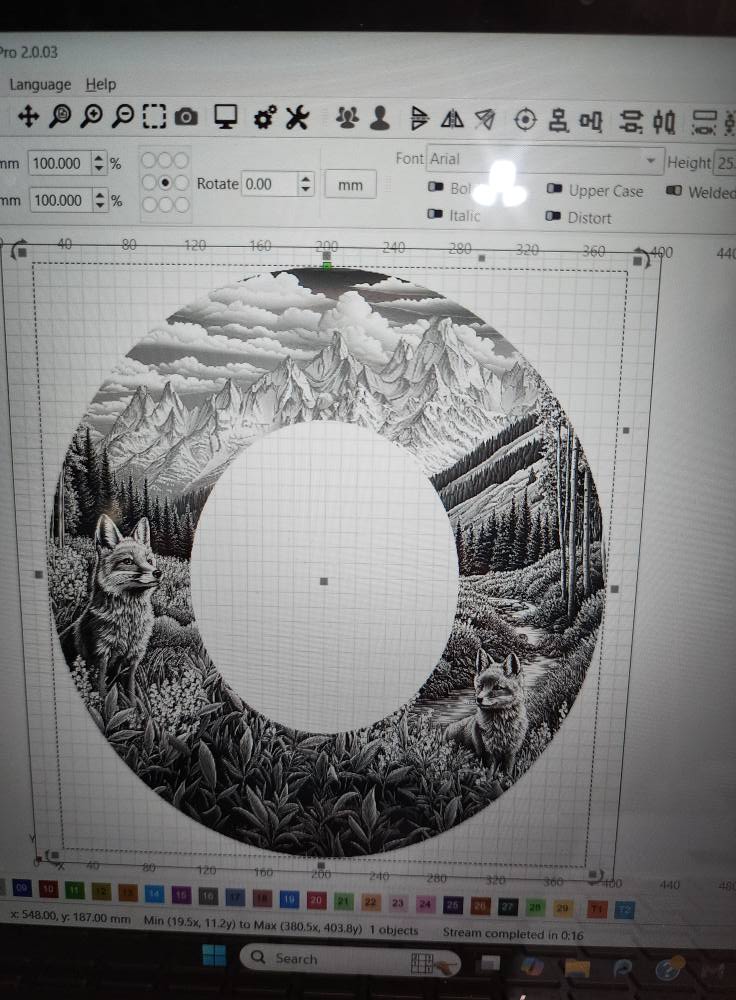
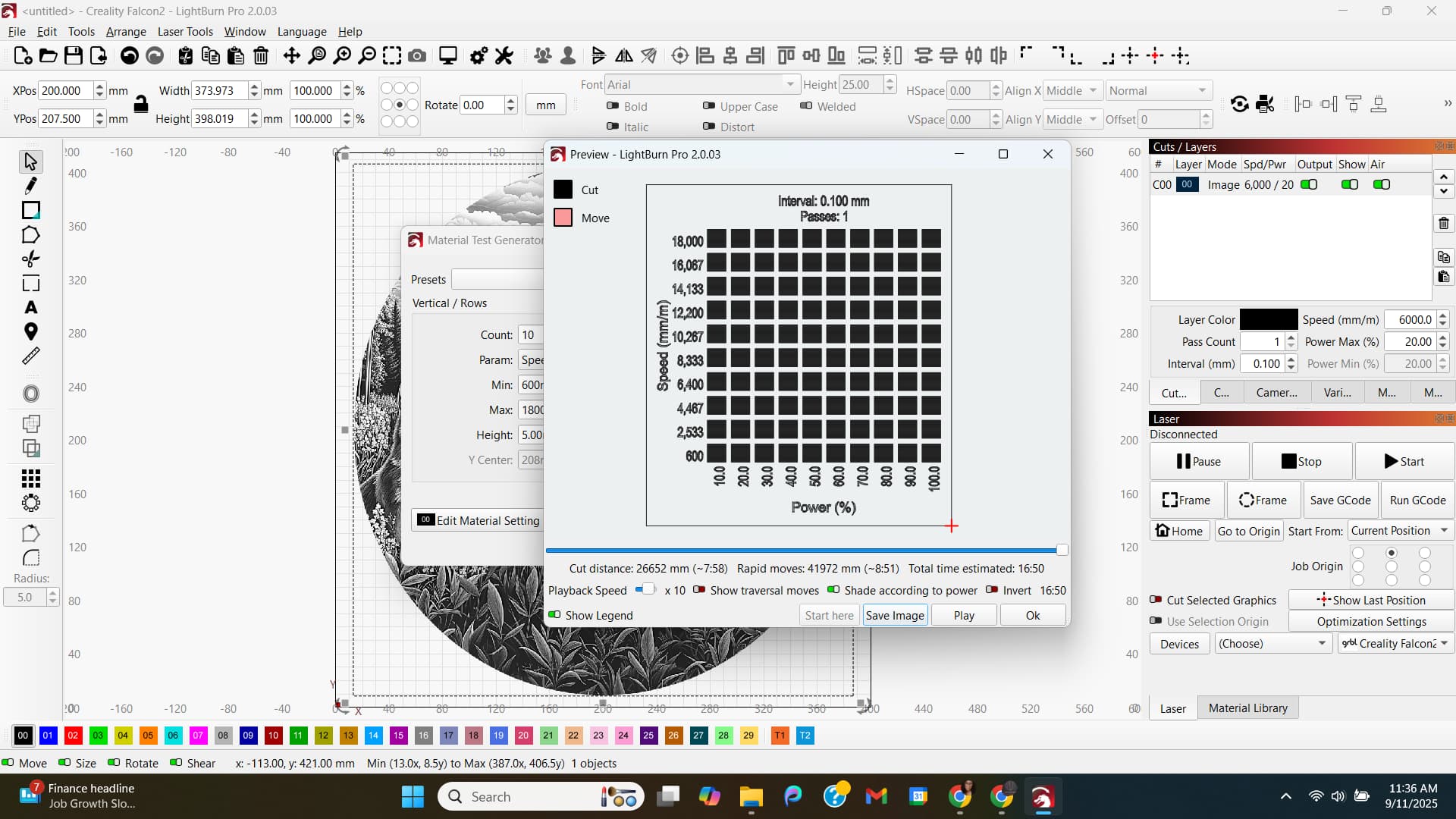
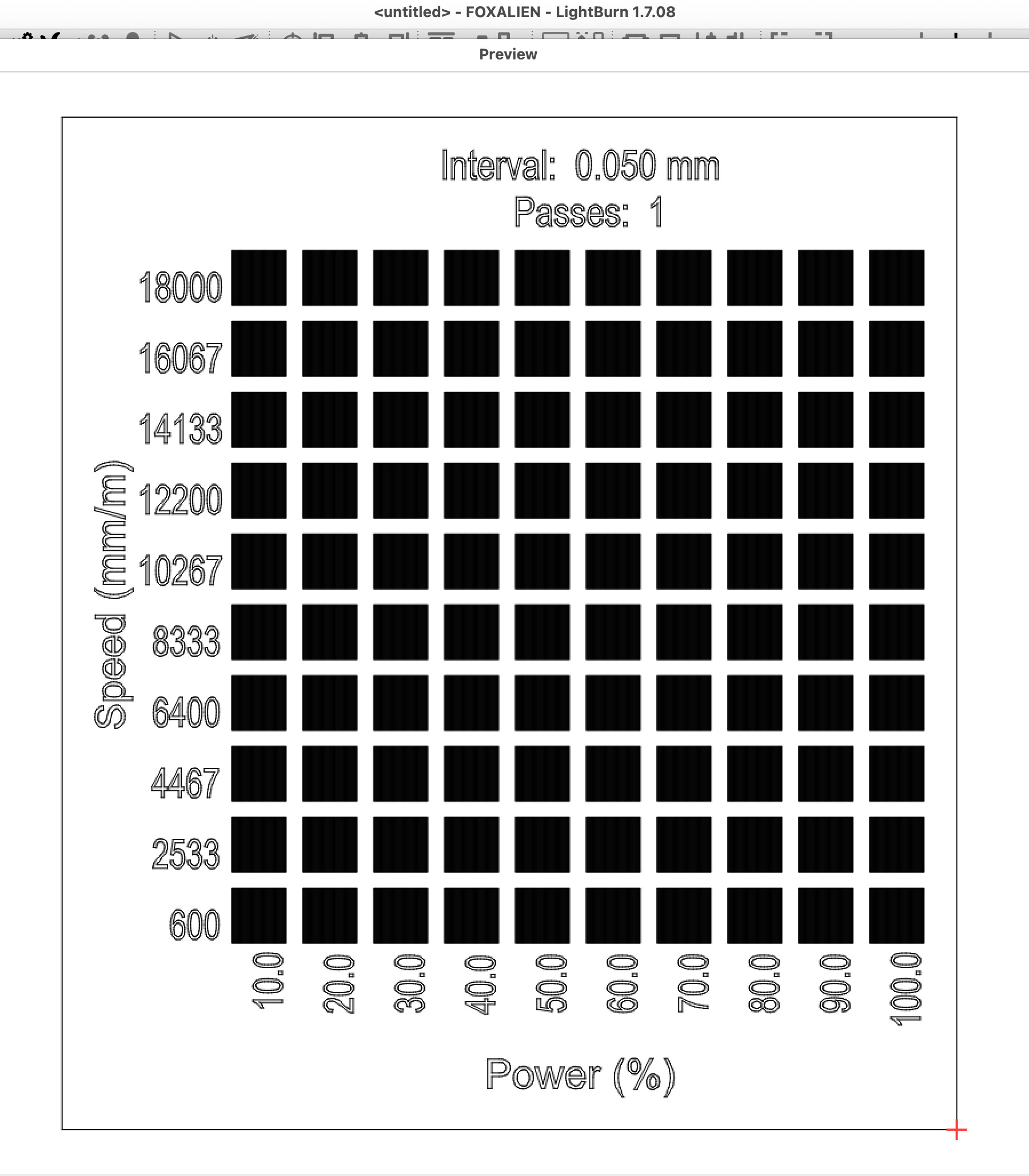
When I import a file into Lightburn the preview shows almost a completely black final product in all images modes except grayscale. So I went with grayscale but it still burned solid. I don’t know how to fix this! I have tried redownloading file and got same result. I turned everything off and started over with same result. I tried going back to old version and still getting same result. I made sure my laptop was up to date with all updates. i uninstalled lightburn and reinstalled. No change.
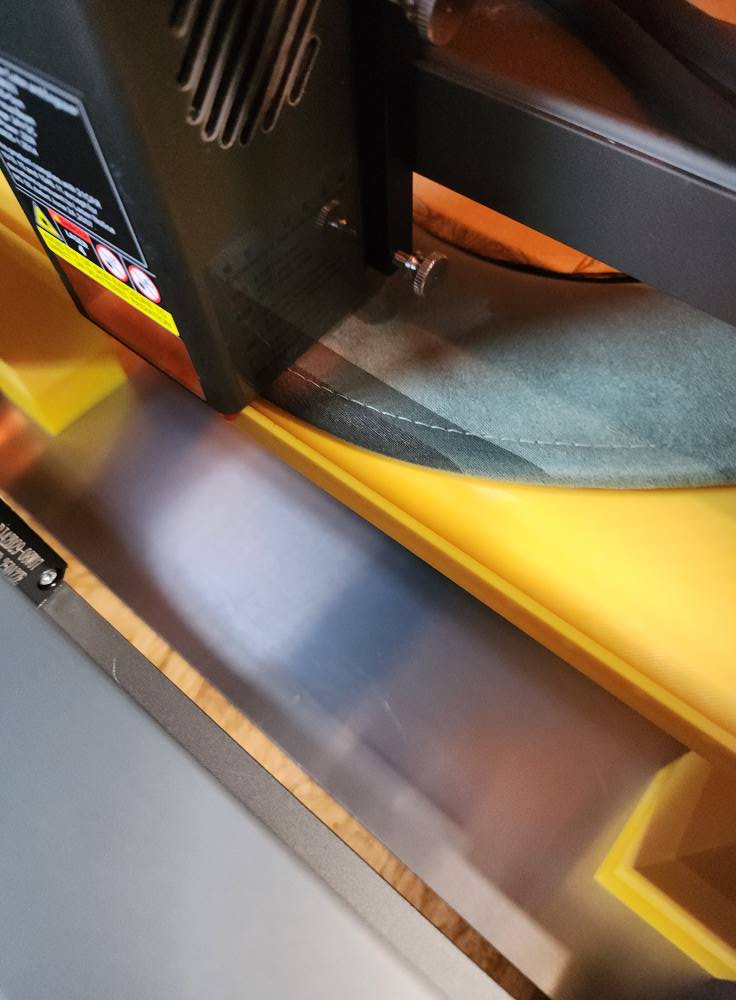
You will see different colors on the engraved part of the hat because I have used the same hat to check the different settings since it is already ruined.
I am using a Creality Falcon2 22w.
started at 6400 speed and 20% power (previous used setting)
I have tried lowering speed and lowering power and nothing is working.
Any advice/help is greatly appreciated!