Hello, I am on a Mac and on version 1.7.08 of LightBurn. I am trying to update to the latest. It downloads, I close the program, drag it over to the right and nothing happens. When I reopen LightBurn I am still on 1.7.08.
When dragging the LightBurn logo to the right, drop it on the Application folder. You should hear an audible noise confirming you dropped it and it was installed correctly.
You should find that new version in your Application folder and can launch from there.
If this is not working for you, please record a video of what steps you are taking and the result you get. Then host that on YouTube or similar, make it public, and provide the link to that video here for further review. 

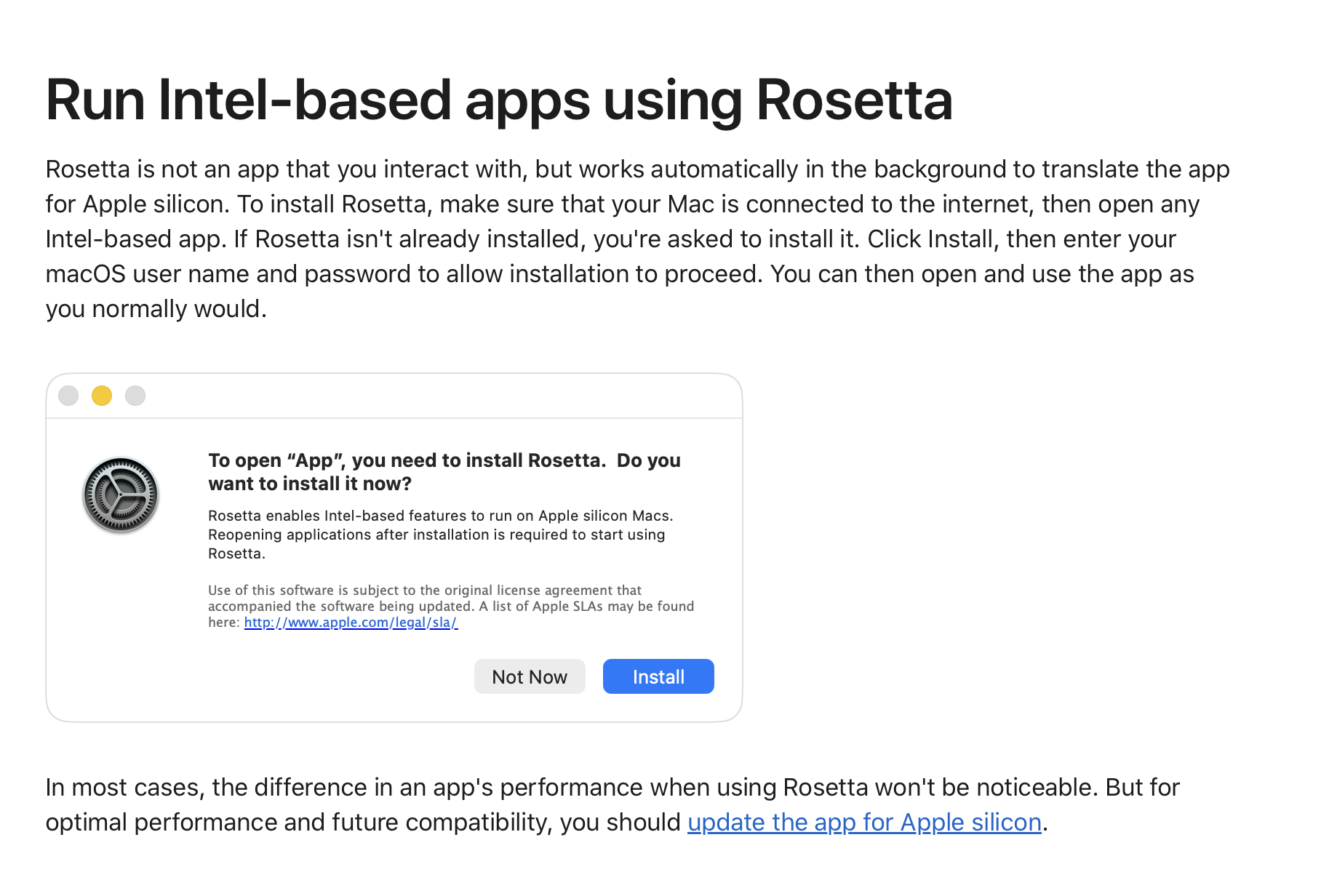
LightBurn will take up to a few minutes to do the initial launch when installing new versions as Rosetta performs the necessary file translations to run on Apple Silicon - read more here: macOS Compatibility Update – LightBurn Software
We have Apple Silicon-native versions of LightBurn currently in testing, and will be releasing those to the public once they have been proven. This will eliminate the first-start translation delay, as well as the message you see.
Thank you. So I won’t have to download anything else?
You can just follow the standard update process - the installer will be universal, and will install the correct version for your mac.