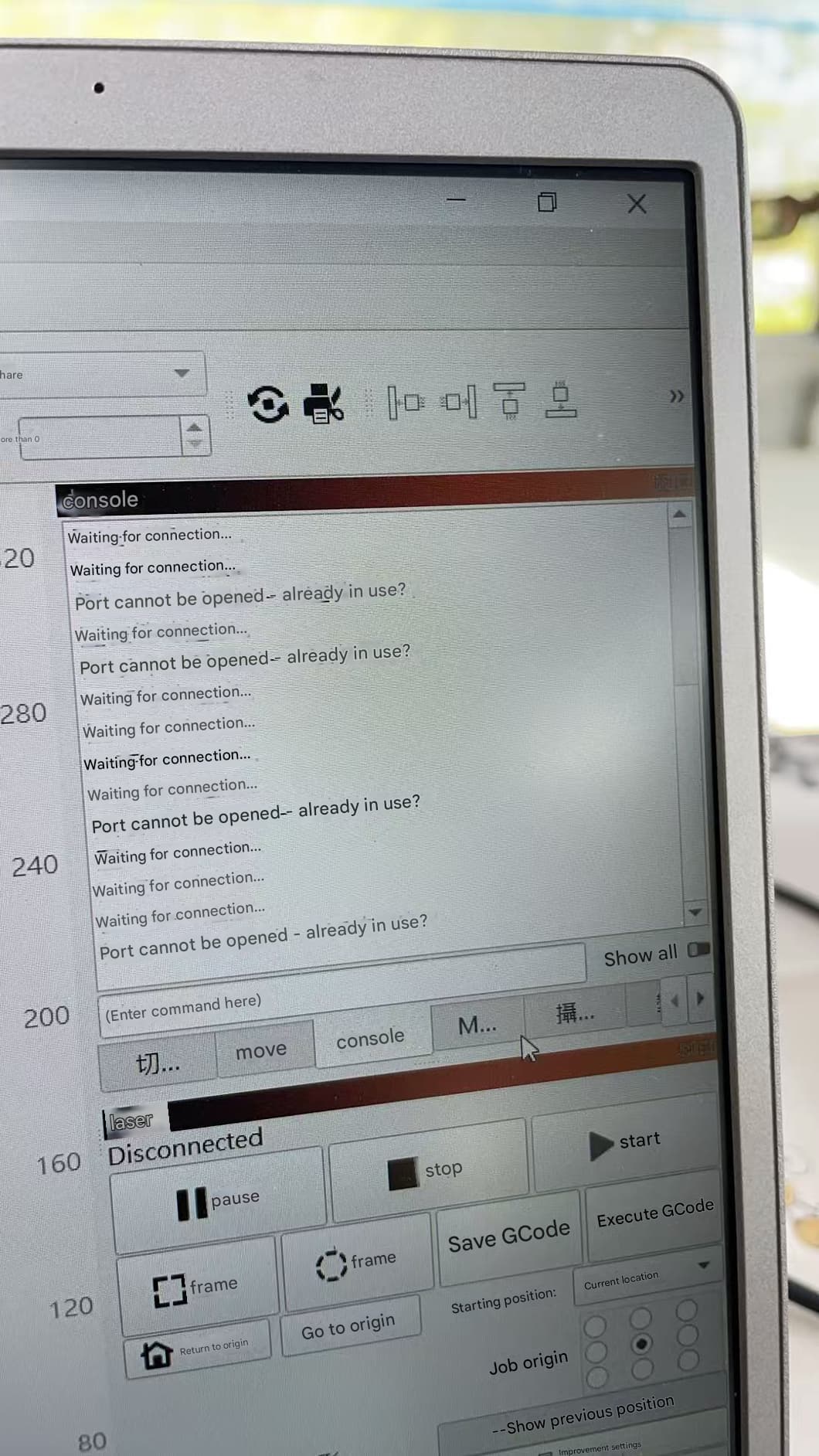
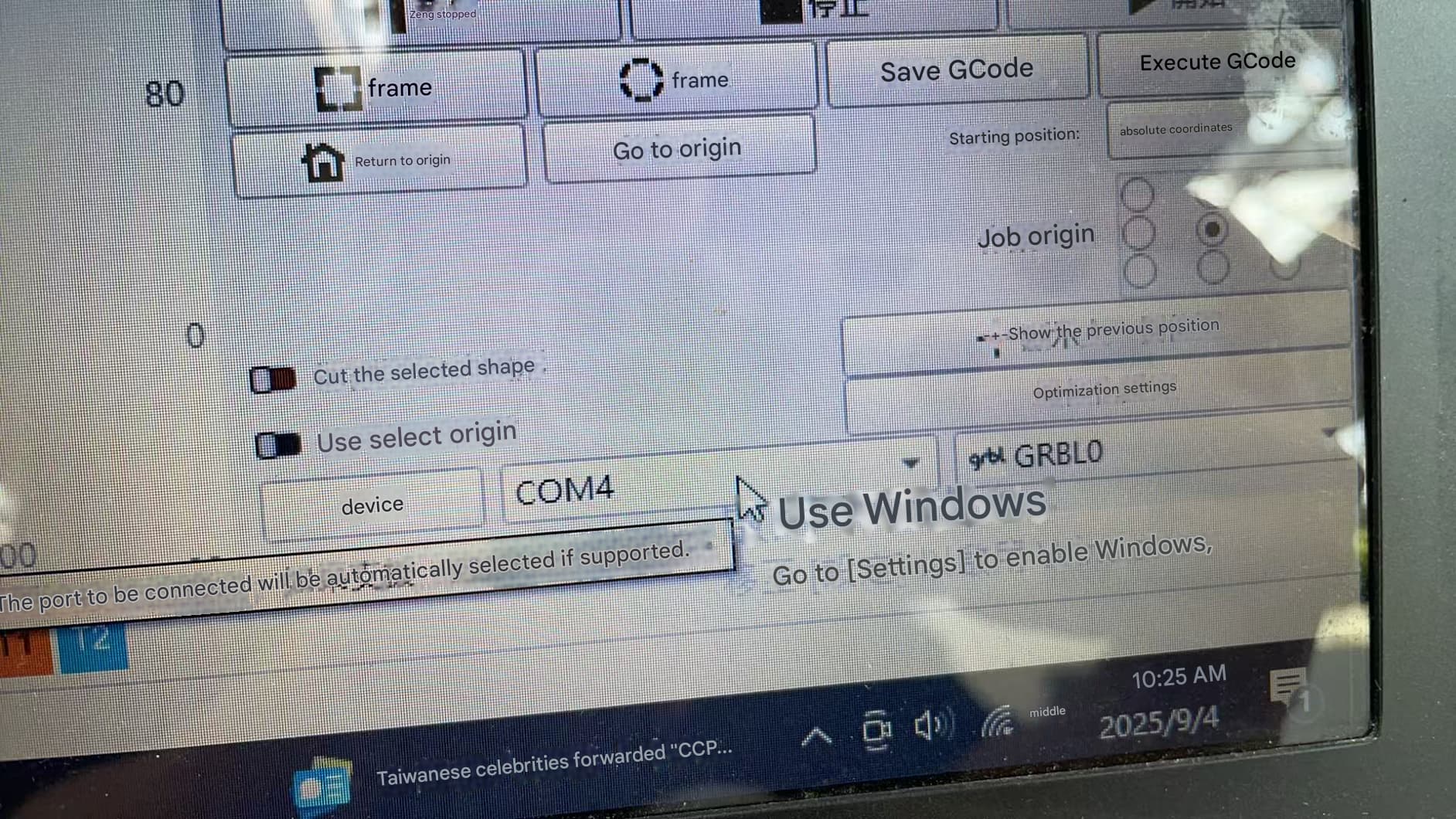
I downloaded Lightburn, and both computers are Windows 10, but why can’t I connect to the machine on the other computer when one computer can connect successfully? The screen is as follows👇
This is the linking process for the second computer. The linked machine cannot connect successfully. The second computer also selected the same COM 4 port as the first computer, but the connection failed.
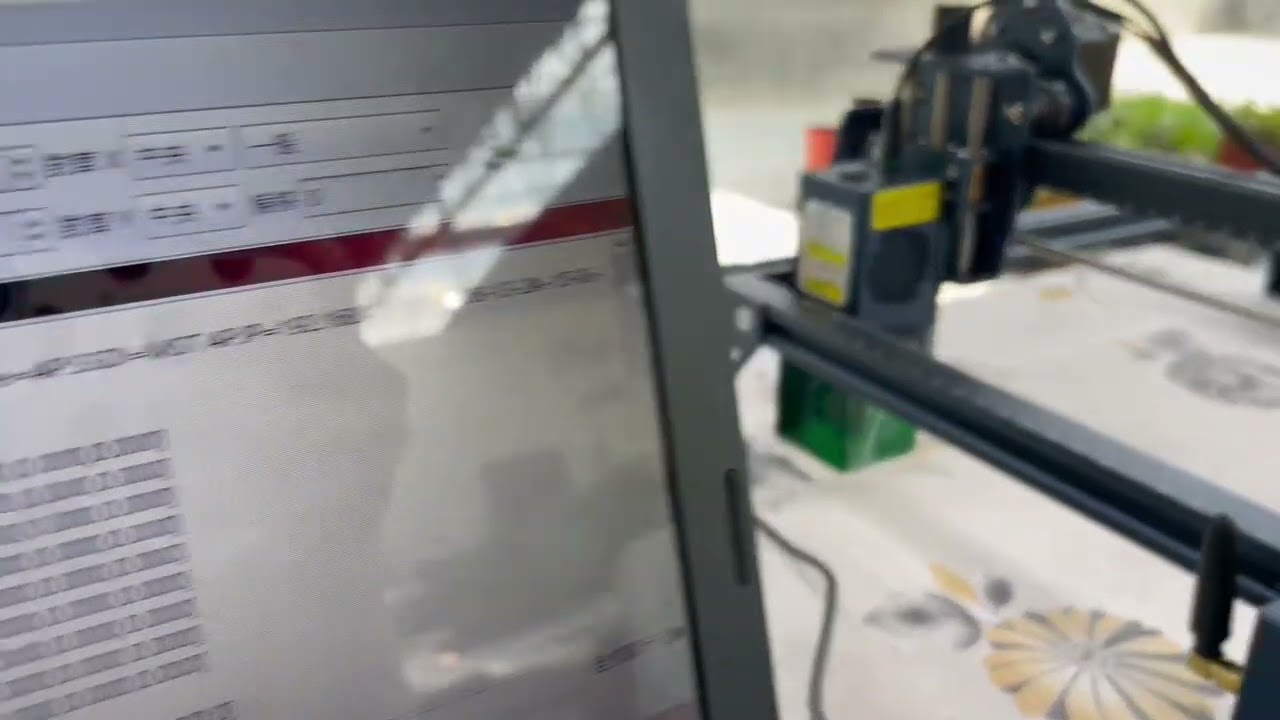
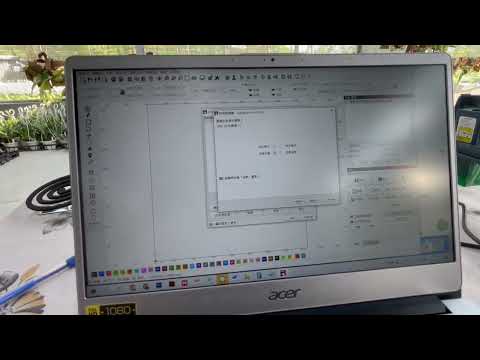
Sorry, there was an error uploading the last video. That video was successfully linked on the first computer. Here is the video linked on the second computer.
Did you install the CH340 drivers as mentioned in this manual?
COM port numbers are assigned by Windows, not by the connected device.
→ Try using the other COM port on your second computer.
To make sure, you have the same settings as your other machine, you can transfer your settings from one computer to another by using the User Bundle Feature.