The first thing I noticed about MM and loved is that you set the start and and final depth. I thought that is how Aspire worked so the pocket cut went WAY deeper than I intended. I thought it was starting at 10mm and going another 2 but it was going to 22mm instead.
I also love how you can export the gCode grouped using various methods. In Aspire I can’t find a way to save the gCode by the tool, just the different tool paths. So you export the pocket cut then the profile cut. I can now just export by the 6mm end mill and it will do both.
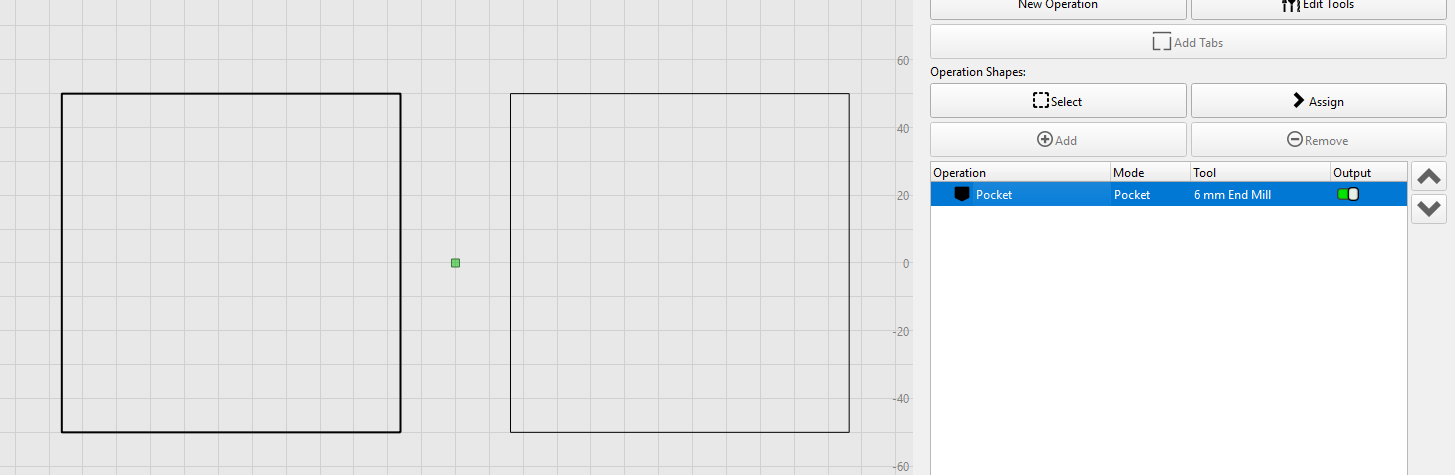
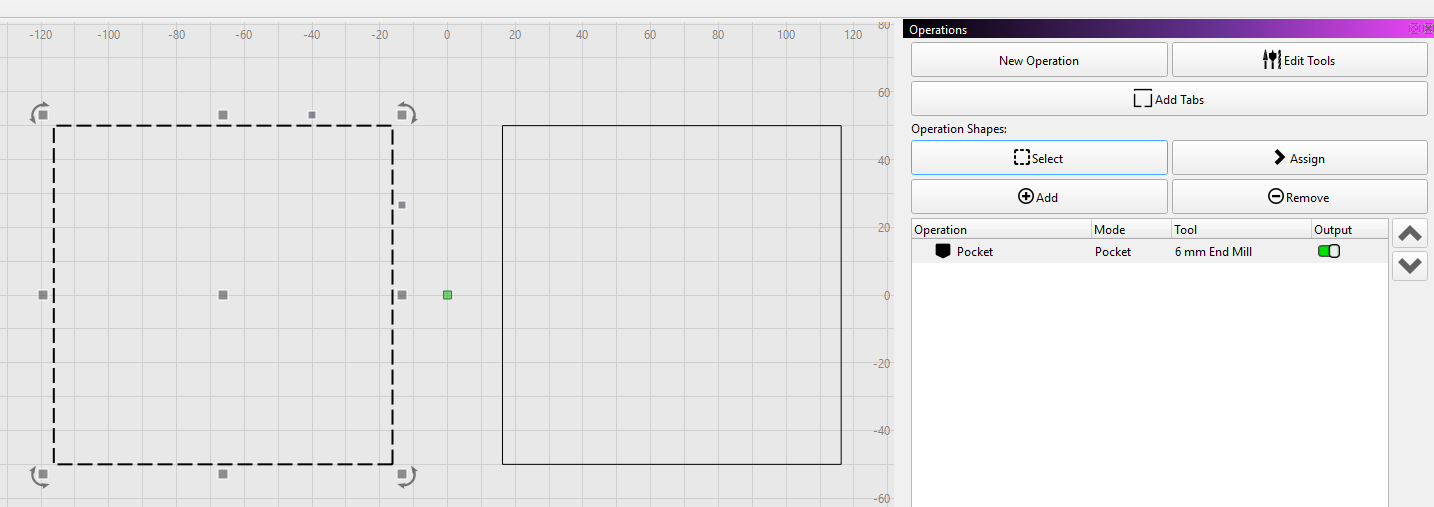
One of the things I think can be improved is that when I select an operation it just makes the object a slightly thicker line. As someone that needs glasses I would like to see that improved and made more pronounced, something like a dashed line.
My suggestion is to change the operation selection to the black dashed line and use a red dashed line when you are using the Select button.
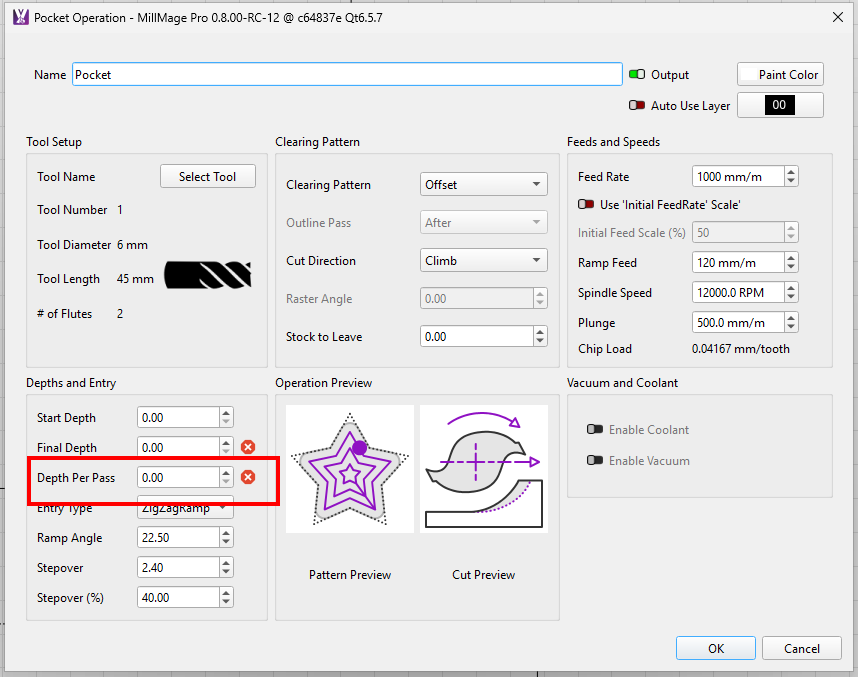
I also like that when it is set to take a 3mm Depth pass it does a 3mm depth pass and the last cut is the left over. So doing 10mm depth it does 3x3mm and then a last cut of 1mm.
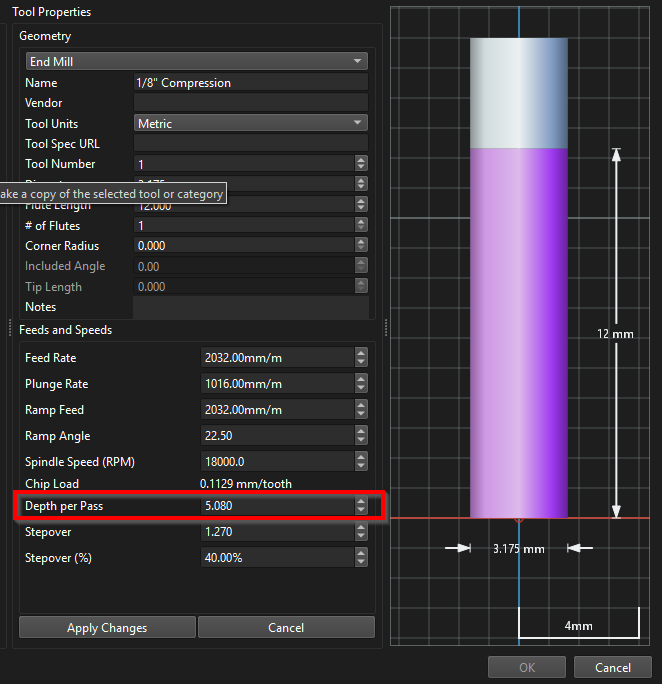
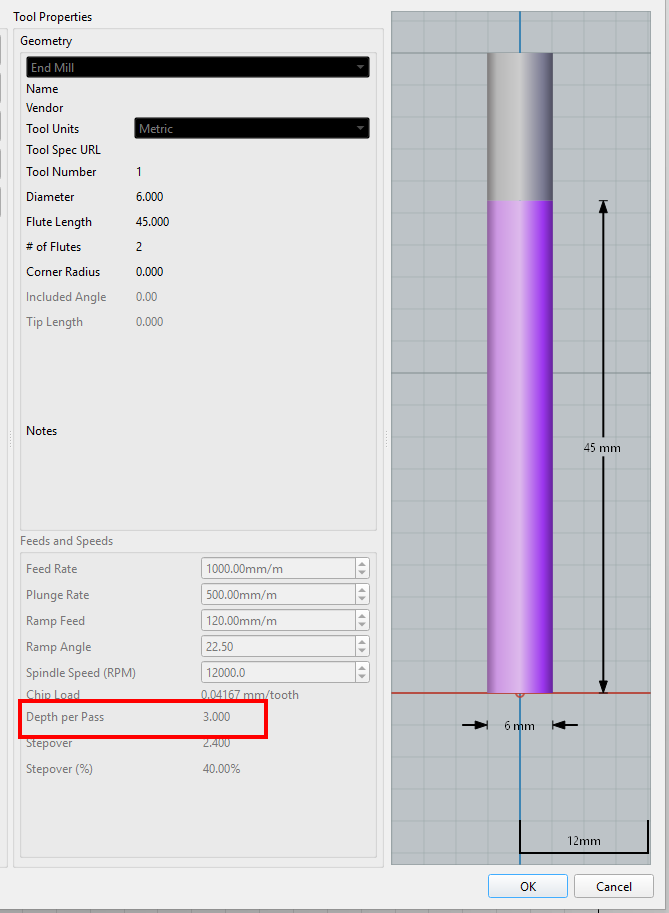
The improvement I would like to see is that depth pass is in the tool profile. The majority of people do a depth cut of 1/2 the diameter of the tool, set it as the default in the tool and you can alter it when adding the operation if required.
We have discussed what differentiating the Geometry in an operation quite a bit. We might be able to make it even thicker to make it more apparent.
The problem with making it dashed is that’s how we show that it’s selected AND in the operation.
If we make it red, lines on the red layer (yes, all the color layers from LightBurn are there for your organizational enjoyment) will look selected.
All this to say - Good UI/UX is hard hahaha.
As for the tools.
Depth per pass is in the tool library and sets that value in the operation. We have discussed modifier values like percentages for setting the value, but right now we just want to get this released, so we are holding off on some of those “nice to haves” that need more testing -
Maybe have the thicker line start flashing? Or make it much thicker? Or have a setting that allows you to set the thickness of the line so I can set it to 20mm for my old eyeballs
I didn’t mean to have the Depth per pass as a percentage in the tool, just a value. I had a look and you are right it is there:
I think the previous Depth per pass would be better than the tool default because if I am doing a piece of hard wood and I want to do 1.5mm Depth for the operation using a 6mm end mill I am going to want to do the same for the next operation with the same tool. If I select a different tool then the Depth per pass will be the tool default and I would change the Depth.
Sure I could go through all the bother of creating a new category for hardwood and setting the Depth per pass in that but when I am using pine 95% of the time it is easier to just manually edit when needed.