Guten Abend liebe Lightburn-Gemeinde,
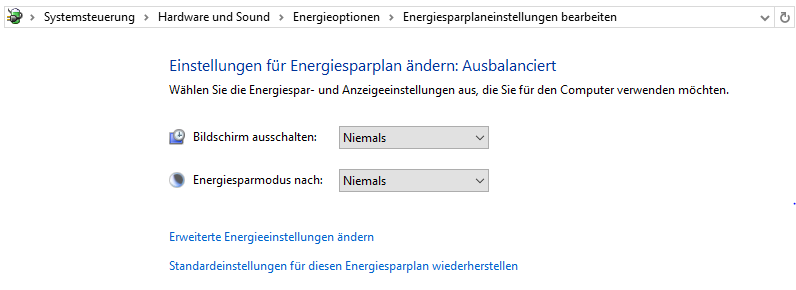
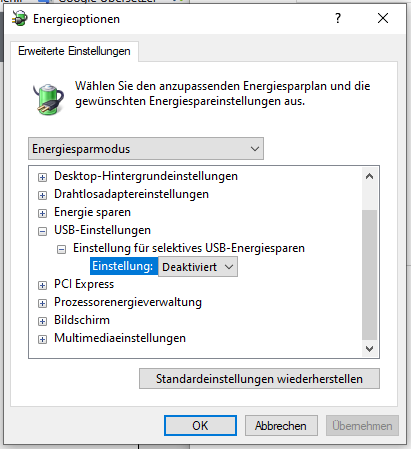
ich habe mir jetzt alle Hilfen durchgelesen und alle USB-Einstellungen geändert die in Windows 10 möglich sind. Ich bin mittlerweile am verzweifeln…
Lightburn hab ich schon längere Zeit und mit meinem Dioden-Laser S10 wunderbare Sachen konstruiert. Vollversionen immer aktuell.
Jetzt hab ich mir einen Monport Faserlaser MOPA 100W gekauft. Er ist zwar gebraucht, jedoch wurde er wenig genutzt.
Ich habe mir einen Spiele-PC zugelegt mit getunter Grafikkarte und vielen anderen Dingen. Software ist Windows 10 und die übrige Software ist eigendlich immer aktuell.
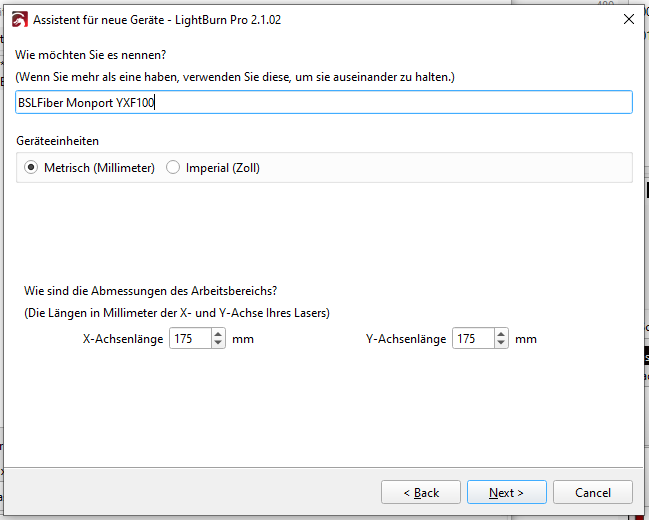
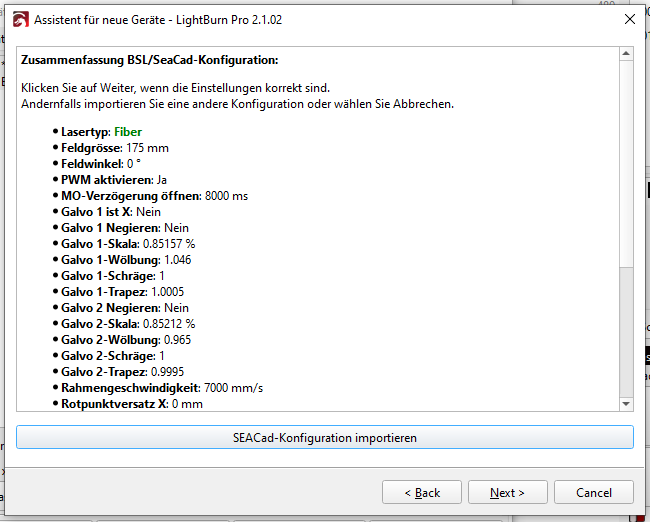
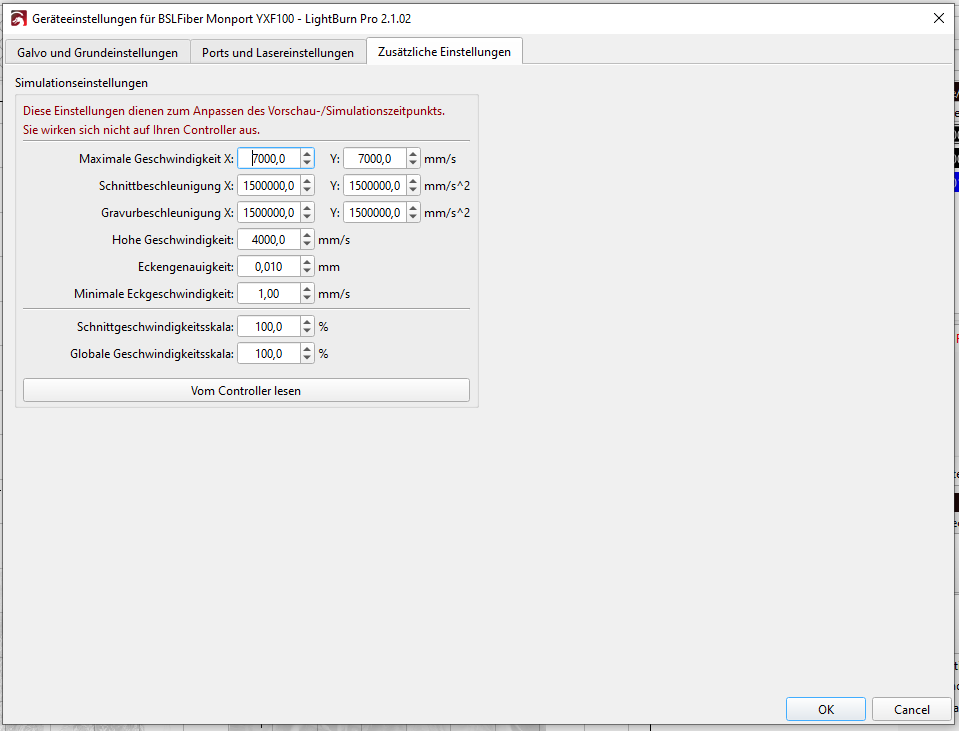
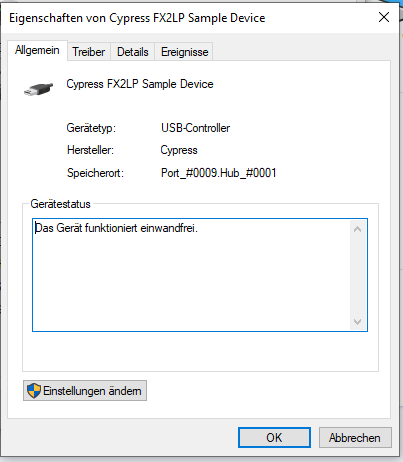
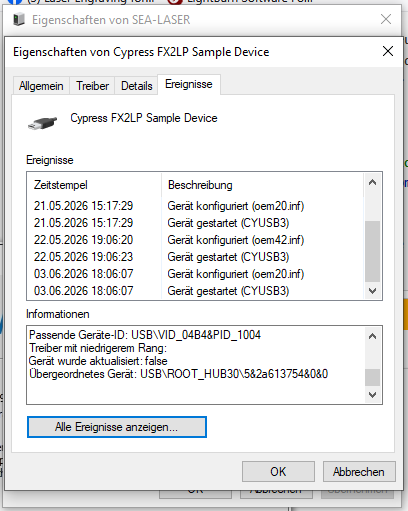
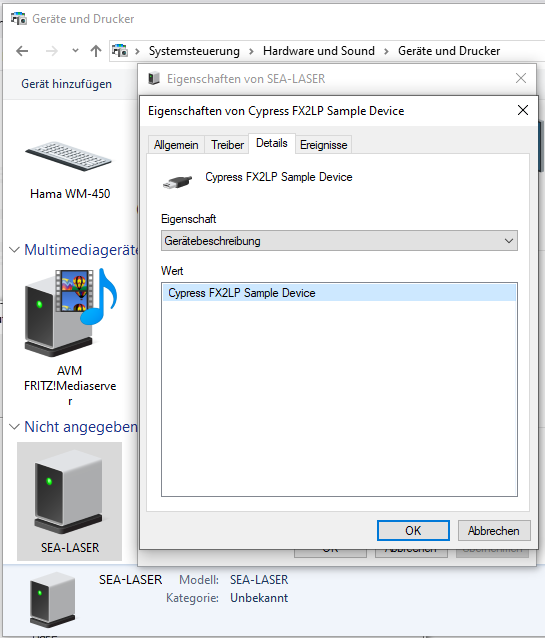
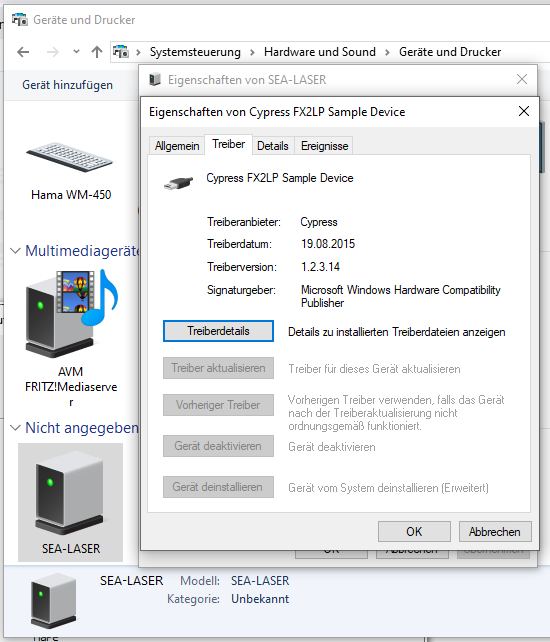
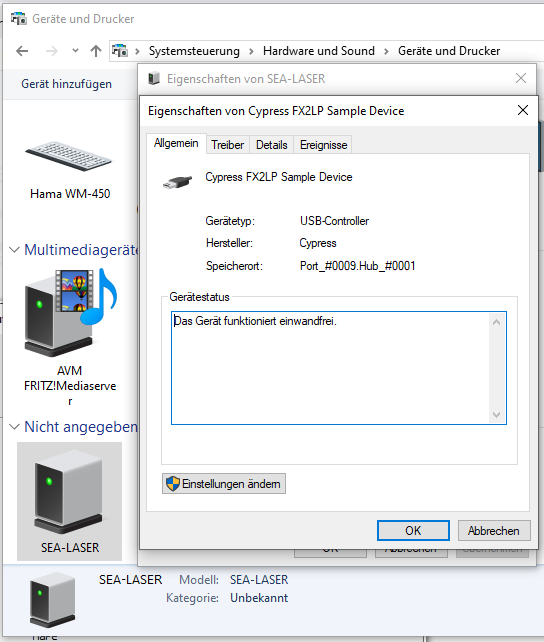
Ich habe jetzt dieses USB-Problem mit Lightburn 2.1.02 und deren Vorgängerversion. Wie gesagt, alle Einstellungen aus euren wunderbaren Hilfen sind gemacht und dennoch auch nach mehrmaligen rauf & runterfahren des PCs bekomme ich keinen USB-Kontakt. Ich hab Bilder gemacht von den Einstellungen, jedoch beim Suchen des Lasers steht USB auf (None).
Ich brauch Hilfe von euch und wäre sehr dankbar.
Im Anhang die Bilder
Good evening, dear LightBurn community,
I have now read through all the help guides and adjusted every possible USB setting available in Windows 10. I am truly at my wit’s end…
I have been using LightBurn for quite some time and have created some wonderful projects with my S10 diode laser. I always keep my full software versions up to date.
Now, I have purchased a Monport MOPA 100W fiber laser. Although it is a used unit, it has seen very little use.
I also acquired a gaming PC featuring a high-performance graphics card and various other upgrades. The operating system is Windows 10, and all other software is generally kept fully up to date.I am currently encountering a USB connectivity issue with LightBurn version 2.1.02—as well as its previous version. As I mentioned, I have applied all the settings outlined in your excellent help guides; yet, even after repeatedly restarting my PC, I still cannot establish a USB connection. I have taken screenshots of my settings; however, when LightBurn attempts to detect the laser, the USB status remains listed as “(None).”
I am in need of your assistance and would be extremely grateful for any help you can offer.
The screenshots are attached below.