My space bar no longer works in 2.0.02 when inputing text. It worked in 2.0.01
You have checked for board chow under the spacebar, right? 
No problem with 2.0.03 RC2 on Win 11, either local or through RDP, so more details on your system / keyboard / project will help narrow down the possibilities.
New Macbook Pro M4 Sequoia 15.8 Space bar inop when entering text. Works fine when I go to edit.
Definitely weird …
Figuring it out will require somebody who speaks Mac like a resident.
@JohnJohn: Who’s right for this one?
Agreed!
I’m asking the team for hints.
@Aaron.F is great at this stuff, and he shares a time zone with several devs.
I have an M4 Mac open and will attempt to reproduce the behavior.
Spacebar is working for me here…
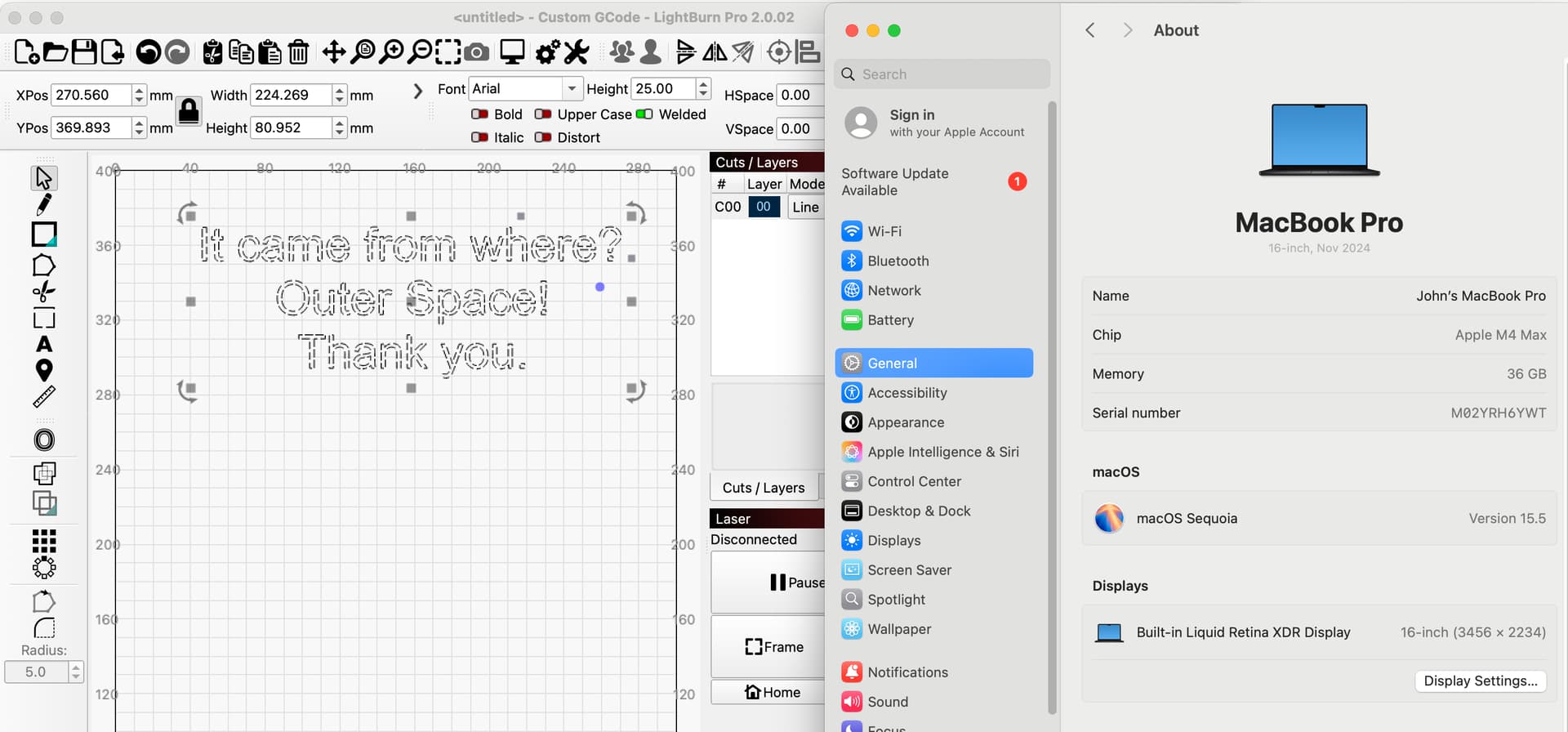
I have an American English keyboard on my Mac.
@JEH Can I assume that you have an American English keyboard as well?
I haven’t tested control keys that change the function of the Spacebar.
Do you have a serial keyboard, a mouse, or a dongle (for either) plugged into the Mac?
If so, please temporarily unplug these and retest the behavior of the spacebar.
Thanks for the tests. I was also unable to reproduce it on macOS 12, Monterey.
@JEH I have a theory. Please try the following:
- Press the Escape key to change to the Select tool.
- Press the space bar.
Does the cursor change to the hand symbol (used to pan the workspace)?
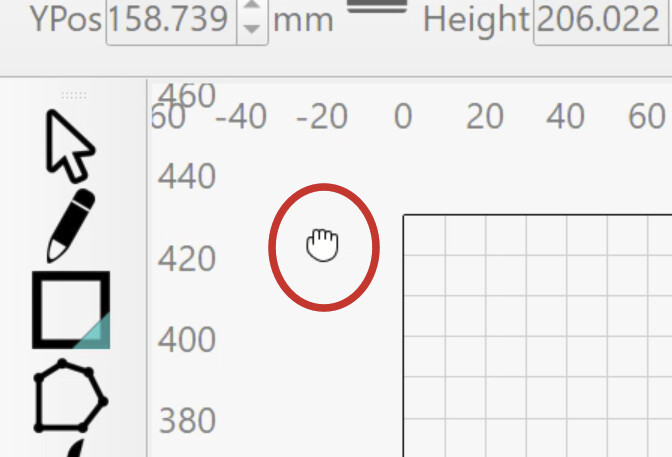
Which language are you using in LightBurn? Does switching to English solve the issue?
I am using English, escape highlights the text size and deletes the curser
I am using American English, no externals computer is a new 14" M4 Macbook Pro OS 15.6
Does the hand symbol to pan around appear when you hit escape and press the space bar?
No it does not
The only difference I see is you are running 15.5 I have 15.6
Updating now. Retesting shortly. 
1 Like
I didn’t replicate this right away. On the Mac M4, the Pan hand doesn’t show when spacebar is held. Spacebar and motion shows the Pan hand. I did invoke Pan by holding the spacebar and holding the left mouse button and moving to pan the workspace. On the Mac M4 the hand seems to disappear from view after a short time (while remaining in the Pan mode). It can stay visible for as long as two seconds after a pan move. Sometimes it disappears about 1/4 second after a pan move. While panning (moving) the hand remains visible.
Holding spacebar on my Win 10 machine immediately invokes the Pan hand. The hand remains visible while the spacebar is held. The hand moves and stops as expected. The hand remains in the same state whether panning or not panning.
@JEH
To test the Pan hand, press escape (once or twice) to exit whichever operation or function that LightBurn may be using. Hold spacebar to invoke the Pan-Hand. While holding spacebar, left click and move the mouse to pan the work area. On the Mac, I could do this on the touchpad, hold spacebar, hold left click, move along the touchpad with my third finger.
I’ll take the unanticipated Pan hand behavior to the UI Team for comment.
After updating, spacebar still works as expected when entering text.
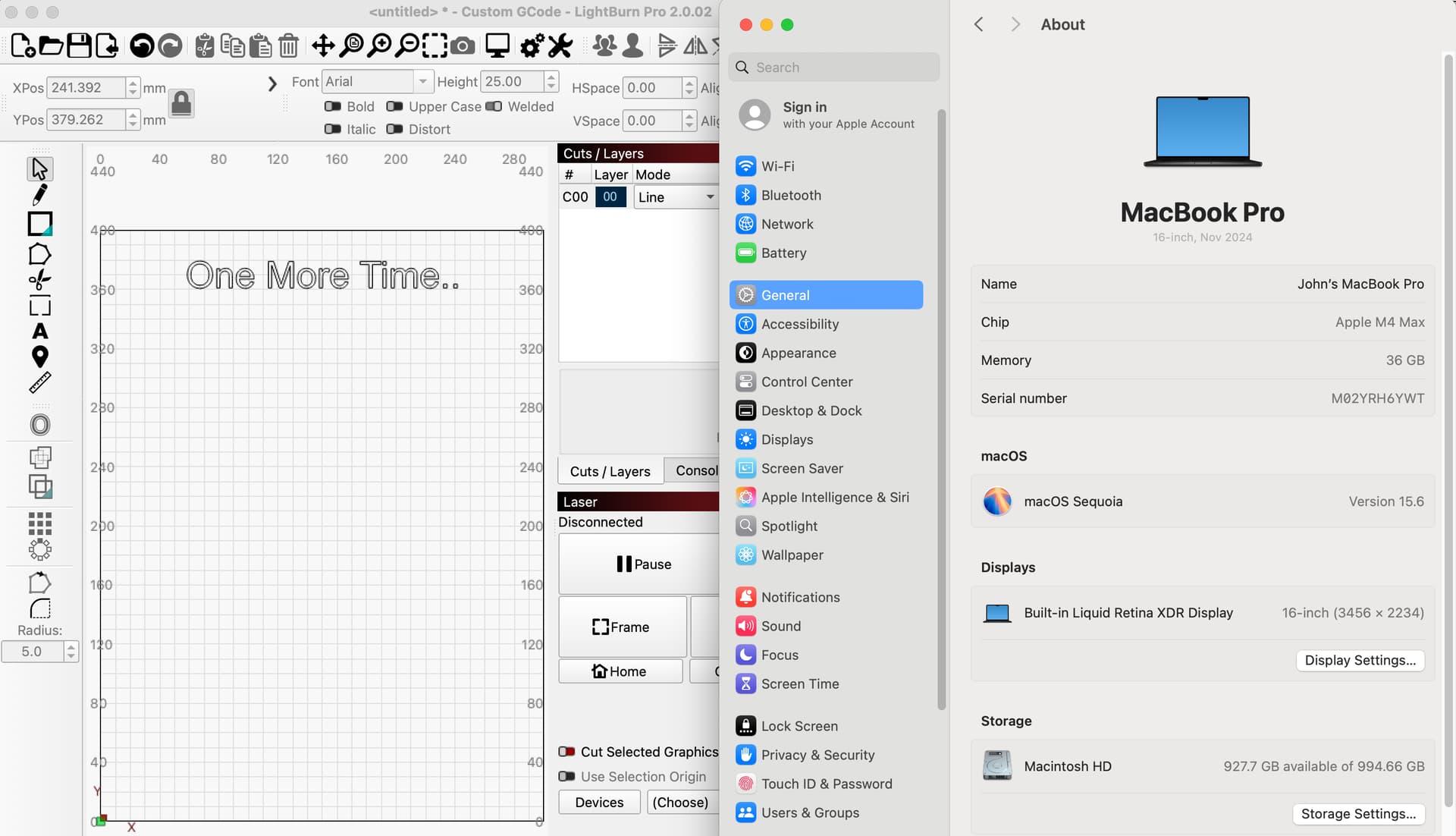
I’d like to offer a test to confirm that the missing space is present but not visible or wide. It’s an approach that allows us to confirm whether the space ‘character’ is present or not, or if it’s formed poorly and seems absent.
- Enter the text in a way that causes the spacebar to not work.
- Press the Escape key twice to exit the text entry mode.
- Select the Block of text.
- Click the font button (upper middle of the toolbar) and drag the cursor through the list of fonts to preview how the text would look if another font was applied.
Please let us know if the space appears as other fonts are previewed.
The width of the space (the character) is often a different width in a different font. I’m hoping that an obvious space appears while you are previewing different fonts. This could lead us toward analyzing the font file. A minor discrepancy in the font file might be the reason we’re seeing this and I hadn’t asked previously…
Which Font are you using while entering the text?
Is it a Font that came with the Mac?
In an effort to replicate the behavior, I would like to test with the Font you are using.
I was using Tahoma, When I start typing the space bar does not work if I re click the font in the font selection box it works perfectly in any other font I chose. when I open a new window and close out the previous from the menu bar the space bar works, if I start from the icon I need to do the re click thing. Very weird but it works. Apple issued a fix for 16.2 and I think they may have more problems. LightBurn locked up and needed a forced restart 3 times on one job. I was clearing photos to a SDHC card and I lost count of the times the machine locked up and restarted by itself. I might have gotten a bum machine because it runs some programs slower that the M1. Bringing it ti apple next time I go to Phoenix .
Thanks for the help JEH
Just discovered Double click the font at selection and all is good
Are you saying that after you double-click the font to select it, when entering text, the spacebar enters a space character every time without fail?
What was your previous approach?
I’m not investigating this for right vs. wrong. I’d like to capture this and address the mystery/confusion (especially mine).
If the unanticipated behavior can be reproduced and identified, adjustments become possible. These adjustments make the experience better for everyone.
I’m not sure, I think I must have I clicked the font box to check which version of Helvetica I had and when I started a new line the space bar came to life. It took a while to realize what I did, but every time I opened a new file the space bar didn’t work until I gave the font box a second click and started a new line it worked every time with different fonts. I tried at lest 10 different fonts, same results every time. Select the font type one word, no space click the font again still no space start a new line and it works, change fonts and everything works until I start a new file.
I finally tried selecting the A box and then double clicking the font box and that works the best.
This topic was automatically closed 30 days after the last reply. New replies are no longer allowed.