Hello. i’m new here. So my problem is. i instaled a new controller. when i started,the parameters where like. 5mm laser made 50 mm. so i did find where to fix that. but now it is relly slow.
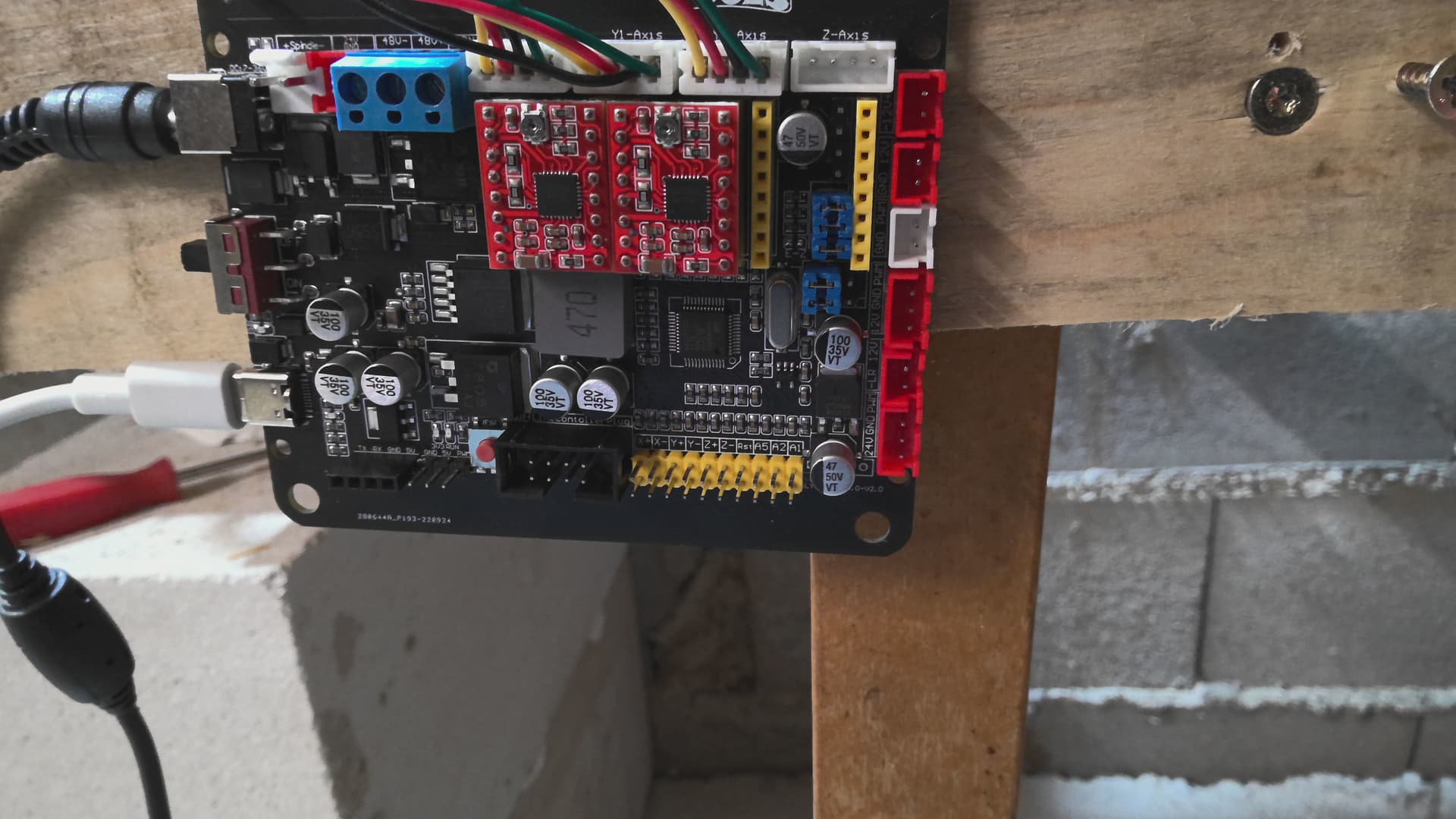
what can i do,to fix it. my controller is
The $110 and $111 GRBL settings control the X and Y maximum speeds, respectively, in millimeters per minute. You likely need to increase those.
You can find a full list of basic GRBL settings here:
thanks ,but where do i configurate that? sorry i’m little “behind” with that stuff. thanks
No problem.  You can edit those settings by going to ‘Edit’ > ‘Machine Settings’ in LightBurn, or through the Console window.
If you go to Machine Settings you’ll see several settings listed - search for the ones that say X Max rate and Y Max rate.
Through the Console window, you can simply enter $110=(new value) and $111=(new value).
I can’t tell you for sure what the optimal max rates are for your machine, but a conservative starting point would be to set both to 6000 mm/min.
ok, i’ll try it now

nothing happened. but how about the jumpers under the drives. how to set them up, for stepping speed.
You may also need to increase the X and Y acceleration values - those are $120 and $121. 1000 is a reasonable starting point.
In fact, it might be best to enter ‘$$’ in the Console window and paste the entire response here, so we can look at all of your settings and see if any more look like they’ll need adjusting.
$0=10
$1=25
$2=0
$3=6
$4=0
$5=0
$6=0
$10=1
$11=0.010
$12=0.002
$13=0
$20=0
$21=1
$22=1
$23=7
$24=25.000
$25=500.000
$26=250
$27=2.000
$30=1000
$31=0
$32=0
$38=10
$100=5.000
$101=10.000
$102=800.000
$110=6000.000
$111=6000.000
$112=100.000
$120=20.000
$121=20.000
$122=20.000
$130=500.000
$131=500.000
$132=200.000
ok
$0=10
$1=25
$2=0
$3=6
$4=0
$5=0
$6=0
$10=1
$11=0.010
$12=0.002
$13=0
$20=0
$21=1
$22=1
$23=7
$24=25.000
$25=500.000
$26=250
$27=2.000
$30=1000
$31=0
$32=0
$38=10
$100=5.000
$101=10.000
$102=800.000
$110=6000.000
$111=6000.000
$112=100.000
$120=20.000
$121=20.000
$122=20.000
$130=500.000
$131=500.000
$132=200.000
it helped
the last two $120 and $121
Excellent!
You should also enter $32=1 in the Console window to turn on ‘Laser Mode’.
$130 and $131 are your laser’s Max travel limits in X and Y - you should adjust those to match your laser’s actual dimensions, if their current values (500 mm) are not accurate.
ok, will do it
i did it.
the y axle is now much better, the x allso, but still they could be little better
Your laser may be capable of faster speeds and accelerations, so you can try nudging up the speed and acceleration values you just adjusted. I would only advise that you do so in small increments, and be prepared to revert them if you see lost motion or other mechanical errors.
i’m so gratefull. for your help i made it. all. it is perfect now. i played a little with the speeds. and it is perfect. so. thank you, once more. thanks and by.


1 Like
This topic was automatically closed 30 days after the last reply. New replies are no longer allowed.