I have a design that someone made for me that has two parts but comes in as one object. I would like to split that into two objects so that I can move each one independently of the other. Also when I import it into LB CAD the path runs around the outside edge, but whit I need is to get it to just be one thin line following the shape. I am not using Lightburn to run a laser cutter, I have just found that it is a simple CAD program that I can then export a DXF design into the software that actually runs a completely different machine. All assistance on this will be greatly appreciated.
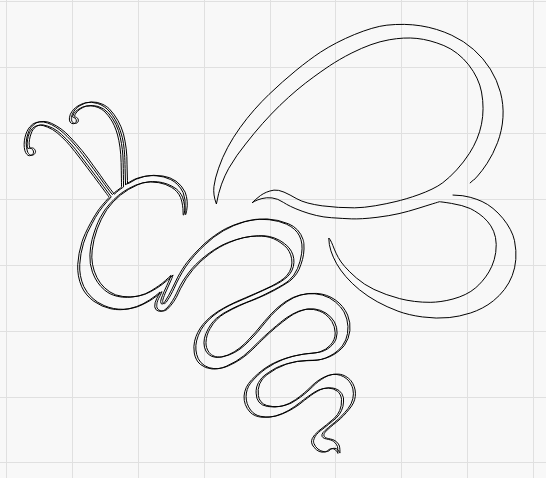
You can do this in Lightburn. Ungroup the trace and then move the parts as you see fit.
Lightburn does not have a center-line trace. Each side of the line is a vector path. It appears you can Ungroup and delete the inner path. The wings have an incomplete gap, so you will have to use Node editing to link up and separate the inner and outer loops. You an then delete the inner loop.
It’s relatively easy, import your drawing, trace it (if it isn’t) so it’s a shape you can work with and not an image. Ungroup it.
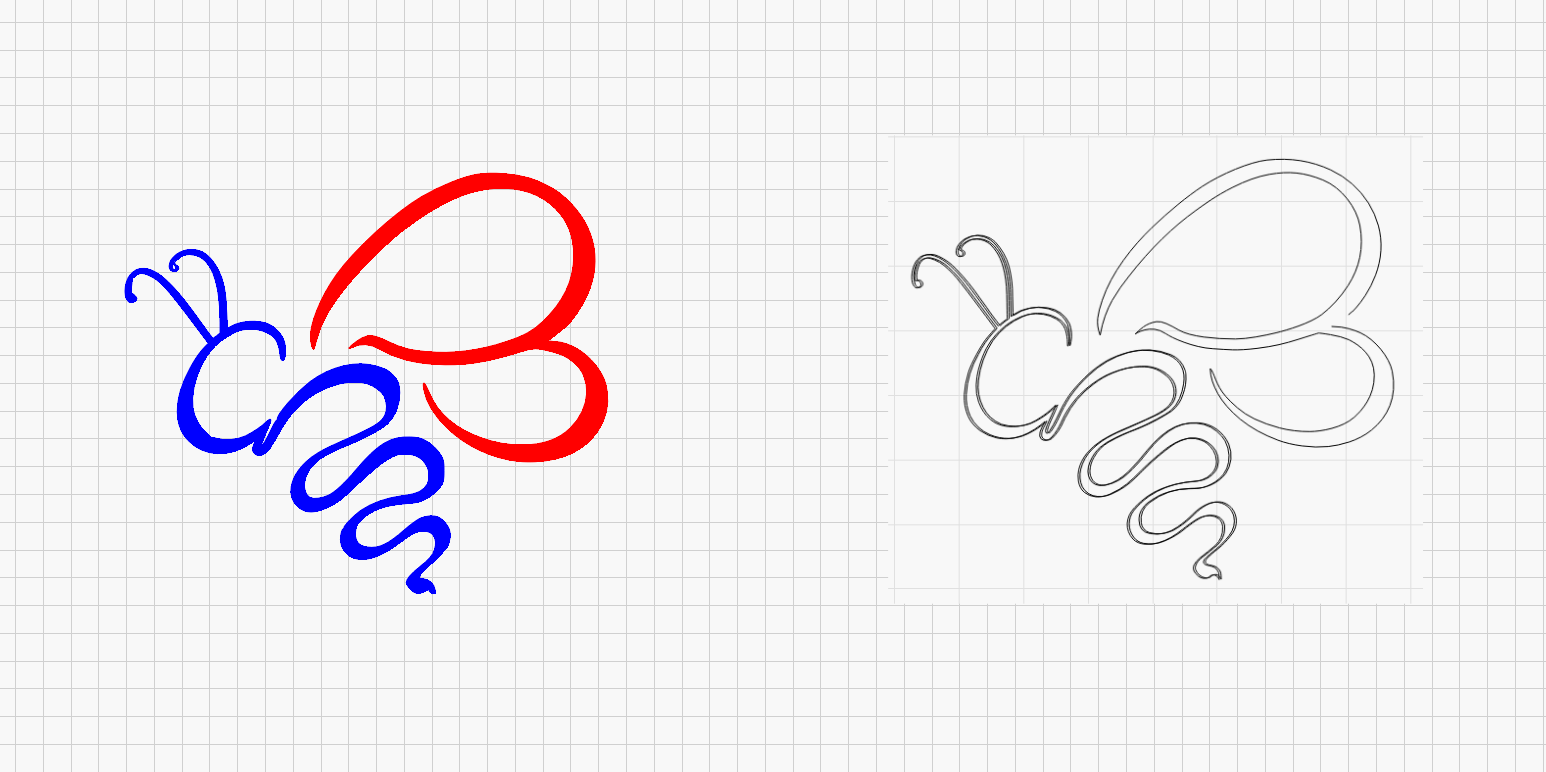
It requires a little manual work, but can also be done relatively easily with note eding.
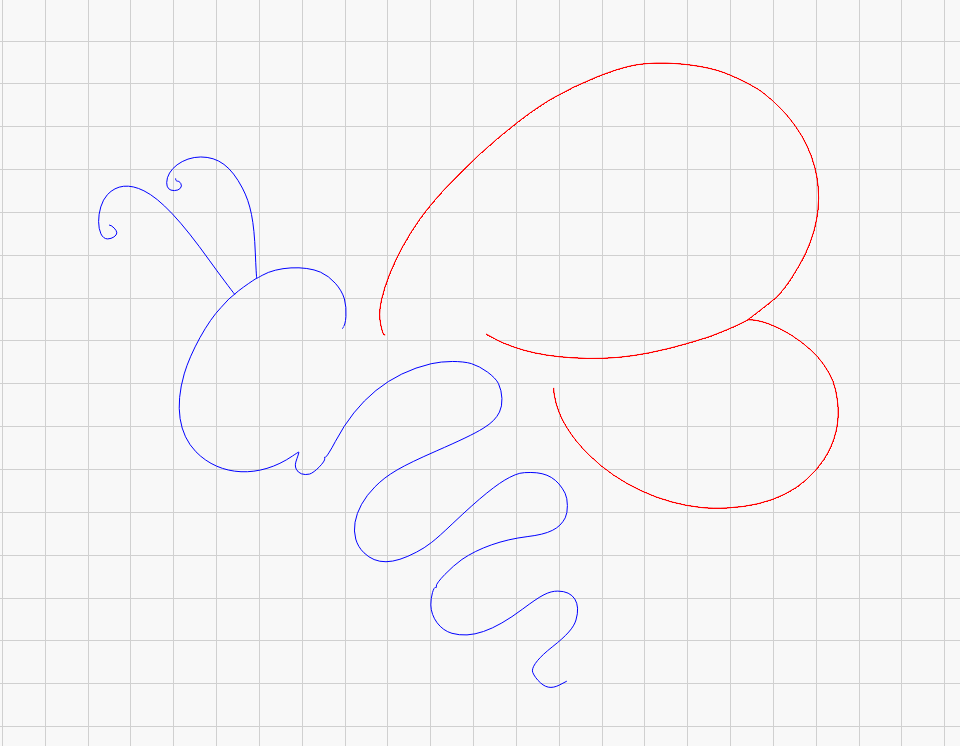
That’s both right and wrong 
LightBurn is not a CAD program but it is relatively easy to do CAD-like operations to a degree that suits us laser people.
TestBi.lbrn2 (75.2 KB)
1 Like
Wow! You’re awesome. Thanks so much! I have downloaded the file and been playing with it and learning from it.
2 Likes
Thanks for your reply. I’ve still got a LOT to learn!
1 Like
Me too, and I have been at this for a while!
This topic was automatically closed 30 days after the last reply. New replies are no longer allowed.