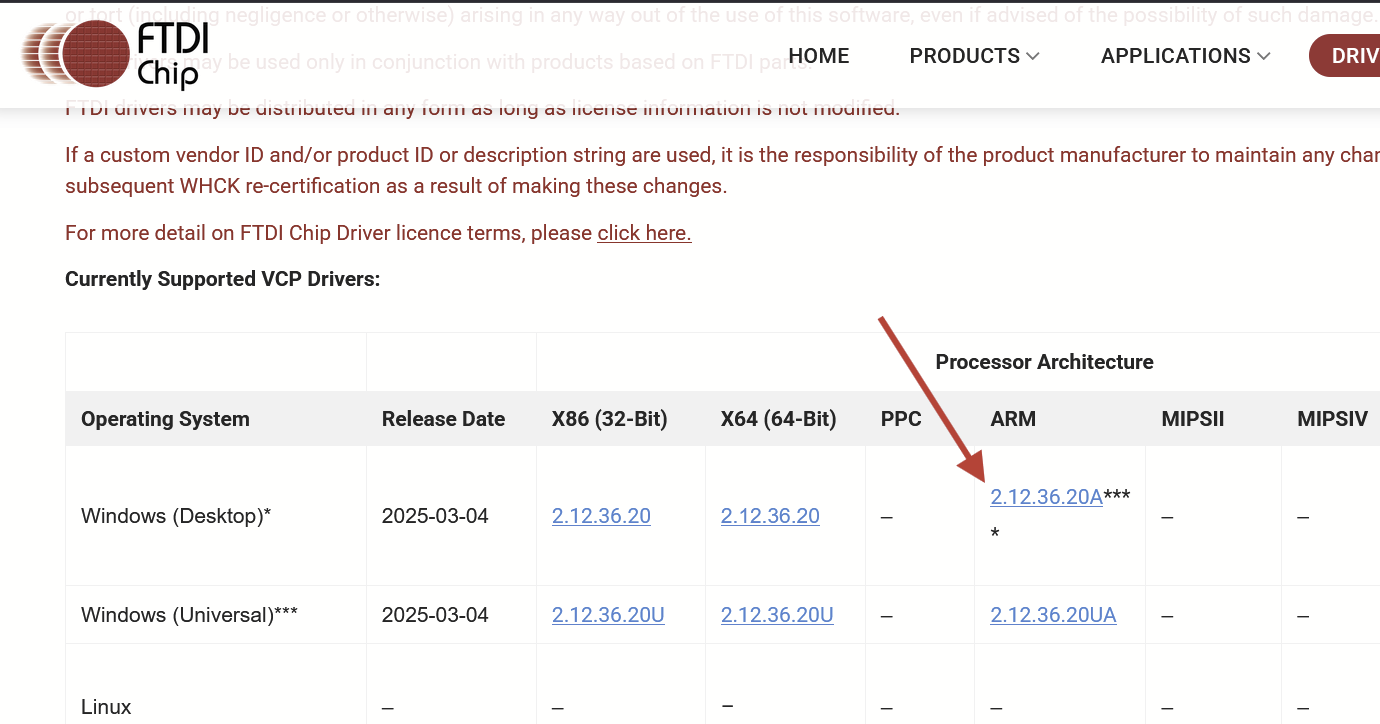
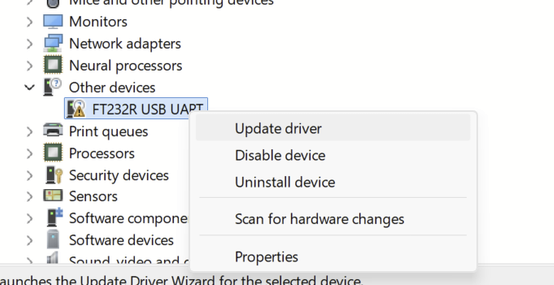
If you’re looking to upgrade their shop laptop, which is all of us at some point, and you run your laser(s) from this system, I would encourage everyone to stay away from any Snapdragon processors for now. It is very difficult to get many of the pre-packaged drivers to run with the system, meaning that LightBurn will load and run but the computer will not recognize the laser board. After attempting to update the drivers, after clicking on the menu option that you “have disk.” it will not load nor recogize the drivers. There do exist “fixes” for this problem, but these also involve a much higher level of computer understanding than what I bring to the table, and I simply need to have something I can turn on and connect with zero issues. If I get to the point of having to hire someone to help on shop machines, it would also be nice to train on simple vs complex.
I was trying to replace a 10 year old laptop with something more modern, and the old laptop was literally falling apart. One of the screen hinges was literally hanging by a thread, and I continued to be amazed about how tough this machine was. But it was time! And the choice was made for me. It died!!!
The complication came when trying to figure out what laptop to go with. None of us wants to put a higher dollar computer/laptop in the shop, especially if it’s a shop that has lasers and woodworking machines, so what do we do? We go down and get the cheaper laptop. Right now the Snadragon processors are somewhat cheaper than Intel or AMD, and if you go with a suggested 16GB of RAM and 512GB of hard drive space, it’s going to save you around $200 to $500 as compared to Intel and AMD machines. Sometimes more. Sometimes less. Don’t get me wrong, these are great machines! I’m sure these Snapdragon processor systems are fantastic for a wife variety of other applications, notice how I’m not trying to piss any of the Snapdragon supporters off, but until the laser manufacturers figure out drivers we probably should stick with more “well known” machines. I have a 150W CO2, Laguna, Ruida controller, a ComMarker 30W fiber, a ComMarker 60W MOPA, and a Ortur 40W diode (blue). I worked overtime to get all of these machines back online with the new laptop, and every single one of these machines would not connect. I had particularly worse experiences with the ComMarker machines.
After messing with this nightmare for the better part of 6 hours, I went with the solution of returning the Snapdragon system and picking up a AMD sytem, $300 more I might add, but when loading and installing the drivers…DONE! Drivers installed and lasers ready to do what lasers do after 5 minutes with each machine. No issues at all!