Alcan
June 12, 2025, 2:40pm
1
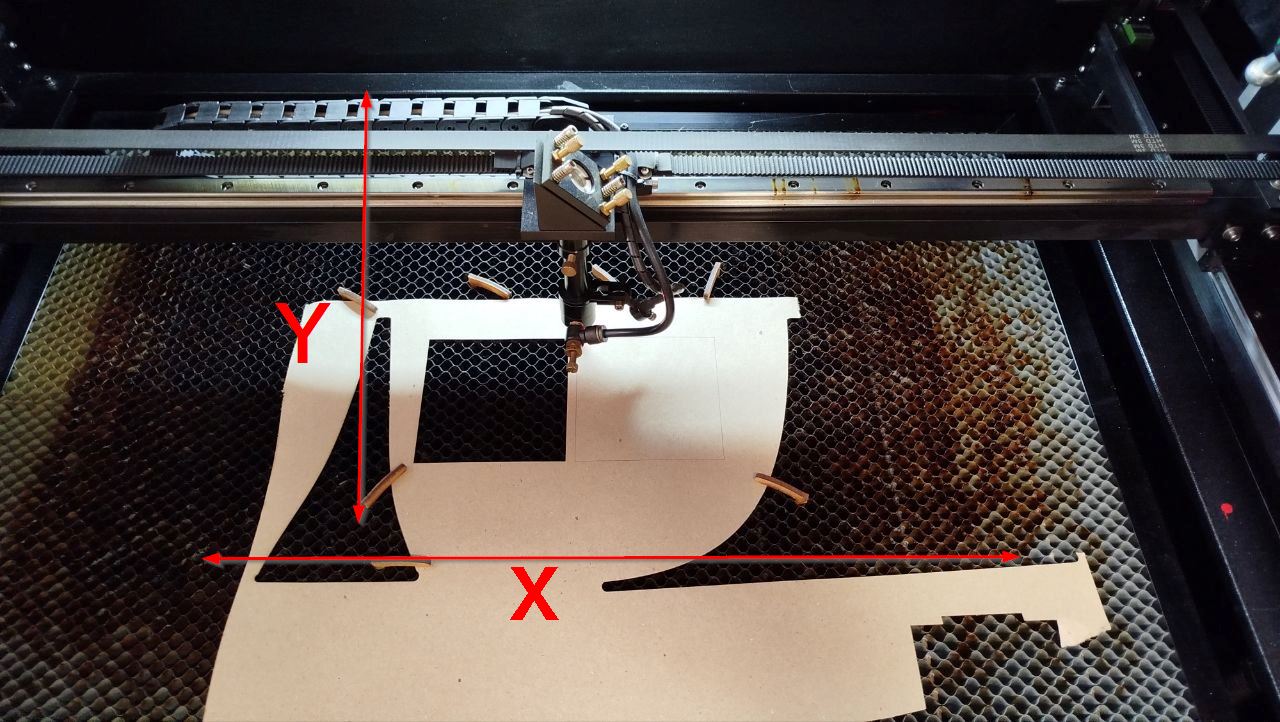
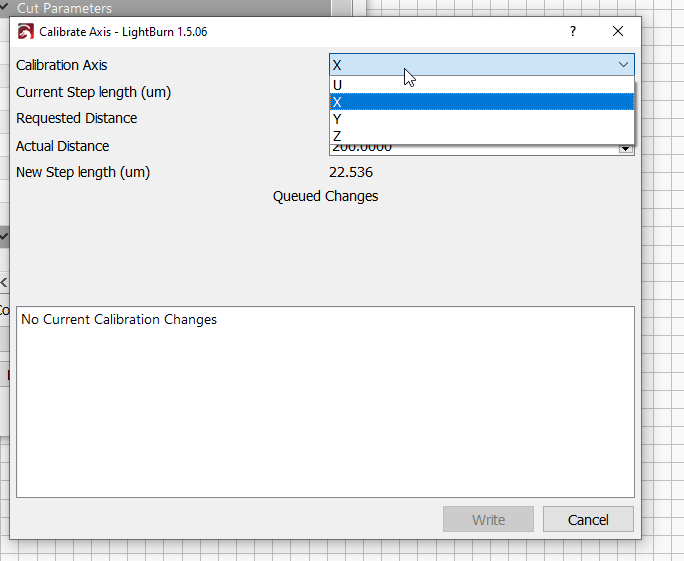
Hi, I need help with the stepping setup in Lightburn. For some time now I seem to be a little off on the dimensions, so I created a test square 100x100mm and it is. However, I don’t know where to set the correct step size. Can anyone point me to the correct calibration?
Alcan
June 12, 2025, 2:53pm
2
I think I found it. Just to clarify, I’m changing the X and Y axis ? The height in my case is Y, there I have a dimension of 99.1 mm.
ednisley
June 12, 2025, 11:19pm
3
Alcan:
a test square 100x100mm
If you’re measuring the cut sizes, you must measure and compensate for the actual kerf width.
It’s better to mark, not cut , a square on cardboard and measure the center-to-center distances between the lines.
A long-ish discussion gives more details:
So I have a question regarding steps/unit and kerf offset.
Up until now I’ve not needed to be concerned about fitting items together and dealing with kerf offset.
So performing a couple of different types of kerf tests to determine what the value is, I’m getting stumped on what’s going on.
I did a 1" square with no offset as prescribed in the tests, but in the X I’m getting a measured average of 1.0004" and in the Y I’m getting 0.9965".
Since I’m so close in the X, it got me to thinking abou…