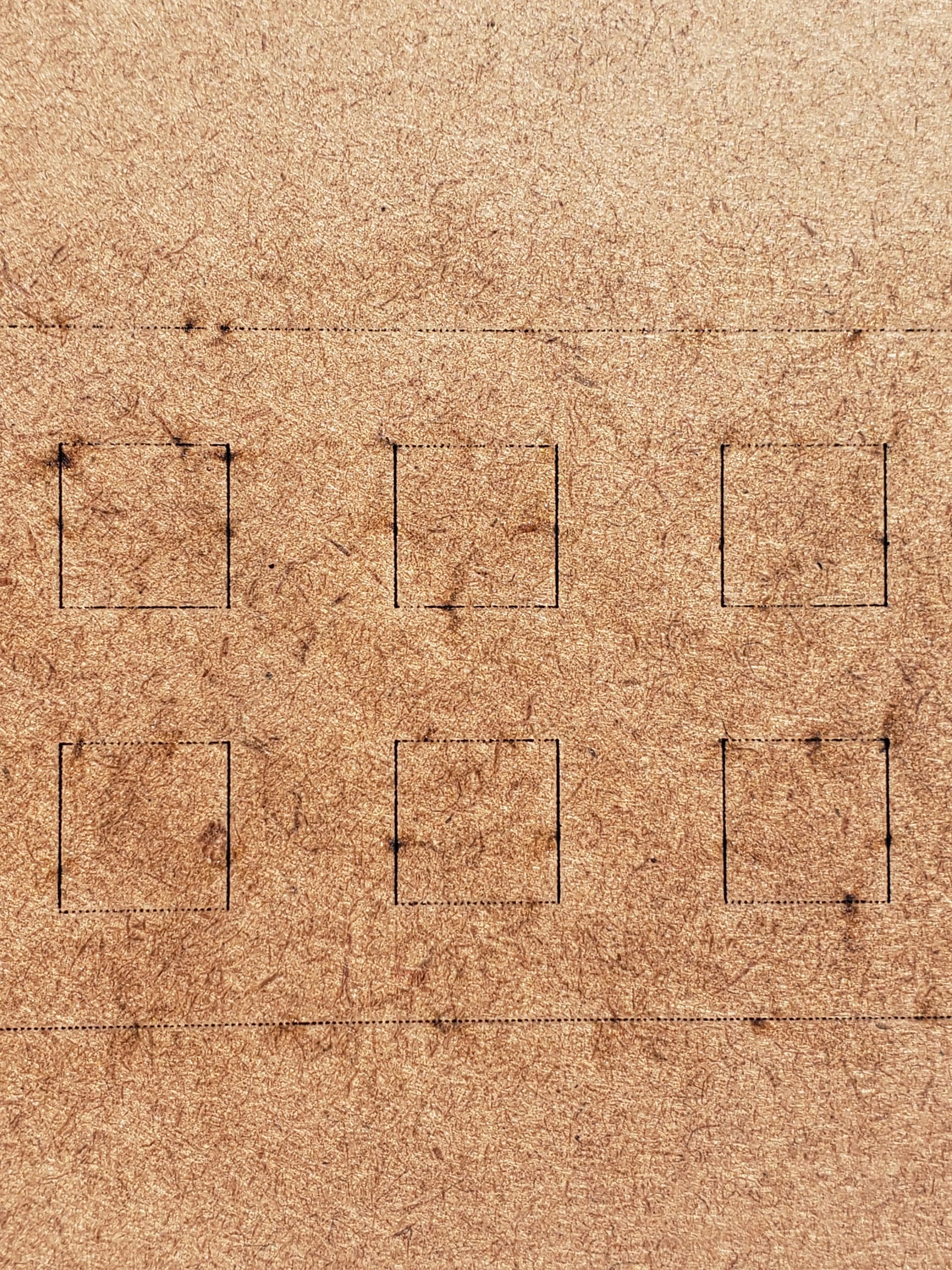
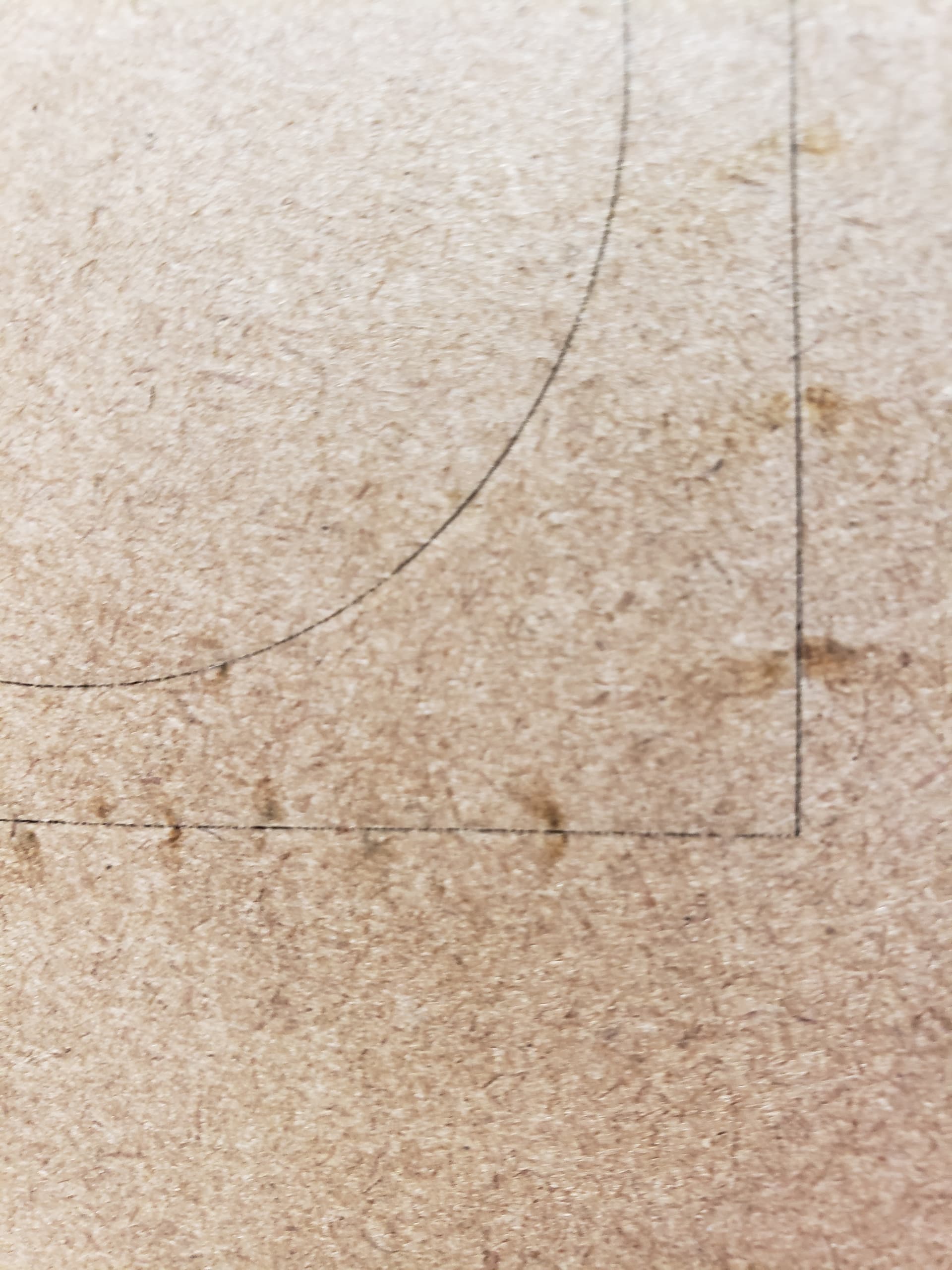
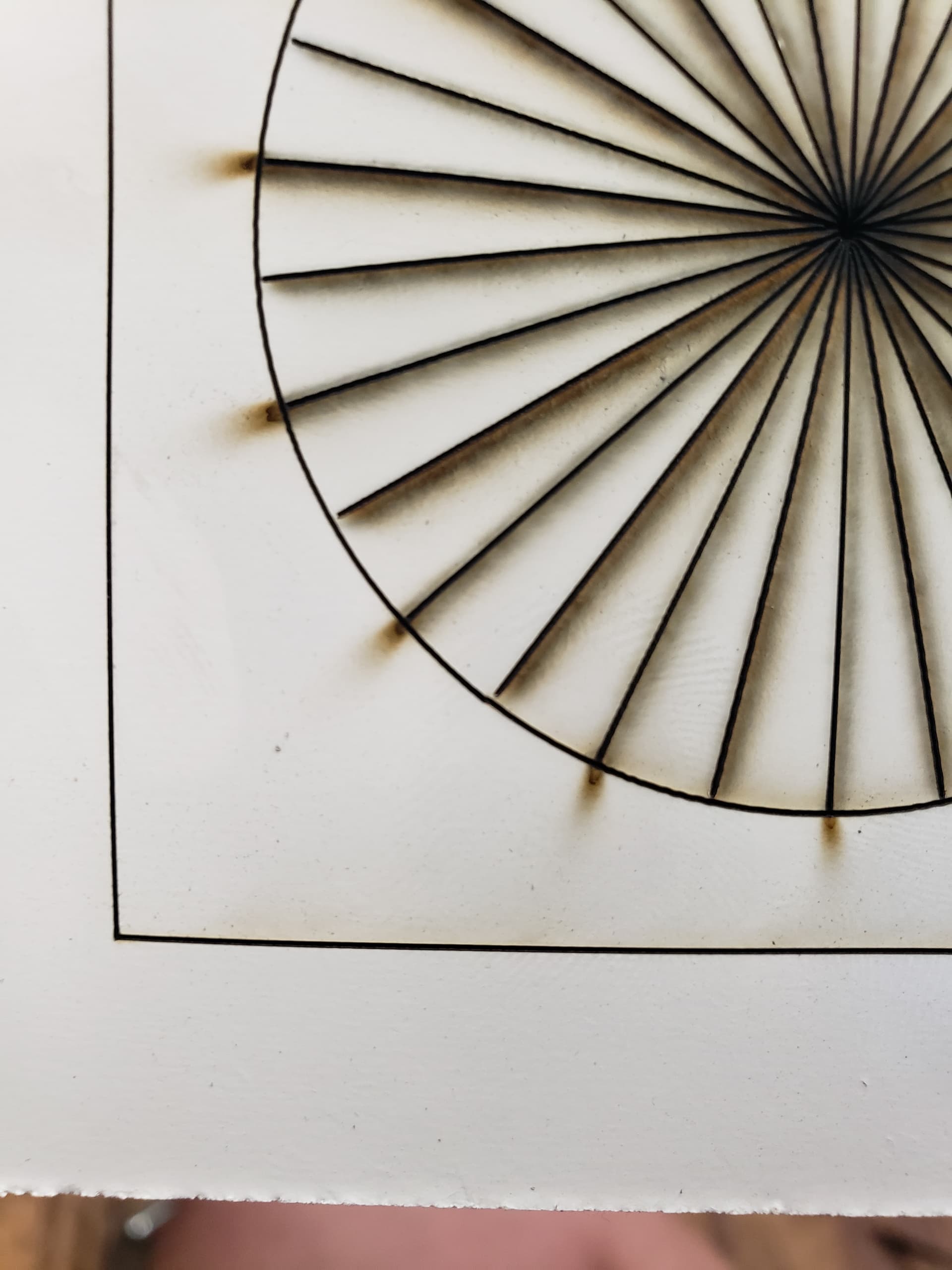
If i didnt know any better i would say something in your neje messed with frequency
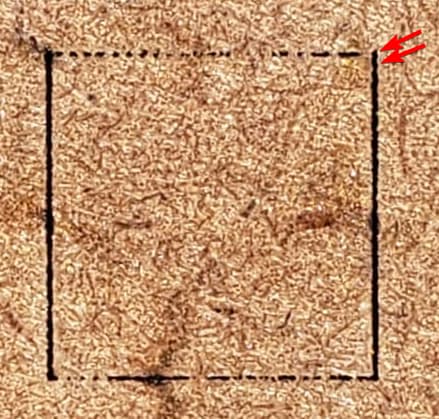
Notice that th eproblem is also preset on the up and down motions just less visible
As a sanity check measure, if you have access to lasergrbl
Run a simple vector square on it with same settings
Because i really doubt is ligthburn
Also you can $RST=* in console to reset neje to defaults it might help
I have been in contact with Neje. I have done power tests, changed main board, changed board in laser and swapped positions of stepper motors. problem still occurring.
Today they asked me to run test with LaserGBRL to rule out lightburn. Posted here while still at work to get an opinion. I’ll try that now.
well the fact you have another machine to try with helps too
But it sounds to me… If you went through all that trouble, the problem might be on the laser driver board itself.
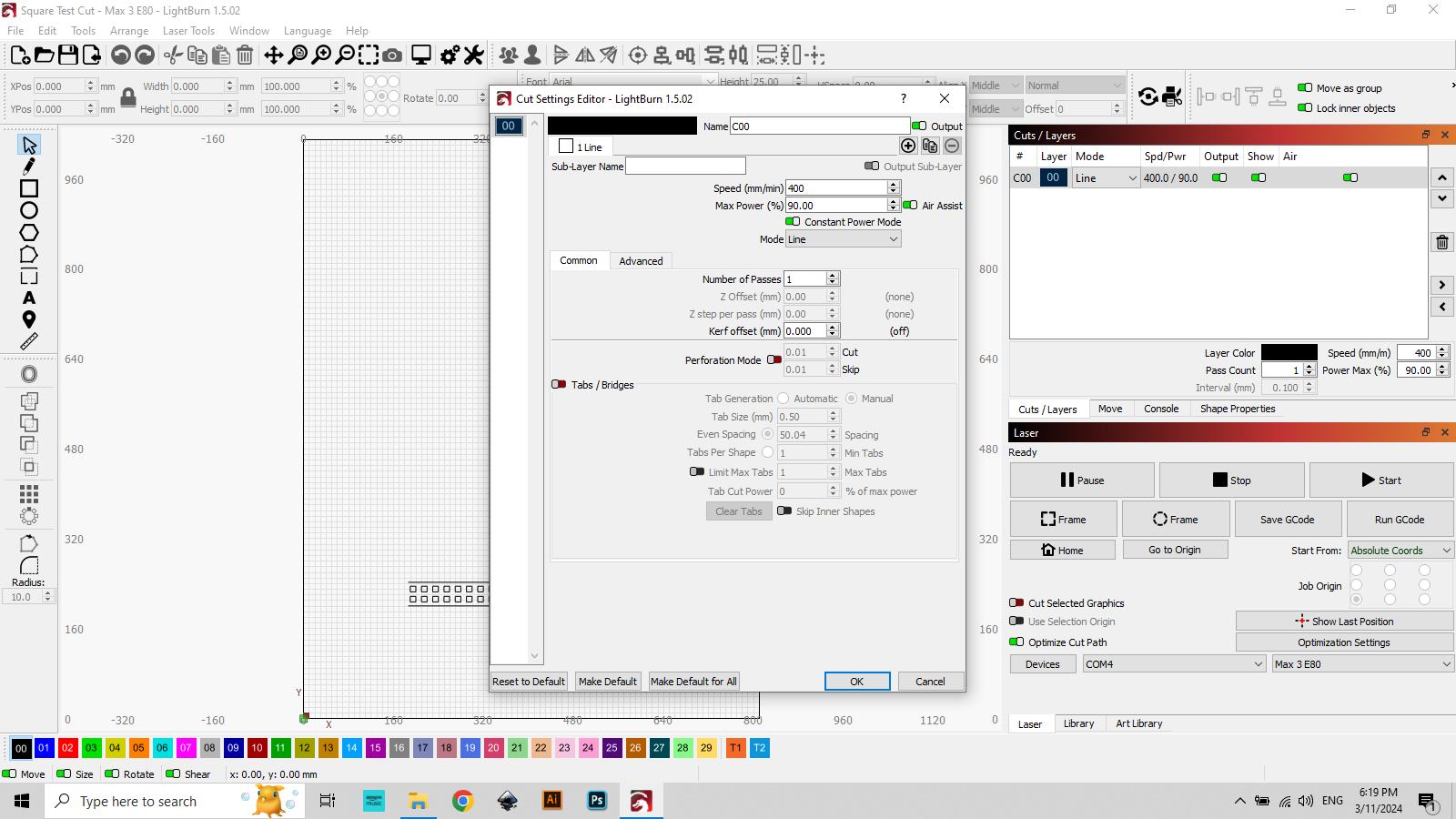
What has stumped me from the beginning is I can see the laser turning on/off (does not show in video). It is leaving almost perfectly spaced perforation. Neje responded today with a photo showing how they made a cut with Lightburn perforation on and it made the marks all the way around the square. Mine is only on the X axis.
I do not think is only on the X i think is on the Y too but the dot size difference cover the evidence
if you lowered power you would see dots too on Y
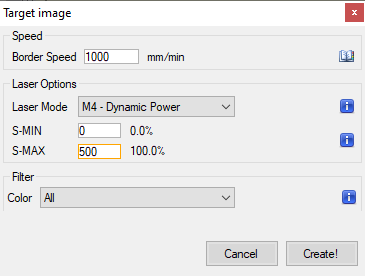
Try run this file if you want too just for the sake of having a known good gcode
Sending you lbrn and gcode verisons you can run gcode on lasergrbl