If you stop a job can you make changes then start again? I know pause won’t allow changes. If not what do I do to make a correction after hitting stop? Tried changing Z offset and now Z height seems to be messed up.
Go to your preview window. Use the slider to move the progress to where you want to start the job again. Click on Start Here, then start job on laser from here
As long as you have not moved the piece or the laser head, it will line up for you. You may need to re-home for best results.
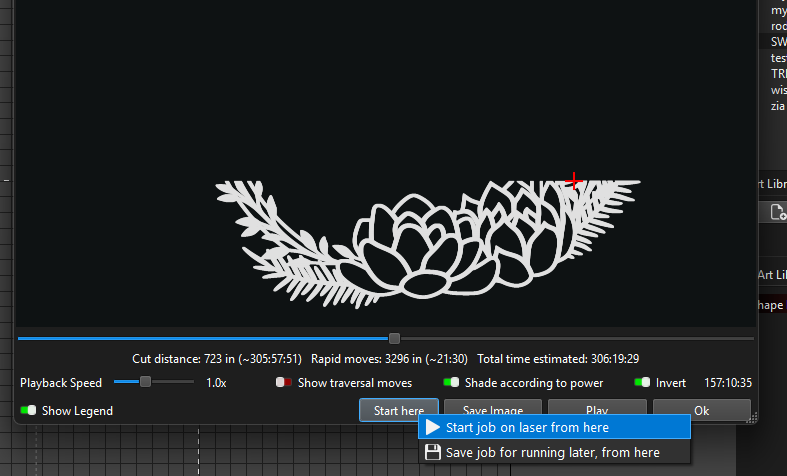
would be nice if this worked in millmage?
That’s not the problem. My engraving was to light so I stopped, changed the Z offset, restarted but nothing seemed to change.
That would change the focus. If it was already focused, it would get even lighter.
Once you start a project, you can adjust the speed and power on the fly. I think it is the Move window that converts.
1 Like
I usually engrave defocused. For some reason the settings weren’t marking the project so I stopped and set the Z closer to focus. Restarted but then offset seemed to be erratic. My question is I would think you could make changes and restart but that didn’t seem to be the case.
1 Like
I have not found a way to do it accurately. Every method has been an “almost there”.
I hadn´t tried it yet…
If you switch to Control Mode :
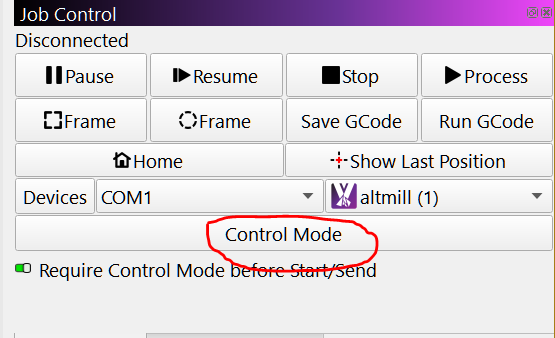
And click left GCode window line or middle paths you can correlate the points
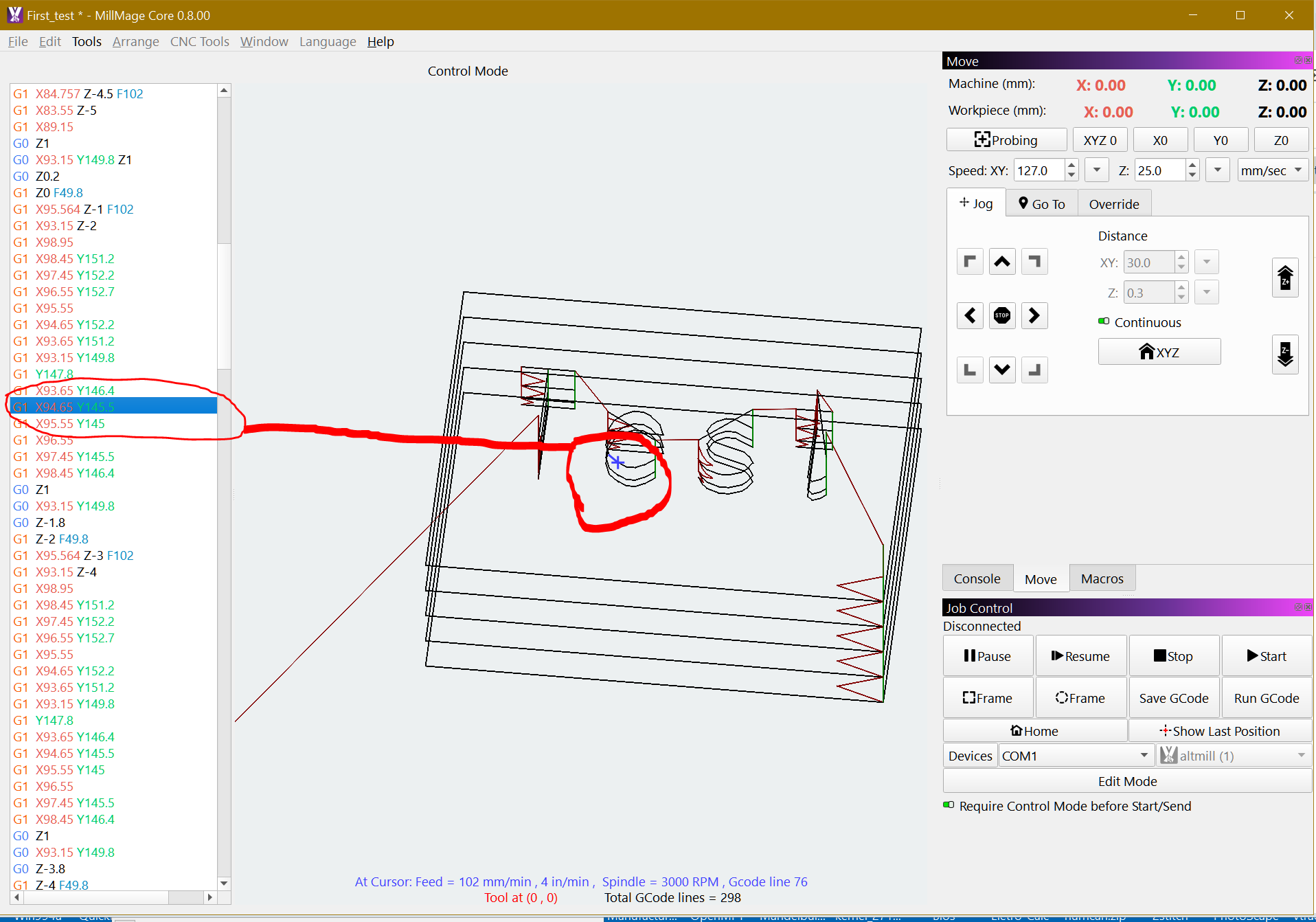
I probably didn’t explain myself clearly. The problem started when I pressed stop. Now changes I make don’t take hold. I change my Z offset to zero and it is still giving me the old offset. And I assume the speed/power are not changing. Seems I need to reset project some how.
So apparently the project I designed got corrupted because I also noticed that when I ctrl+A and deleted not all the layers would delete. I drew up a new one and things seem to be working now.
3 Likes