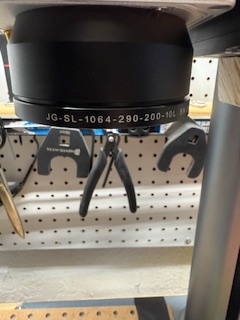
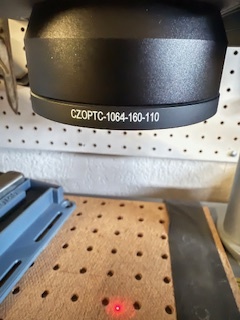
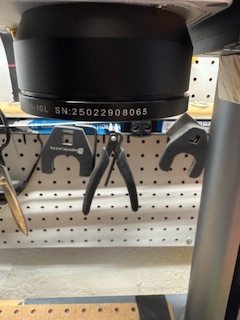
Ok, my bad. I was using the 200 focus stick for the 110. Duh! This flu just keeps hanging on. Kind of fuzzy headed.
Focus is now around 161. This is as far as I’ve gotten.
Ok, my bad. I was using the 200 focus stick for the 110. Duh! This flu just keeps hanging on. Kind of fuzzy headed.
Focus is now around 161. This is as far as I’ve gotten.
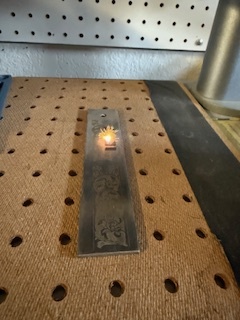
I still can’t get it to burn black paper but in the pic with the ruler, it is deep engraving the SS bar.
I do know how to focus (when I’m thinking straight). I go up and down until it’s the brightest or loudest although I’m hearing impaired, so sight is better than sound.
I switched to black tape and all went well. I calibrated the 110.
Never tried black paper, always black tape. Go figure! I tried a Styrofoam plate once 100% power 100mm/s doesn’t even leave a mark.
Anyway, sounds like you are making progress. Hope you shake that flue.
LB recommends black construction paper in their calibration instructions. It’s never worked for me. I’ve set cardboard on fire, though. :-0
Anyway, I’ll be trying the 200 lens calibration and see what happens. Hopefully that alignment issue will straighten itself out.
Apparently all black paper is not equal. So I am also interested in seeing the framing laser correction. I messed around some more but see no way to change the skew separate from the source laser. I just gradually adjust redlight scale and offset on one axis, when I get that right I adjust scale and offset on the other one. It shouldn’t take very much. If way off it must have come loose in the combiner.
I still can’t get it to burn black paper but in the pic with the ruler, it is deep engraving the SS bar.
I do know how to focus (when I’m thinking straight). I go up and down until it’s the brightest or loudest although I’m hearing impaired, so sight is better than sound.
I switched to black tape and all went well. I calibrated the 110.
Apparently, it’s the 200 that is skewed in framing. The 110 seems to frame ok.
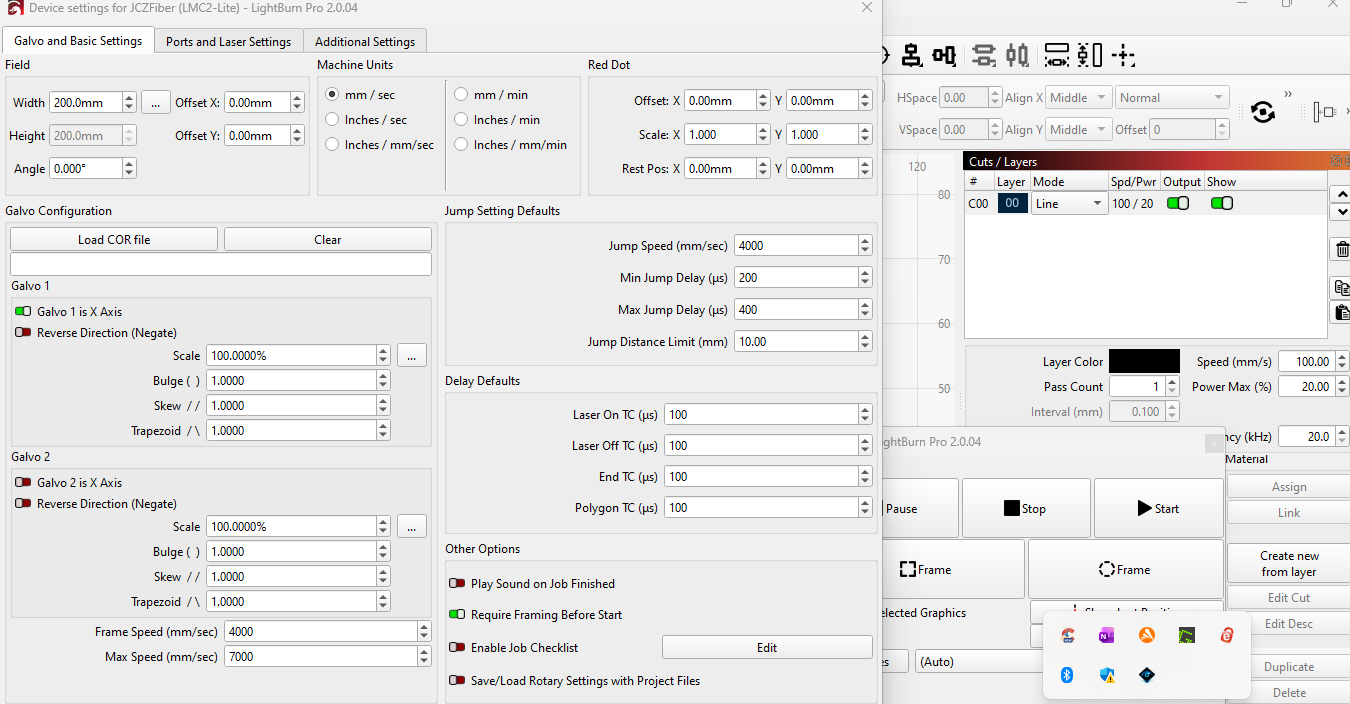
I have tried the various settings, but now the 200 settings seemed to have changed since the last time I checked them. I hope I don’t have a bad lens because it’s too late to return it.
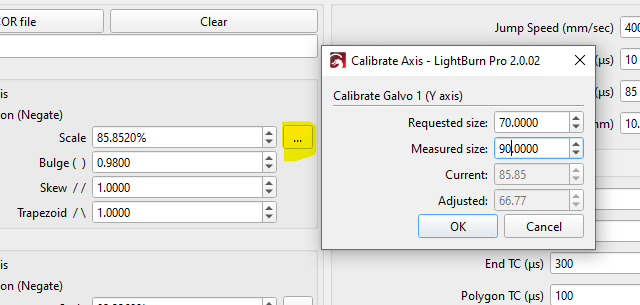
Another question; If an engraving is 70mm wide to fit on a 70mm piece, why is it 70mm wide in the 110 and has to be changed to 90mm wide to fit the same piece in the 200? I realize they are different (focal?) lengths, but shouldn’t 70mm be 70mm with any lens?
Getting there!
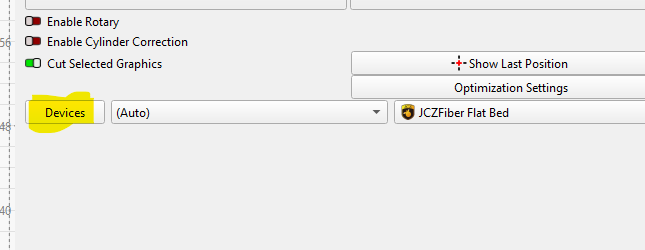
70 should be 70 with any lens, that’s why we calibrate. As long as you change to the lens you are using. To b clear, you should have 2 different setups, 2 different devices, JCZ Fiber 110x110 and JCZ Fiber 200x200. 2 different focus sticks. You should use the setup associated with the lens installed.
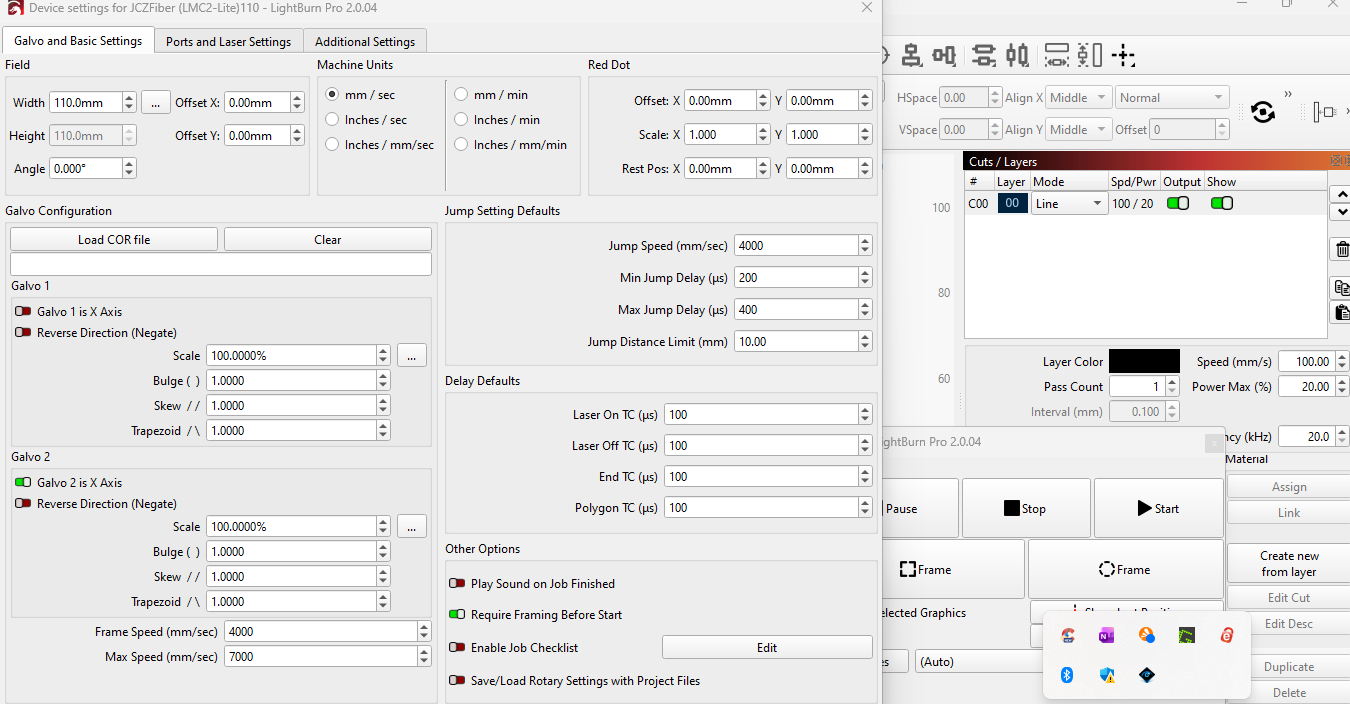
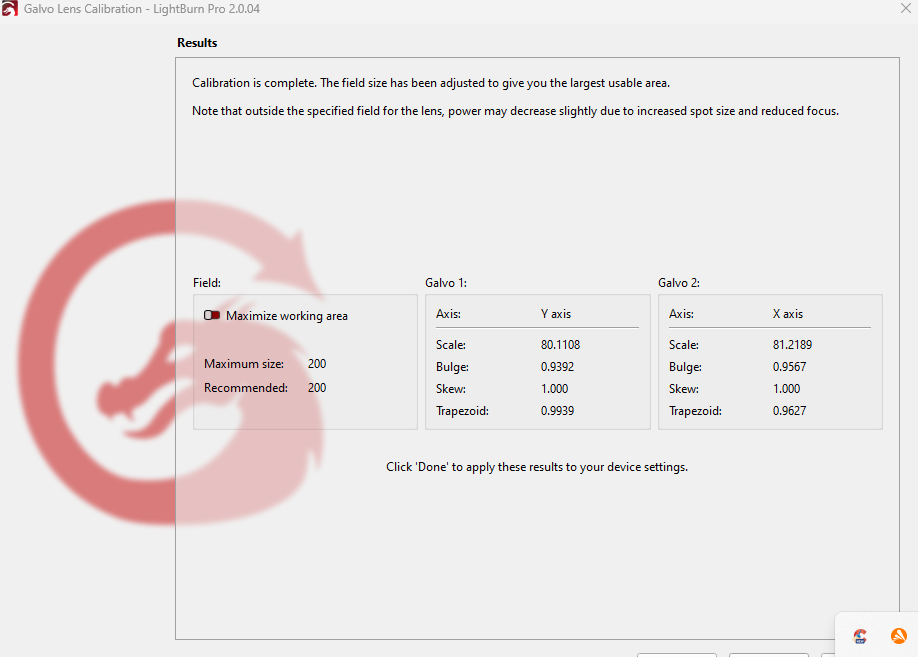
Note: The screenshot posted above is from an uncalibrated setup, they are never 100% 1.0000-1.0000-1.0000.
Once calibrated if it is still big you could put the 90 and 70 into the scale utility
Sorry for bothering you, it’s my stupidity again.
I’m messing with this so much I’m confusing myself.
Be back when I get my head straight.
Thank you.
No bother. Love this stuff.
It’s still out of alignment. I drew a rectangle and framed it, it’s on a flat piece of stainless (100x25mm) and when I line up the narrow end at the corner, the opposite end is about 7mm from the edge.
I’ll go into the settings and try the skew and others. But first I’ll double check the calibration.
Did you check your rectangle corner to corner? that is the only thing you will correct with skew. Is your burned rectangle the right size and square with your bed?
Some good information here.
That’ll have to wait until tomorrow.
I made some changes to the galvo 2 skew, from 1.000 to 1.111 and it looks like the alignment is now correct. I’ll do more testing tomorrow.
1.1 is a lot. Did it affect your framing laser also?
I’ll find out today.
I started out at 1.1 then 1.11 and 1.111. It got better each time. I hope it didn’t screw something else up.
Corner to corner measurement doesn’t lie. You are on the right track. Just a larger correction then most I have seen. 9 point doesn’t even touch the skew as far as I can determine. Get the skew perfect on X and Y and then adjust the red dot scale and offset per the instructions.
This topic was automatically closed 30 days after the last reply. New replies are no longer allowed.