After upgrading to 2.1.01 I am unable to switch to metric. Not in the menu and not in the settings. Anyway to fix this?
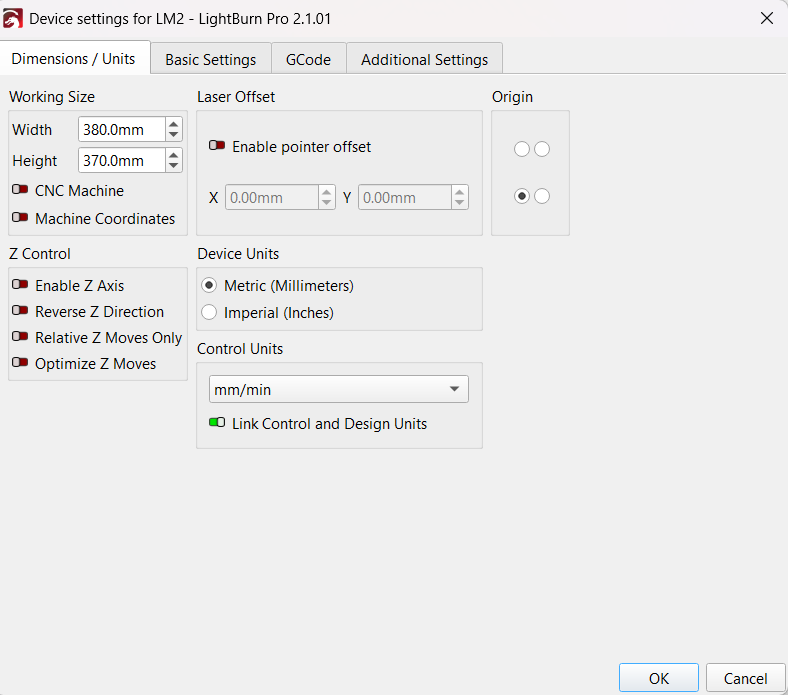
I was having the same issue and this resolved it for me! After updating I couldn’t change the units on the top bar without it immediately changing back to inches. I attempted to change it from the settings menu and it appeared to work until I clicked ok to exit out of the settings and it was right back to inches again. I then went into the machine settings and set it in there and now I’m able to switch back and forth on top bar with no problems!
If you design in inches and cut in mm, turn off the Link Control and Design Units switch.