Hello,
Purchased a file on etsy, loaded the svg file into lightburn, put this picture on a separate layer.
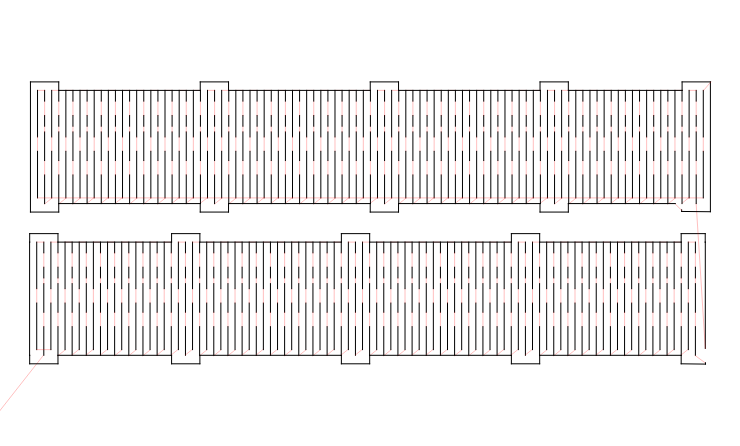
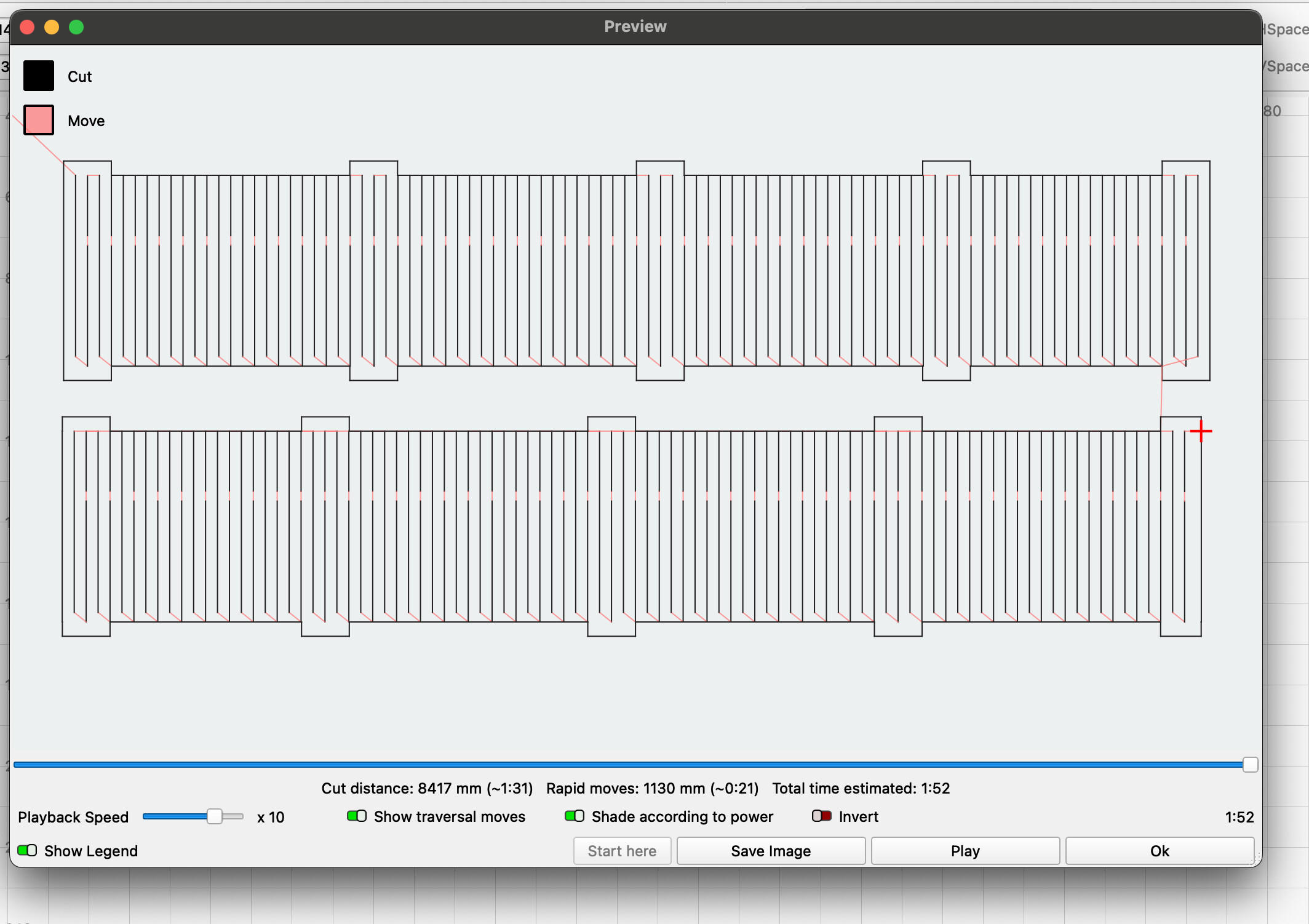
Go to preview and there are two areas that are not closed (cut) that they need to be.
Tried custom outline, drawing an outline with the pencil tool, even imported it into inkscape and tried to use the path/union tool.
Re-downloaded it from the vendor, made sure it was unlocked before using it.
Had another issue like this and I was able to convert to a bitmap, then trace, re-save as an svg.
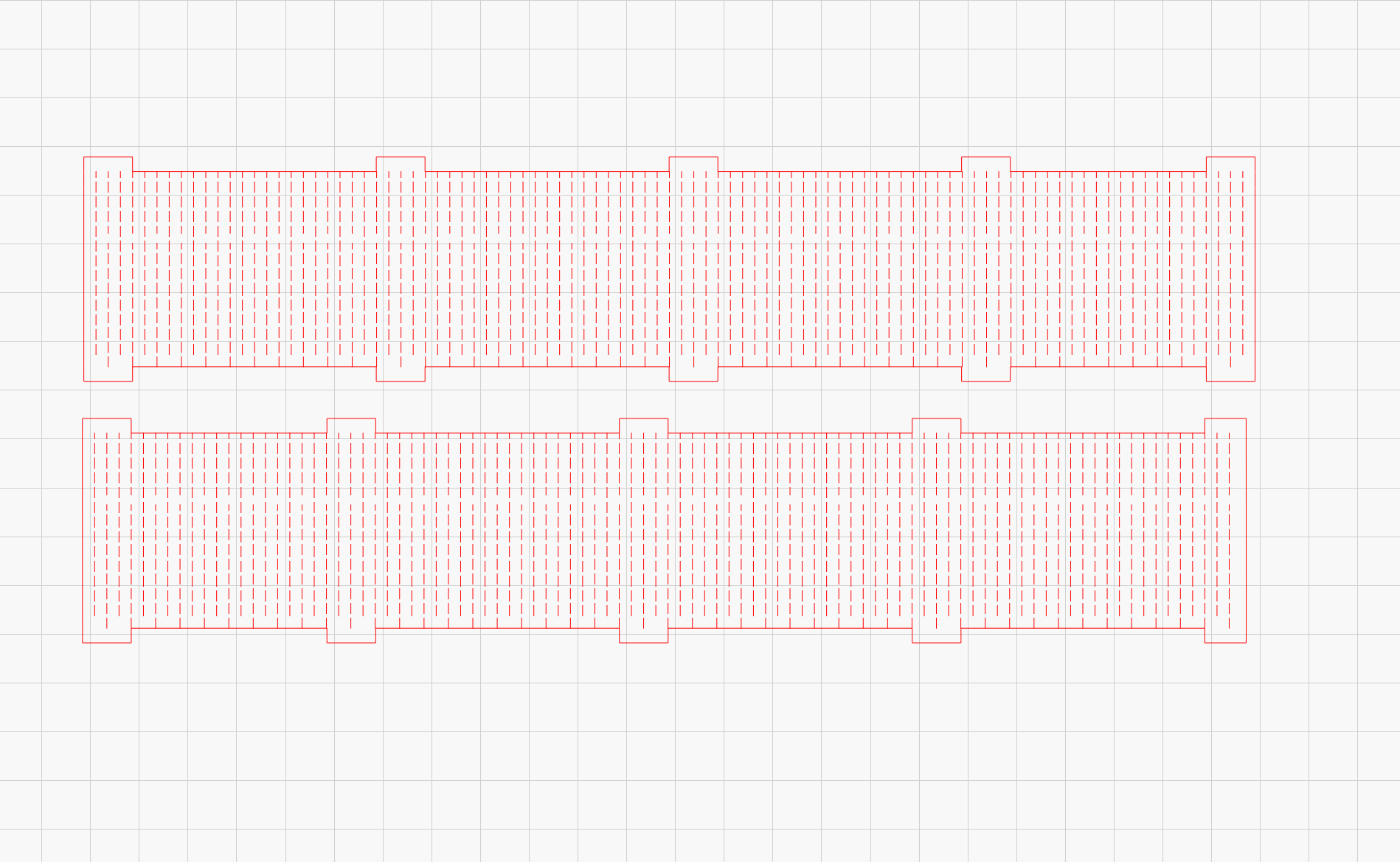
This file is too complex because the cuts are for a flexible band.
Any/all advice would be great.
The bottom, right of both of these should be squared off like the other tabs.
It certainly shouldn’t be necessary for a purchased svg file. The only way to help you is to have the file itself for inspection.
If you don’t want to post it here, consider sending it as a PM.
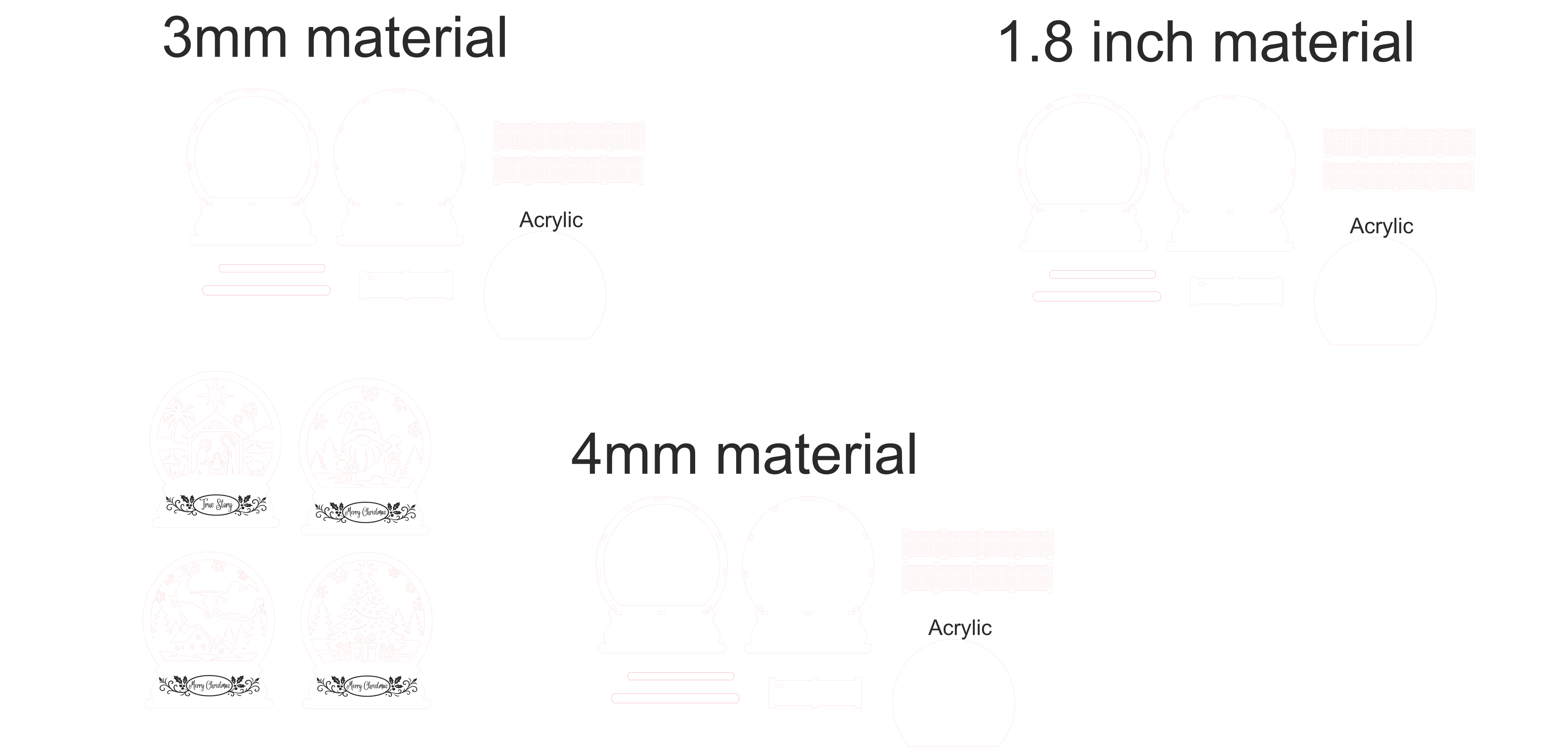
I un-grouped, then put the 3mm into separate layers into lightburn, fixed one of the other files by converting to a bmp, trace and export. But the file that bends is quite tough to trace accurately.
When I import the 1st file (SVG) there are no shapes that are not closed (besides the ones that should be).
So either I have misunderstood the task/problem or the file appears correctly here for me.
Image is with “select open shapes”