How do I make my text to go in an arc? Used to be a blue dot I could move, but no more.
Are you saying that when you select a text object, you do not see the ‘Blue Dot’ to bend text? Did you by chance alter this text to ‘Convert to Path’?
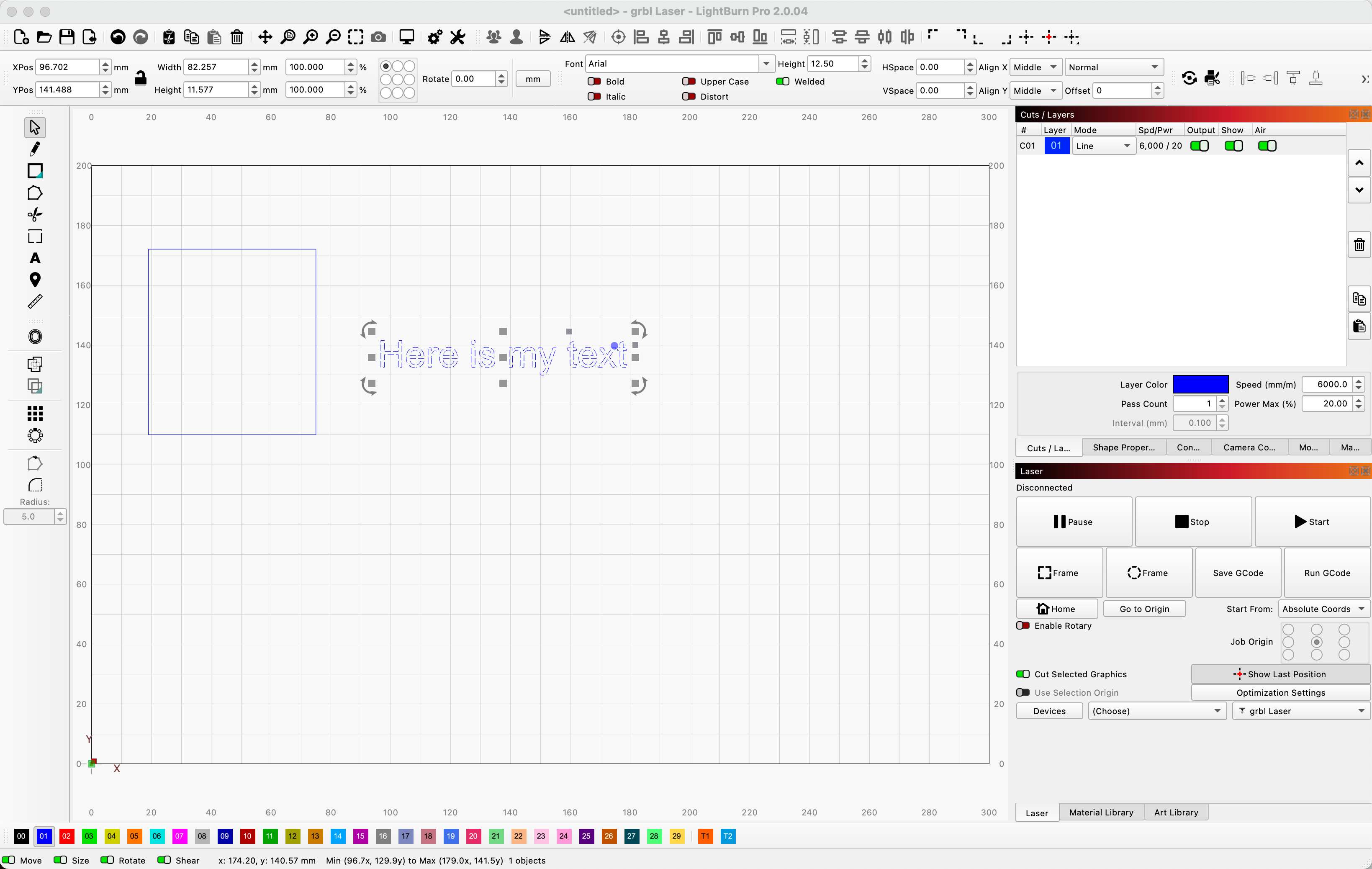
Another option is the ‘Apply Path to Text’ described in detail here:
1 Like
If you are in text edit mode, the blue dot doesn’t appear.
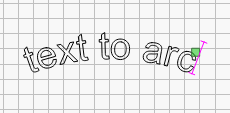
You have to be in select mode for the blue dot to appear (click the select arrow in the toolbar)
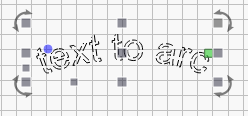
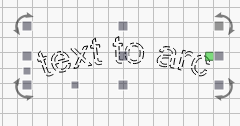
If you converted the text to a path, the blue dot option is gone as it is no longer editible text.
2 Likes
THANK YOU!!! Senior Moment
1 Like
Thank You!!!
1 Like
This topic was automatically closed after 30 days. New replies are no longer allowed.