I tried the function in Lightburn and Millmage Core and it works, but not in the pro trial version.
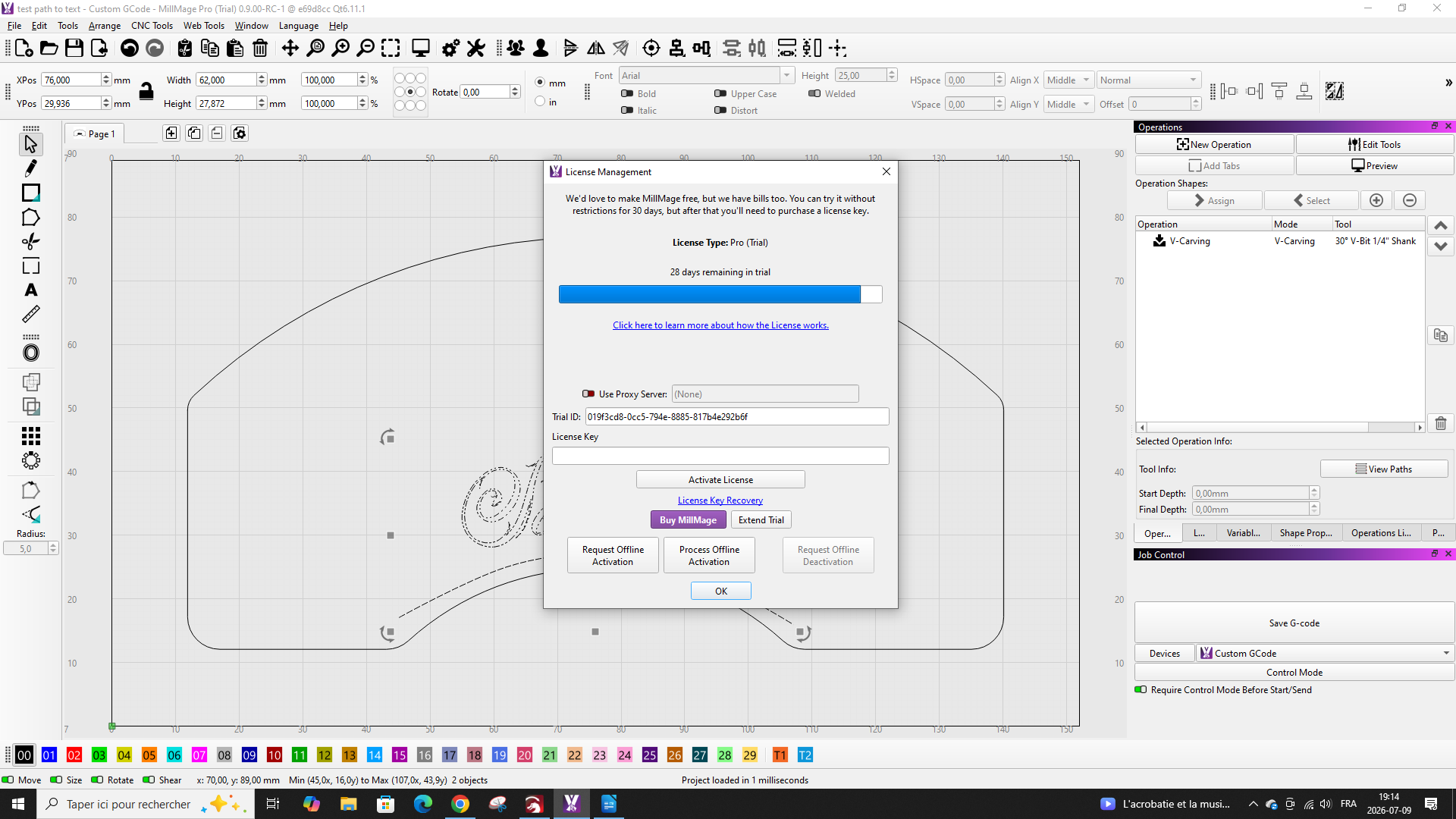
Welcome. I am not seeing the same. Would you please screenshot the ‘License Management’ page in the current MillMage you are running along with a screenshot of the entire MillMage window and post them here. 
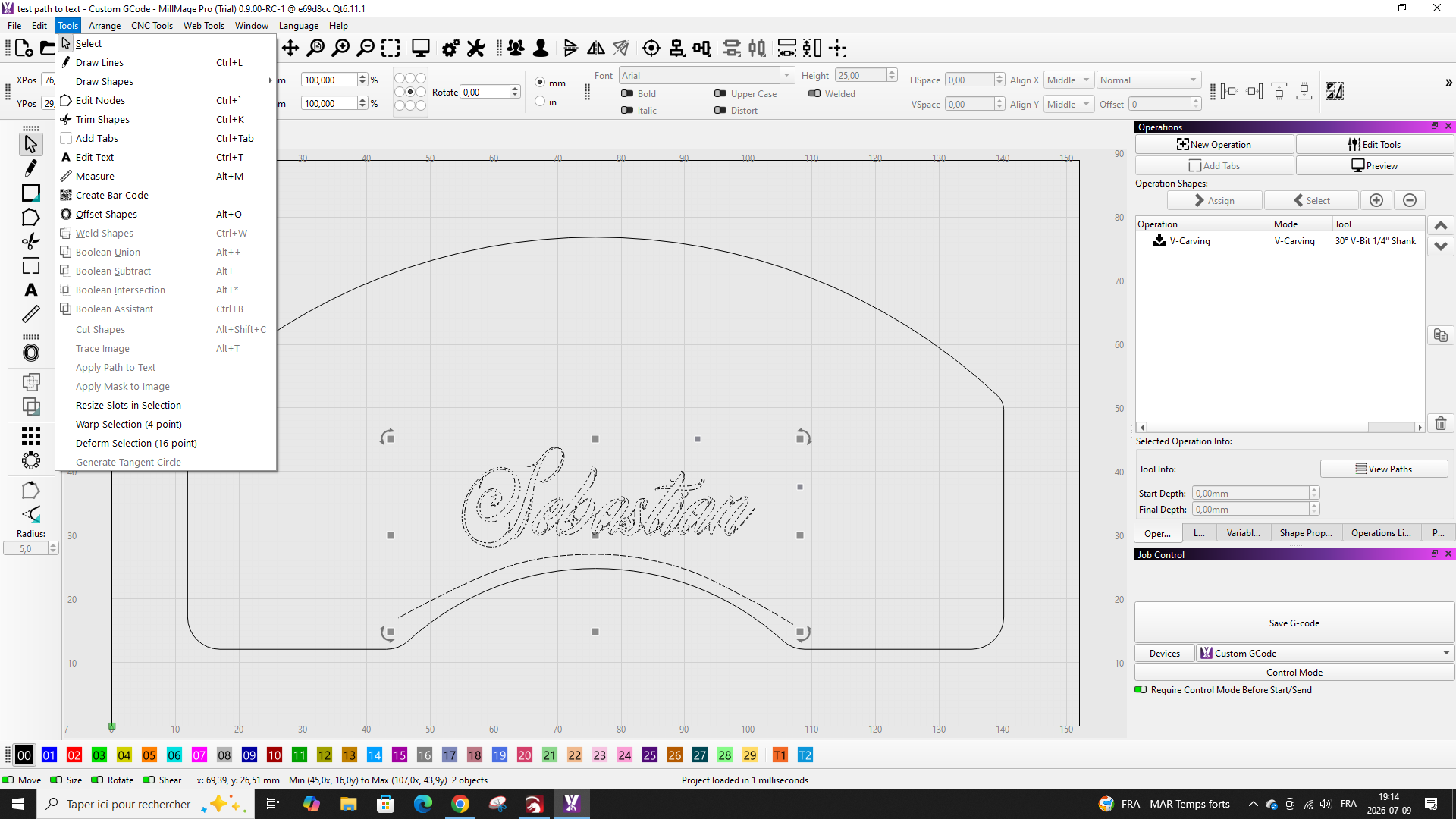
Thank you. I note the text is a group. Apply Text to Path works with a single text object and a single path. Please explain your workflow to produce the text name as a group.
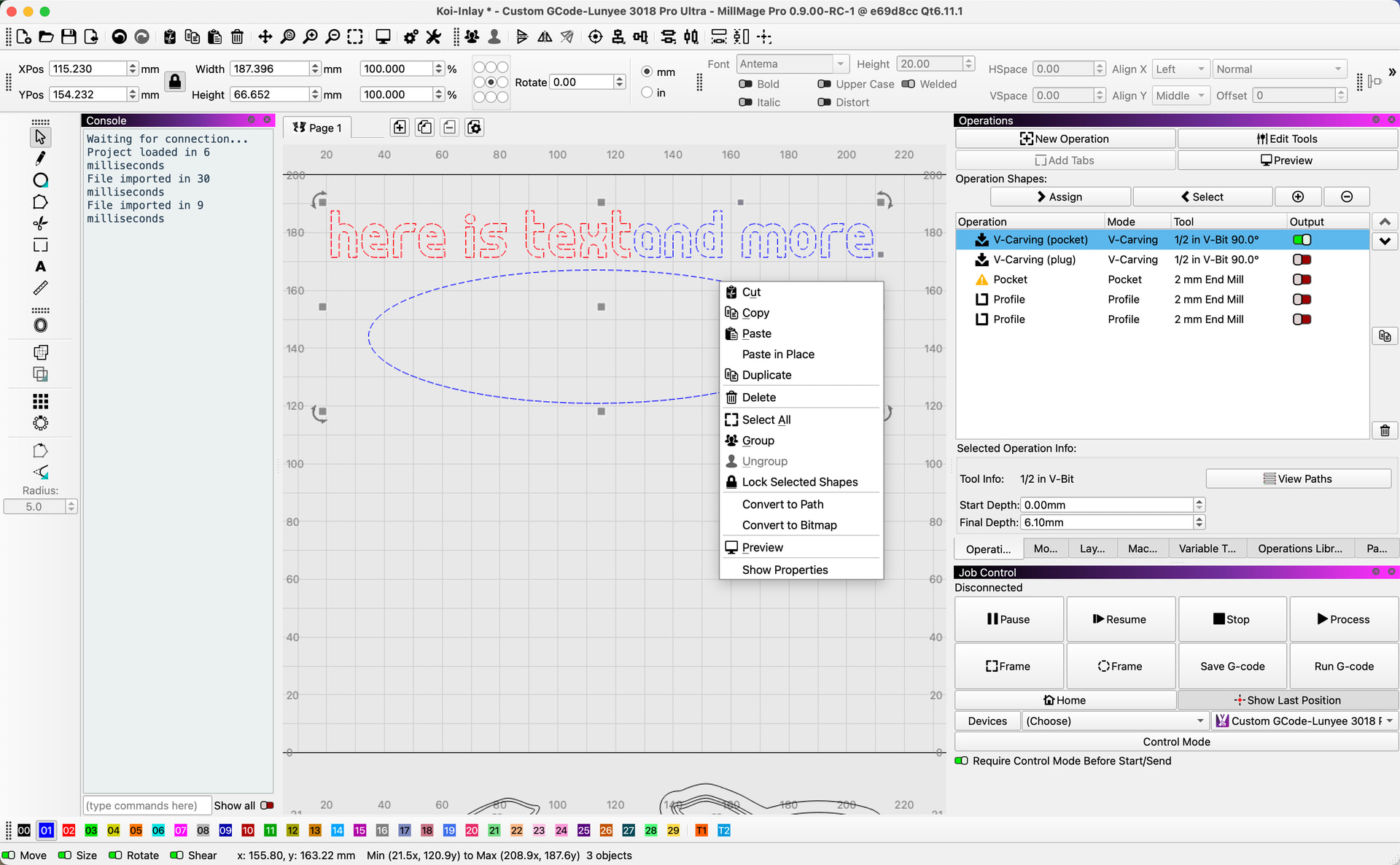
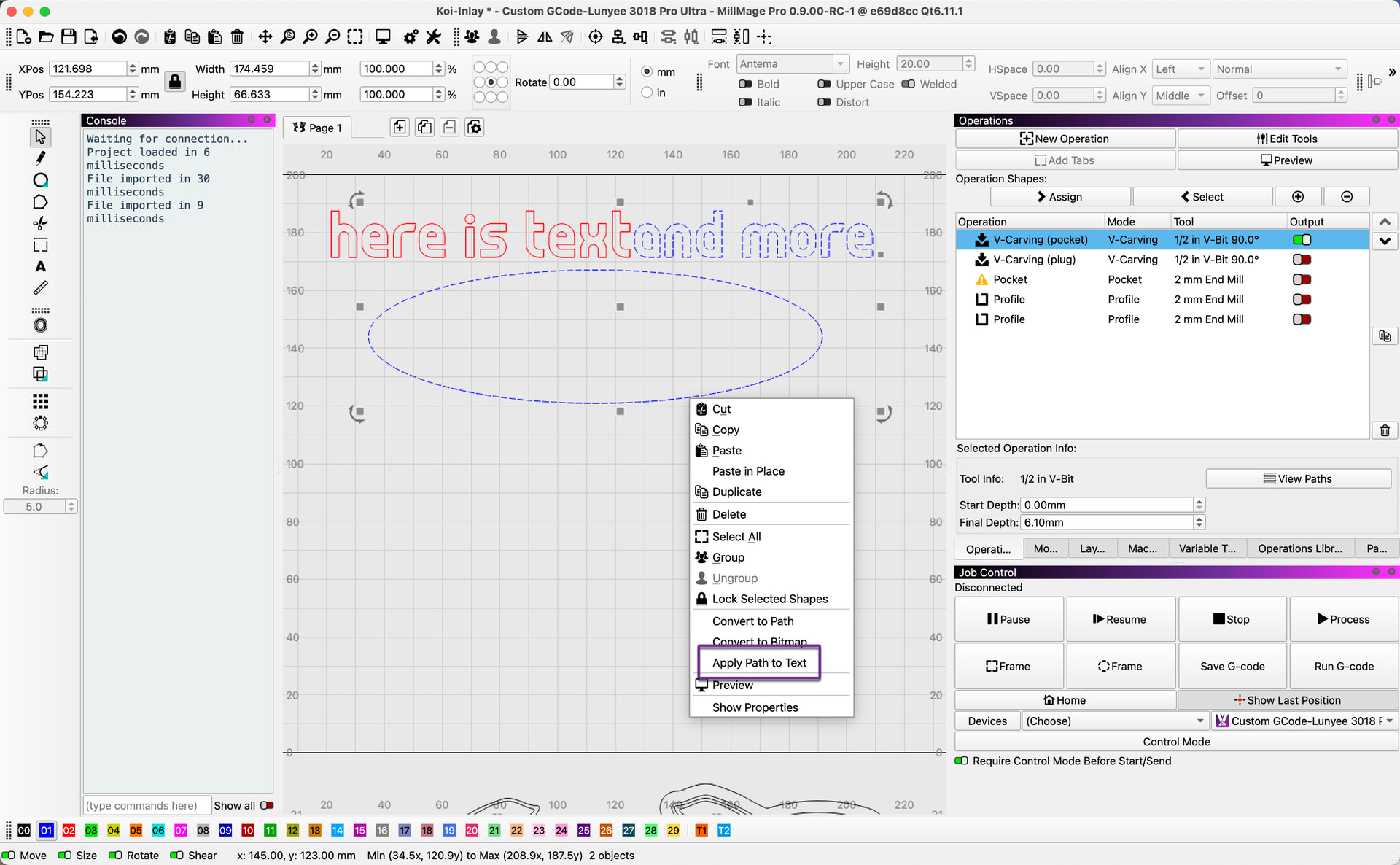
Here I show a path and two individual text objects, one red and another blue. If I select all, there is no option to Apply Text to Path. If, on the other hand, I select only one text object and the path shape, you should see the Apply Text to Path option is available.
Thank you! My mistake was converting the text to a path before making it follow the curve. Sorry about that.
No worries. Glad you got things sorted.
Just curious if there was something specific you were doing to the text where you needed to convert it to a path? I ask because the responses to just about every question on FB involving text seem to include “convert it to a path first”, when that’s almost never necessary.
The two exceptions are when you want to manually move/change the individual letters, or when you need to edit the nodes.
Indeed, but I think it’s an old habit. I hadn’t even realized that Lightburn or Millmate merged cursive fonts. I don’t remember, but I seem to recall that in the past you had to convert them to avoid incorrect cutting or machining. Nevertheless, to manually change the capital letter of a name, I think it’s mandatory.
To manually edit the shape of a letter, yes, it would be necessary. (that would be node editing)
Just trying to break some bad habits and dispel some misinformation when I can.