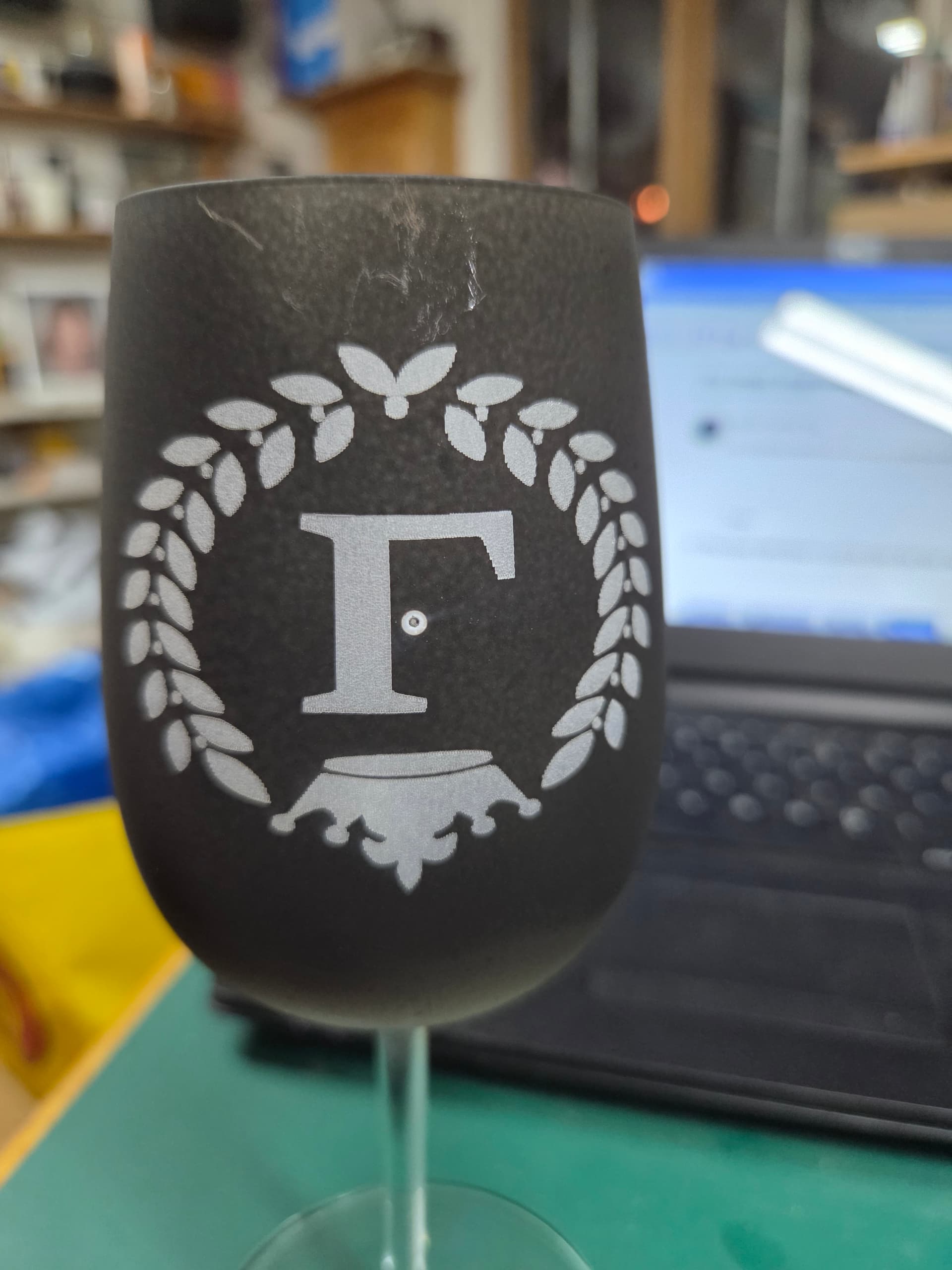
You have the wine glass upside down in the roller…
no i dont. I have done lots of engraving
the same way without any of this problem
That is not apparent from your post. Excuse me for not knowing your history. I am too simple most times. If upside down, flip it. Problem solved for me.
Post screen shots of your:
workspace
settings window
Cuts/layers window
Preview window
Details of your system - Version of LB, OS, recent changes etc.
Either turn the rotary base 180deg or check your Origin button in the Device Settings window.
The Troubleshooting guide may help:
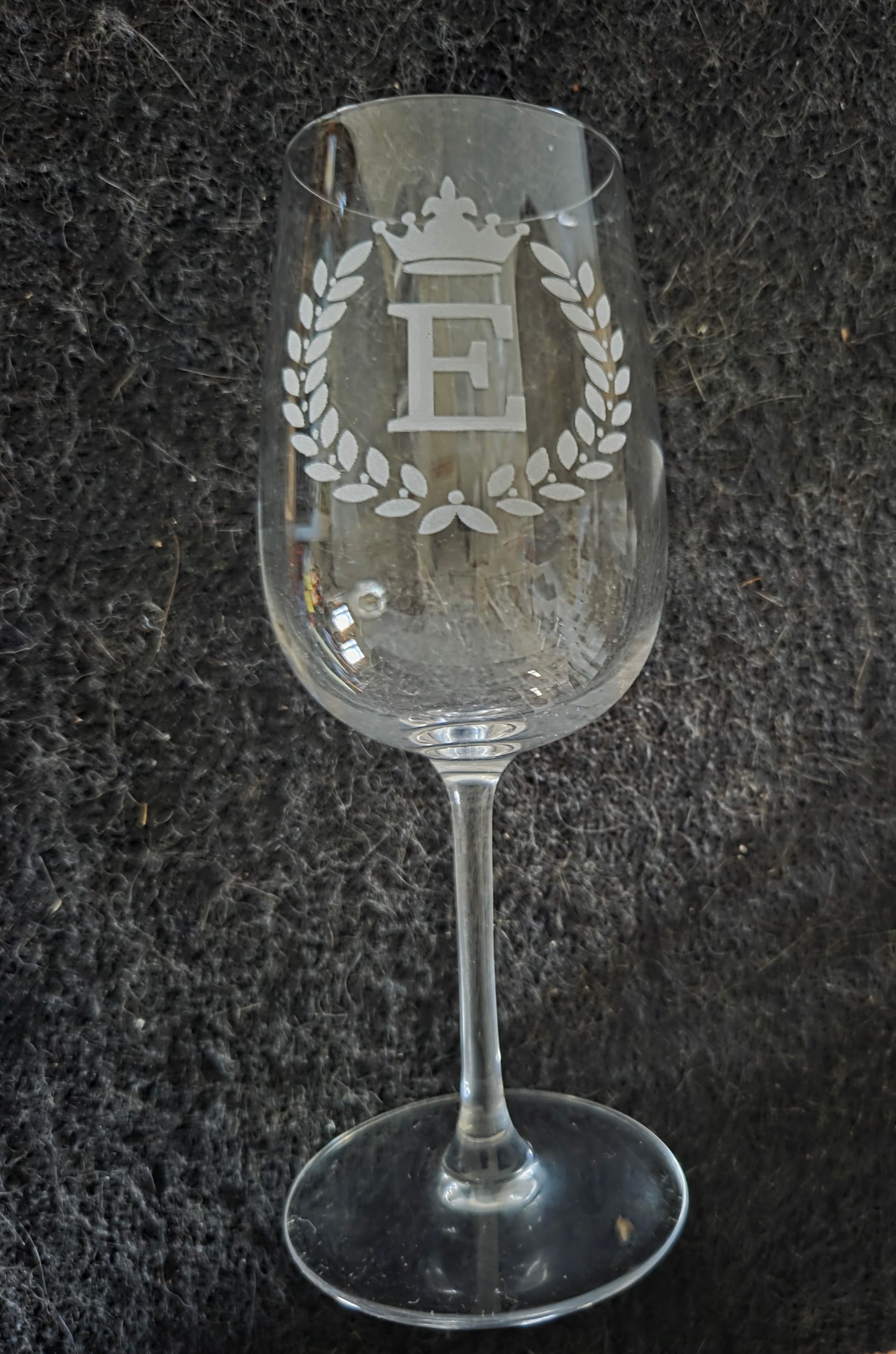
PLEASE PLEASE… help me
Because you have not providing the information we’ve asked for, we cannot determine what’s going wrong.
Please follow these instructions:
How to Ask for Help - LightBurn Documentation (text)
VIDEO: How to Ask for Help (video)
Flip image 180 degrees. Then burn.