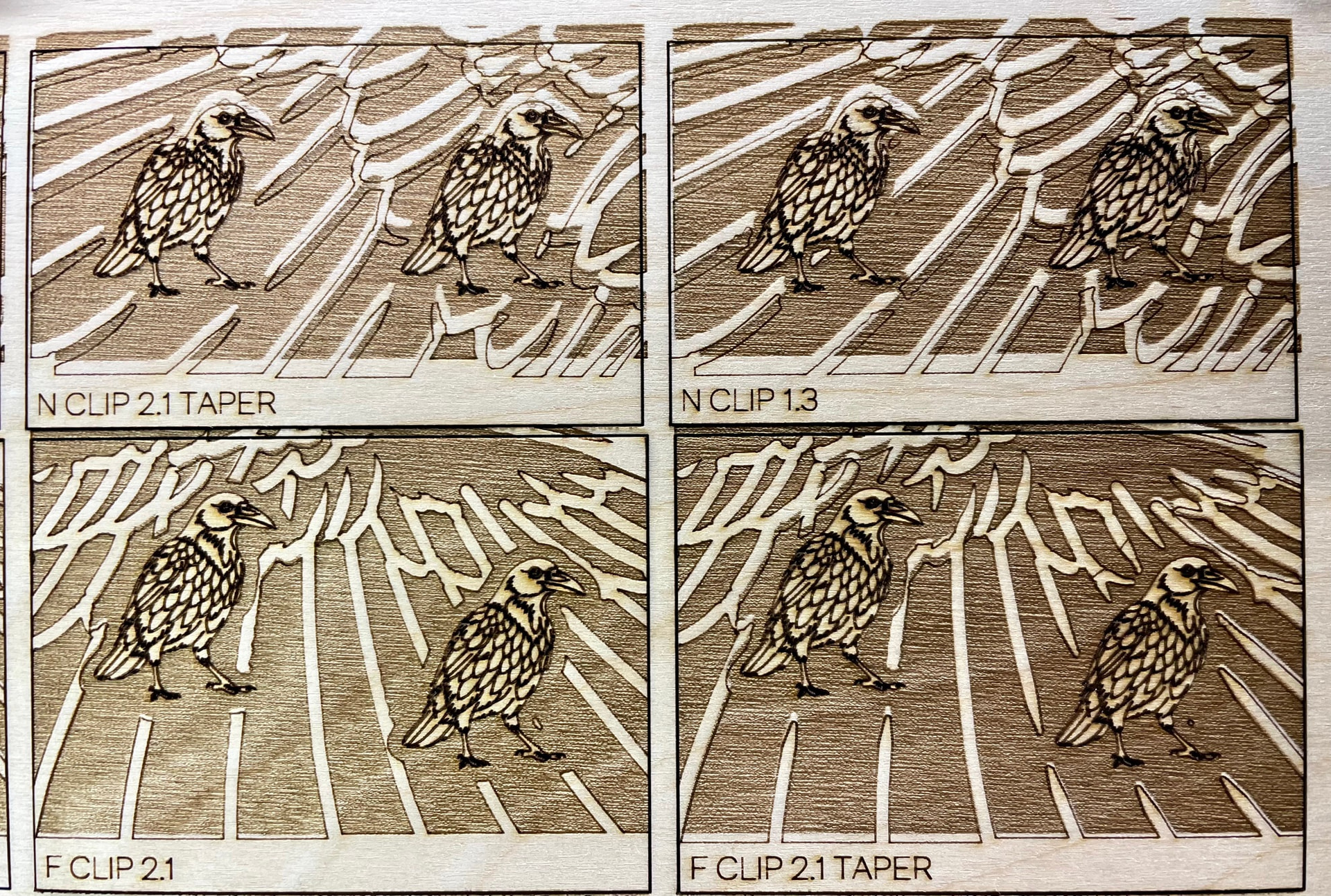
Thunk! That’s the sound my refurbished S1 from xTool makes from time to time ever since I got it. I’ve never caught it in the act, but the result is the same. It’s most pronounced on a single layer with a fill-sublayer and a line-sublayer. The fill happens first and then comes back for the lines. If the thunk happens in between those two, the registration is off from that point forward. Could the belts be slipping resulting in the physical and logical locations now being offset? It’s the only thing I can think of at the moment. It’s also happened before on a completely different design with the same fill-line sub-layer configuration.
I can feel the thunk through the table enough that it startles a WTF out of me when it happens. It sounds like the module is slamming into something with no deceleration. I’ve got my material locked in place. See the pic. It happened 4 times on my refurbed S1 and once on my original, newly purchased S1, just now on the same file, not as badly, but the offset is there. I had Claude generate the .lbrn2 file and I’m guessing there could be something in there that my validator misses, but it’s also happened in the past on a regular lbrn2 file saved from Lightburn with no AI mischief involved.
Wild guess here:Thunk is when it travels too far and slams into the frame. Once this happens, the belt(s) jump a couple of teeth and now position is lost.
This can happen if you tell Lightburn the working area is larger than the area the laser module can actually travel. Lightburn does not know an out of bounds command has been computed. If you Home the machine, all is good until the next Thunk, right?
Because it is an xTool, I cannot offer any suggestions to change the controller parameters or fix the .lbdev file.
When I’ve heard this noise it was loosing steps… Mine has never jumped a tooth on the belt, when I hear this noise it’s a step or two off. If it’s way off, you might want to do what @deemery suggest about posting it on Reddit.
I stand corrected, I have no idea why I said it would. What will happen is the motor will stall, but the controller will try to continue issuing step commands. It will create a brraaaaappp sound, and it is called cogging. And lost position.
Thanks for all the suggestions. I’m also generating some other test sheets to gather more data points. I also plan to rearrange the tests on the work area to see what happens.
I thought that maybe the overscan amount was too large for the edge of the work area, so I recentered the tests to be clear of the overscan amount on both the left and right sides, but it still occurred.
I should’ve stated that I am using the new xTool device config in LB 2.2.01 and have updated the S1 firmware on both machines.
When I group all the ornaments in a row, the fill sub-layer renders first across all ornaments in that row and then it comes back to do the scoring sub-layer for the entire row. It’s about 15% faster if the ornaments are packed in close enough so there’s not a lot of blank travel. If I ungroup the rows and render each ornament separately, including the cutting layer with tabs, I never see the problem.
Another variable I’ll check is that these sheets indicate they were created for my old .lbdev for the S1 and I told it to use the new xTool USB device descriptor instead. Perhaps there’s a remnant in the settings that needs to be scrubbed.
I also got a CRC error on one attempt. I don’t know if it’s a hallucination, but Claude said that it’s possible that the number of nodes (15K) with sharp direction changes could potentially cause issues with the buffering of the G-code stream. It said that some controllers are capable of reading bezier coordinates directly while most are relying on the software (LB in this case) to break every curve down to thousands of tiny straight line segments. I have no idea what is exactly being sent, but now that my curiosity is piqued, I’ll probably save the GCode in a file and take a look. If I start analyzing the USB traffic, then I’ve gone off the deep end and should be put out of my misery.