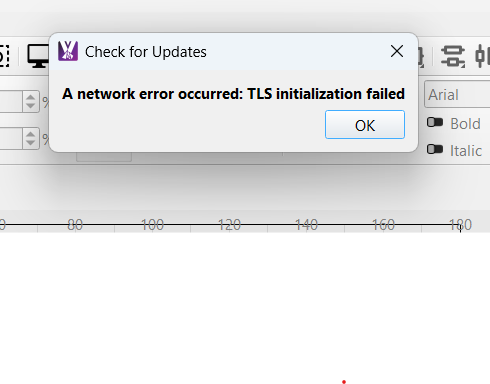
Keep getting the below message when checking for updates. Connection to CNC, internet and network are all good
Hi Carey,
To fix this, please manually download and run the latest version of MillMage from here:
From the change log:
0.9.01
Fixed installer issue that caused TLS errors on some systems
Alternatively, you can delete this file (which is causing the problem and is no longer required), and then in MillMage use ‘Help>Check for Updates’ again:
“C:\Program Files\MillMage\tls\qopensslbackend.dll”