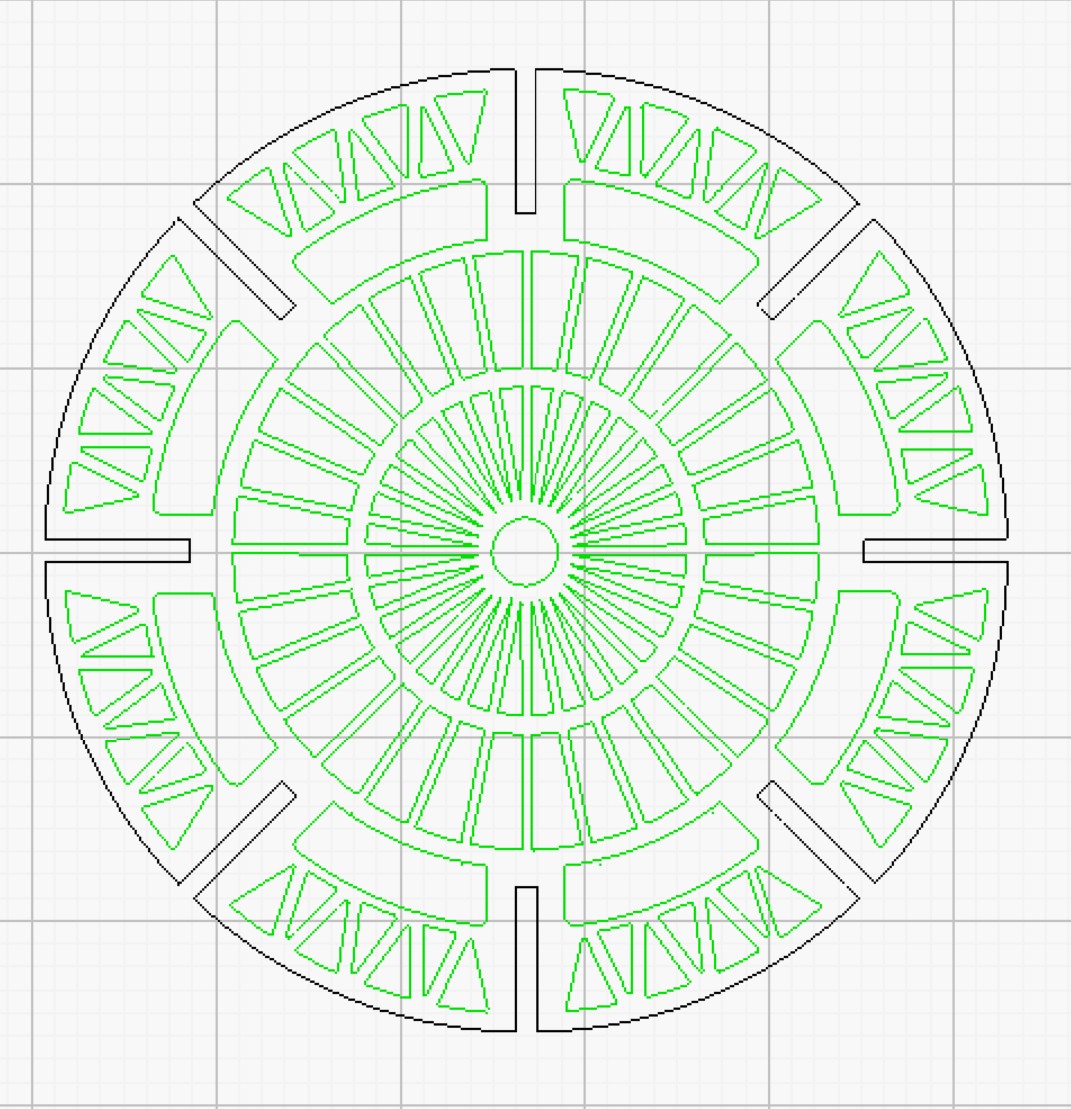
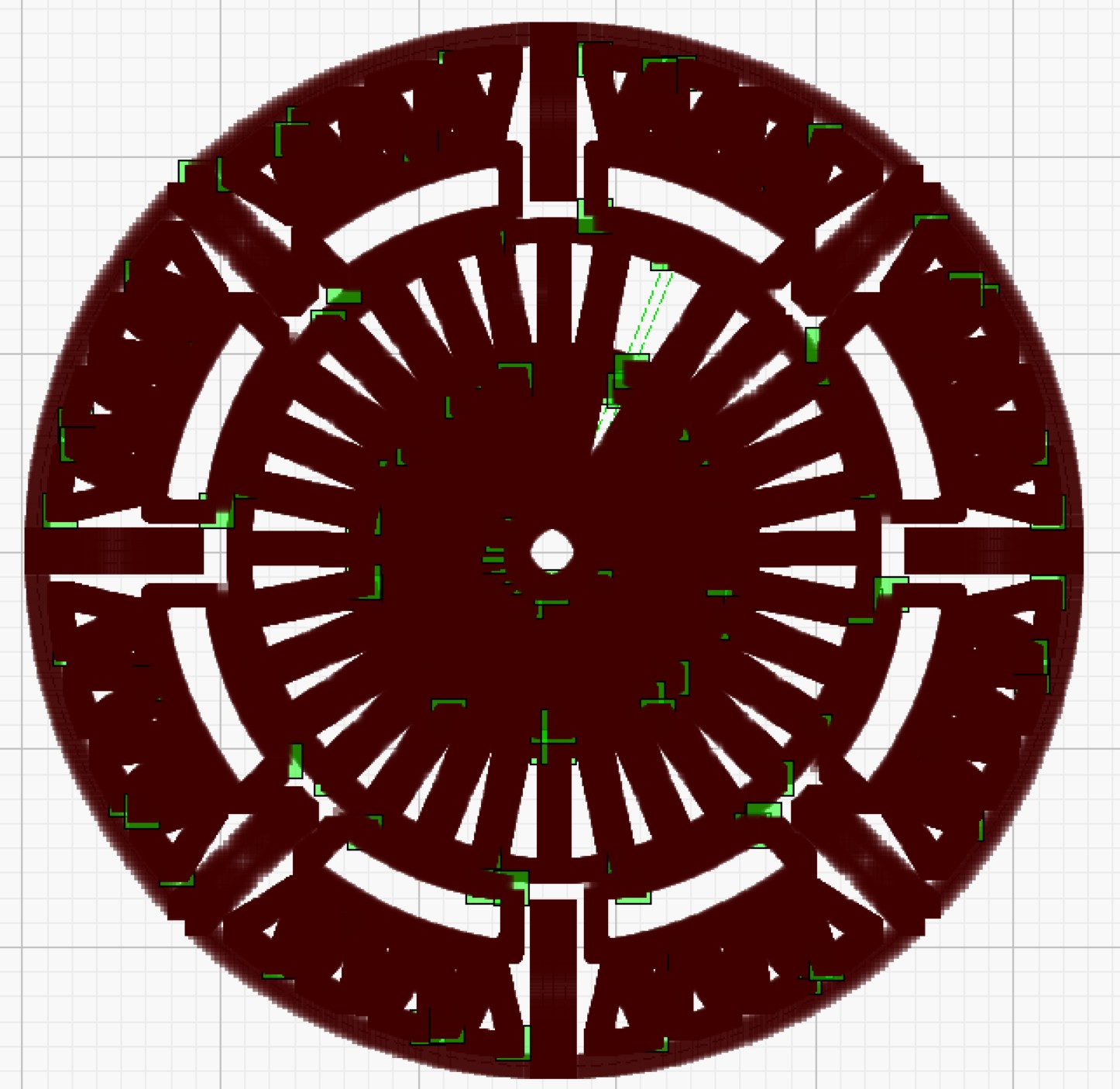
I’m trying to cut out parts of a purchased file. While cutting the component in picture one, I heard my CNC “stutter”, and it lost its orientation, cutting shapes in more or less random locations. I’m new to lasers, but I’ve had the problem with my CNC machine, and the issue turned out to be too many nodes. Sure enough, when I go to the node editor, I see picture 2: solid nodes.
I know I can fix the issue by deleting nodes, or just duplicating the drawing, but I’m wondering if anyone has come up with a less tedious way to solve my problem.
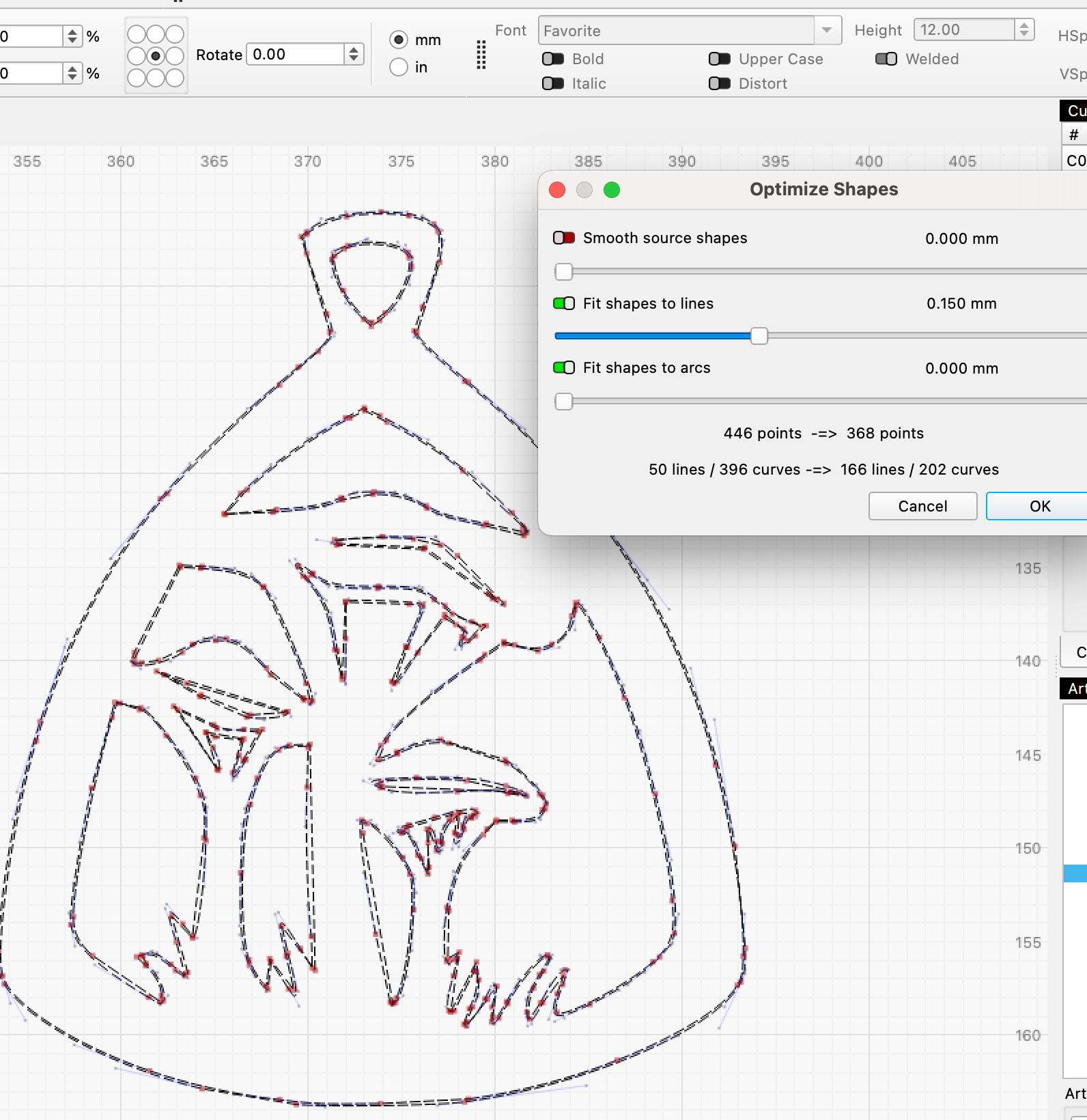
Welcome @SailorMike, Bernd has you. To assist a tad further, here are our docs on that feature and how each of these adjustments work.
Longeron 6.lbrn2 (2.3 MB)
Guys, thanks for your replies. I ran the “Optimize Shapes” tool several times, and while it helped, there are still WAY too many nodes. The uploaded file is a structural member of an airship, imported as a DXF. I read and followed the referenced docs. “Convert to Path” was grayed out. If you look at the nodes on the engine pylon (it’s sticking out from the right side of the perimeter) you’ll see lots of nodes on what are essentially straight lines.
You can try converting all the vectors to a bitmap, at least 1024 DPI and using “Fill all” then Trace Transparency.
After set Layers and recheck nodes.
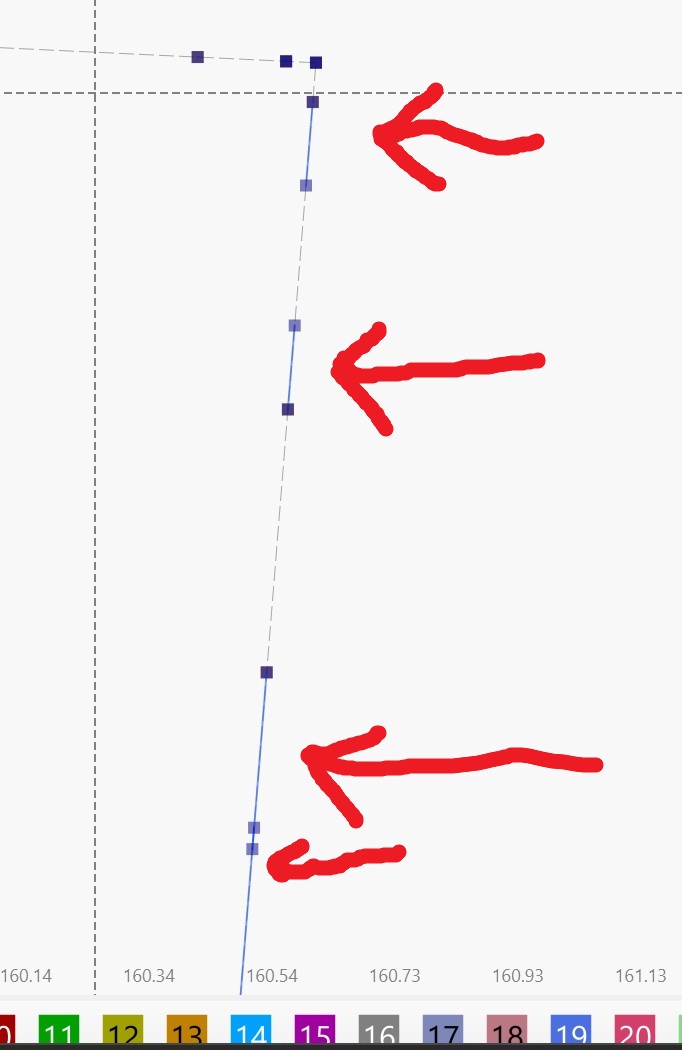
On your file a bit of optimization:
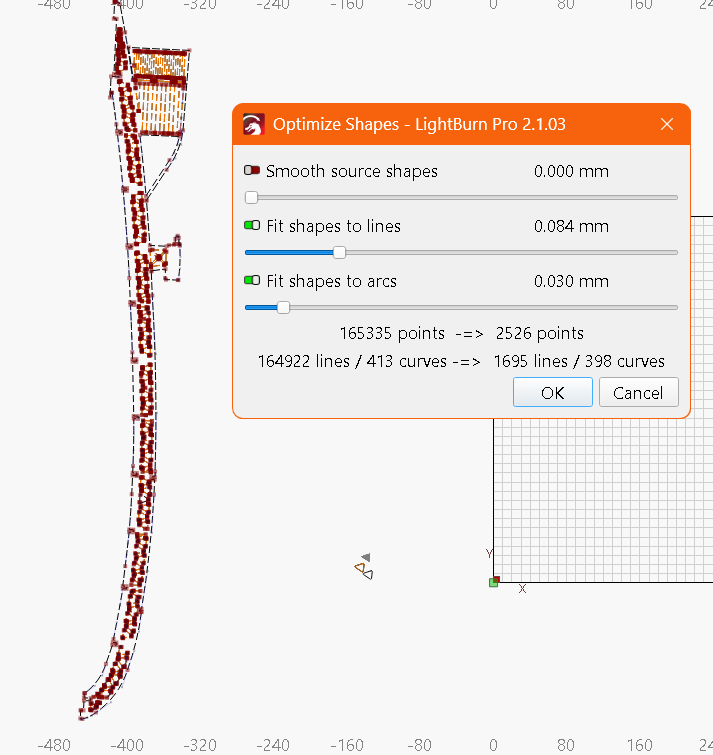
From this:
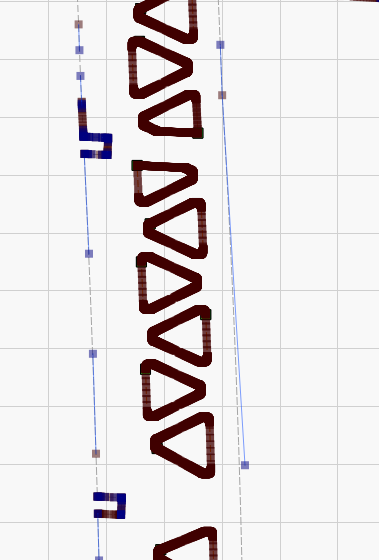
to this:
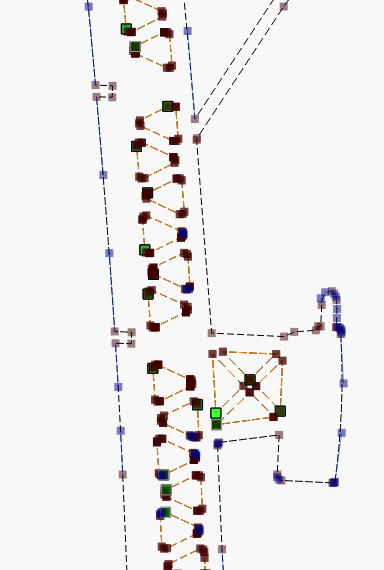
2MB to 181KB
Longeron 6_191055.lbrn2 (180.3 KB)
Bulkhead 4_2.lbrn2 (2.4 MB)
I tried Parsec’s method and there is a definite improvement. The two bulkheads in the file are duplicates. The one on the left is a traced image, the one on the right is the direct import. Optimizing the traced image did not change it at all. Tomorrow I’ll go hunting line segments, and report back.
Once you get all those extra line segments out of there, you should also see a time improvement.
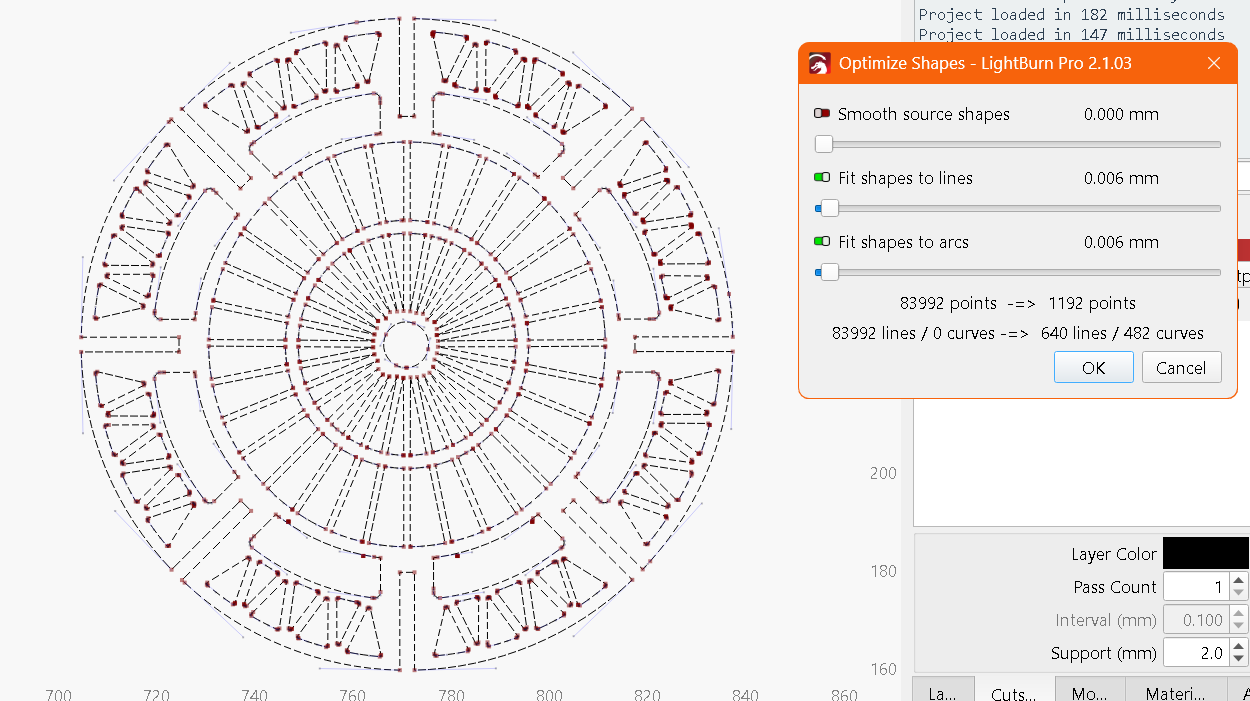
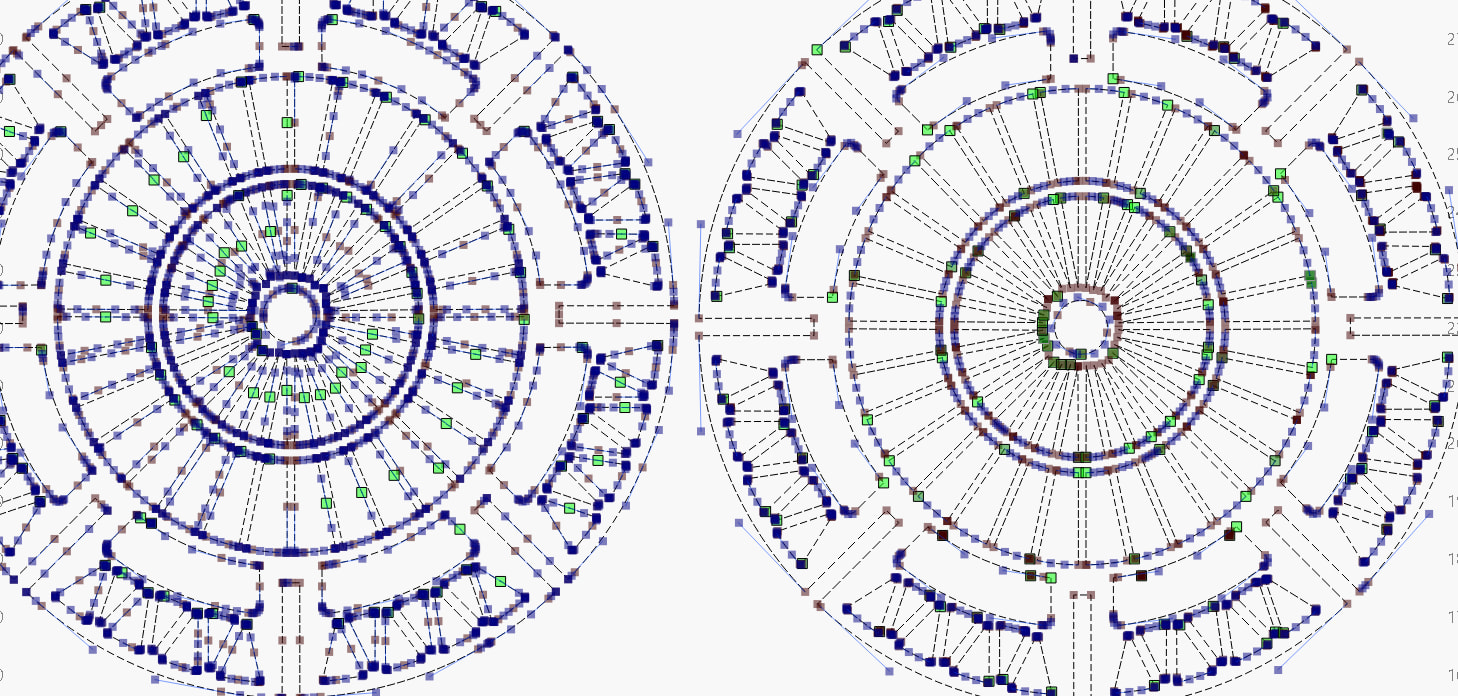
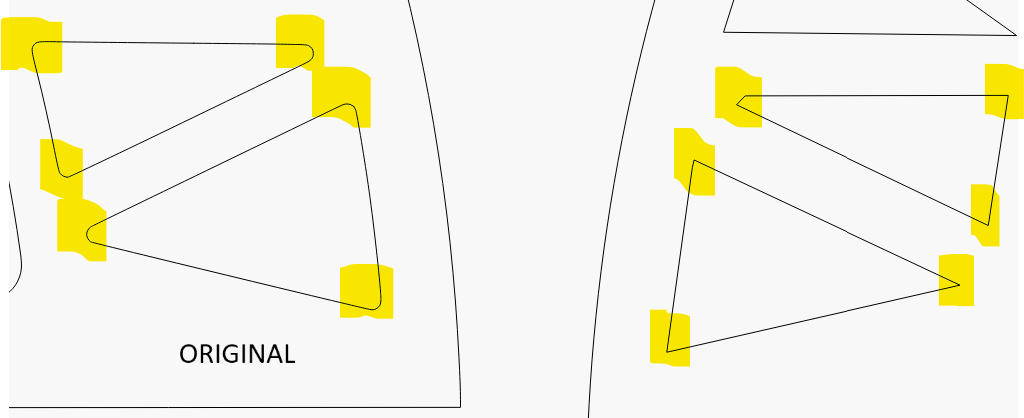
Well, I’m happy to report that the cut went perfectly. I imported the DXF, converted the parts to an image using “fill”, then traced the image. Then I ran the optimizer on both parts, and cut them out, with no probelems. The number of nodes was greatly reduced, as you guys demonstrated. Consider me educated!
The plans were a few bucks on Etsy, and as any information on them was in Ukranian, I was no wiser.