Tool paths not looking right in old files

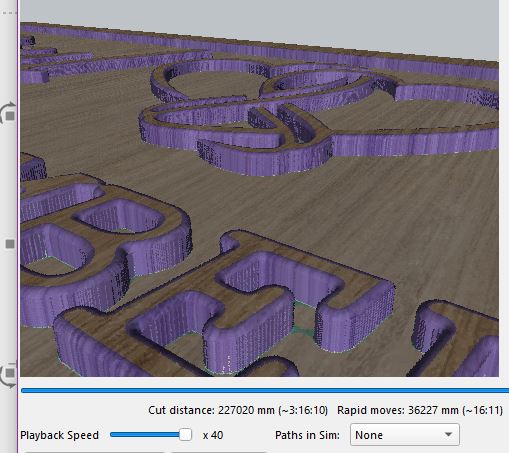
a created a file in a previous RC but never ran project, was goin to chamfer edges have since brought a round over bit ,

removed chamfer operation created round over operation to be outside of line

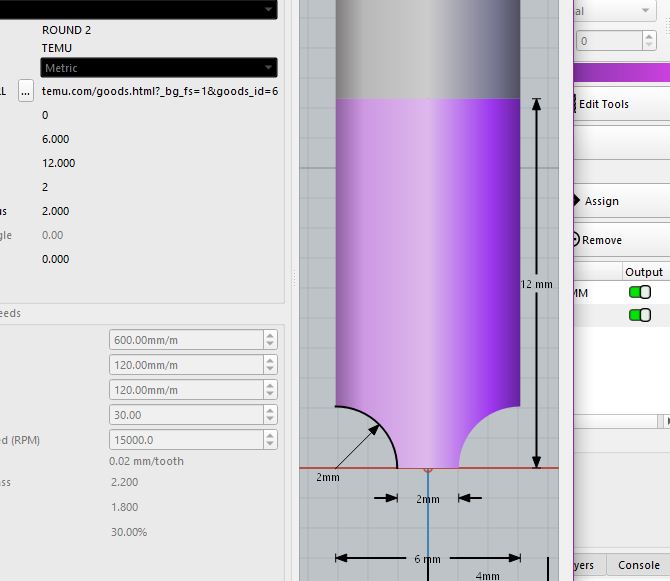
2mm round over 1.5 mm deep it shows this

created new job and did some round over path and it looks as it should

if you want file i can email it

Yes please, I’d like to take a look.

ill send it later as not at that computer at mo

I ran a trial job to see how it would cut and it cut like the preview , this is the same file that relates to

3mm wouldnt touch material , round over went to deep on 1st try,

let me know if there is any other screen shots or info you need to see happy to send it to you,

going to create a new job in rc 12 with same operations and see what happens

have emailed them to support att: to you as couldnt message you directly here

1 Like

we received the files.

1 Like

have completely remade file in rc 12

stiil the same issue with round over if i set it to outside in preview

but if i set it to inside it shows the right round over in preview , :slight_smile:

It took me a while to get back to this, but you figured it out already - You’re doing a round-over of a pocket, so you need to be on the inside of the profile to round it over. The example file you sent me that works (with a simple rectangle pocket) is set to inside as well, which is why it works. :slight_smile:

You are clearing material away from the letters - The letters are what’s left over after a pocket. Because you are rounding the big rectangle pocket, as well as the letters it contains, you’re rounding the “inside” of the pocket. If you had only selected the letters, it would be the “outside” of them.
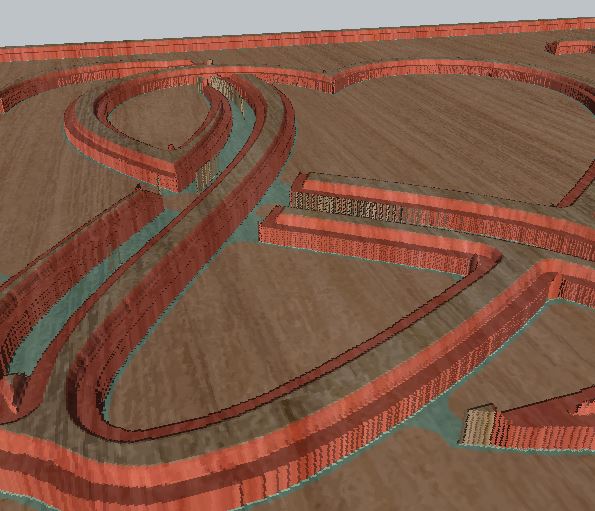
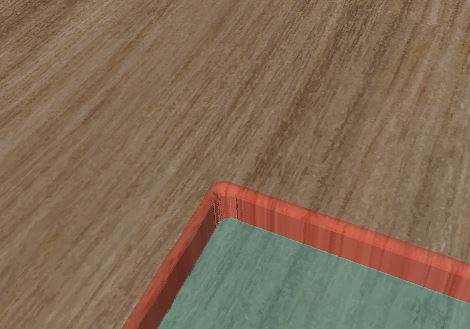
no stress re time, yes some times takes a while for penny to drop :slight_smile:

1 Like

re my post on chamfer and i reading that the wrong way also ?