I have noticed a toolpath issue in MillMage Core 0.8.02.
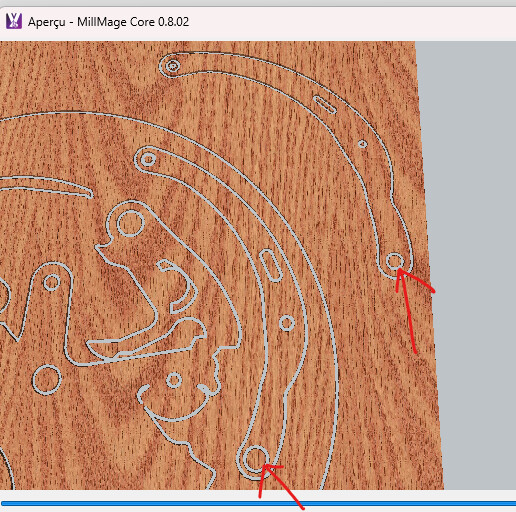
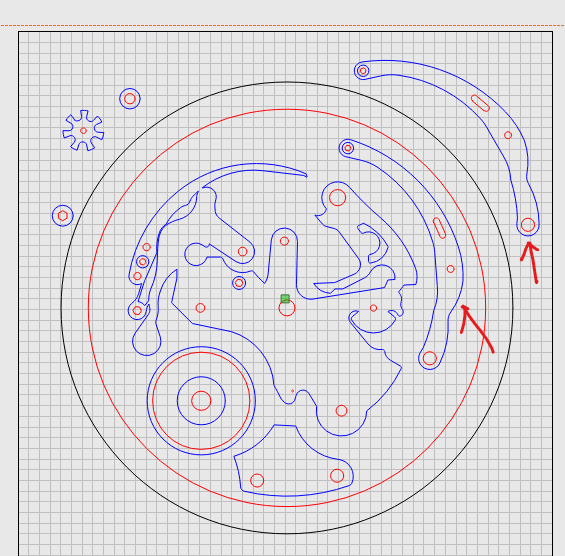
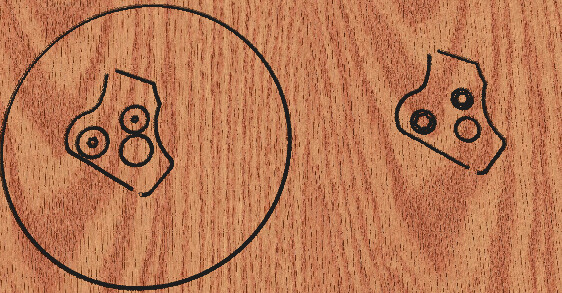
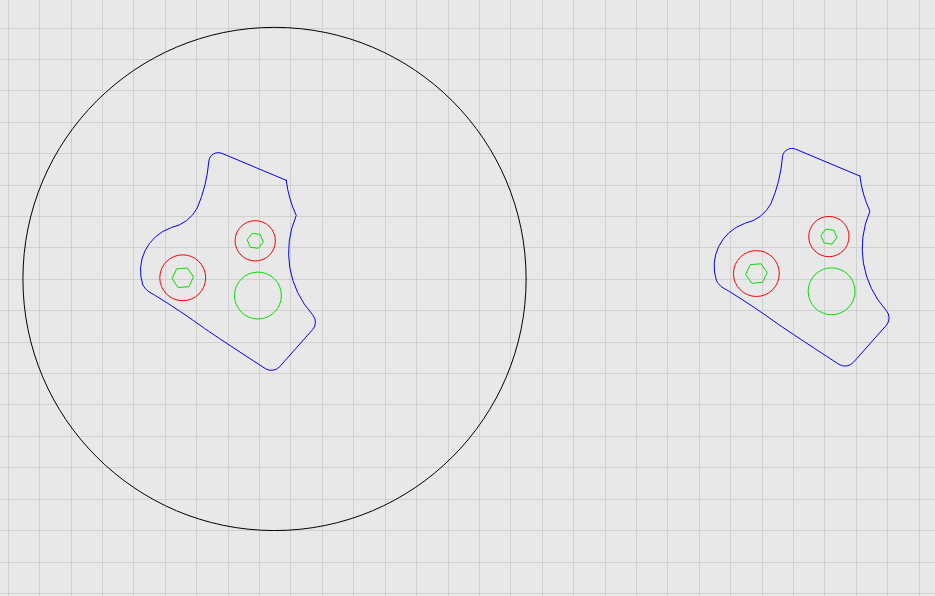
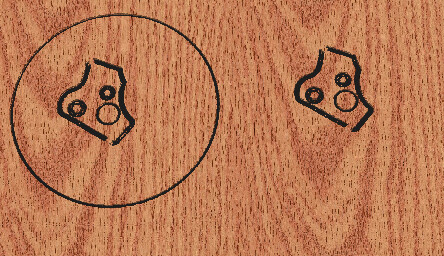
In the attached screenshots, the two curved parts marked with red arrows are identical. However, when one of these parts is located inside the large circular shape, MillMage does not respect the dimensions of the holes during machining: the holes are generated too large.
The toolpath settings are as follows:
Red lines: inside cut with a 2 mm tool
Blue lines: outside cut with a 2 mm tool
Black line: outside cut with a 4 mm tool
The problem is not limited to these two parts. It occurs on all similar parts placed inside the large circular shape: the internal holes are oversized in the machining preview, although the original vector dimensions are correct.
Could you please check whether this is a bug or whether there is a setting that I should change?
Yes I can confirm setting up a similar job that there is something not working right in that scenario.
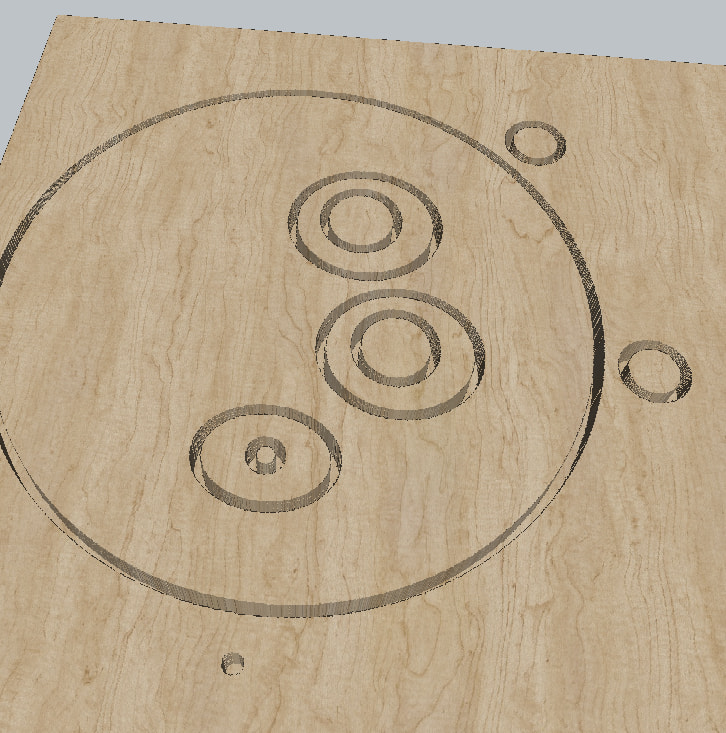
You can see it best on the 6mm feature on the bottom the circle inside the circle and the one outside the larger circle are both assigned to a Profile Operation and told to cut on the inside. The one outside the larger circle cuts as expected, following the inside of the 6mm circle, but the other leaves what looks to be a 6mm plug. Looks to be getting the inside and outside of the shape confused when nested inside other objects.
Yes, this is exactly the problem I am seeing. When a part is nested inside another closed shape, MillMage seems to confuse the inside and outside toolpath for the holes.
The same issue occurs on all the similar parts located inside the large circle.
Thank you for your help. I hope this can be fixed in a future update.
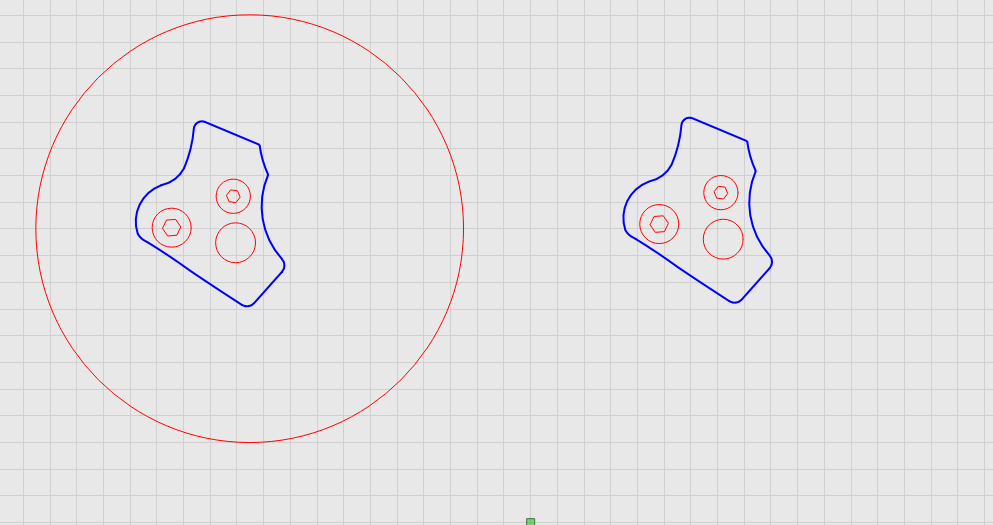
Imagine all the red circles with their inside edges facing each other. That is the side of the line your tool is going to cut on when you have selected “inside the line”.
This trait is readily apparent in Lightburn, where you have a filled circle, then do an outside trace. Suddenly, the filled circle becomes un-filled, because the inside-outside relationship changes.
Thank you for your detailed explanation.
I understand now that MillMage interprets nested closed contours differently when several shapes are assigned to the same operation.
Thank you again for your help.