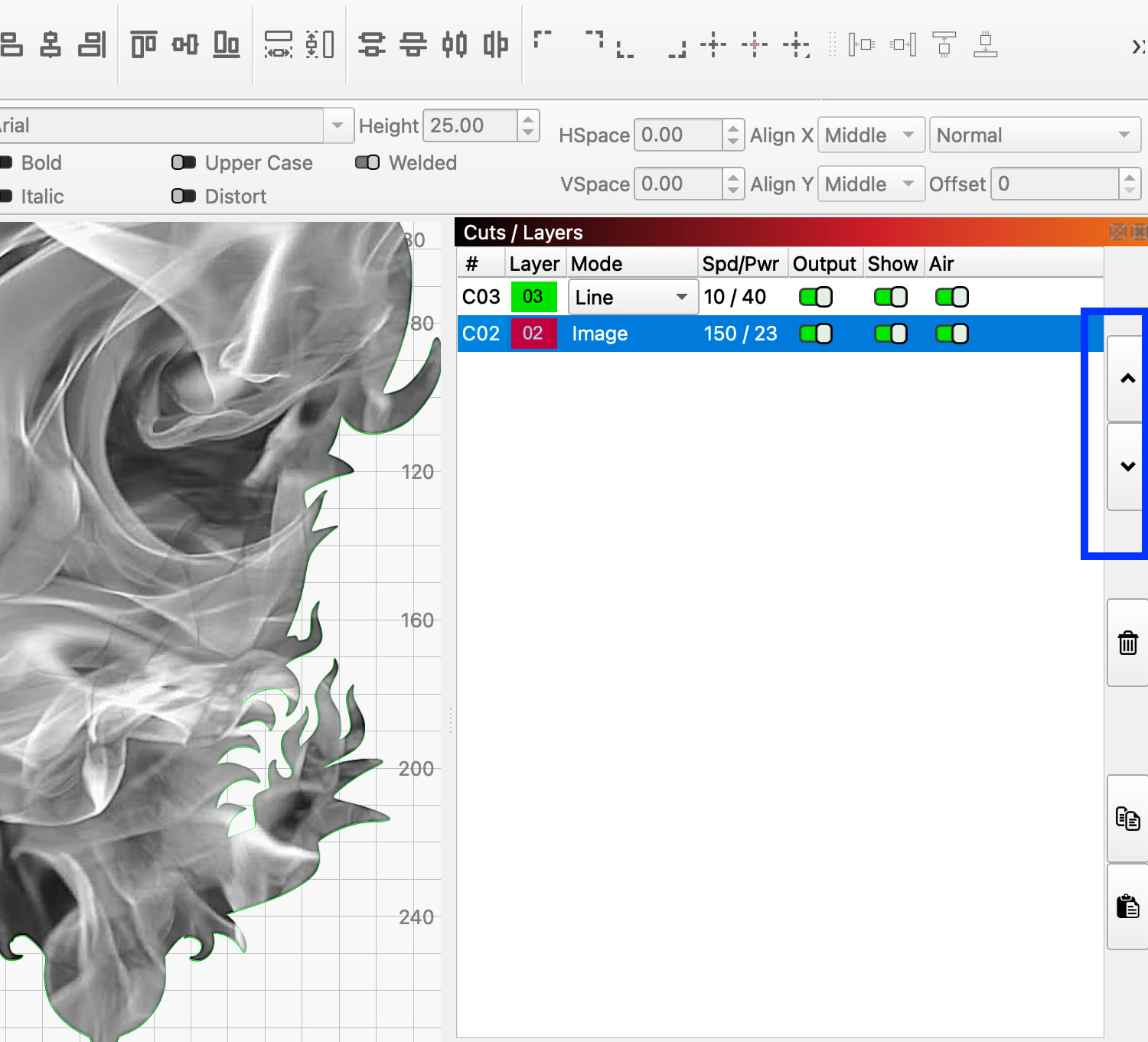
I was trying to do multiple sections of tracings on an image that doesn’t trace well, and everything was going good. Something caused the trace that I was working on to move to the back of the image. Now when I trace anything it moves to the back. I have tried all the arrange > move options, the trace is a line and not a fill and nothing works. This is unusable now. What caused this to change in the middle of it working correctly?
HI Jerry
In the cuts/layers panel.. Bring the trace that is at the back (where you don’t want it) to the front by dragging that layer to the bottom of the list, for example.. Bring C01 layer to C05.that puts it in front.
The C01 layer remains as blue C01 and the layer that was in that position moves up one.