I got a new computer. How do I download lightburn software onto it without repurchasing the software? There should be an easy way to do this. (Like, put in your license key and download the software.) I’m not finding this answer anywhere. Everything seems to start from where you already have the software on the new computer. Please help!
That’s exactly the answer, just the other way around.
You can download it from here: Download / Trial – LightBurn Software
A license comes with 3 seats, meaning you can use the software on 3 computers. On first launch, you will be greeted by the License Management window where you enter your license key to activate it.
You’ll find more details on the links next to the search box here on the forum:
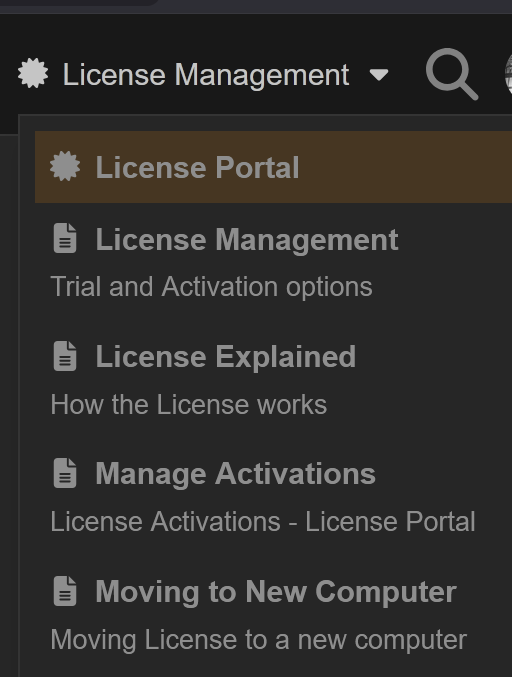
Once the license is activated, you can use the User Bundles feature to move your LightBurn settings to the new computer
It appears you’were following instructions on a specific page. Could you send us a link to this page, so we can look into making that clearer there?
After you get the license sorted out, transfer the settings from the old PC: