I finally received my laser. It had been a while since using Lightburn so I downloaded the trial version. I need to do some test burns due the rough handling f the the shipping container. It is a Monport Reno 65 Pro. It will not recognize the laser so I am assuming that I need to load the correct driver, but I am having problems finding how to do that. Any assistance would be greatly appreciated. Thank you. (I was using the USB cable when trying to connect)
Hey Kevin,
The Reno 65 Pro has a DSP controller, so yes, you need the drivers that are installed when installing LightBurn
To install them, run the LightBurn installer again and be sure to click the box to install the drivers at the end of the install process. Once installed, open LightBurn (click Extend Trial if needed) and try to connect to your laser again - let us know how that goes.
Thank you Colin. That did not work. If I were to uninstall Lightburn software on my computer and reinstall the trial version? if I were to do that would I lose the time of the free trial?
Thank you
I have rebooted my laptop. Updated my Windows 11 software. Still no luck in finding the my Reno 65. Any other suggestions? I appreciate your time.
Hi Kevin, you don’t have to do any uninstall - it will not affect your trial - just run through the installer again and select the drivers in the last step.
Again Thank you. I have done it multiple times without success. I appreciate your time. I am not sure what else to do.
Have you tried an alternative USB cable? If you’re using a hub, try removing it or trying a different USB port.
Also, there may be two different USB ports on the back of the laser - make sure you’re plugged into the correct one.
Thank you for writing back. I do not have a second USB cable as this one has a ‘square’ in that connects into the Reno 65 Pro. It is labeled as a Data Port. Monport sent a thumb drive that I think has some drivers on it. I have tried multiple ports on my laptop and give an error. If I plug it into the USB input directly above the DSP controller it just lights up without activity being shown.
No hubs is in use.
Thank you again for all your support.
That cable is a Type-B cable - for reference: USB Cables - LightBurn Documentation
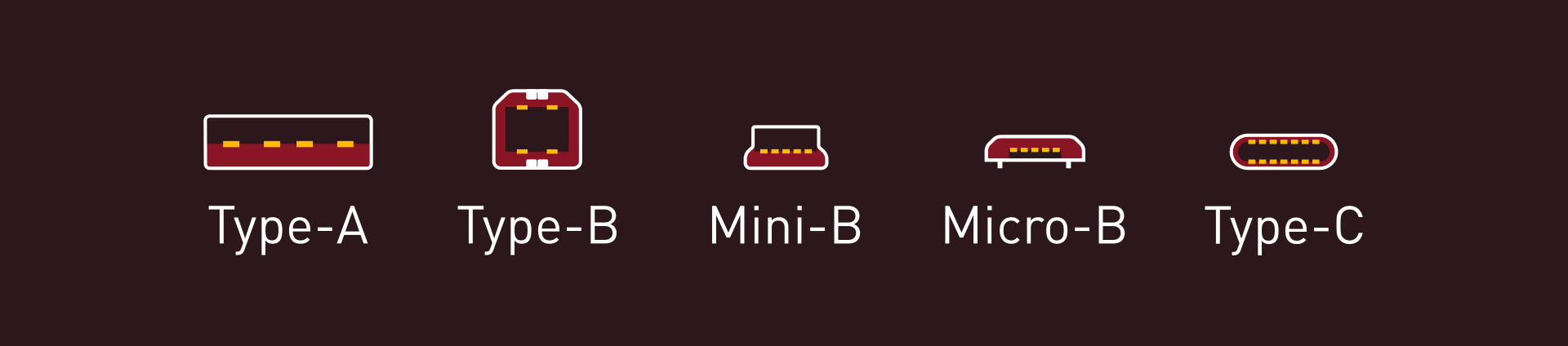
You could try setting up a network connection, instead of using USB - we have guidance on that here: Connect to a Ruida Laser via Ethernet - LightBurn Documentation
But before you go to that, seeing as Windows recently updated, please review these troubleshooting steps
USB Cables - LightBurn Documentation
Lastly, press Windows Key + X and select ‘Device Manager’
Expand the Universal Serial Bus controllers and Devices tabs, and take a screenshot so I can see what you see there
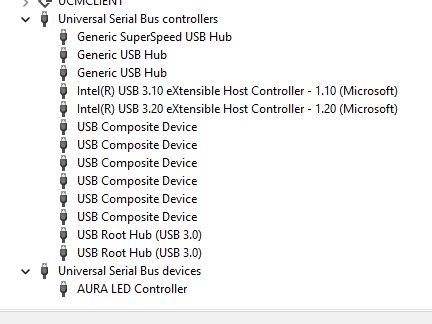
Typically we’re looking for a COM port or other indication of what Windows sees for your USB connection status. An error or driver issue should be visible here.
Thank you. I did that earlier and tried to find the driver on a few website with any success. Here is what I an seeing
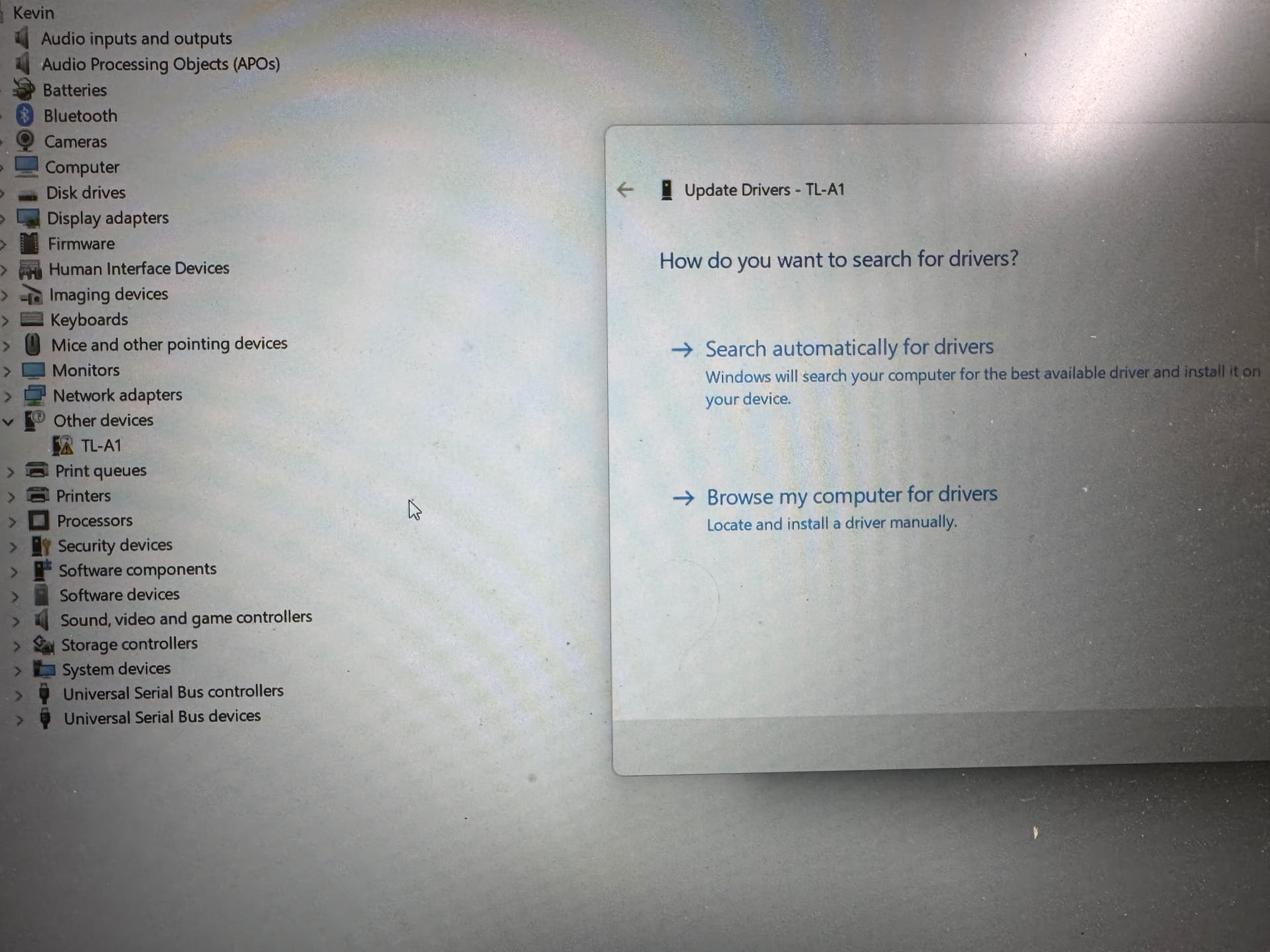
That’s interesting - the TL-A1 is a TopWisdom driver. That’s a different controller than I expected on the Reno. Their USB driver is here: http://m.topwisdom.com.cn/Download/down/id/ZW46MzI%3D.html
Give that a try. Though I think the drivers in LightBurn cover this already. I’m asking for more info internally, as I don’t have any TopWisdom controllers on hand personally
UPDATE: Yes, confirmed that the TL-A1 needs this driver, and to install either the stock software or (unconfirmed) the USB driver above to make it talk to LightBurn.
There’s been some discussion about this specific controller in-depth on the forum here, and more can be found with the search icon in the top right of the forum: Monport Reno Pro (TopWisdom TL-A1) sucks with Lightburn - #5 by LightBurn
LOL Thank you Colin…Finally got it loaded and they are talking. I keep getting out of range and protection errors. guess I am going to have to delve in deeper LOL Thank you so much for all your assistance today.
That’s awesome news! I’m off for the weekend, but update us here if you get stuck, or try searching docs.lightburnsoftware.com if you get an error you have questions about. Good luck!
This topic was automatically closed 30 days after the last reply. New replies are no longer allowed.