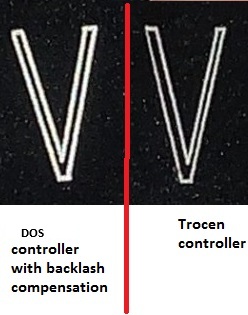
The other problem is that when I cut small characters, about 5 mm high, the width of the stems is not the same, for example, in the letter “V”.
Where the X and Y axes move separately, for example in the letter “T”, there is no gon, only if the 2 axes move together.
We found this when the machine was first set up, which neither the customer service nor the CNC mechanic could solve.
As a test, the mechanic connected my machine to his own DOS-based controller, and in that program you can set the backlash value. With the adjustment, the error disappeared.
I haven’t been able to replace the motor yet, I don’t have a spare motor to try. Do you think there’s a realistic chance that the motor is bad? If so, I’d buy a new one.
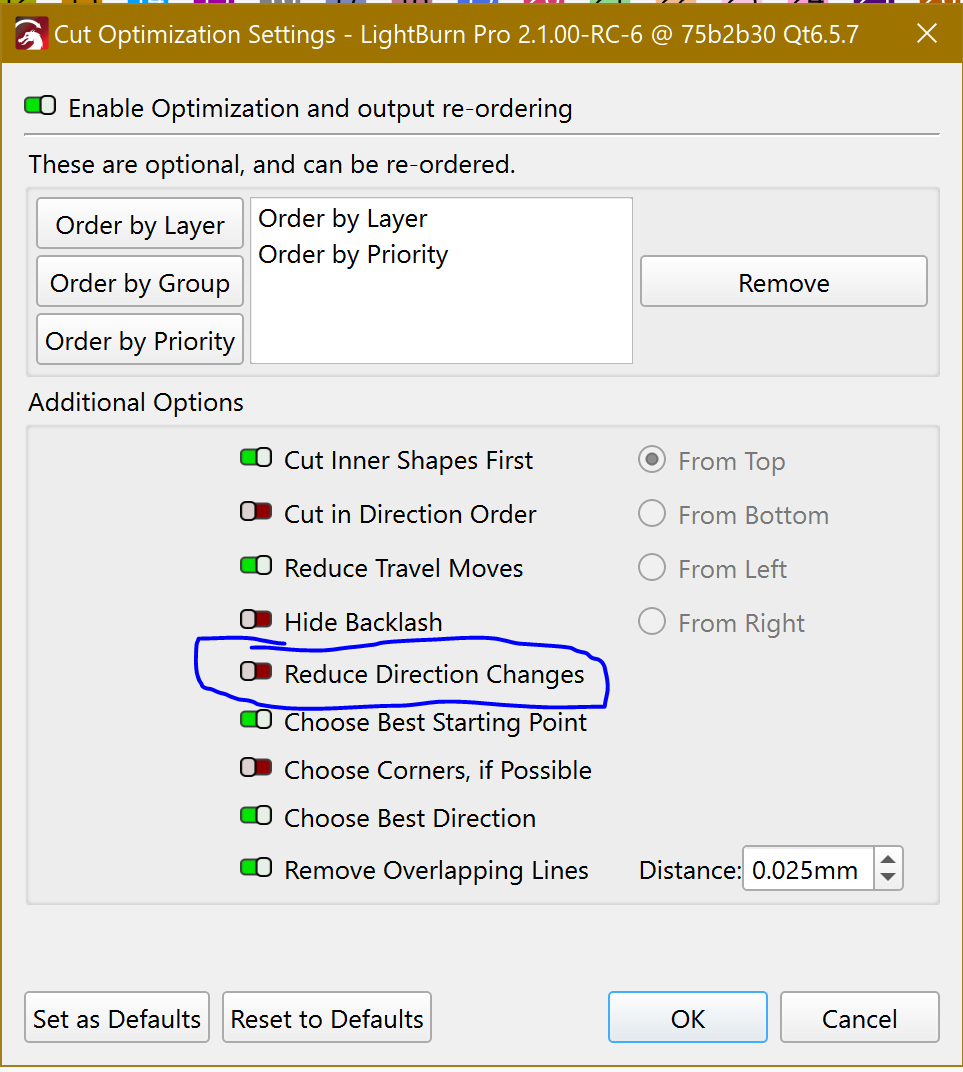
That tells you it’s mechanical backlash in the machine. You can try enabling the LightBurn option to Hide Backlash, but IMO that will hide the problem in this project and let it reappear in the next project.
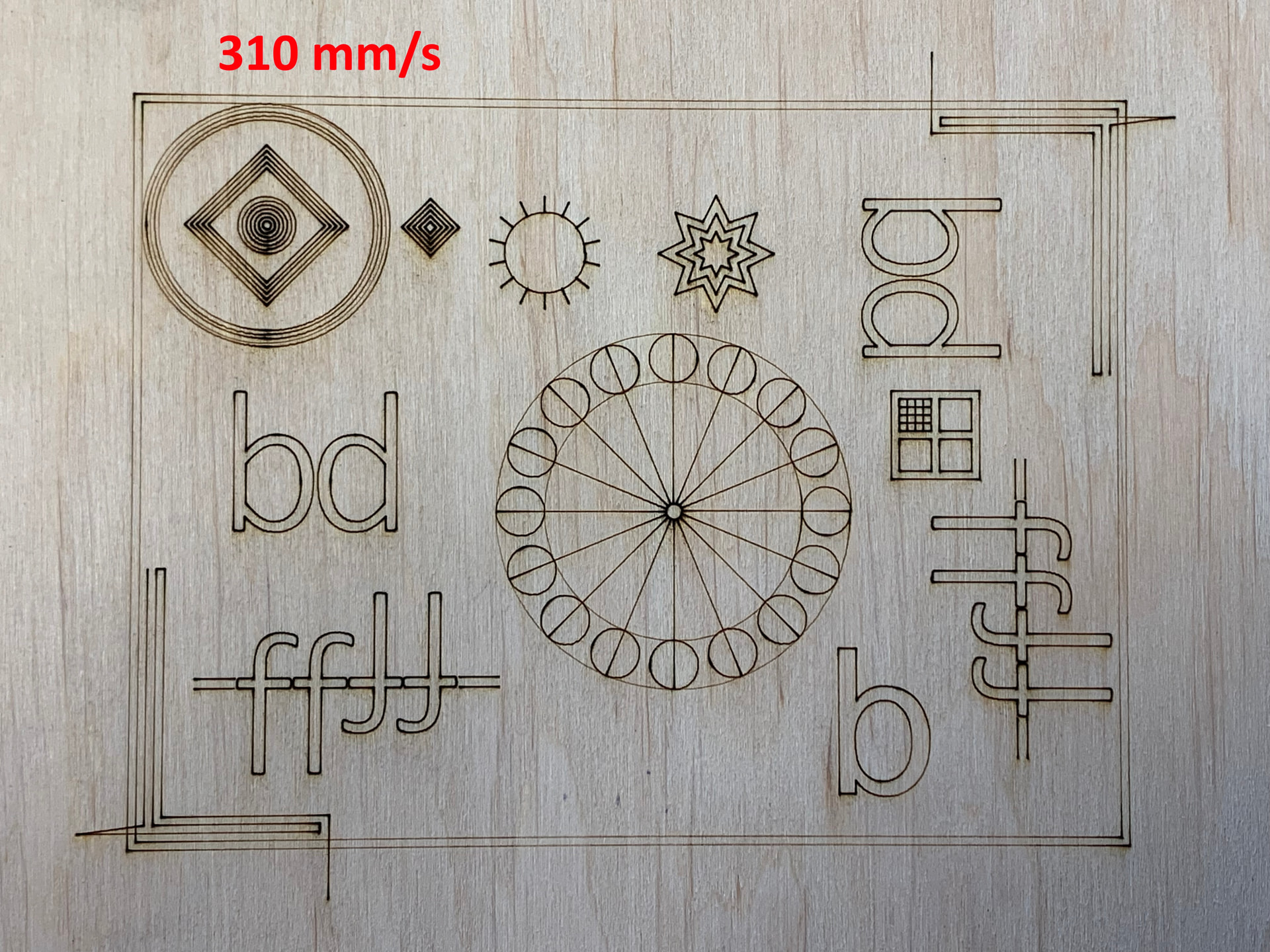
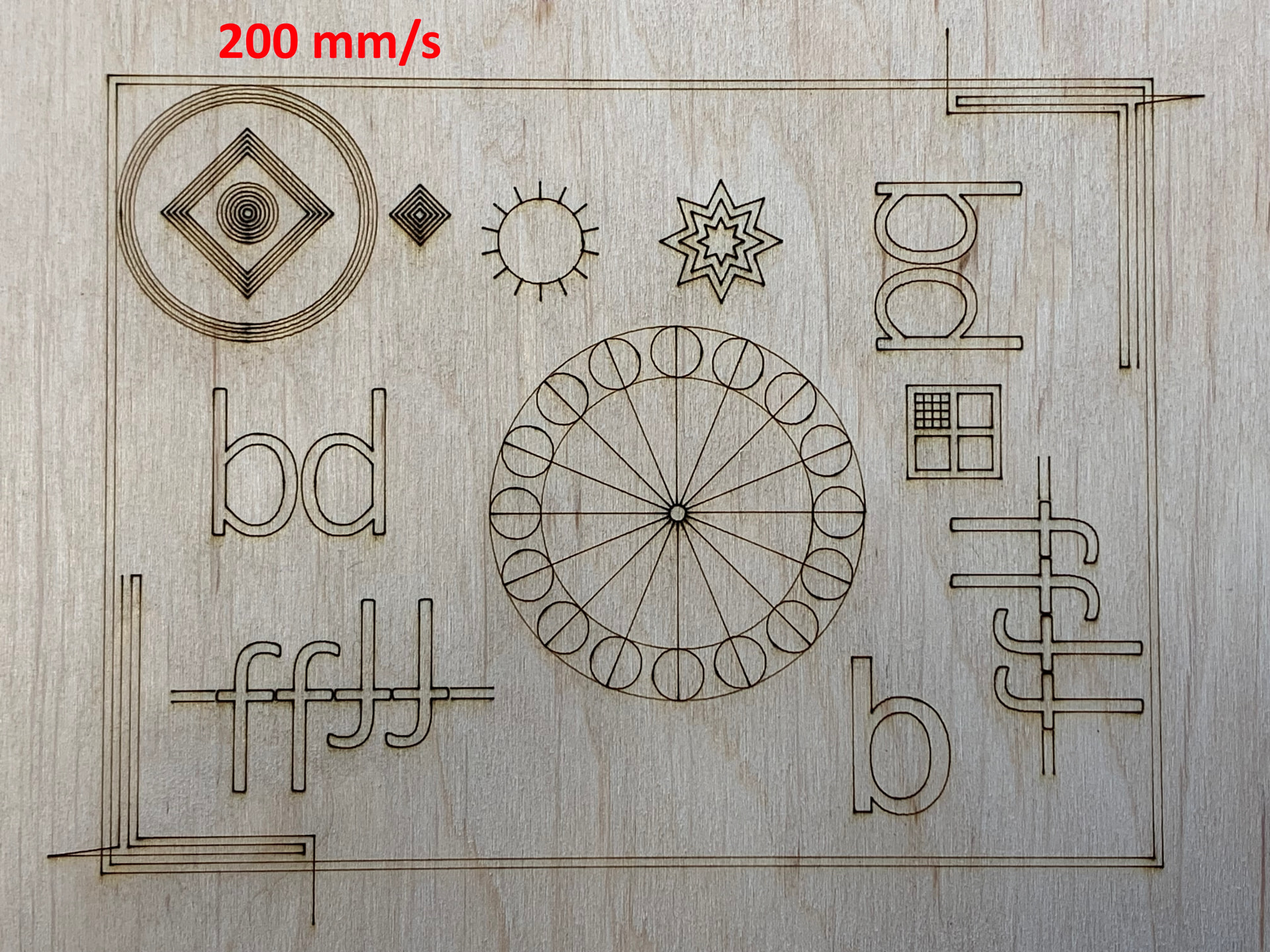
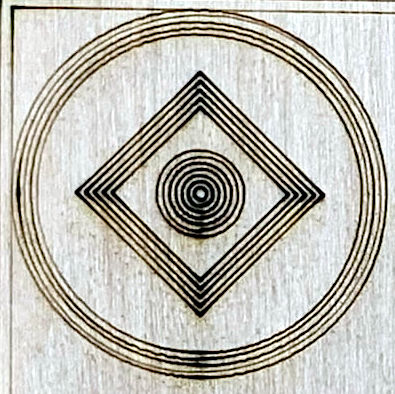
The problem appears in the irregular and slightly misplaced circular paths. Because the irregularities appear only on some of the circles, the problem looks like a mechanical resonance triggered by motion at specific speeds.
This isn’t a huge and easily found problem, but something like a loose lens, a wobbly mirror, or a slightly flexible mount. It may be a mechanical resonance of the entire laser head, in which case it’ll be difficult to dampen.
Because the rest of the test pattern is too coarse to show what’s happening, cut the circular test pattern out of the file and run it separately. If it still shows the irregularities, you have a much smaller and faster test case to check / verify the mechanical changes you make as you track down the problem.
Unfortunately, none of the changes made it any better.
I connected the Z axis motor to the X axis as a test.
(the Z axis motor is 1.9 Nm, the X motor is 1.2 Nm)
It was funny how the table moved up and down, but unfortunately it also started to click at the edge of the ramp.
So I think it’s safe to say that the X motor is not the problem.