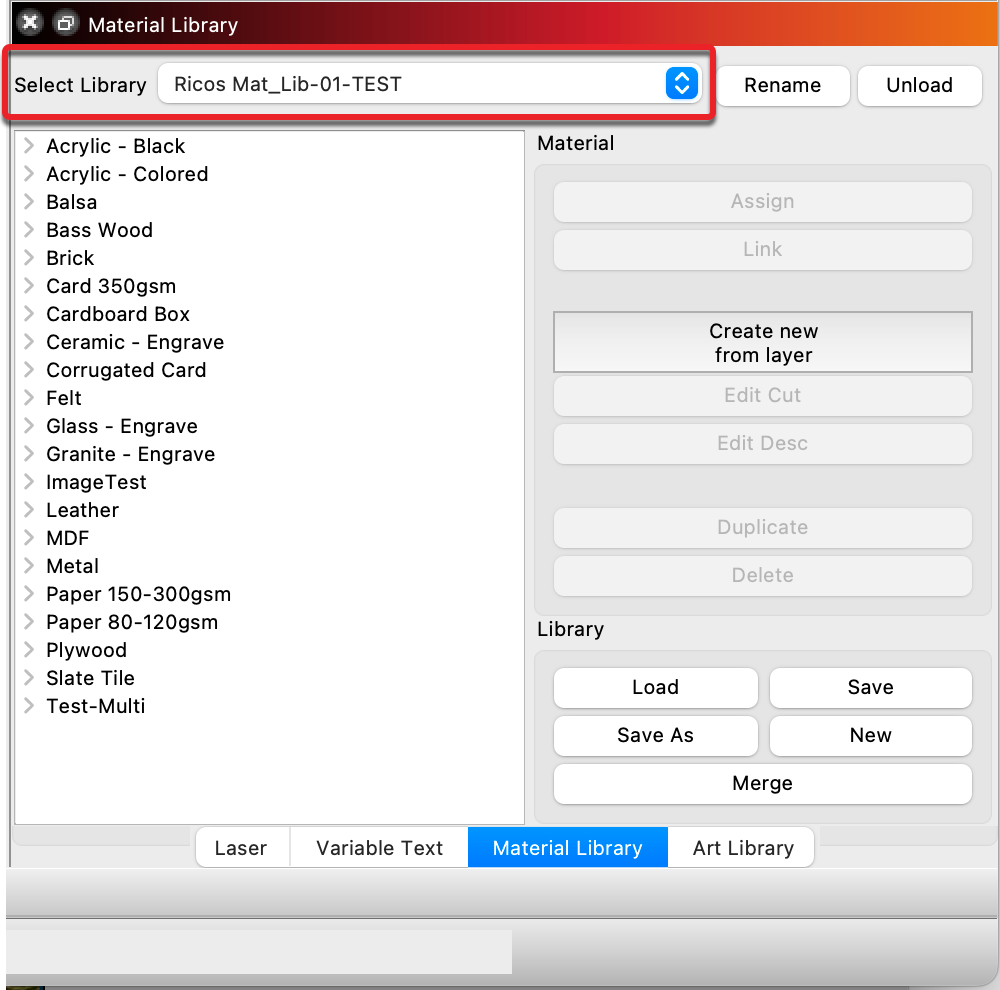
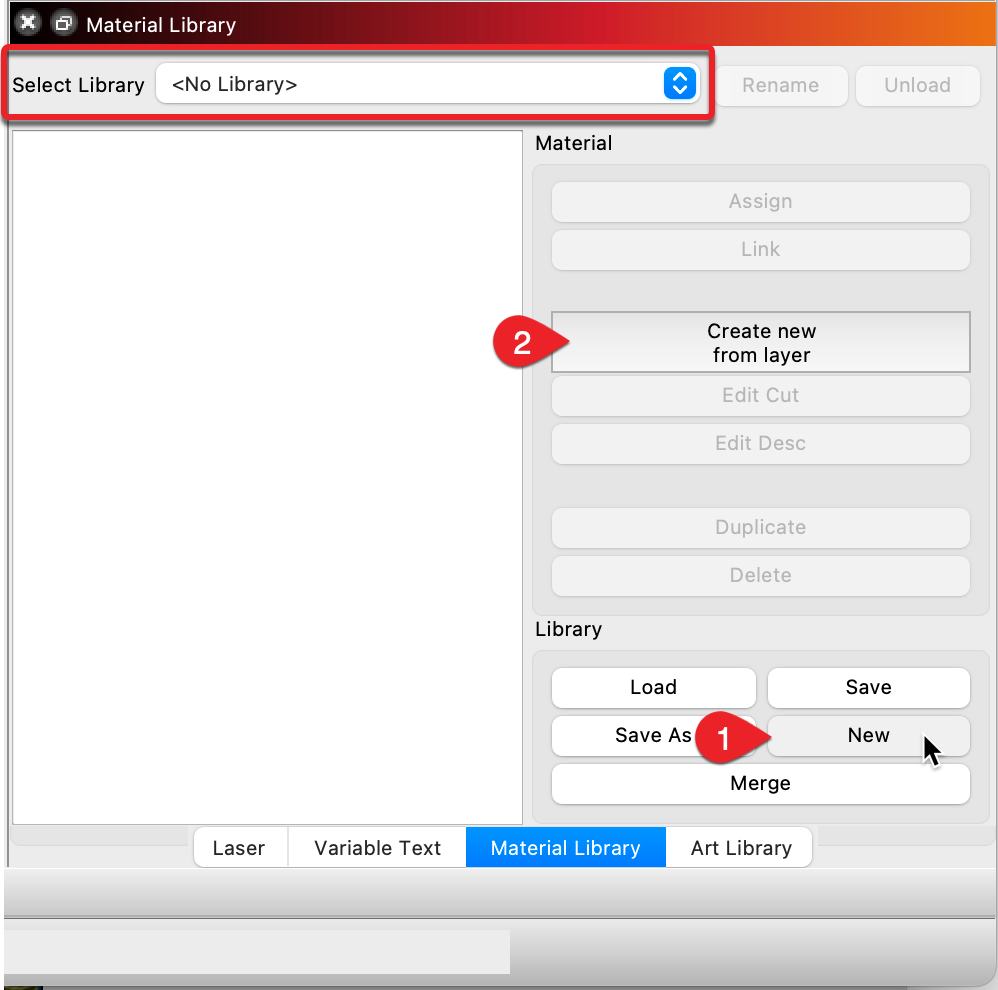
Complaint: In the pane “Material Library”, I press the button “New” and nothing happens.
LightBurn 1.7.08. Operating system: macOS 15.5. “Chip: Apple M1 Pro”. “Device” is “Ruida_644XS_Discovered”.
|I’m new at LightBurn, but an old hand at other CAD tools, including for a laser.
To reproduce:|
|“Restart” computer. Wait until Activity Monitor says almost nothing is running, ~30sec. Open LightBurn by double clicking on the icon in The Dock. Verify header on pane says “Material Library”. Click on button “New”. Observe nothing happened. Check all windows on my screen – there’s nothing there.
Other buttons in “Material Library” pane appear to work. E.g., “Load” opens up a window that shows the folder “Documents”. Everything else – e.g., draw, preview, save, reload – seems to work.|
Ideas?
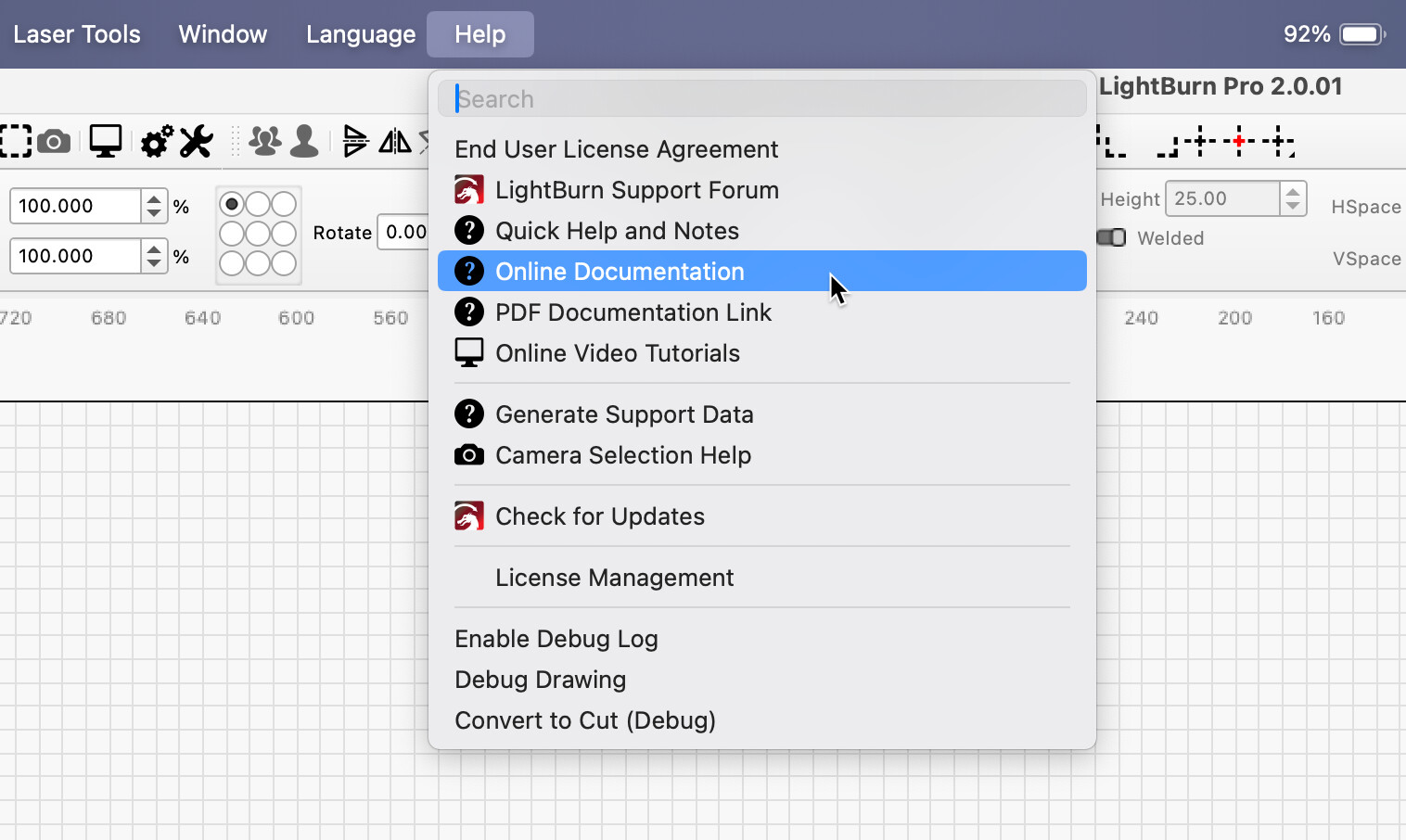
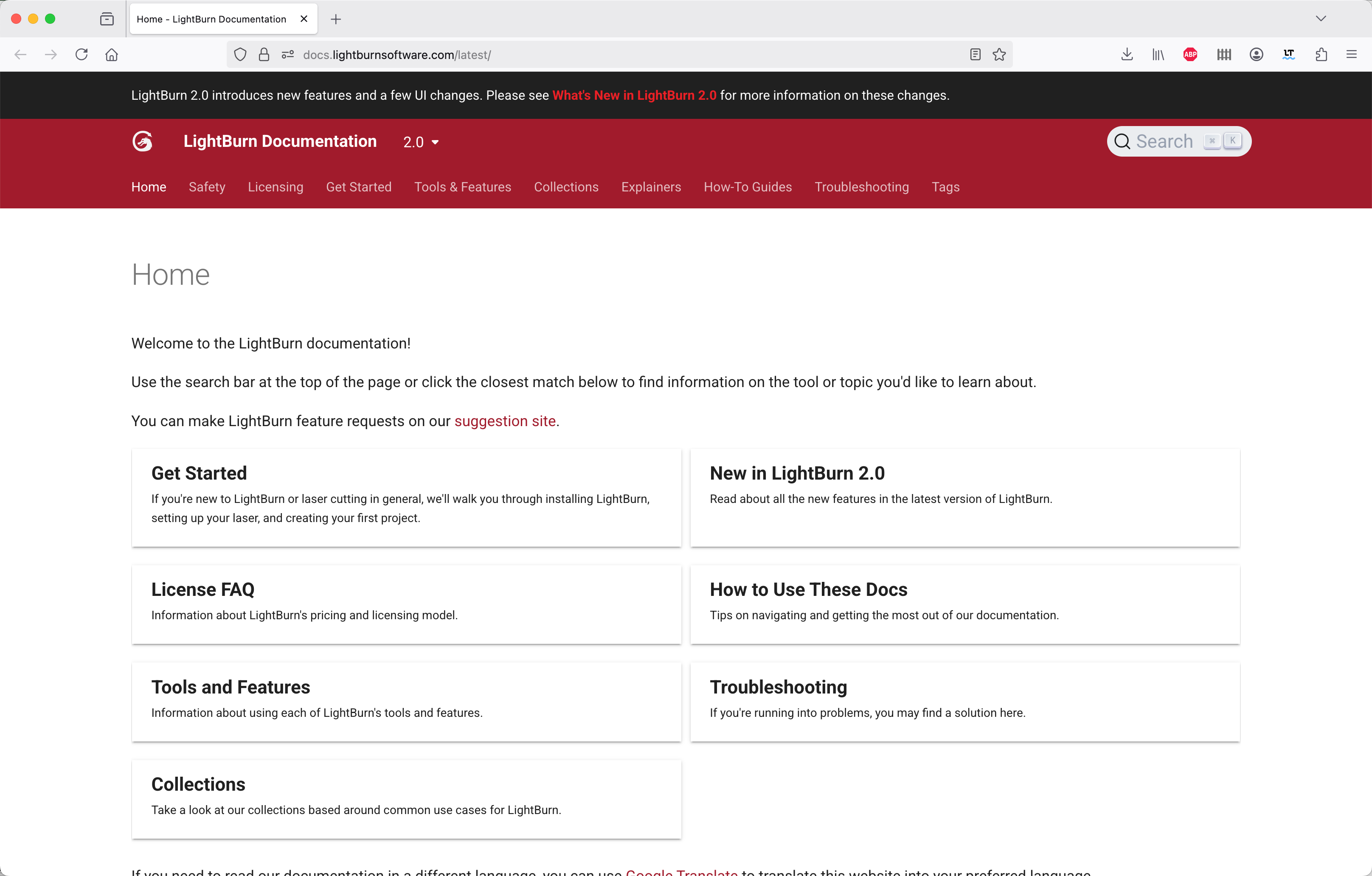
I’m reluctant to go to Lightburn v2.0 since it’s missing a couple of features I use heavily, like Help | Online Documentation.
I do see we could fill out more information and include a few screencaps to better explain the process for creating a new library. I will report to our docs team.