Hi! My name is Shelby, and I am working on a holiday ornament project in Lightburn. The design I am having issues with in my file is the “It’s the Holigays” ornament.
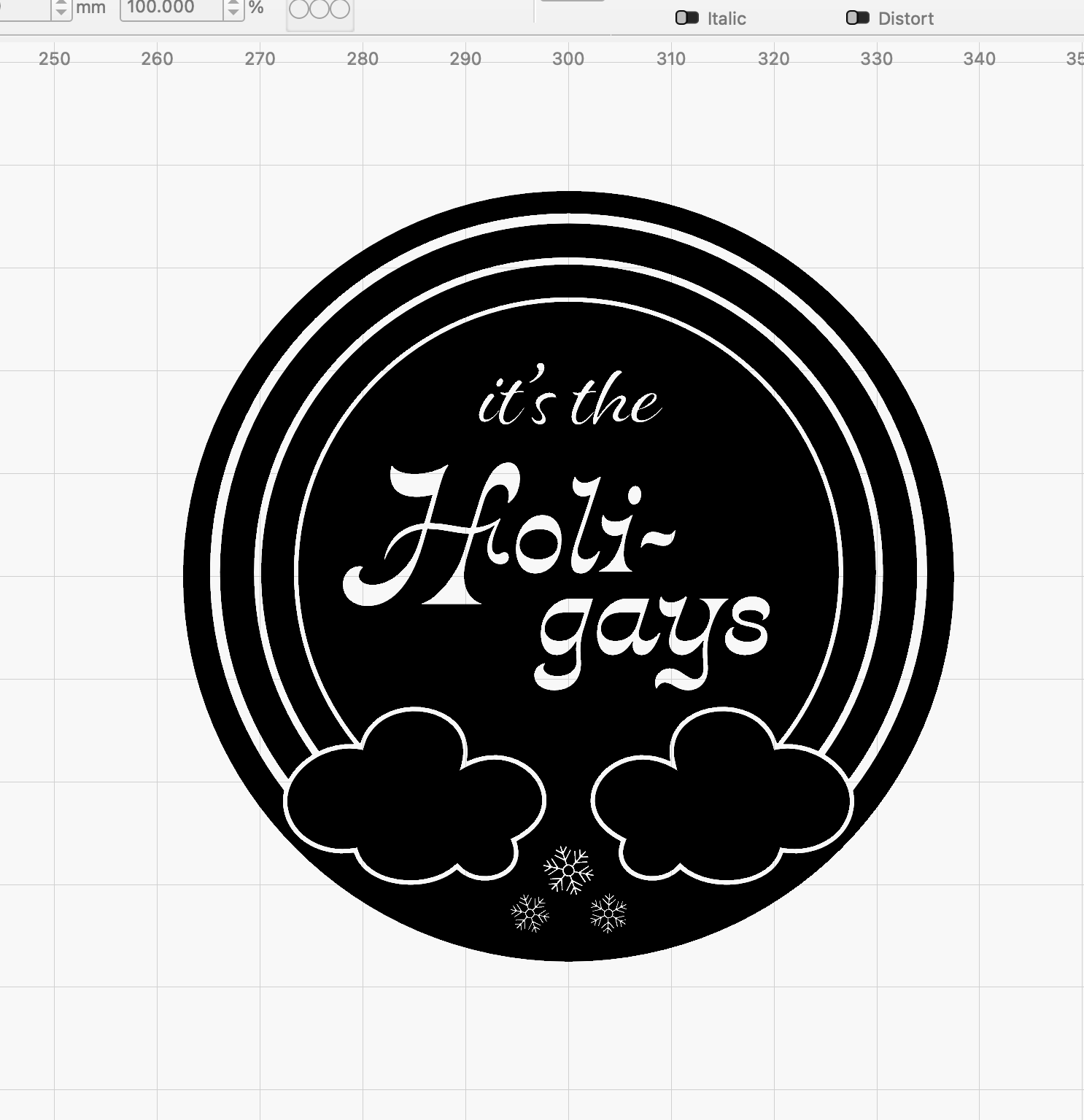
The issue I am running into is when I import the file as a .ai, the rainbow rays are filled as they are supposed to be (they should be colored in). They are a compound path. But, when I export them as a .svg and import the .svg into Lightburn, it does not read the compound path as one, and instead creates errors and reads them as two objects.
Any suggestions? I attached the .ai file and the .svg. I ask because I am trying to sell these as digital files and want to ensure my customers can navigate the file correctly. Thank you so much for your help! Please note these files are subject to copyright by me.
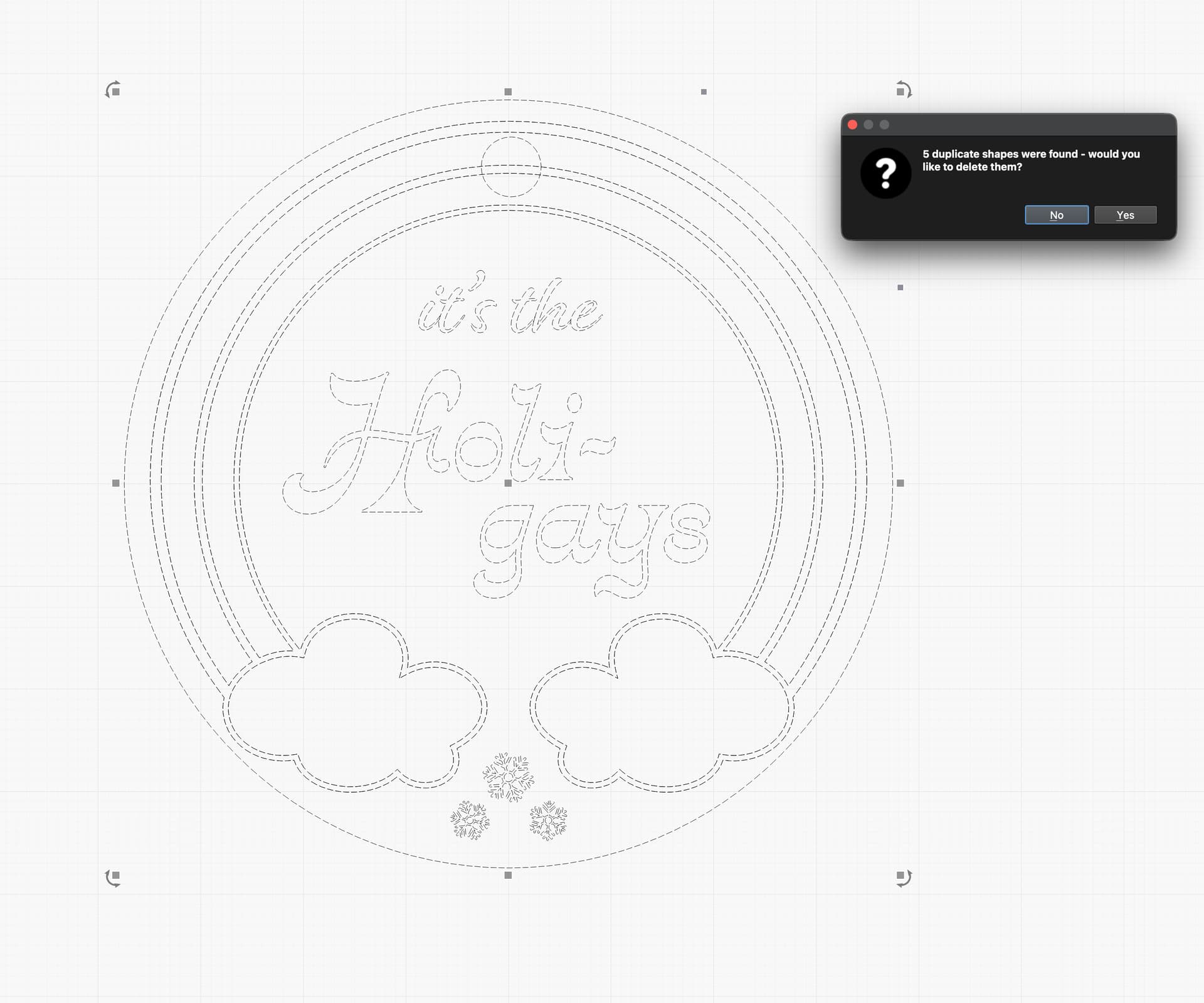
Hi Shelby - I imported the attached .svg and noticed that once ungrouped (Ctrl+U) there are multiple overlapping lines. If I then select all (Ctrl+A) and go to Edit > Delete Duplicates, it will remove those 5 overlapping lines.
Awesome thank you! Is there a reason that the .svg would be creating over lapping lines when the illustrator files don’t have those lines? Thanks for your help with this! I truly appreciate it!
Generally it’s because there are legitimate duplicates in the design file. There are nuances to the workflow from a design program (a mask-heavy design tool) to a vector editing program like Lightburn, so there may be a second set of lines in your chosen design tool.
…same opinion like @Colin …
I only “found” your SVG but not the AI file, so I can’t comment on that, but my best guess is that the duplicates come from the original file