Someone sent me a picture of their logo and asked me to engrave onto acrylic. He plans to put a light behind it and have it shine through, so he wants some of the sign cut out and some of it engraved and left it up to me to decide.
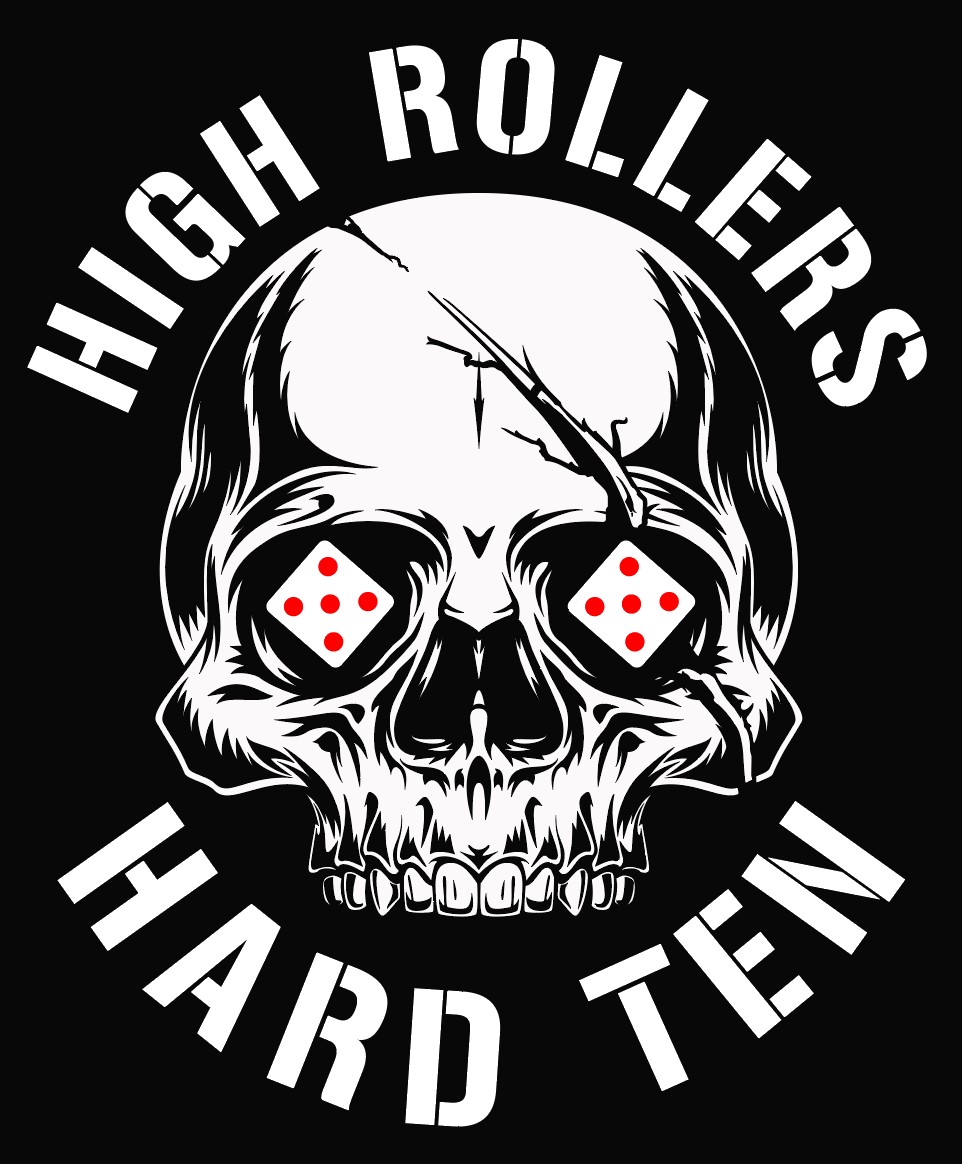
I usually just make labels, so pictures are new to me. Below is the image he sent. I hope it isn’t too big for the forum.
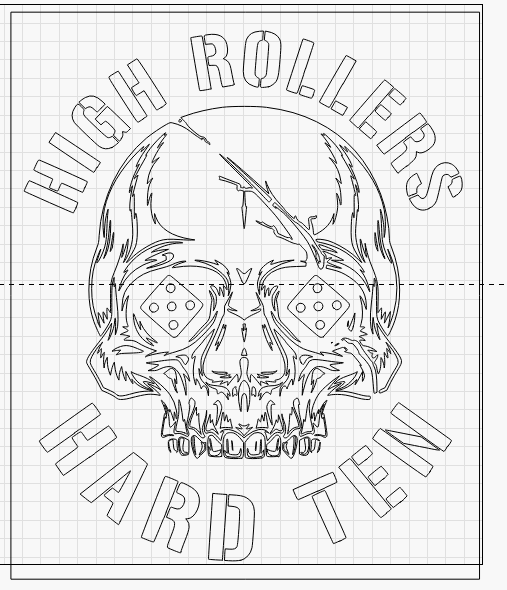
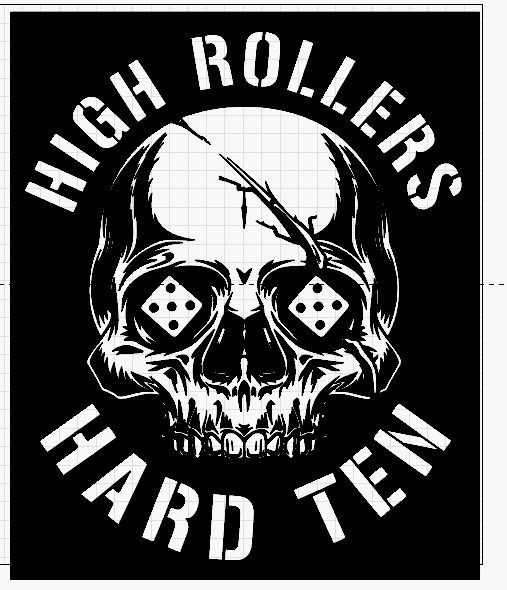
I started out by tracing the image to get an outline of it, but there are so many lines it got confusing. The outline ran into the middle of the image. I removed a lot of smaller design lines to help with clarity. I have attached my lightburn file for reference, but I am in the middle of working on it, so it’s kind of a mess. The light blue is the outline. The dark blue is Fill and the red is left over from the tracing. I would like to connect some of the light blue to make more of an outline, but I am not sure how.
Hi, Maybe i can help a little as i am also still learning engraving onto perspex.
The process is a long learning curve and too much for my short reply here today.
Basically you need to decide what method you will use to engrave the logo, Image mode or Vector mode.
Both require specific settings and preperation and you will need to do some experimenting.
Try the forum for posts about this subject.
A quick soloution is I have processed your image for vector engraving up to a point where you can decide what areas need fill or line.to get your job done. Attached is the lightburn file for your logo. Hope this helps hard ten convert.lbrn2 (172.4 KB)
Let me see if I can explain. Some of the areas are fill areas because they are filled shapes. But the outline of the skull is so twisted around the skull that it leave areas I can’t fill. How do I connect some of the open areas so I can use fill to fill them in? Is there a draw function that will allow me to close some of the shapes?
I am posting a picture of the skull from my LB file. The dark blue areas are where I will fill. The light blue area is the outline of the skull. The red areas you can ignore. I haven’t gotten to them yet.
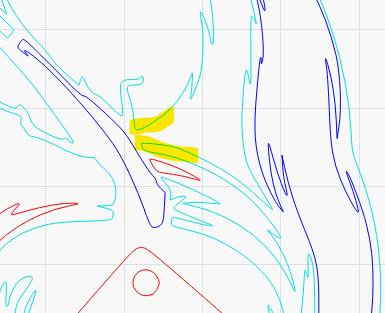
The light blue section is all one line even though it travels all over the skull. I want to turn some of the light blue areas to dark blue so I can fill them, but the lines don’t connect in ways in which I need them.
I am posting a closeup of one of the areas I am talking about. This is a closeup of the light blue area above the red die. I would like to connect the light blue in the highlighted areas so I can turn that section of to fill. I hope this helps.