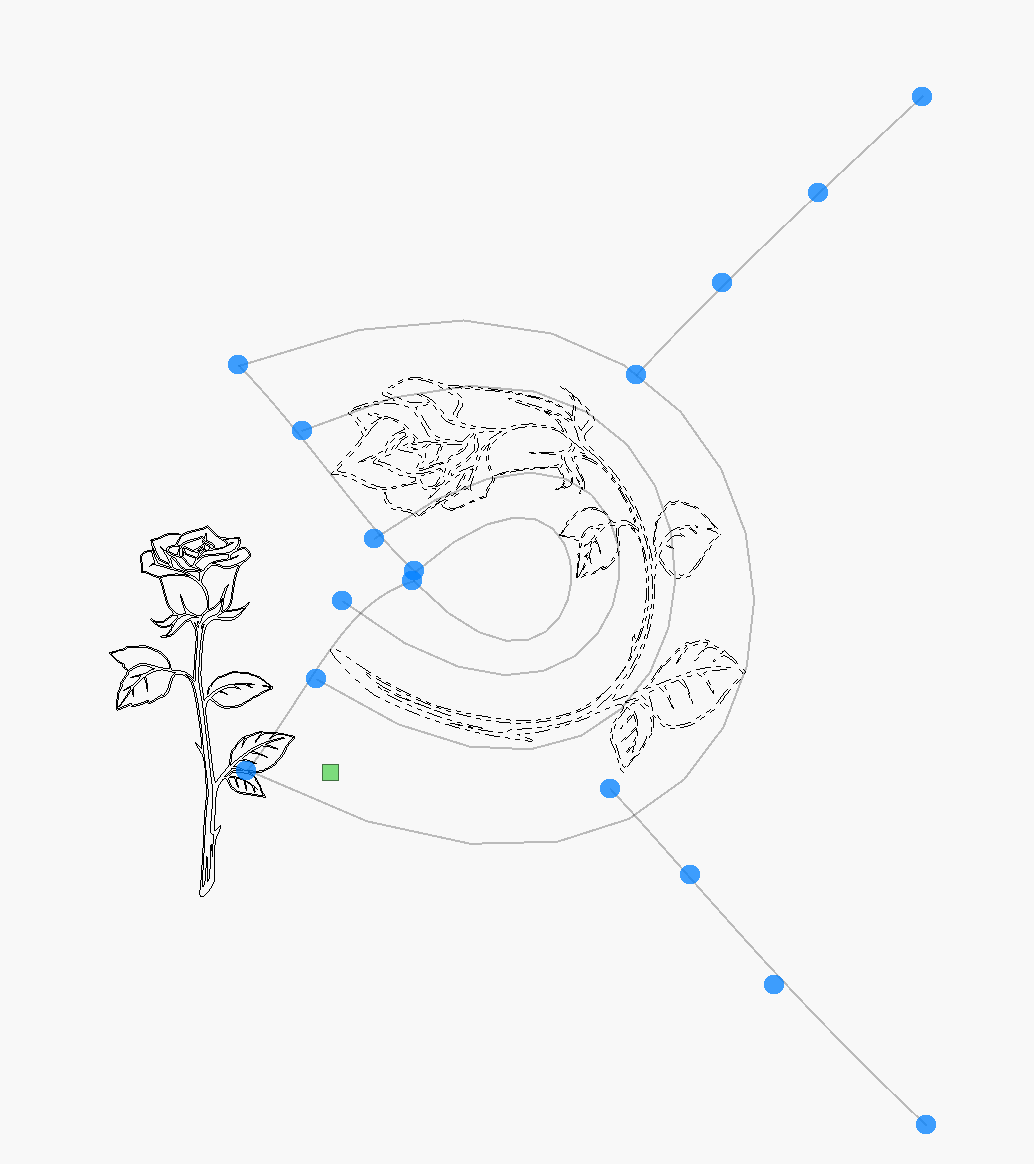
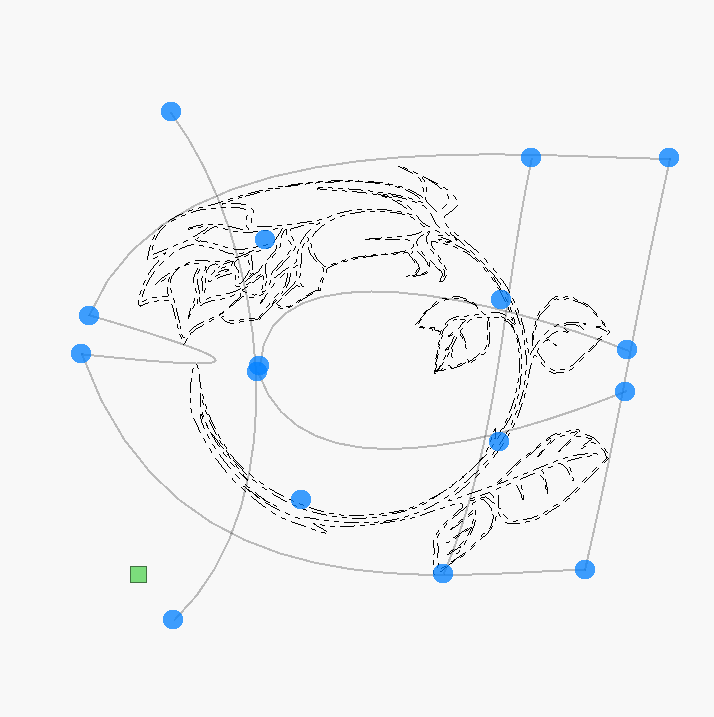
I am using Lightburn 2.1.0.2. I have fancy border lines (art) in a straight line either horizontal or vertical. How can I turn this line/object into a circular line/object. I’m a bit stumped.
Thank for your response.
I am using Lightburn 2.1.0.2. I have fancy border lines (art) in a straight line either horizontal or vertical. How can I turn this line/object into a circular line/object. I’m a bit stumped.
Thank for your response.
Have you tried Tools > Deform selection.
I can’t say if it works or not as I’m not at my laptop but it’s maybe worth checking.
Make sure its a Vector shape your working with and if it will work, prepare a Circle shape to use as a guide…for perfect circle.
Thanks mate
Deform selections is a method and I tried it successfully. Fiddly but it’s working. Perhaps the makers of Lightburn can make it a future feature.
Thanks mate
Deform selections is a method and I tried it successfully. Fiddly but it’s working. Perhaps the makers of Lightburn can make it a future feature.
The examples were clear, thank you.