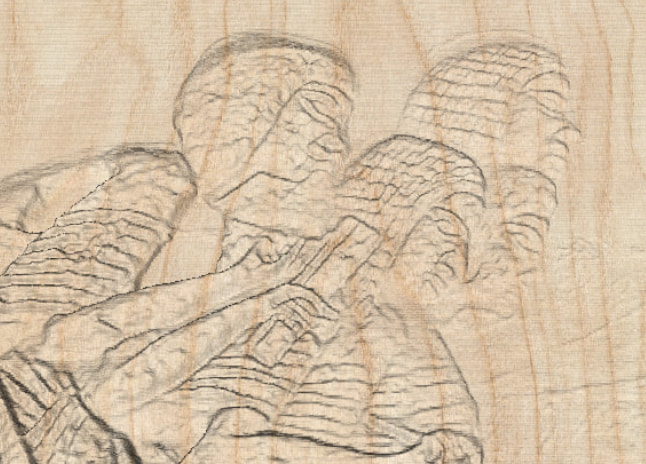
Hi all, fairly new to laser engraving here. I have a photo of a small hand-carved wooden plaque that my grandfather made, and I’d like to engrave a version of it with some sense of depth rather than just a flat photo engraving.
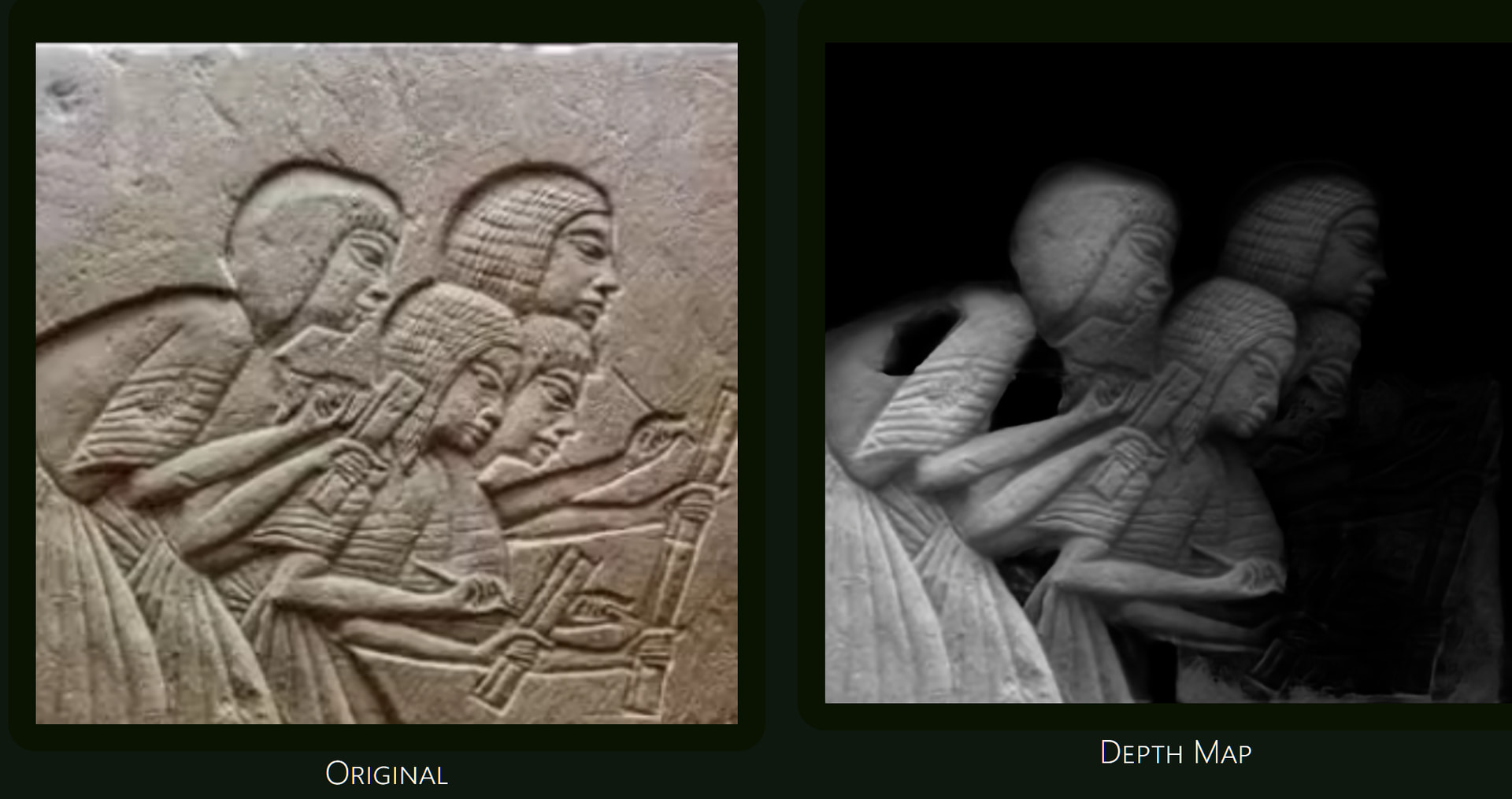
What’s the usual workflow for going from a single photo of a physical object to a grayscale depth map (or a 3D model) that works well for 3D-style engraving on wood? Do people trace it by hand, or is there a way to get a usable depth image from the photo itself? Any tips on image prep or settings for that kind of job would be really appreciated.
I have seen 2 things that give a 3D feel to flat lasered images. [1] Have a picture frame in the engraving and have something come out if the frame. [2] A framed image looks 3D when the shadoes are emphasized properly.
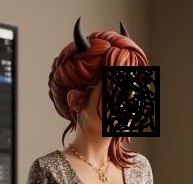
Drop your imade on an A.I. engine and tell it what you want. This is what it did for an ex-girlfriend. Face redacted to leep the lawyers away.
I have to disagree. If you have just the image, there is no 3d information within the image to determine depths.
An STL file has all of the information on how to construct it, lacking in a 2d image.
I don’t advocate AI processing, but both of your posts are depending on AI to make a 3d models (grayscale) out of a 2d photo, asking it to guess what depths are there.
If you don’t have the required data, it has to guesstimate, which is more shallow or increased depth with an image.
On my side, I think you need to start with something that has all the data.
It’s also a bit different if you’re doing 2.5d such as with coins. A good 3d object can be rotated to view it from the back. There is no data for the backside of someones head, generally speaking.
Tried one of the links what I got produced, I didn’t recognize, even though I started with an image.
Of course, I could be doing this incorrectly or misunderstand what you mean. Can’t get over a 3d object from a flat print?
Is like in a photo when part of an object is behind the the other and we infer that they aren’t in the same plane, the algorithms do similar and create a digital Z info.
Call it whatever you wish, but the software is still guessing what goes where.
If you have two objects, A in front of the other, and it ends before it reaches A, it may come to the wrong conclusion. Even people screw this up and in either condition, you don’t have the data you can’t make an ‘accurate’ 3d model.
There’s lots of applications out there, as you mentioned that does this. How effective they are is really a matter of opinion. I still attempt to use AI for some images, don’t know if it’s ignorance or I haven’t been satisfied with image, don’t know which.
If you don’t need a fully 3d model, then one of these might work fine.
I had a police friend the lost his daughter at 36 y/o, liver, too much alcohol. I have one photo of here, I’d really like to put on a coin. However, it’s goes from black to white, even where some detail should be, so it’s a poor candidate for these, but I gave it a shot…
My suggestion with @SalasTroy is try them all and pick which is best. I’d be ok with him advising us how it worked for him.