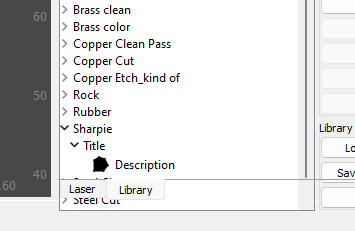
There is a bug in the software that causes the “Laser and Library” tabs to be over the list of settings in the Library.
Been since Update 1.6.0 I think. Pic included.
Seems to work ok on 1.6, also on the beta 1.7
This is 1.6
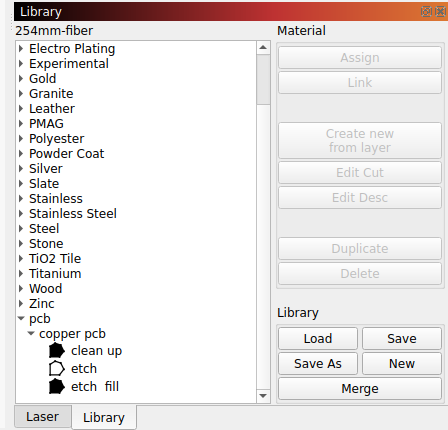
You don’t get a scroll bar on the right?

Are you using Ubuntu, or another OS?
| Description: | Ubuntu 20.04.6 LTS |
|---|---|
| Release: | 20.04 |
| Codename: | focal |
I think he’s running Windows 11
This is caused by having too low a vertical screen resolution. You don’t have room for the windows to fit in the way they’re stacked vertically, so they’ll need to be re-arranged, or you’ll need to do something to reduce the amount of vertical space taken, like making the toolbar icons smaller.
Watch here:

2 Likes
Running 1600 x 900.
Running Windows 11
Tapping Icon size down one worked, ty.
This topic was automatically closed 30 days after the last reply. New replies are no longer allowed.