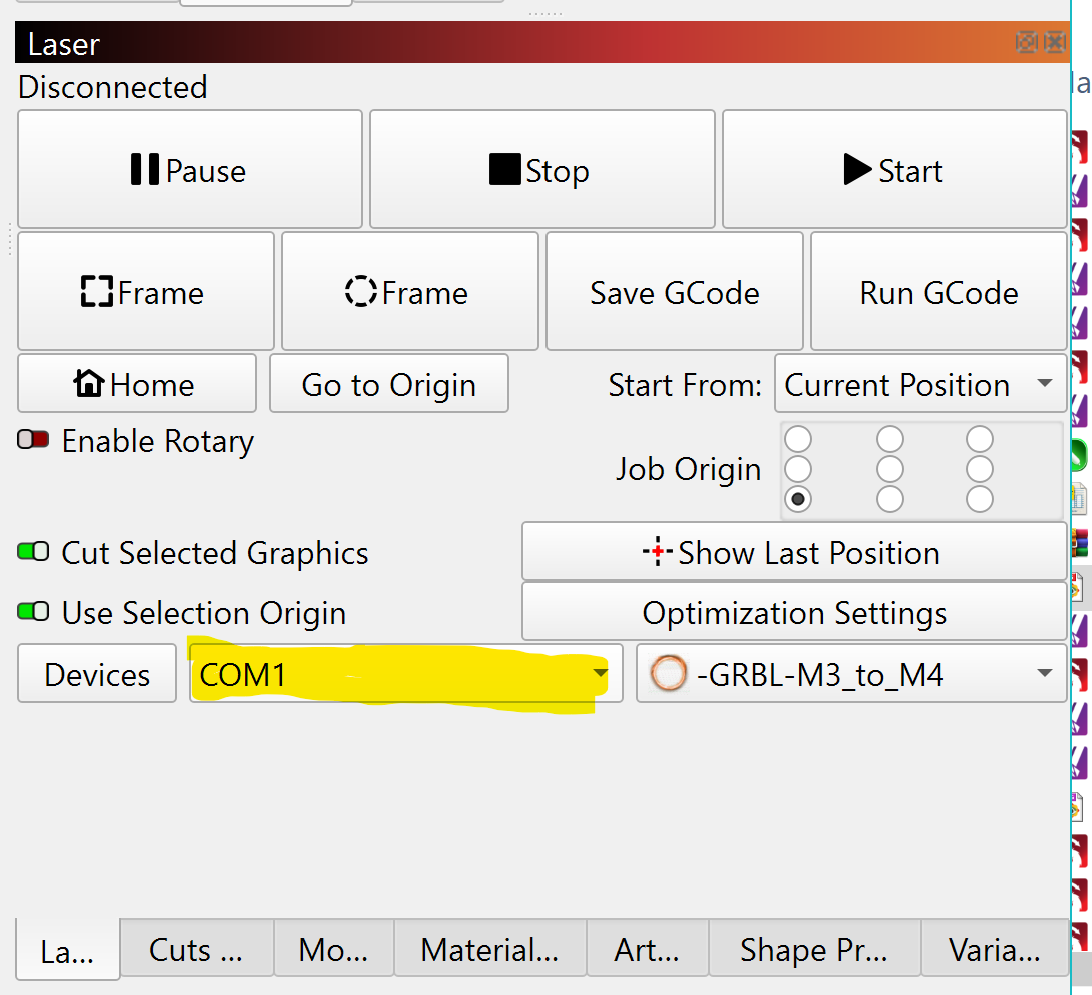
I have a BlazeX M3. Everytime I try to add device to lightburn, Lightburn finds the machine and i make it default. When I go to connect the lightburn shows no devices.
My comuter is running Windows 11 with Intel(R) Core™ i3-1005G1 CPU @ 1.20GHz.
1.19 GHz. I am able to use my machine with other programs like Beam Bench and Cutlabx. Not sure why lightburn wont add my machine to software
Your laser manufacturer claims compatibility with LightBurn, but I don’t see any instructions provided on their website. https://blazexlaser.com/
In the manual, I do see a CH34xVCP driver mentioned
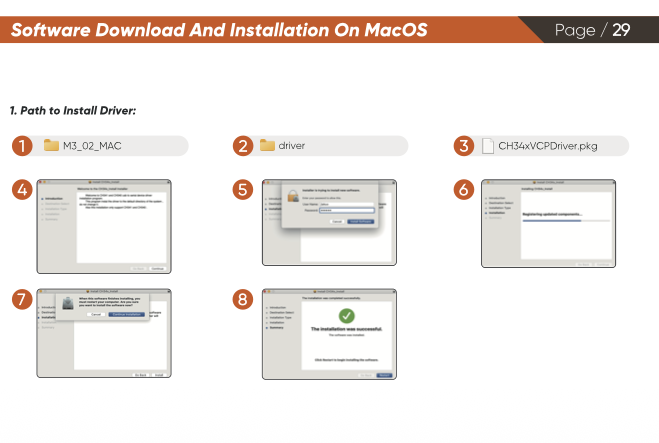
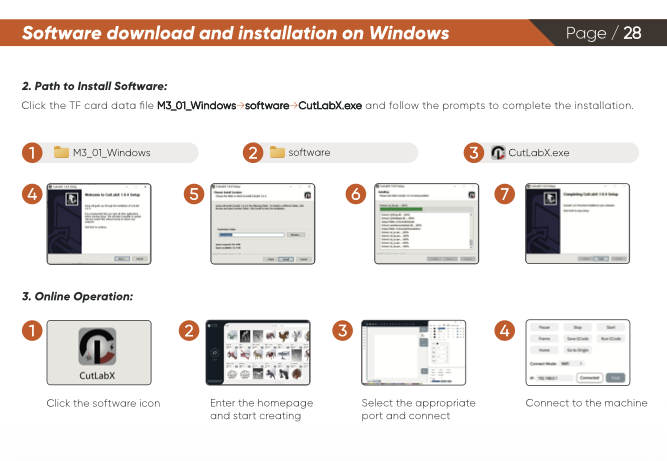
Did you install the driver? In your windows device manager, is the your computer recognizing the machine is connected and assigning the laser a COM port?