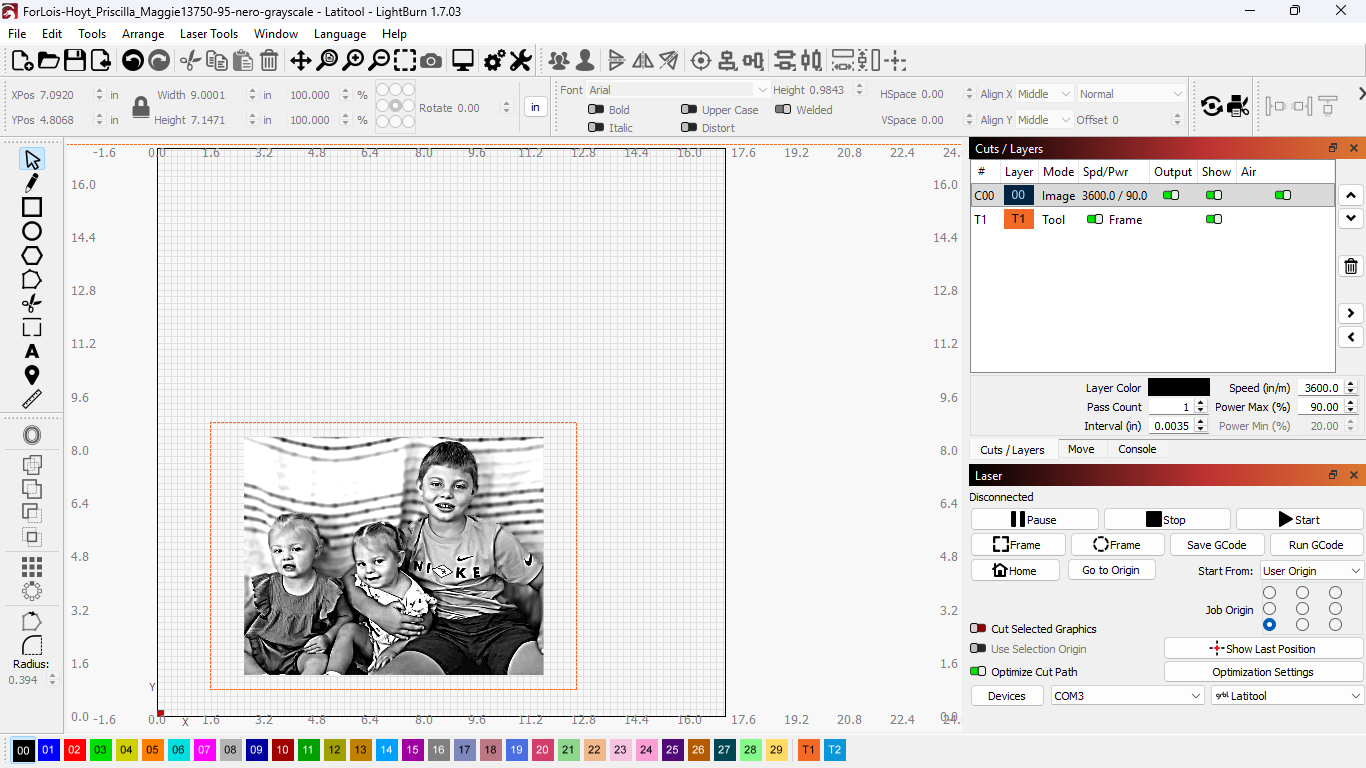
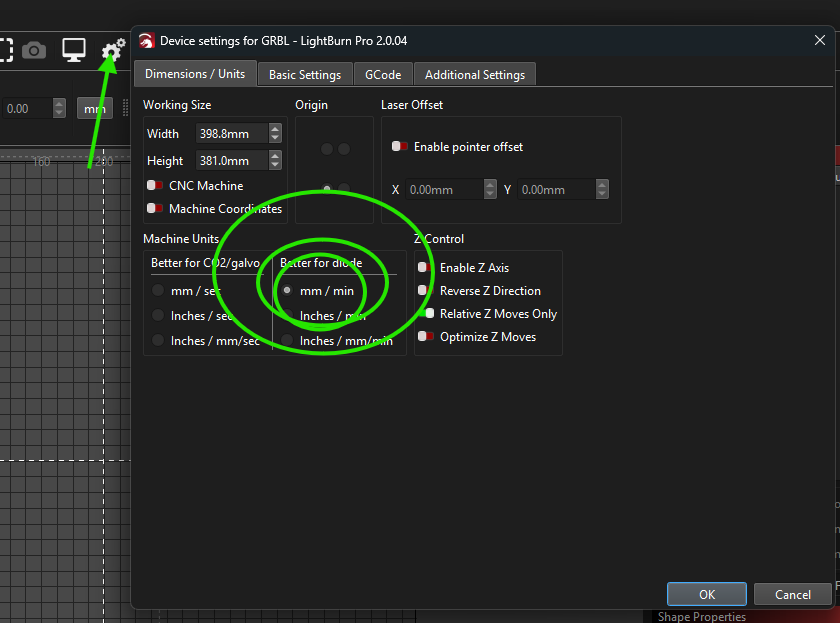
Hoping someone can help! After upgrade to 2.0.4, my work area was reset to just over 11 inches, instead of 17 (which is my actual work area size). When I line things up and frame the project, everything is fine… when I click START, the head moves left and grinds against the left side of the frame, then moves all the way to the right and grinds against the right side… continues this until I force it to stop! I tried changing the work area size to 17, but that didn’t help. I’ve tried using User Origin and Current Position… have tried starting from center, and also from lower left corner… neither does anything to help. Prior to the upgrade, projects would burn just fine.
I have a Latitool F60 with a replacement laser AENBUSLM 80W. Please help!
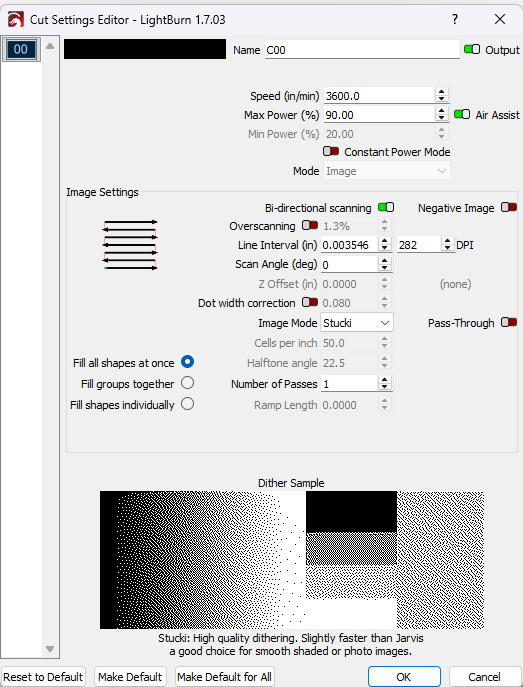
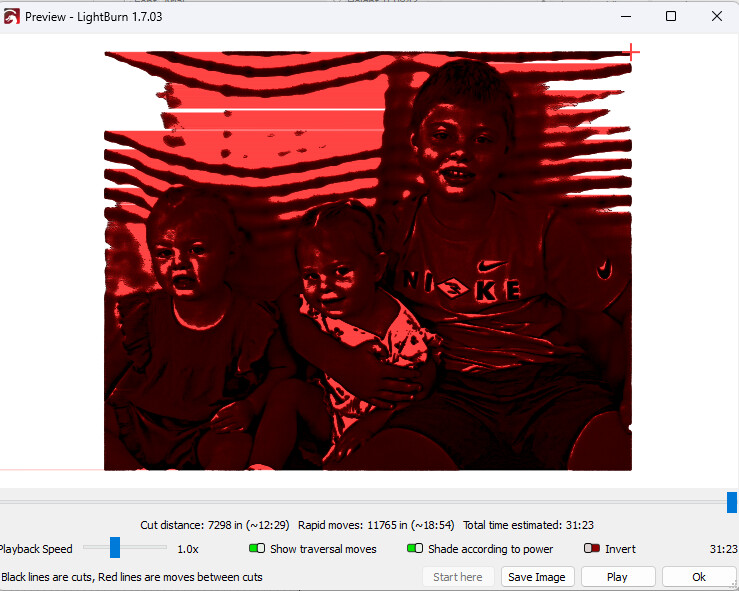
Hi Jim! Thanks for your reply! Once I turned on “show traversal moves" I immediately saw the issue. When I researched what overscan is, I got it figured out… for one pass! Had it going, but speed was too fast and power too low so it didn’t burn anything (after adjusting the overscan value). So I stopped the job, increased power, reduced speed (from 17000 to 3200), and now it’s doing it again! I turned off overscan but that didn’t help a bit! This thing was working perfectly until the upgrade and burning a test grid on a couple of different media.
Will be happy to send you any screen shots to help. Getting really frustrated with this thing!