On my XTool s1, I have placed the honeycomb in various places of the laser bed and found that what has worked best for me, is the back right side. Even in this case the laser module won’t reach the entire bed. I use a spacer to place my boards in the right place every time. The boards are framed exactly where I want them, however when cutting, it cuts off about 5 mm from where it should. (I believe this is because the laser module is hitting the front.) Is there a better place to place the honeycomb, so I can use the entire bed? It’s advertised to be able to cut approx 24x15, but I can’t even get it to cut a 12in board correctly.
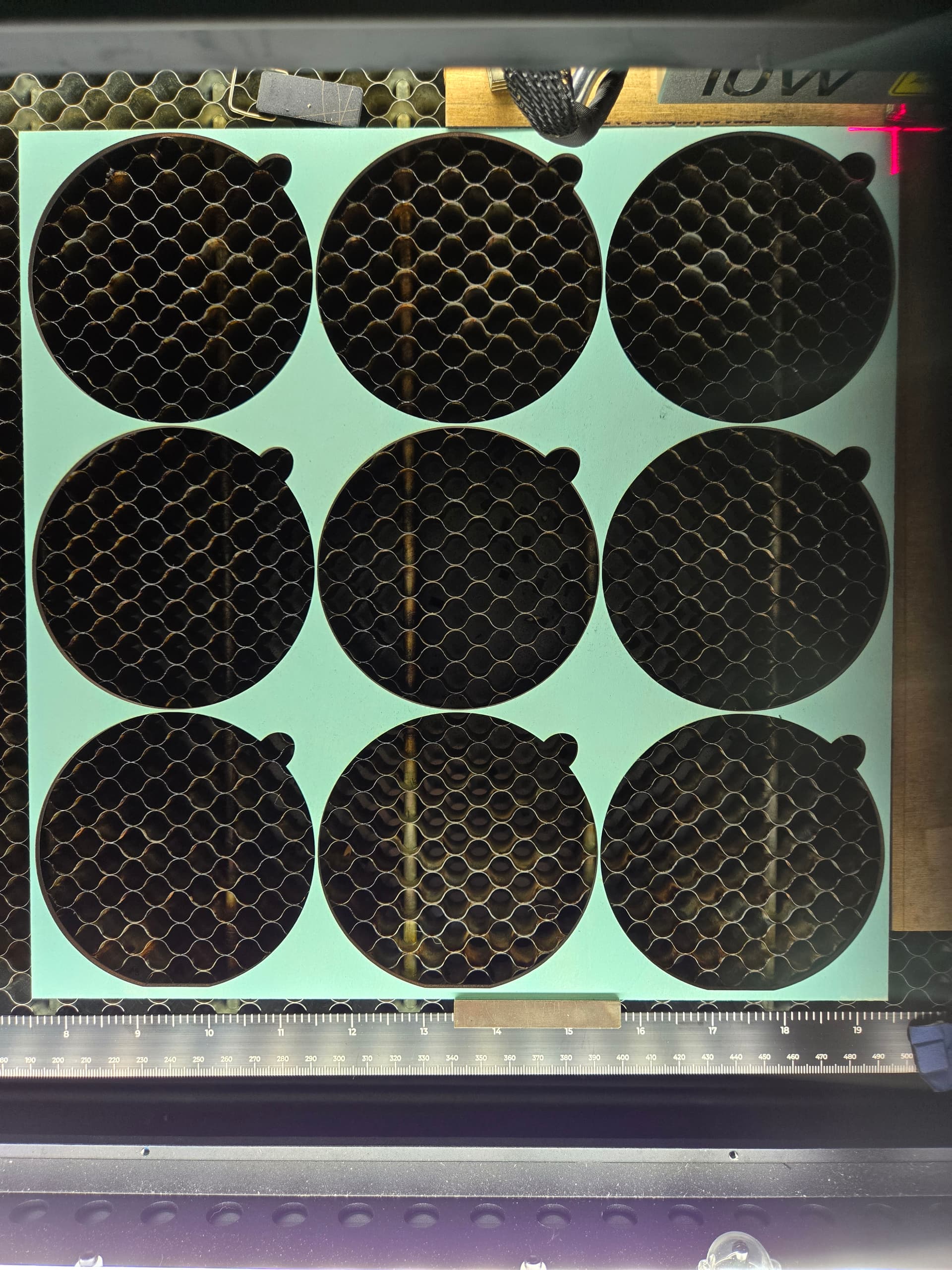
Yep that is absolutely the reason. Rarely does the laser actually line up with the corner of the honeycomb. It is nice have to have a little space for materials to exceed the cutting area anyway.
You have nailed the solution completely. this is often the best solution if you want to line up your material exactly to the corner of your usable workspace.
My design file is actually 296x 296mm, just short of a 12x12 board. I have adjusted the kerf, so the laser lines up exactly where the frame cross is set. So, then you are saying that I won’t be able to utilize a 12x12 in board in its entirety, on a 15in honeycomb, even though it frames the entire board, no matter where I put it in the laser bed? It’s frustrating that I can’t cut out 9 complete less than 4in circles on a 12x12 board.
“The standard cutting and engraving area for the xTool S1 is 498 x 319 mm (19.6 in x 12.5 in)”
According to the manual you should definitely be able to cut a 12 by 12.
I don’t believe I implied that you could cut any less. I only mean that rarely are the corners of your honeycomb lined up with the exact end of the laser cut line.
Often the honeycomb will extend past that. Also manufacturers tend to be fairly ambiguous where the laser lines up on your honeycomb.
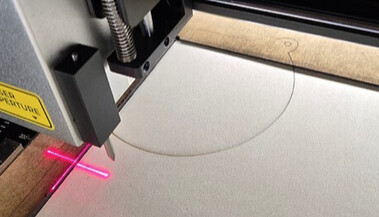
OK. I understand what you are saying and I really appreciate your responses. Do you have any suggestions as to why it’s not cutting what is framed, even though I believe the kerf is set correctly. I’m not getting much help from XTool customer support
You could have a pointer offset enabled ?
What is your start from position? Are you certain you’re using the correct “start from” and aligned correctly to your materials?
I did have pointer offset enabled, and I thought I had it set up correctly. I’ll redo it based on your recommendation.
I usually use the start from current position, and adjust accordingly depending on where my work is on the laser bed. I always frame my work and make sure it is exactly where I want it.
I’ll redo my pointer offset and see if that helps.
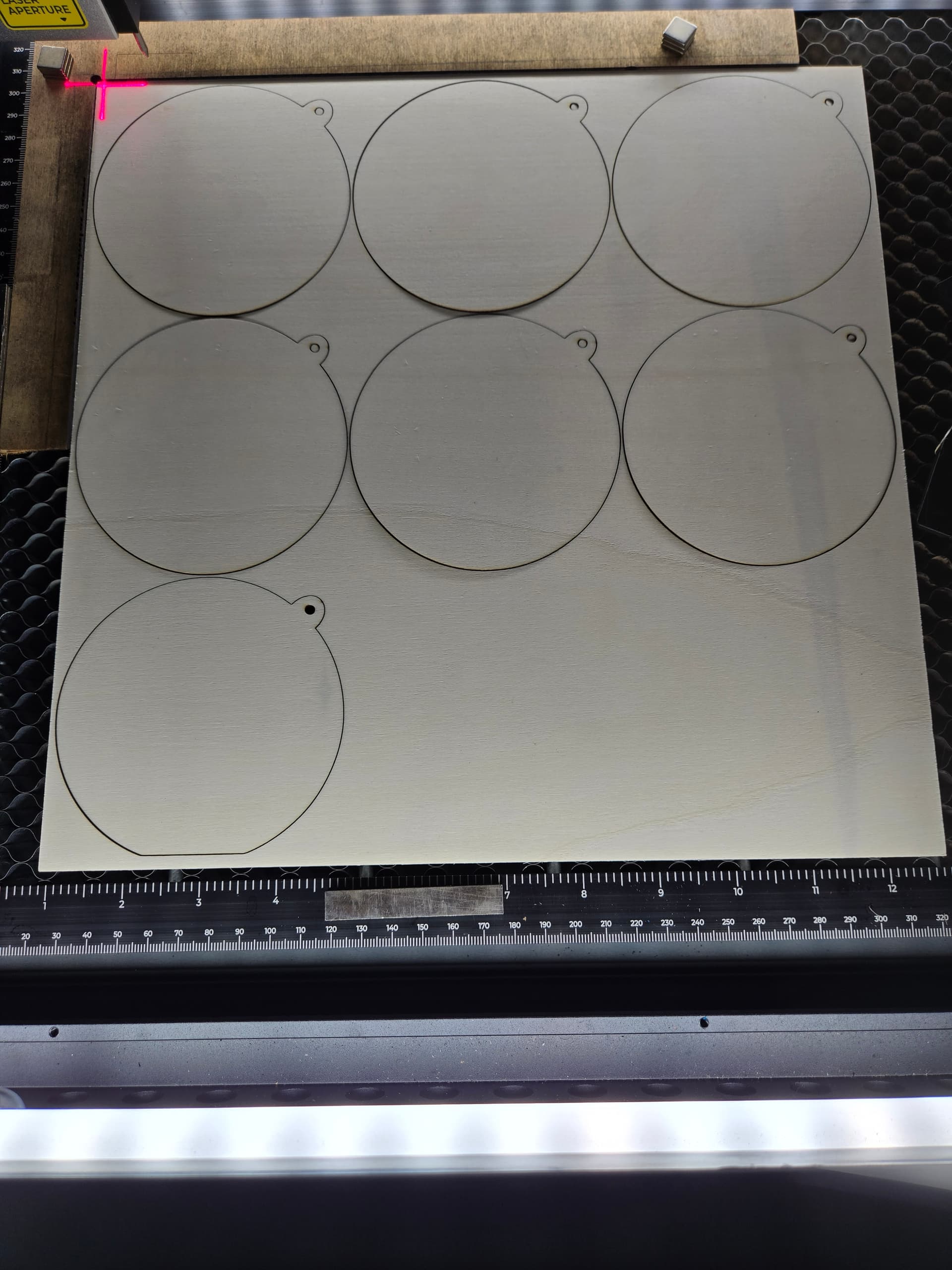
retrying cut file


I have created two videos for calibrating xtool S1 and lightburn:
Thank you for your help. I reset my pointer offset (it helps to start job origin in CENTER, instead of top L corner during the reset phase). Turns out that the new XY was pretty close to what I was using before. The MOST important thing I learned was about the “lost area”, so I moved my honeycomb towards the front, did a little adjusting to my corner jig, and voila… now I can successfully cut 9 circles out of a 12x12 board. Thank you and thanks for your patience with me!!!
After much trial and error, I can successfully cut a 12” x 20” area on my S1 if I do the following. However keep in mind that this is when using the riser base, so it might be different without.
First I make sure the bottom tray is pushed all the way to the back of the riser base slot. Then I slide the honeycomb so it’s anchored in the front-right corner of the tray. I put spacers on the left and top between the edges of the honeycomb and the tray. I created a template layout Lightburn file with rectangles that show the reachable vs. unreachable parts of the work area. I’ll see if I can send some images as a follow-up.
Your images would be helpful. The placement of your honeycomb is exactly where I decided to put mine. I have the riser base as well. Honestly, I have not attempted to cut anything larger than 12x12, but am curious to see the results. Thanks!