It’s generally a good idea to post photos that show orientation of the original piece. Sometimes we figure out things by which axes is a problem. Which axes is the main direction of travel?
I think you should scrutinize your settings… this is likely the cause of the problem.
I assume you are scanning (fill) at a 0 deg value, so the X axes is moving the most?
Realize that the beam or spot size of a normal hobby glass co2 laser is about 0.20mm, so you’re passing over the same area about 2.2 times, not once. Hence the excessive burn. You can take out the material and leave a brown hole, it doesn’t have to be burnt.
I’d suggest you back off the interval, make it larger, and see if that helps.
You can also try turning off bi-directional fill, that way it’s only lasing on one direction. Keep in mind, it will double the job time, assuming the other settings remain.
The minimum power setting isn’t used or needed for scan/fill operations.
Do you have a mA reading at that 80% (88%?) power setting? It’s generally more usable than a percentage power value, however both are nice to have spelled out when you’re trouble shooting issues like these.
Can you explain or re-word, I’m not so sure I get what you’re trying to say. How can you tell maximum power, do you have a watt meter?
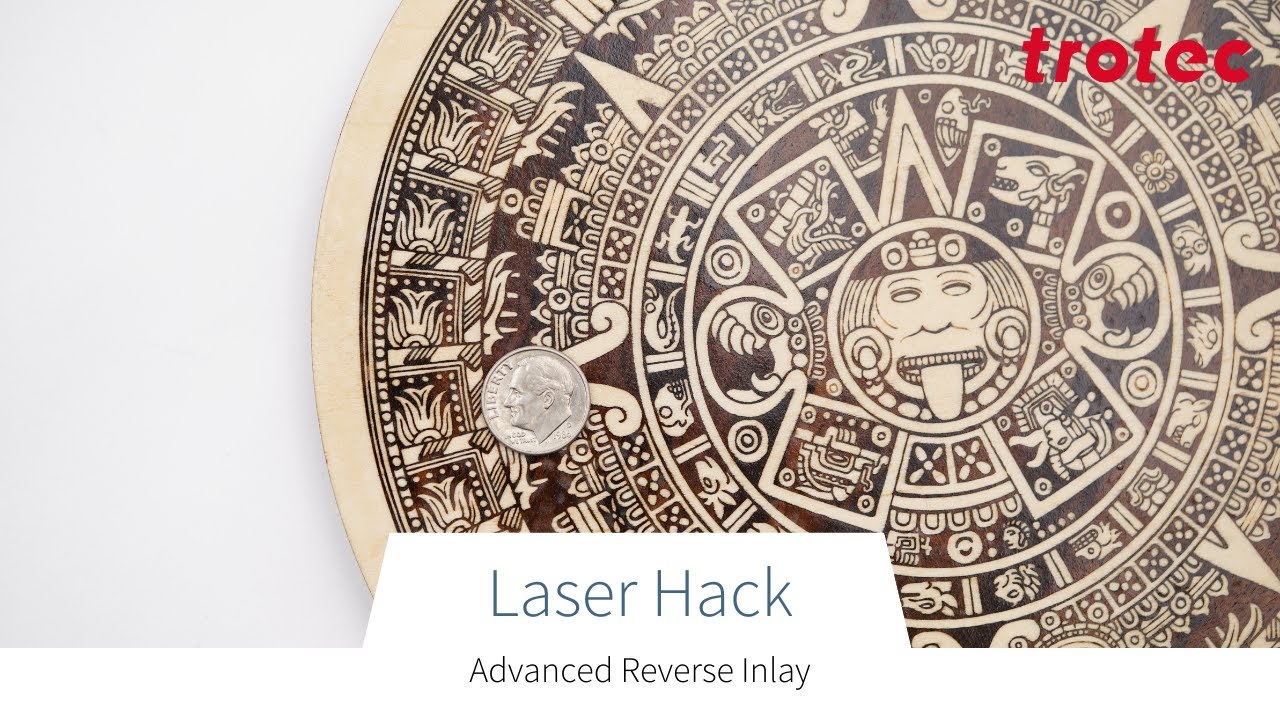
This is a Trotec video on inlaying. Not sure if this is applicable, but it’s an informative video nonetheless.
Good luck
