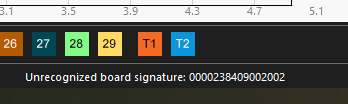
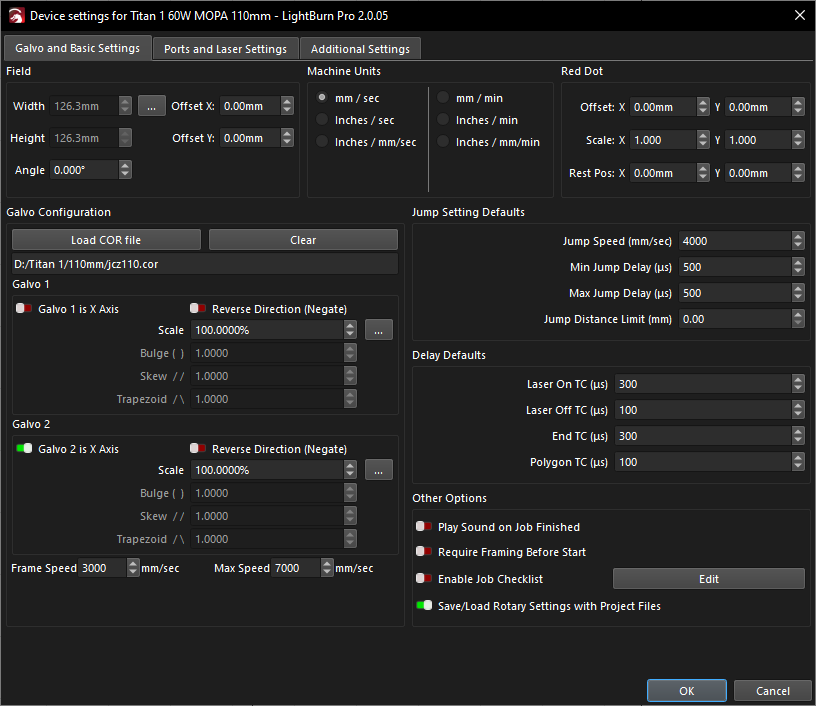
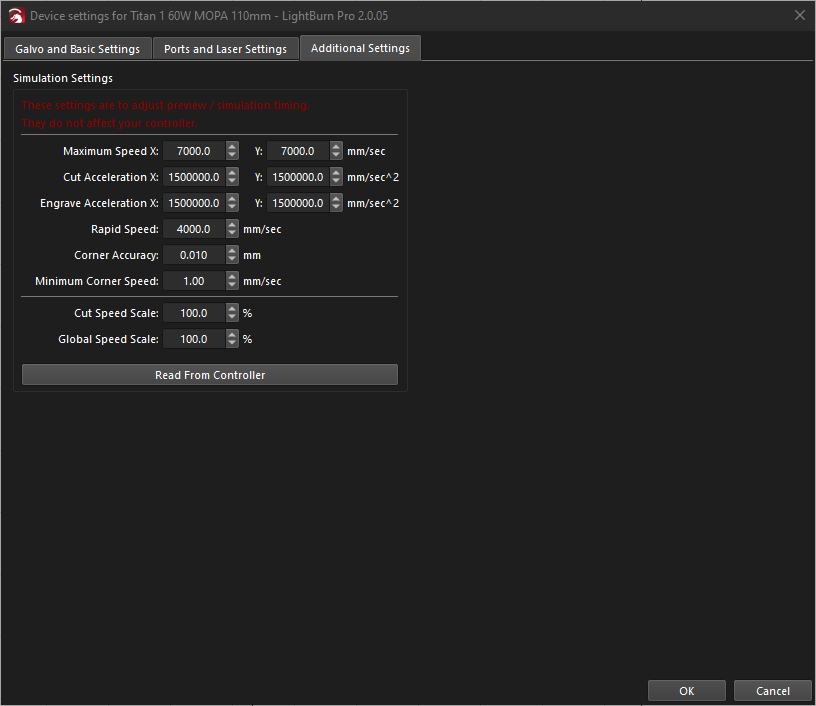
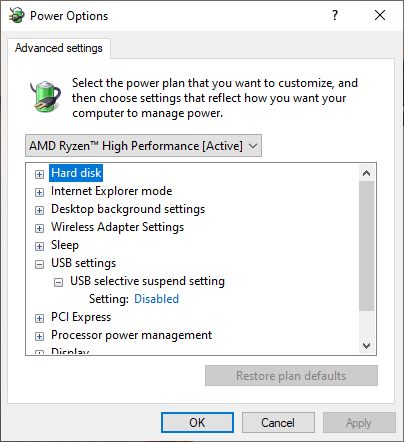
Just got my ComMarker Titan 1 60W MOPA setup and am having issues getting it to work in Lightburn. I have removed the Ezcad2 USB driver and installed the Lightburn driver and am seeing the above error message. Found a few other posts about this but nothing suggested helped unfortunately.
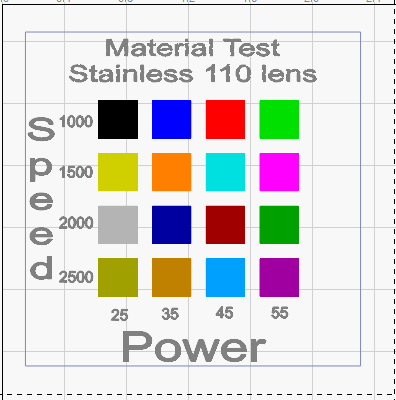
When I try to frame by clicking the frame button the laser immediately starts framing. If when I click the start button in the framing window framing stops completely. sometimes the program freezes and I have to close and restart it. If I try to mark anything after framing the laser will run at really low level barely making a mark for 3 seconds and stops. It never completes the entire test pattern I made.
As a test to make sure it wasn’t something I did wrong making my test pattern I created a simple line of text and tried to mark that on some basswood. I’ll it say “busy” for about one second then stops and nothing is marked. I don’t have any of these issues in Ezcad2.
This isn’t necessarily an error, it just means LightBurn does not recognize the signature from the board in the laser - It does mean it’s talking to us. We’re aware of this board signature and plan to have it added in a future release to prevent the issue.
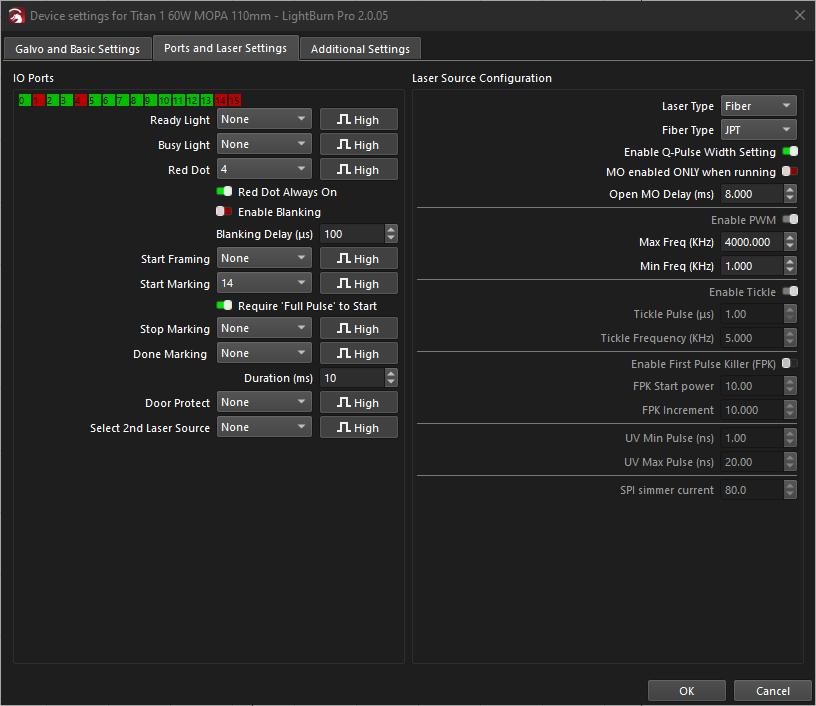
The freeze you described is something I’ve seen when the fiber source setting in Ports and Laser Settings tab is sent incorrectly. You have it set to JPT, which is what I would expect - I have yet to find
I’ve attached the two files available for this machine from Commarker’s Support page for reference - cut libraries for two lenses. 200mm_lightburn.clb (62.9 KB) 110mm_lightburn.clb (62.9 KB)
ComMarker support got back to me and basically said the same thing. They didn’t have any suggestions on what to do about the freezing, and other issues like it not starting the job when I hit the start button in the framing window, other than to contact support for Lightburn. I guess I’ll just have to wait for an update to fix it. I can limp by with EZCAD2 for now I suppose.
Appreciate the reply and thanks a lot for those library files! I did not see those on their support page.
I forgot they did suggest that since I’m running Windows 10 Pro to upgrade to Windows 11 but I’m not sure that will really resolve anything. If you guys concur then I’ll go ahead and upgrade.
Replying on here as I found the issue. After much troubleshooting i found that it was a combination of an error in my test pattern and a bad USB extension cable I was using. All sorted now and the laser is working great.
I am having the same error message. I have replaced the cable but the laser is constantly connecting/ disconnecting. If I start framing, and the laser disconnects, I cannot stop framing.
First, the board signature message that others mentioned here is now recognized, so you shouldn’t be getting that message any more. (or if you are, it’s a different code)
‘Framing’ can also just mean ‘communicating’ - The way LightBurn talks to the board, it can be idle, running a job, or “doing something else”. Since that’s usually framing, that’s what it shows.
If the driver is incorrect (or just broken), or you’re running through a low-bandwidth USB hub or cable that’s too long, you could see ‘framing’ while it’s trying to connect, then disconnecting, and it could just repeat.
Try this:
With the laser powered off, run LightBurn
Go to Help > Enable Debug Logging
Power the laser
Let LightBurn go through a cycle or two of framing / disconnecting
Quit LightBurn
Then go to your ‘Documents’ folder and you should see a file called LightBurnLog.txt - email that to support@lightburnsoftware.com with a link to this thread and tell them I said to mail it. It’ll find me and I’ll look at the log and see what’s going on.
Once it’s emailed, you can delete the file. (If you ever turn on logging again, it appends to what’s there, so it’s best to delete after logging)