I upgraded to ver 2.1.01 now my XTool S1 isn’t working properly. Framing is extremely slow. The laser is not burning in the position I placed the head. I have double click Detect to get the laser head to move.
I went into Devices and changed from GRBL to XTool, no help.
For technical reasons I do not know enough to explain, xTool does not run a true GRBL controller. For this reason, it takes Lightburn a bit of time to sort out what is different. Unfortunately, xTool does not share details with the Lightburn developers.
Until Lightburn can work their magic, you can reinstall the previously working version (no need to uninstall anything).
I am having issues with my Roly MK2 machine running GRBL. all of the settings are completely off including the camera. Will the update also cover my machine?
Make sure it is not a change in the Device Settings value. The default is that now Design and Control settings are linked, but can be unlinked with a switch.
I just upgraded to the latest update, 2.1.02. My XTool S1 is still not working properly. Framing is still extremely slow, engraving is not starting where the cross-hair is located. Any assistance would be greatly appreciated or tell me how I can go back to the version before 2.1.01.
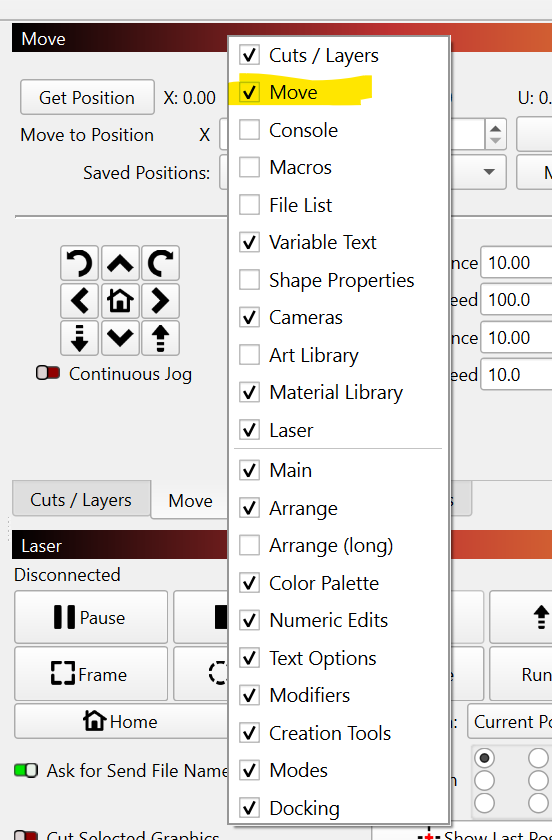
It might look slightly different for you with a GCode device. You might have closed it, in which case you’d need to re-show it. You can just right-click the title bar of one of the existing windows, like Cuts & Layers, then make sure this is checked:
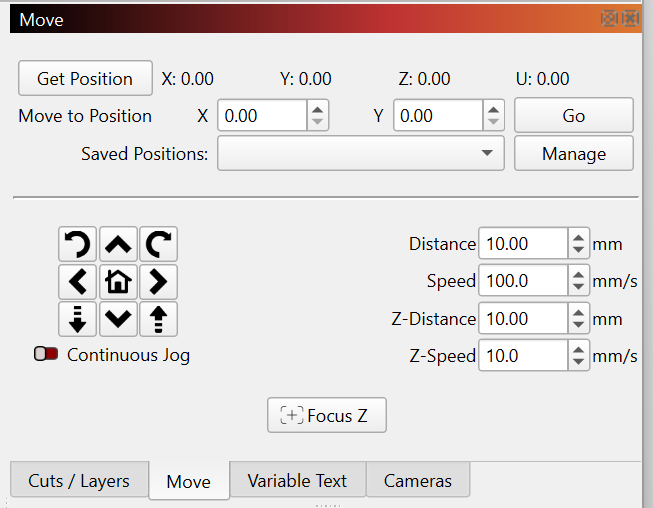
First let me say thank you for your help! I found the Move window and was able to go to a different computer that hadn’t been updated to 2.1.01 and find the old settings. That sped up the framing.
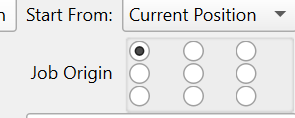
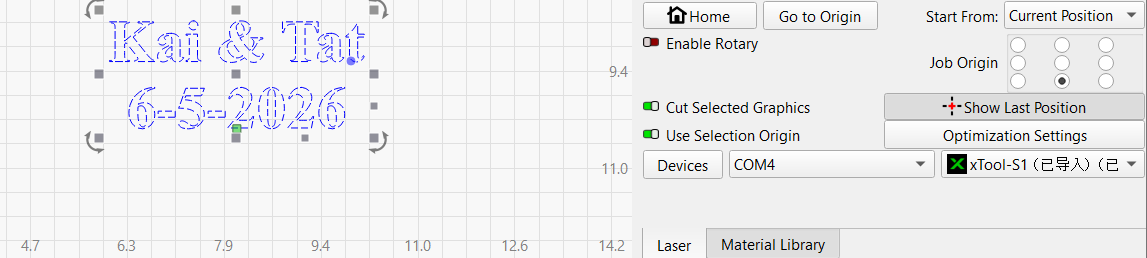
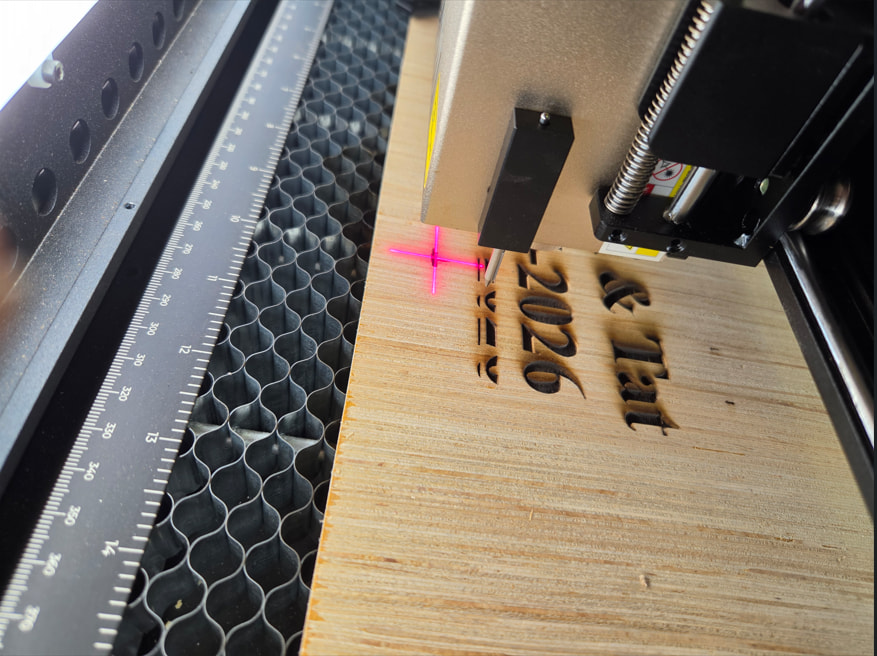
The job origin is set to bottom center. The engraving is starting 1+ inches above where the cross-hairs are set. I’m engraving letters and a date that were created in Lightburn. In the past the engraving started right where the cross-hair was set.
Can you press Edit > Select All and then show a screen shot of your design in LightBurn? If you have a stray node or an image with a transparent background, that can influence the start position.
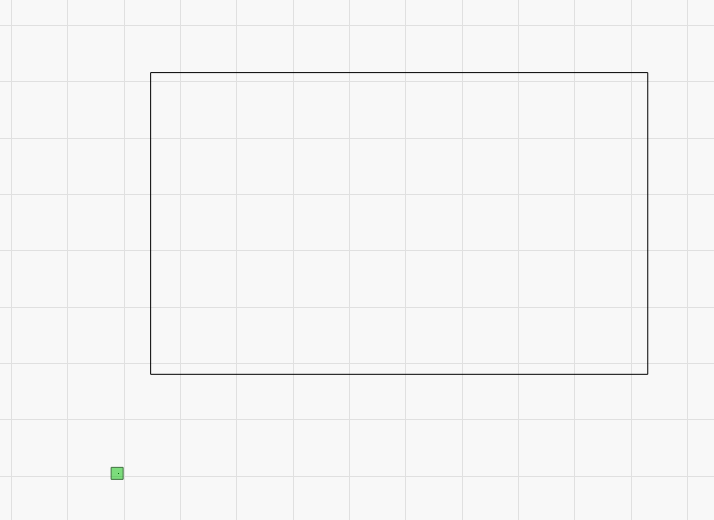
The green square in the image below is a representation of the laser starting point. I added a very small rectangle below and to the left of the big one, so that’s “pulling” the starting point away from the big rectangle. What does yours look like on screen?
Here’s the test image I was burning. The cross-hair is set where it was when I started and where it returned to. The cross-hair is 1 1/16” below where the engraving started. As you can see the green square is right at the bottom center.
To my knowledge, LightBurn has never burned at the location of the crosshair. When you click Frame, the crosshairs will move around the region that will engrave, assuming you have the correct offset applied in the “Pointer Offset” field in Edit > Device Settings.
If I remember correctly, the laser runs from where the laser is - it doesn’t move to where the crosshair is. I would need to go double check this, but it’d be a simple thing for you to check right now - If you click the ‘Frame’ button (next to Start) do the crosshairs move exactly around the engraved area?
I got it!!! The Pointer Offset was not enabled. When I enabled it it was set to 21mm. That was close, after adjusting a couple times, now at 27mm it’s seems to be engraving where the cross-hair started.